Uniqode’s solution has made our lives a lot easier. Creating QR Codes is quick, and being able to track their performance has proven to be essential for our business.
A YouTube QR Code is a scannable code that sends users directly to a specific YouTube channel, video, Short, or livestream. YouTube's native QR Code works only for channels and can't be edited after creation. A dynamic QR Code from a generator like Uniqode links to any YouTube URL and lets you update the destination even after printing.
YouTube has confirmed its native QR Code feature is still experimental. The company is testing "Creator QR Codes" for individual channels, accessible via the You tab under Share Channel. The test covers channels only and not individual videos, Shorts, or livestreams, and offers no editing or tracking capabilities.
How to create a YouTube QR Code in 4 steps
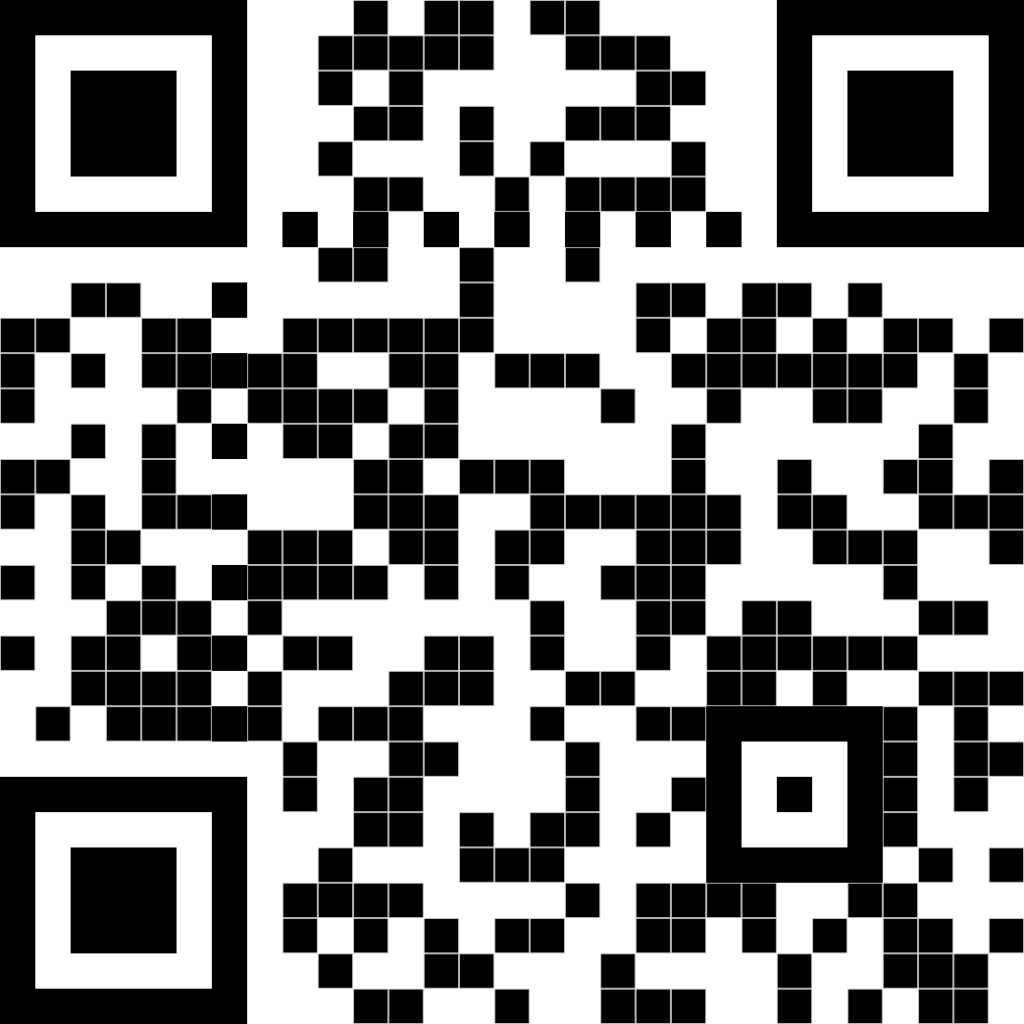
Uniqode's YouTube QR Code generator creates a scannable, trackable QR Code in 4 steps. No account required to start.
Step 1: Open Uniqode's QR code generator. No account required to start. The widget above loads ready to go, with no signup wall between you and your first code.
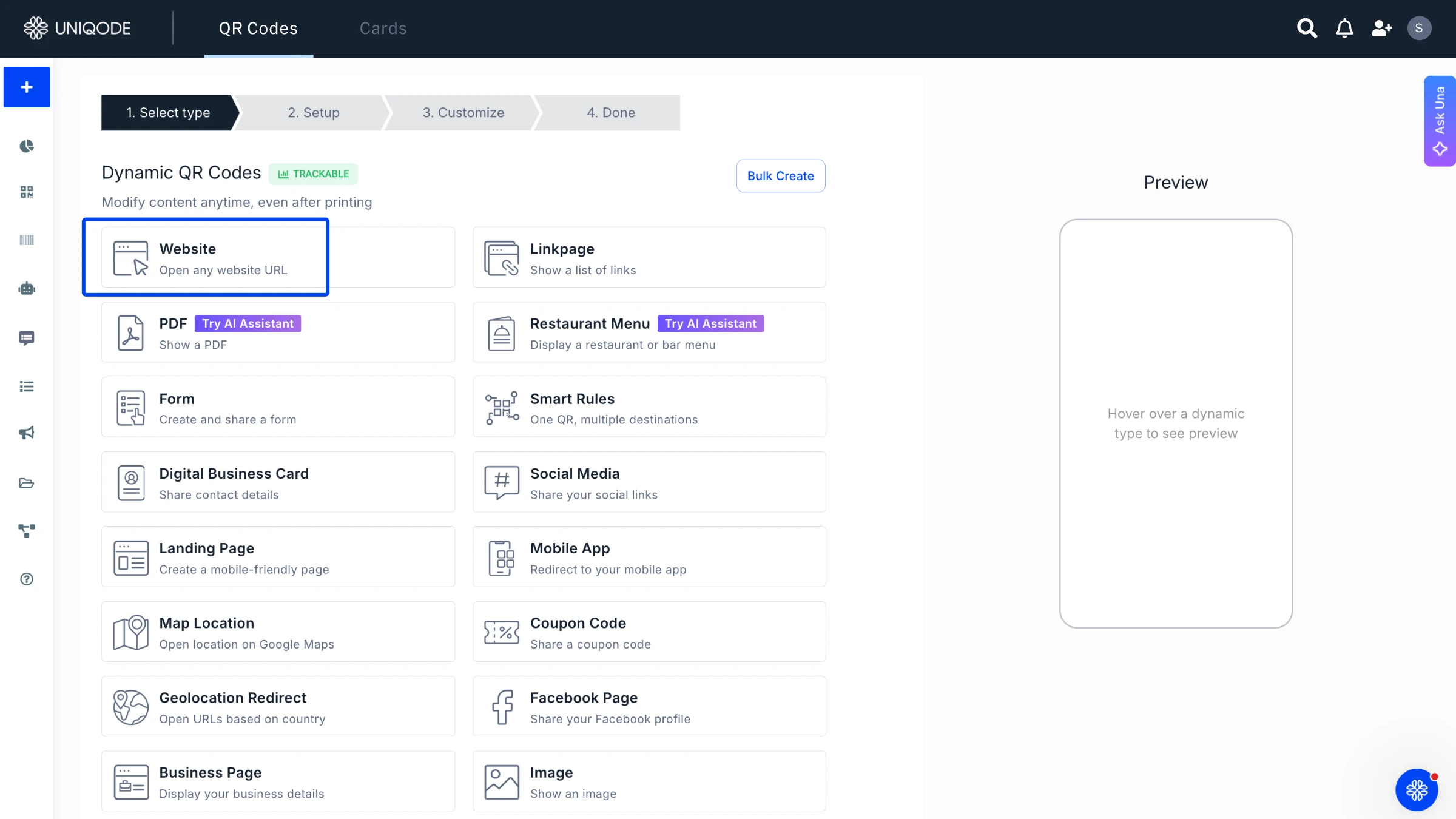
Step 2: Select "Website" as the QR type and paste your YouTube channel, video, Shorts, or playlist URL. Uniqode reads the link and prepares the code for that exact destination.
Step 3: Customize the code with your logo, brand colors, or a frame with a call-to-action like "Scan to watch." This is where a generic black-and-white square turns into something that matches your channel's branding.
Step 4: Test the scan, then download as PNG, SVG, or PDF. Scan the preview on your own phone before it goes anywhere near a print file.
Native YouTube QR Code vs. Uniqode's dynamic QR Code
YouTube's native QR Code and a dynamic QR Code from Uniqode both point to a channel or video. Only one can be edited, tracked, or fixed after it's printed.
The gap widens at scale. A single creator sharing one channel link rarely hits the limits of a native code. However, a brand managing a video library across multiple campaigns hits every row in that table within the first month.
Feature
YouTube native QR Code
Uniqode dynamic QR Code
Mobile Text
Editability
Mobile Text
Fixed once generated
Mobile Text
Update the destination anytime, no reprint
Mobile Text
Analytics and tracking
Mobile Text
None
Mobile Text
Scan counts, location, device, and time-of-scan data
Mobile Text
Customization and automation
Mobile Text
No automation, no logo, colors, or frame
Mobile Text
Smart rules for automation, logo, brand colors, frames, and custom CTAs
A YouTube QR Code removes the copy-paste friction between a physical touchpoint and a video, channel, or livestream. A dynamic QR Code adds tracking and edit-after-print on top of that.
YouTube's native QR Code option, once it rolls out beyond testing, still won't offer analytics, automation, or a way to change the destination without regenerating the code. That gap is what the 5 reasons below solve for.
Simplify sharing: A viewer skips typing a channel name or searching for a video entirely. One scan replaces the whole search step.
Boost subscriptions and views without asking someone to remember a URL: A business card, flyer, or product insert can send someone straight to a channel instead of hoping they type it correctly later.
Improve print and packaging campaigns: A QR Code on a product box, event badge, or in-store display connects a physical touchpoint directly to video content, no typing, no searching.
Personalize the destination by context: A trade show booth can point to a demo video, while a retail shelf display points to a product tutorial, using the same QR code format for both.
Bonus: track and update your YouTube QR code anytime: A dynamic QR code isn't fixed once you print it. Change the destination, see how many people scanned it and when, and fix a broken link without reprinting a single flyer. That flexibility is why 76% of marketers currently use dynamic QR codes, according to Uniqode's State of QR Codes 2026 report. The majority of marketers have already moved past static codes for exactly this reason: tracking shows what's working, and editability means a mistake never costs a full reprint.YouTube QR Code use cases
The Uniqode advantage for YouTube QR Codes
Uniqode shows you a live preview of your YouTube QR Code so you can confirm it scans correctly before downloading, something no native QR option currently offers. That preview sits on a platform built for 796K+ QR Codes created and 188M+ scans processed, trusted by 50,000+ businesses in 119 countries.
Auto Design generates on-brand color and style variations from your channel's branding in seconds, eliminating the guesswork of hand-picking colors that fail a contrast check. Bulk creation of QR Codes turns a spreadsheet of video and channel URLs into a full batch of branded, print-ready codes in one upload, built for anyone managing QR Codes across more than one channel or client. Every code stays editable: update the destination and the fix applies the next time anyone scans the code already in circulation.
Lionsgate Entertainment ran into the exact problem a static YouTube QR code creates.
"We printed a QR Code on a movie poster promoting a release six months ago. Ultimately, we decided to redirect that QR Code to another type of promotion. I wanted to utilize dynamic URLs for the QR Codes. That was the specific thing I was looking for."— Mike Caballes, Digital Marketing Consultant, Lionsgate Entertainment
The campaign reached 12,000+ scans, 1,600+ unique users, and 65 cities, numbers Lionsgate saw only because the code was trackable in the first place. Read the full Lionsgate story for the complete campaign breakdown.
YouTube's native QR Code does work for specific scenarios. A short campaign targeting a single video with no plans to update the destination doesn't need anything more. But if the code goes to print at scale, runs across multiple campaigns, or needs to stay relevant beyond a single release window, a dynamic QR Code is the right choice.
YouTube QR Code use cases
1. Channel promotion via packaging and signage
A product box, real estate sign, or retail display can feature a QR Code that links directly to a channel's latest tutorial, walkthrough, or brand story, eliminating the need for a search.
2. Email signature channel promotion
Sales or support teams can include a QR Code in their email signature, allowing recipients to access a demo reel or onboarding video instantly by scanning it with their phone.
3. Educational and healthcare content access
A clinic waiting room or classroom handout can provide a direct link to a patient-education video or lesson recording, eliminating the need for patients or students to search for the correct upload.
4. YouTube Shorts QR Codes
A QR Code can link directly to a specific Short rather than a full channel or long-form video. This is ideal for in-store displays, event signage, or campaigns focused on short-form content.
5. Live-stream QR Codes
A dynamic QR Code for a channel’s live broadcast can automatically switch from a pre-show landing page to the live URL as soon as the stream begins, eliminating the need to reprint badges or banners.
Best practices for YouTube QR Codes
YouTube QR Codes are more likely to fail due to broken destinations than poor design. The most frequent issue is documented by YouTube, though users are not warned about it.
1. Plan for the silent break: a static YouTube QR Code can die without warning
According to Google's YouTube Help Center, an old handle stays active for a 14-day grace period after a channel changes its custom URL or handle. After that window closes, another channel can claim it. A QR Code printed before the change and still in circulation after the grace period redirects customers to the wrong channel entirely.
The same problem applies to video availability. Set a linked video to private, unlisted, or deleted and a static QR Code breaks immediately, no notification to the original publisher. A business that prints 2,000 flyers linking to a product video and later unlists that video leaves every one of those flyers pointing to dead content.
A dynamic QR Code eliminates both risks. Update the destination in the dashboard and every printed code immediately points to the correct location without any reprinting or downtime, regardless of handle changes or shifts in video availability.
2. Test scan reliability before printing at scale
Before the full print run, test the code at twice its minimum print size on both iOS and Android devices. A code that works on a business card may not scan at billboard size if margins are not properly tested.
3. Keep contrast and quiet-zone margins intact when adding a logo or brand colors.
A logo placed too large or colors too close in contrast can break scannability even when the code looks fine to the eye.
4. Match the QR Code's placement to scan distance.
Signage, packaging, and business cards each demand different module sizes. A code sized for a business card becomes unreadable from six feet away.
5. Use one dynamic QR Code per campaign, not one per video, when the destination is subject to change.
A single editable code adapts as a campaign evolves, instead of forcing a reprint every time the video changes.
Frequently asked questions
Why should I use a dynamic QR Code for YouTube?
How can I create a QR Code for my Youtube channel?
Can you turn a video into a QR Code?
What are the benefits of using YouTube QR Codes?
What is a YouTube QR Code?
Can I edit a YouTube QR Code after I've printed it?
Why did my YouTube QR Code stop working?
Do I need an app to scan a YouTube QR Code?
Can I make a QR Code for a YouTube Short or a live stream?e?


.png)


 Templates
 Logo
Logo
 Design
 Frame
Frame


.webp)
.webp)
.webp)
.webp)
.webp)
.webp)
.webp)
.webp)