


.png)


QR Code analytics that turn offline scans into measurable growth
Track dynamic QR Codes in real time and connect offline campaigns to outcomes.













Turn every scan into actionable insights
Every dynamic scan leaves a first-party record you can measure and act on.
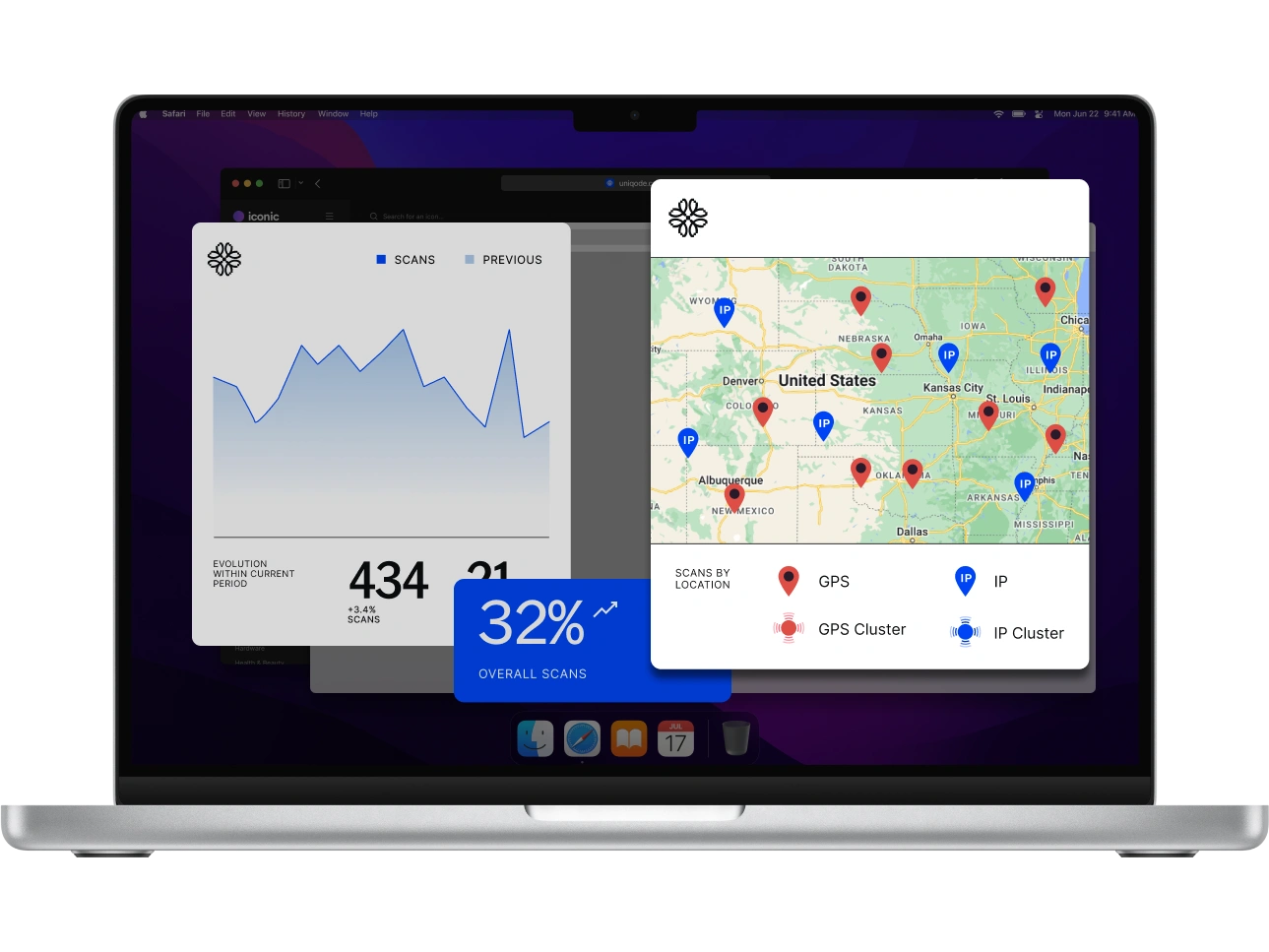
Attribute, segment, and activate every scan
Turn each scan into a conversion you can prove and an audience you can use.
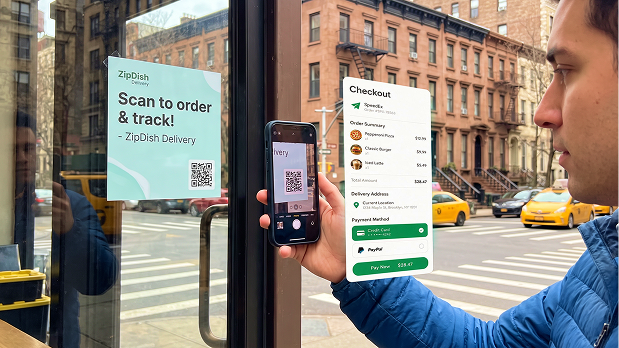
Full-funnel attribution
Connect every scan to the conversion it drove so you know which campaigns actually earned their budget.
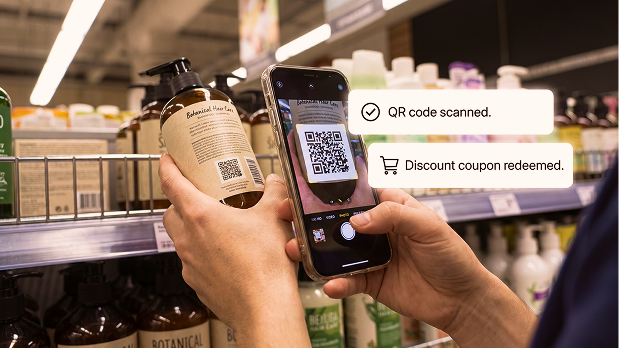
Audience intelligence
See who scanned, what they did next, and who is most likely to convert when you reach them again.
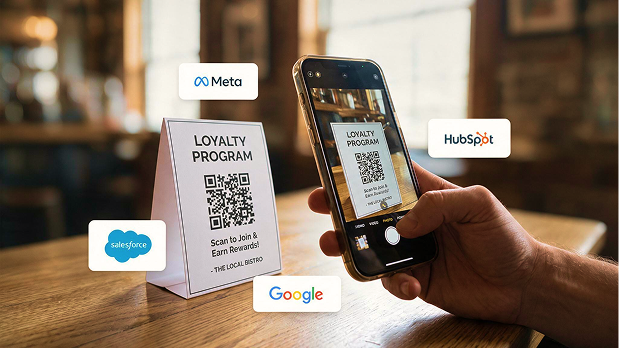
Activation & optimization
Push that intent into platforms where you spend and sell so offline engagement keeps compounding.
Put the data you already have to work
Send scan data to the tools you use so those events can feed your next decision.
See which QR drove the action after.
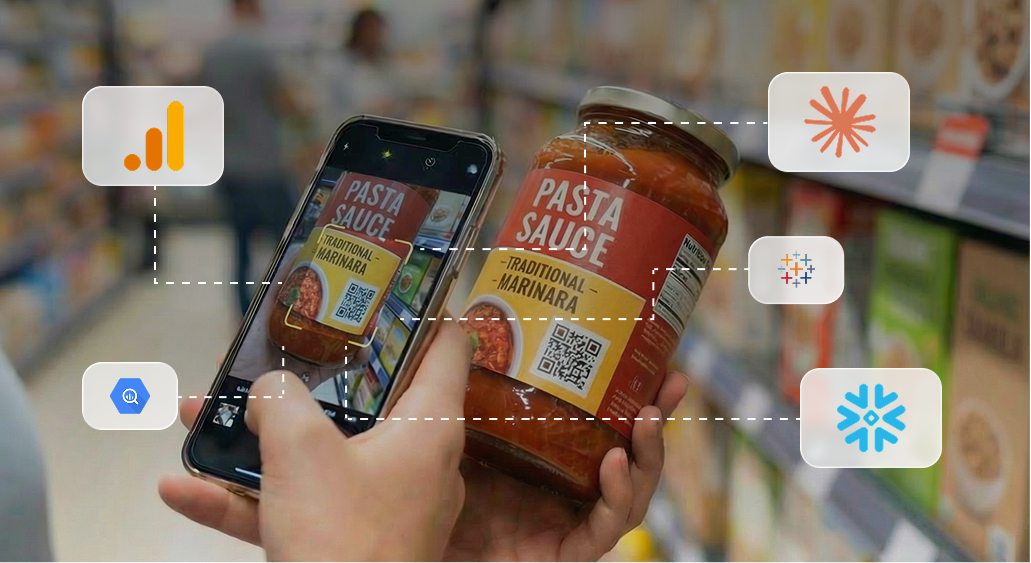
Track your QR Codes in GA4 so sign-ups, purchases, and other on-site actions attribute back to the originating code.
Ask Claude how your QR Codes performed.
Query scan volume, placement, and conversion trends in plain language through Uniqode’s MCP connector. ChatGPT support is coming soon.
Get deeper insights in your BI tools.
Feed data into BI tools like Snowflake, BigQuery, or Tableau via Uniqode’s custom API for deeper insights.

Stay ahead with campaign alerts
Act the moment opportunity or risk appears to protect and grow revenue.

Real-time notifications to stay ahead
Know when scans spike, dip, or cross a threshold so you can respond without delay.

Watchlist updates for priority QR codes
Pin priority QRs to get a daily scan summary and emails at key scan milestones.

Custom alerts for your workflow
Send updates to Slack or trigger Uniqode webhooks so every team sees campaign changes.
From a printed QR to a digital data trail
Dynamic QR Codes route each scan through a trackable URL so Uniqode can record the event before opening the destination.
Frequently asked questions
QR Code tracking, also called QR Code analytics, is the process of measuring how people engage with a QR Code. Only dynamic QR Codes support tracking. When someone scans a dynamic QR Code, a short redirect URL records the scan before opening the destination. This lets you measure scan volume, timing, location, and device type without changing the experience for the person scanning.
Dynamic QR Codes support built-in scan tracking because each scan passes through a redirect URL. Static QR Codes store the destination directly in the QR pattern, so the QR scan itself cannot be recorded by the QR Code platform. A dynamic QR Code also lets you update the destination after printing while preserving the same QR Code and its scan history.
With QR Code analytics, you can track total scans, unique scans, performance by date and time, location, device type, operating system, browser, and top-performing QR Codes. You can also compare QR Codes using labels, placements, regions, or campaign groups. Total scans include repeat scans. Unique scans estimate the number of distinct scanners during the selected period. The metrics and reporting history available depend on your Uniqode plan.
You can evaluate QR Code tracking during Uniqode’s free trial. Continued access to dynamic QR Codes and advanced analytics requires a paid plan. The amount of historical data and the available features, including location, device, GPS, reporting, and export capabilities, depend on the selected plan.
A QR Code scan alone does not reveal someone’s personally identifiable information (PII) like name, email address, or phone number. Standard QR Code analytics records information such as scan time, device type, and approximate location. To collect identifiable information, connect the QR Code to a consent-based form or another experience that asks the visitor to submit their details.
Yes. Every scan records an approximate location, and Uniqode reports the top countries, states, and cities your scans come from. That location is derived from the IP address, so it points to a general area rather than a street address. Precise GPS coordinates are available only when GPS analytics is enabled on the QR Code, and the user allows location access at the time of the scan.
Create a dynamic QR Code and open Analytics in the Uniqode dashboard. You can filter the data by QR Code, date range, label, device, location, and other campaign attributes. Depending on your plan, you can export reports as CSV or PDF files, schedule reports by email, and send QR Code scan data to other analytics tools.
Yes. Connect your GA4 Measurement ID to Uniqode to send QR Code activity to Google Analytics. You can then examine QR Code performance alongside website traffic and other campaign data. You can also add UTM parameters such as utm_source, utm_medium, and utm_campaign to destination URLs to attribute on-site activity to specific QR Codes. The native GA4 integration is available on eligible Uniqode plans and requires GA4 administrator access.
Yes. Eligible Uniqode accounts can connect Uniqode MCP to Claude and ask questions about QR Code performance in plain language. Claude can analyze total and unique scans, performance trends, top-performing QR Codes, locations, devices, time-of-day patterns, and campaign groups. The connector follows the permissions of the connected Uniqode account and currently supports Claude.
Yes. Uniqode Insights can connect a QR Code scan to subsequent actions such as page visits, form submissions, link clicks, and purchases. This helps you identify which QR Codes, placements, and campaigns contributed to conversions, not just how many scans they received.
Start turning every scan into growth
Capture offline interactions, unlock QR Code analytics, and launch data-driven campaigns from the same platform that printed the QR code.