QR Code Formats: File Types, Structural Formats, and What Each One Actually Means
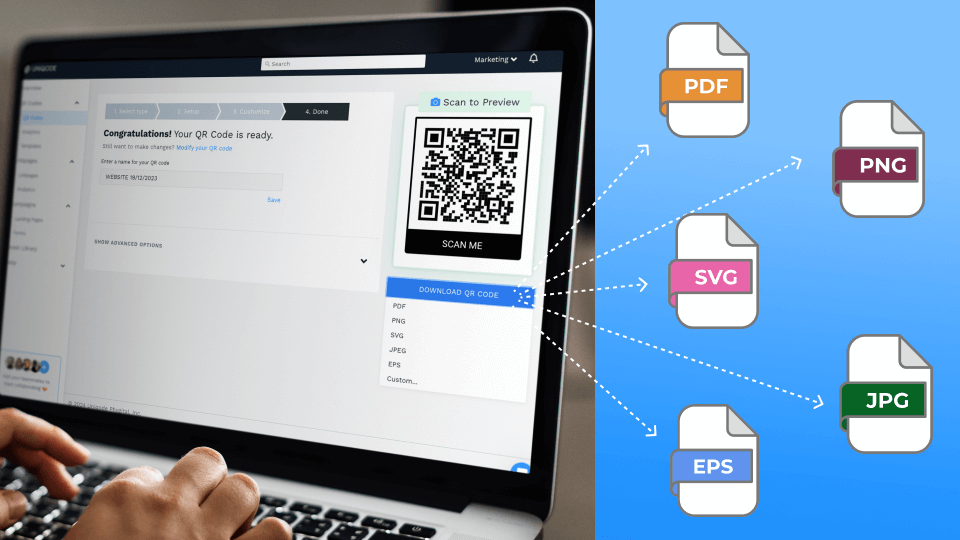
Downloading your QR Code and don’t know which format to choose? Find out more about each of the five types, their pros and cons, use cases, and best practices for using them.
A QR Code format is the specific way a QR Code is expressed: the file type you export it as, the structural pattern underneath it, or the encoding mode used to convert data into that pattern.
This guide focuses on file formats, since that's the decision most guides skip and the one that actually breaks campaigns, with short sections below covering the other two meanings and where to go for the full depth on each.
QR Code structural formats
A QR Code's structural format determines its size, data capacity, and which scanners can read it. Seven formats exist, and Model 2 handles nearly every business use case:
- Model 1: the original 1994 format, largely obsolete today.
- Model 2: the standard used by virtually every QR Code generator today.
- Micro QR Code: a smaller footprint for low-data, space-constrained labels.
- rMQR: a rectangular micro format for narrow spaces like test-tube labels and cable tags.
- iQR Code: square or rectangular, holds more data than a standard QR Code.
- SQRC: splits its payload into a public area and a restricted private area.
- FrameQR: reserves a customizable canvas inside the QR Code for a logo.
Unless you have a specific technical reason to reach for one of the other six, Model 2 is the format nearly every QR Code generated today already uses.
How QR Codes Encode Data
Before a QR Code becomes a pattern of modules, the data inside it gets converted using one of four encoding modes:
- Numeric mode: digits only, up to 7,089 characters. The most space-efficient mode.
- Alphanumeric mode: digits, uppercase letters, and a limited set of symbols, up to 4,296 characters.
- Byte (binary) mode: any 8-bit byte sequence, including full URLs and mixed-case text, up to 2,953 characters. Most QR Codes generated for marketing use this mode by default.
- Kanji mode: optimized for Japanese Shift JIS characters, up to 1,817 characters.
Most QR Code generators, Uniqode included, detect and apply the right mode automatically based on what you're encoding, so you won't see this as a manual setting. It matters mainly for two reasons: it's why a plain-number QR Code, like a serial ID, can be denser than a URL of the same character count, and it's why the "how much data fits" answer always depends on what kind of data it is, not just how many characters.
QR Code versions and why some look denser than others
Every QR Code has a version number from 1 to 40, and each version adds exactly 4 modules per side: Version 1 is a 21×21 grid, Version 40 is a 177×177 grid. Higher versions hold more data, at the cost of a denser, more visually complex pattern.
This connects directly back to file format. A high-version QR Code (long URL, lots of embedded data) exported as a small raster file has less margin for error: its modules are already tiny relative to the whole QR Code, so any blur from scaling up a low-resolution PNG makes it unreadable faster than it would on a low-version QR Code. If your QR Code encodes a lot of data, lean vector (SVG, EPS, PDF) even for moderate print sizes, since there's less room for raster degradation to matter.
Error correction, in terms of the file format Ddecision
QR Codes carry one of four error correction levels: L (~7%), M (~15%), Q (~25%), or H (~30%), which is how much of the QR Code can be damaged or obscured and still scan. It's directly relevant to file format because a higher error correction level packs more redundant data into the same visual space, meaning the QR Code is already denser before you've made a single format decision.
Pairing a high-correction-level QR Code with a low-resolution raster export compounds the problem instead of protecting against it. See the full error correction table and use cases for which level fits which scenario.
QR Code content types
Separately from structure and encoding, a QR Code has a destination content type: what actually happens when someone scans it. Uniqode supports more than 20 of these, including:
- Website
- Digital business card (vCard)
- WiFi
- Location
- Restaurant menu
- Event
- Payment
None of this affects which file format you should export as; a WiFi QR Code and a URL QR Code both come out of the generator as the same PNG, JPG, SVG, EPS, or PDF choice.
GS1 QR Codes: The retail-specific format
GS1 QR Codes are a specialized case built for supply chain and point-of-sale use, encoding structured product data (like a GTIN) via GS1 Digital Link instead of a plain URL. They matter right now because of Sunrise 2027: GS1's industry-wide initiative to get retail point-of-sale systems ready to scan 2D barcodes, including GS1 QR Codes, by the end of 2027.
If you're a CPG brand preparing for that shift, see the GS1 Sunrise 2027 Guide for CPG Brands for what changes and how to prepare. Once generated, a GS1 QR Code still exports as one of the five file formats.
The 5 QR Code File Formats (and when to use each)
None of the above changes which file you actually download when you hit export. That decision is the one this guide exists to answer, and it's the one every other page on this topic treats as an afterthought.
Each format trades off differently between file size, editability, and how well it holds up at scale. Here's what each one is actually good for.
1. PNG (Portable Network Graphics)
PNG is a household name for file formats. You can download your QR Code as a .png file.
This raster format offers lossless compression: you can scale an image down without losing clarity. That makes it a solid choice for shrinking a QR Code to fit a social media graphic, a postcard, or a brochure.
PNG QR Codes also supports transparency. A QR Code with a transparent background sits cleanly on top of other design elements, which matters most for digital campaigns.
2. JPG or JPEG (Joint Photographic Experts Group)
JPG is the most recognized file format in general use. Your QR Code file will be .jpg or .jpeg.
JPG uses lossy compression: every time you save the file, it loses a little quality. Repeated saves eventually blur the QR Code and reduce its scannability. JPG also lacks transparency support, so it won't fit into layered digital designs. It compensates with a smaller file size and support across almost every piece of software you'll open it in.
Choose PNG when you need a transparent background for a digital design, or when you want to downsize a QR Code across multiple collateral sizes without losing quality. Choose JPG when you're sending a QR Code inside an email and file size matters, or when it's going on print materials that get scanned from close range.
3. SVG (Scalable Vector Graphics)
SVG is a vector format. You'll download it as a .svg file.
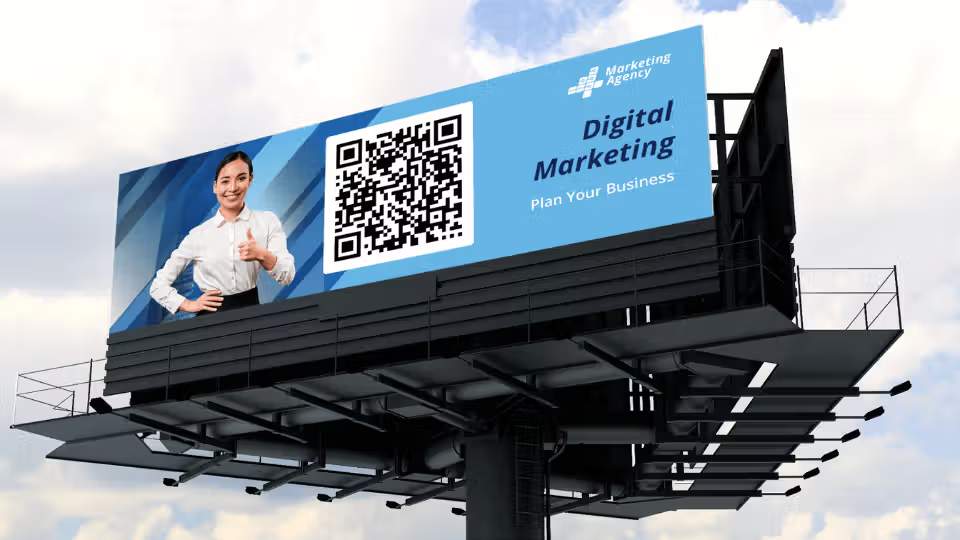
Vector QR Codes resizes at will. Scale it up for a billboard or shrink it for a business card and the edges stay sharp either way.
Choose SVG when:
- The QR Code might get resized more than once across different collateral
- You need the smallest possible file size for a scalable format
- The design software or CMS you're using accepts vector files natively
- You want to hand off a QR Code that a designer can recolor or restyle without regenerating it
4. EPS (Encapsulated PostScript)
EPS is Adobe's vector format, and it's the one to choose when the QR Code is used for a billboard or a large-format poster. Being resolution-independent, it resizes without quality loss the same way SVG does.
Choose EPS when:
- The QR Code is going to a professional print vendor or agency, since EPS is the format most print workflows expect by default
- You need to embed the QR Code inside a larger CMYK print layout built in Illustrator or InDesign
- The print run is large-format (billboards, banners, building wraps) and the vendor has asked for a vector file specifically
Stick with SVG instead for anything staying digital or web-based, since EPS files are heavier and browsers can't render them natively.
5. PDF (Portable Document Format)
PDF is not strictly image-based the way the other four are. Also developed by Adobe, PDF is the format print vendors and document workflows expect by default.
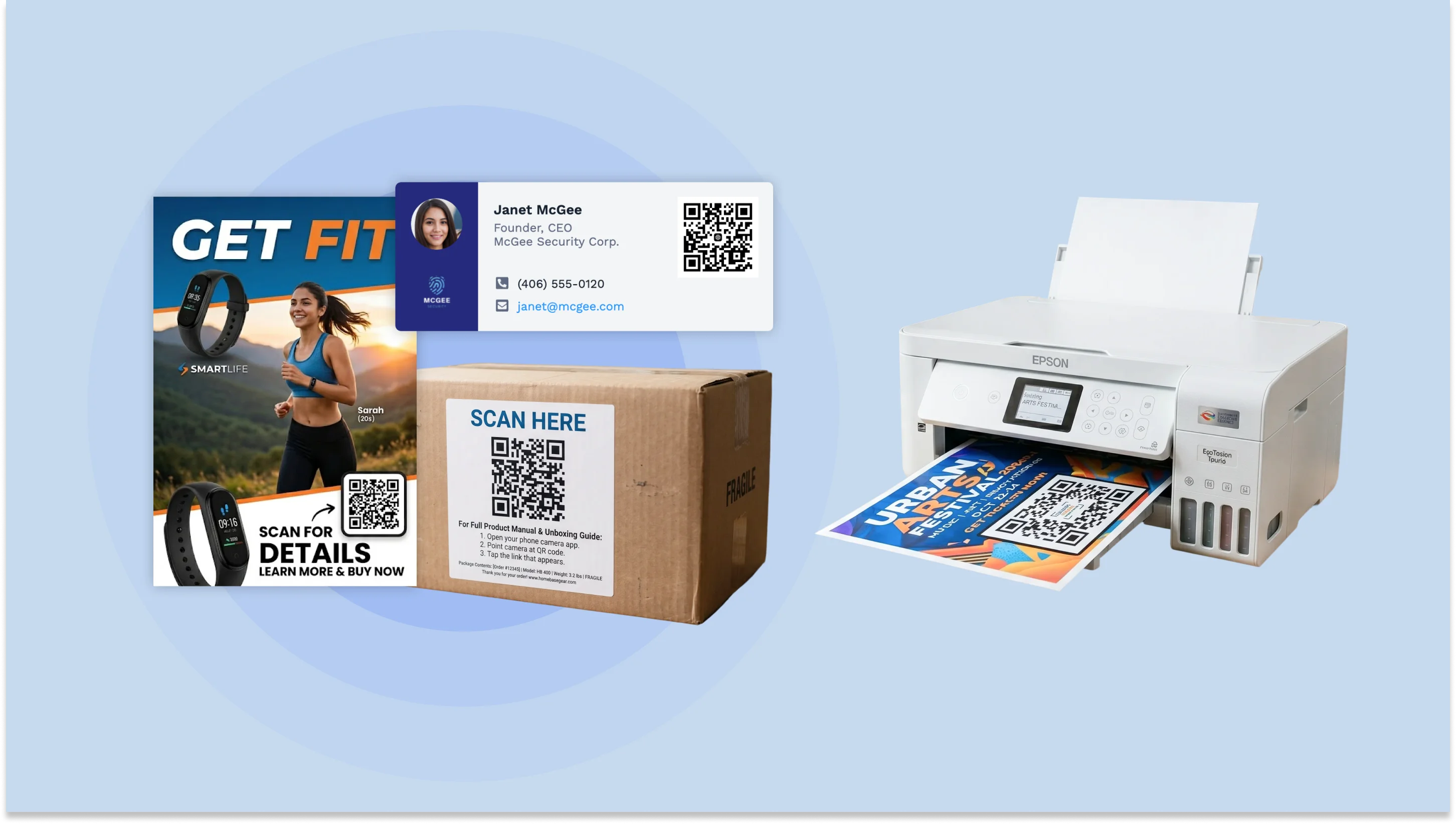
Use PDF for QR Codes going onto product packaging (manuals, assembly instructions), tickets and digital passes, marketing collateral like brochures and flyers, or any document-heavy context like training manuals and rosters. If your source file is in a format like ODT, convert it to PDF before the QR Code goes in, so formatting stays consistent across every device that opens it.
Which QR Code file format should you use?
Match the format to where the QR Code will actually be used, using the table below.
| Use case | Recommended format | Reason |
|---|---|---|
| A poster, banner, or large-format sign | SVG or EPS | Vector scales to any size with zero pixelation |
| A business card or other small print | SVG (recommended) or high-resolution PNG | Small surfaces forgive raster more, but vector removes the guesswork |
| A digital-only placement (email, social, website) | PNG | Transparency support, universal compatibility, small enough file size |
| A file handed off to a print vendor or agency | PDF or EPS | The formats most professional print shops expect to receive |
| A high-version, data-dense QR Code (long URLs, GS1 payloads) | SVG or EPS | Denser modules leave less margin for raster degradation |
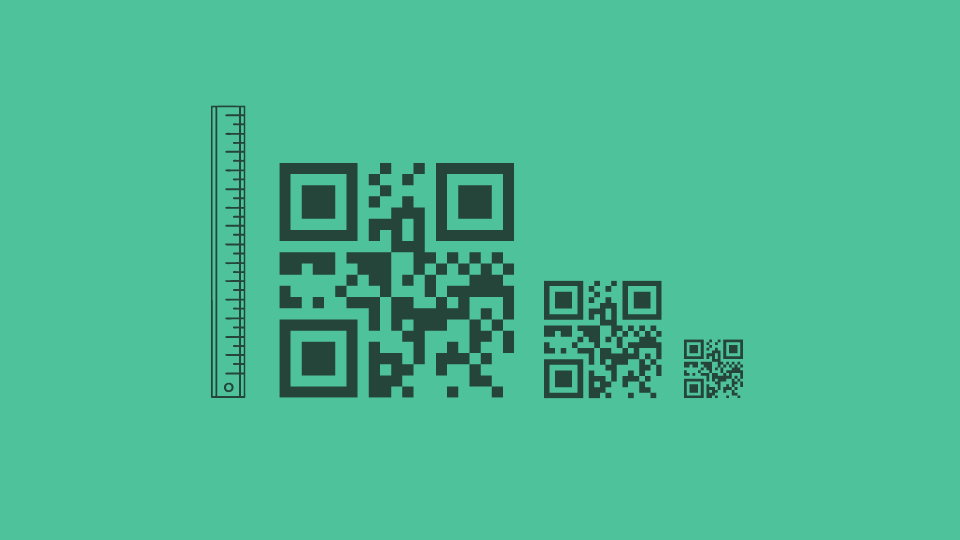
The QR Code size matters when deciding the file format to choose. A raster file locked at, say, 300×300 pixels visibly pixelates once stretched to fill a 3-foot banner. A vector file at any of those sizes redraws from scratch and stays sharp. Know the largest size the QR Code will ever need to be, then pick the format family that survives it.
For the exact print dimensions, materials, and DPI settings for your specific size, see sizing your QR Code for print.
Does the QR Code file format affect scannability?
No, QR Code file formats do not affect scannability directly. A correctly sized PNG scans exactly as reliably as a correctly sized SVG. Format alone doesn't make a QR Code easier or harder to read.
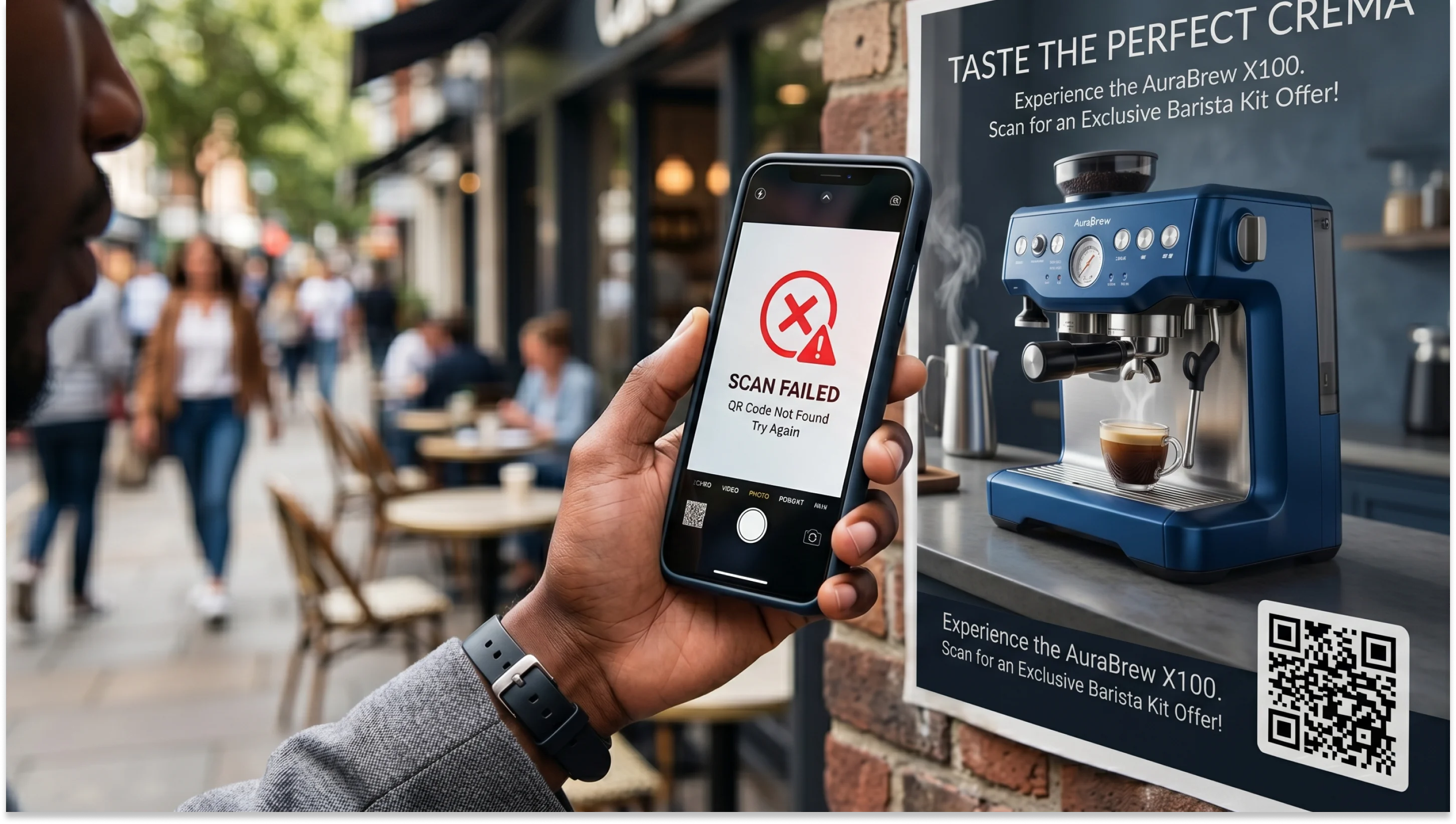
What breaks scannability is scaling a raster file up past its native resolution after export. Stretching a PNG beyond its original pixel dimensions blurs the sharp edges of its modules (the small black and white squares that carry the data). A scanner that can't resolve those edges can't decode the pattern underneath them.
The practical rule: know the final size before you export and either format works. Leave the final size undecided and export as vector instead, so the decision never locks you in. See why QR Codes go blurry for the deeper mechanics of what damages a scan.
Select the right QR Code format
Match the format to the size you know today, and lean toward vector for anything you don't. Raster works for anything staying small and digital; vector holds up no matter how large the campaign eventually grows. The harder case is when the final use isn't decided yet, which is exactly what a dynamic QR Code is built for.
On Uniqode, a dynamic QR Code keeps its destination and design editable after printing, and any saved QR Code can be re-downloaded in a new file format later without rebuilding the campaign from scratch. Start a 14-day free trial to create yours.
Frequently Asked Questions
- What is a QR Code file format?
QR Code format is the file format or extension in which you download a QR Code.
- What are the different formats of QR Codes?
QR Code file formats can be either vector or raster. While PNG and JPG are raster QR Code formats, SVG, EPS, and PDF are vector QR Code formats.
- Is PNG or SVG better as QR Code formats?
PNG is a raster QR Code format, whereas SVG is a vector QR Code format. A PNG QR Code format is better for launching digital campaigns on small surfaces, such as social media platforms. An SVG QR Code format is better for deploying digital campaigns on large surfaces like digital screens.
- What is the best format to print a QR Code?
Depending on your QR Code size, PNG and JPG are best suited for small-scale printing, while SVG and EPS are ideal for large-scale printing.
- What are QR Code encoding modes?
Numeric, alphanumeric, byte (binary), and Kanji. Most generators select the right mode automatically based on what you're encoding.
- Do SVG QR Codes scan better than PNG QR Codes?
Not at a fixed, correct size. Both scan identically well. The difference shows up only when a raster file gets stretched past its native resolution, which blurs the modules a scanner needs to read cleanly. SVG avoids that failure mode entirely because it has no native resolution to outgrow, which is why it's the safer default for anything that might get resized later.