


Dynamic QR Code Generator
Create dynamic QR Codes you can edit, track, and redirect after printing

 Website
 PDF
 App downloads
 Contact card
vCard
 Location
 Linkpage
 Form
 Menu
 Social
 WiFi
 SMS
 Call
 Text
 Email
 MP3
 Coupons
 Image

Create a QR Code from a URL
Turn any website URL into a scannable QR Code in seconds, then change where it points anytime with a dynamic URL QR Code. Ideal for landing pages, campaigns, and product links.
 Templates
 Logo
 Design
 Frame


Switch to Dynamic QR Codes to edit the link or track scans later.

















Change anything about the QR Code, except the code itself
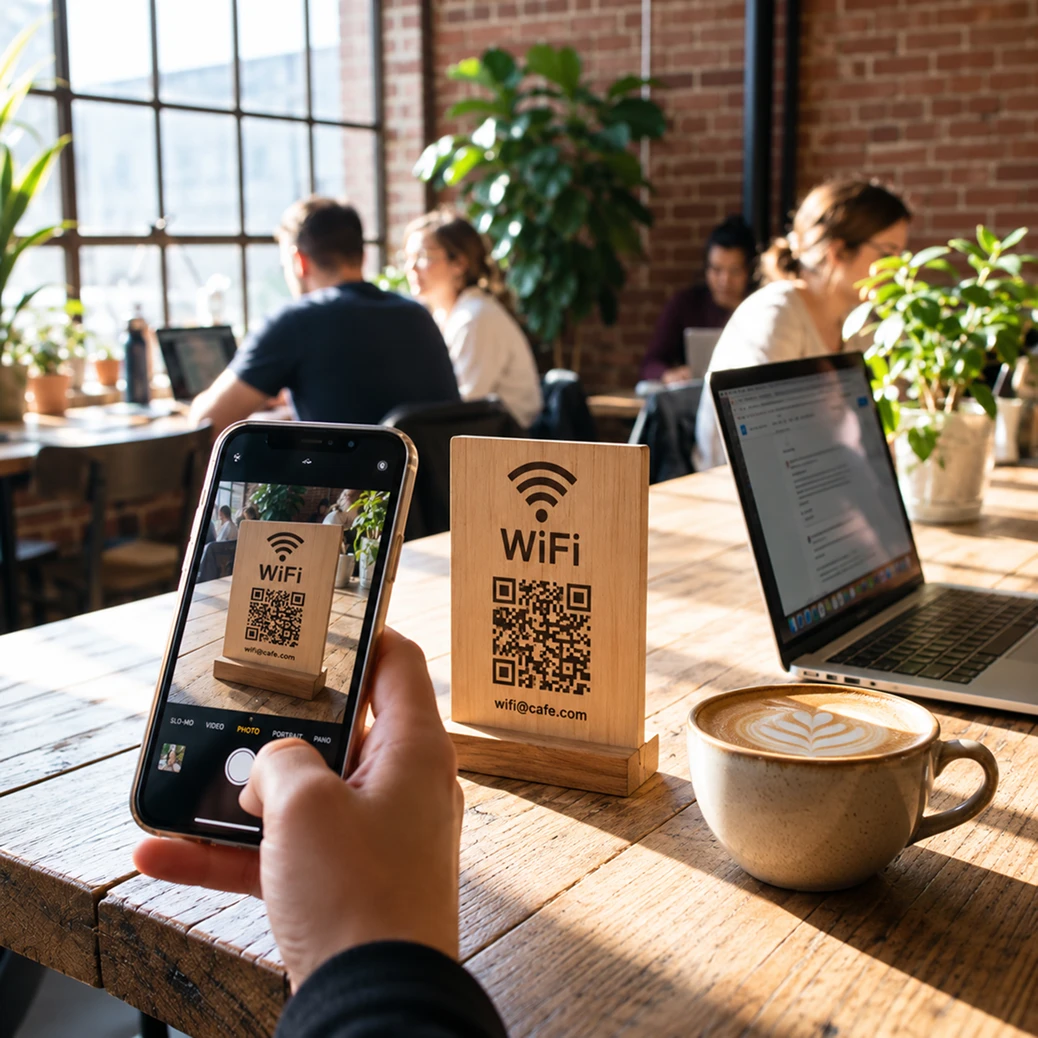
A Dynamic QR Code works through a short redirect link. When someone scans the QR, they first hit that redirect. The redirect then sends them to your final destination — a website, PDF, menu, form, app, or any content you choose. Because the QR Code only stores the redirect (not the final destination), you can change where it points at any time. The same redirect also records every scan, which is what makes Dynamic QR Codes both editable and trackable.
The printed QR Code pattern itself never changes. Everything behind it can.
Change the destination
Update campaign URLs, landing pages, app deep links, or point the code at a different content type entirely. Future scans open the new destination while the physical QR Code stays the same.
Fix a mistake in seconds
A typo in a URL, a page that moved in a site migration, collateral that outlived its campaign: each is one edit in the dashboard instead of a reprint.
Reuse the same QR Code
Set a campaign end date and automatically switch to a fallback page when it expires. Reuse one printed code across seasons, regions, or product batches.
The secret to better QR Code campaigns? Make them dynamic
Update QR destinations, measure every scan, and manage every QR Code from one dashboard.
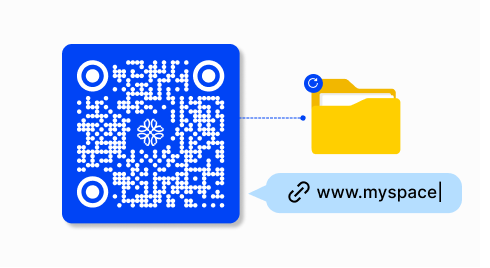
Update (without reprinting)
Change the destination, replace a file, or launch a new offer without reprinting the QR Code. Every existing placement continues to open the updated content.
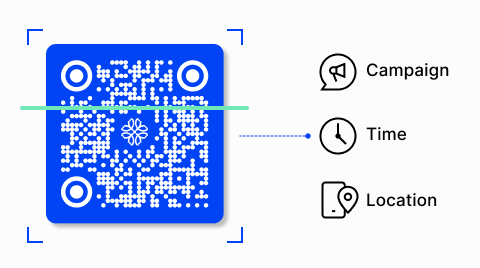
Track every scan
See total and unique scans by location, device, time, and campaign. Connect Google Analytics or Meta Pixel to measure conversions and retarget users who did not convert.
Enterprise-grade security, built into every plan
A secure QR Code platform delivering the highest industry standards.
Advanced encryption & threat protection
Advanced bot filtering for clean analytics
SAML SSO and role-based permissions
Built for businesses that keep adapting
Dynamic QR Codes are used across industries where content changes, compliance matters, or performance needs to be measured after printing.
See what teams are achieving with Uniqode’s dynamic QR Code generator

Dynamic QR Codes drove 12,000+ engagements without reprinting a single QR
"I've tested many free and paid services out there. Eventually I came across Uniqode's dynamic QR Codes and signed up for a free trial. It worked flawlessly, and the platform interface was extremely user-friendly."

Direct-mail tracking with destinations the team could update
"I expected Uniqode to be a lot more complicated to use. It's straightforward to set up, with a wide range of templates, and I found the URL edits extremely helpful, changing UTMs and everything else in the link."

Create dynamic QR Codes in three steps
STEP 01
Select dynamic QR type
Choose Website, PDF, Form, Menu, or another supported type. Add the destination and any smart rules routing you need from the start.
STEP 02
Customize the design
Add brand colors, patterns, shapes, and eye styles, and a CTA frame to bring your QR to life and improve the scan rate.
STEP 03
Test and download
Test the QR Code, download it as PNG, JPEG, SVG, EPS, or PDF, and edit it again anytime the destination needs to change.
Show different content from the same QR Code
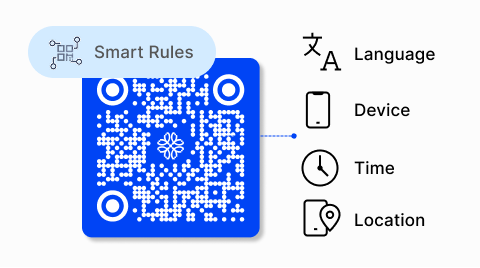
Create one QR Code that personalizes the experience based on when, where, and how it’s scanned.
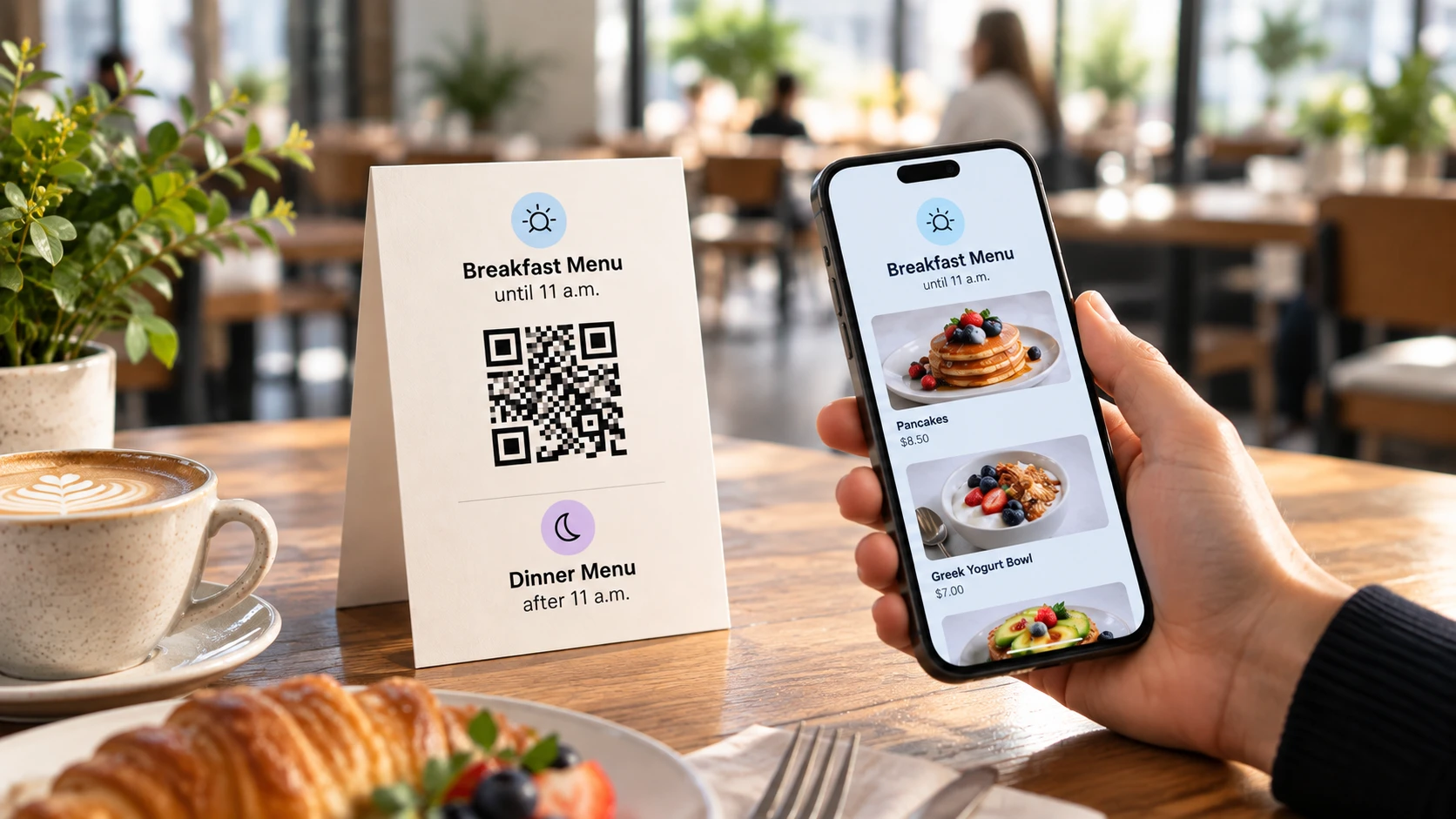
Change the content with time
Show a breakfast menu until 11 a.m. and a dinner menu afterward from the same code on the same table tent. You can set conditions based on time of the day, date, day of the week.
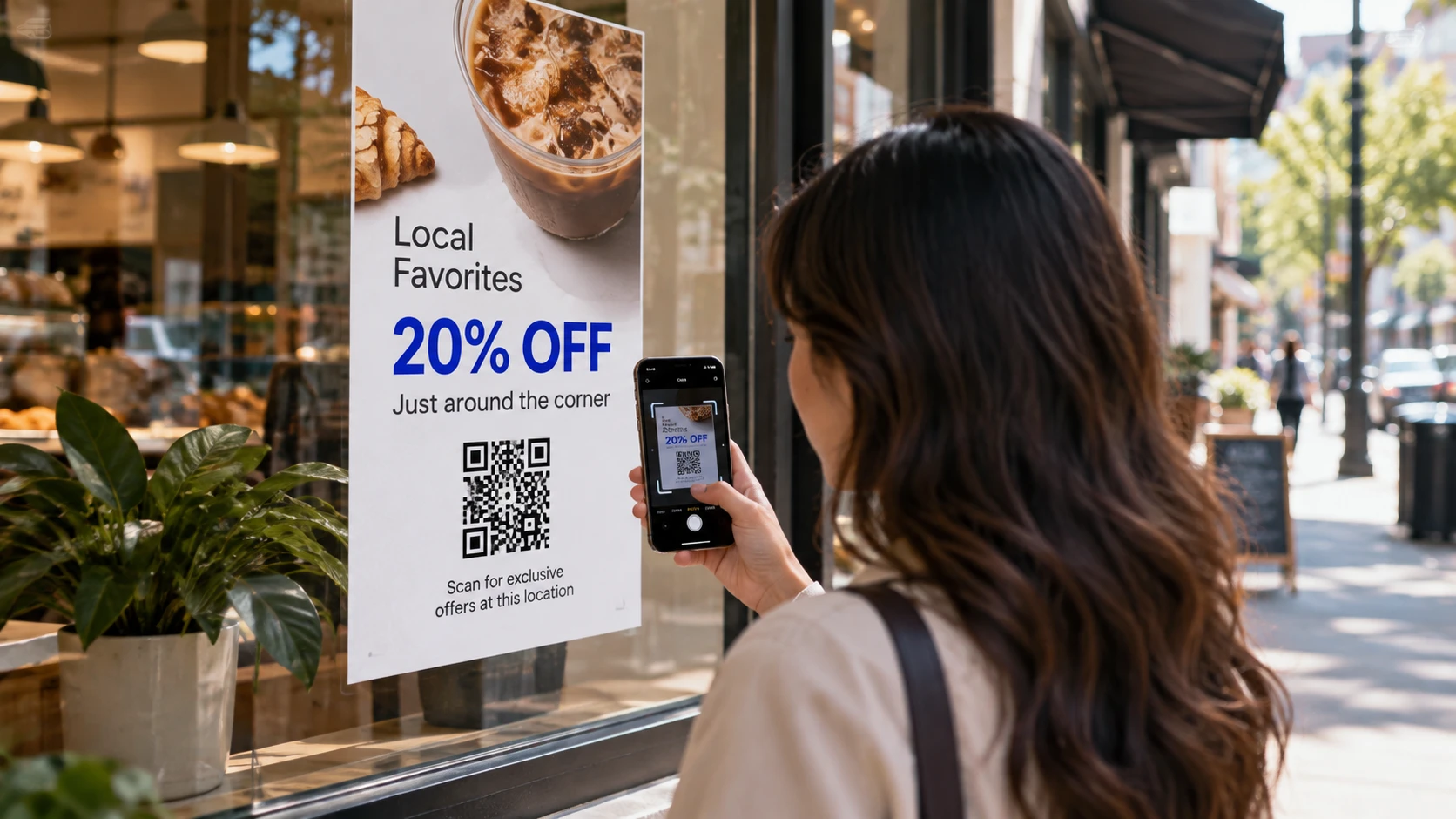
Make every campaign locally relevant
Route scans by country, state, or precise location to local offers, languages, store pages, pricing, or compliance information.
Common questions businesses ask before choosing Dynamic QR Code generators