Uniqode’s solution has made our lives a lot easier. Creating QR Codes is quick, and being able to track their performance has proven to be essential for our business.
A brochure QR Code is a scannable image printed on a brochure that opens a website, PDF, video, or other digital destination when scanned with a phone camera. It turns a static page into a link between print and digital content, without asking the reader to type a URL.
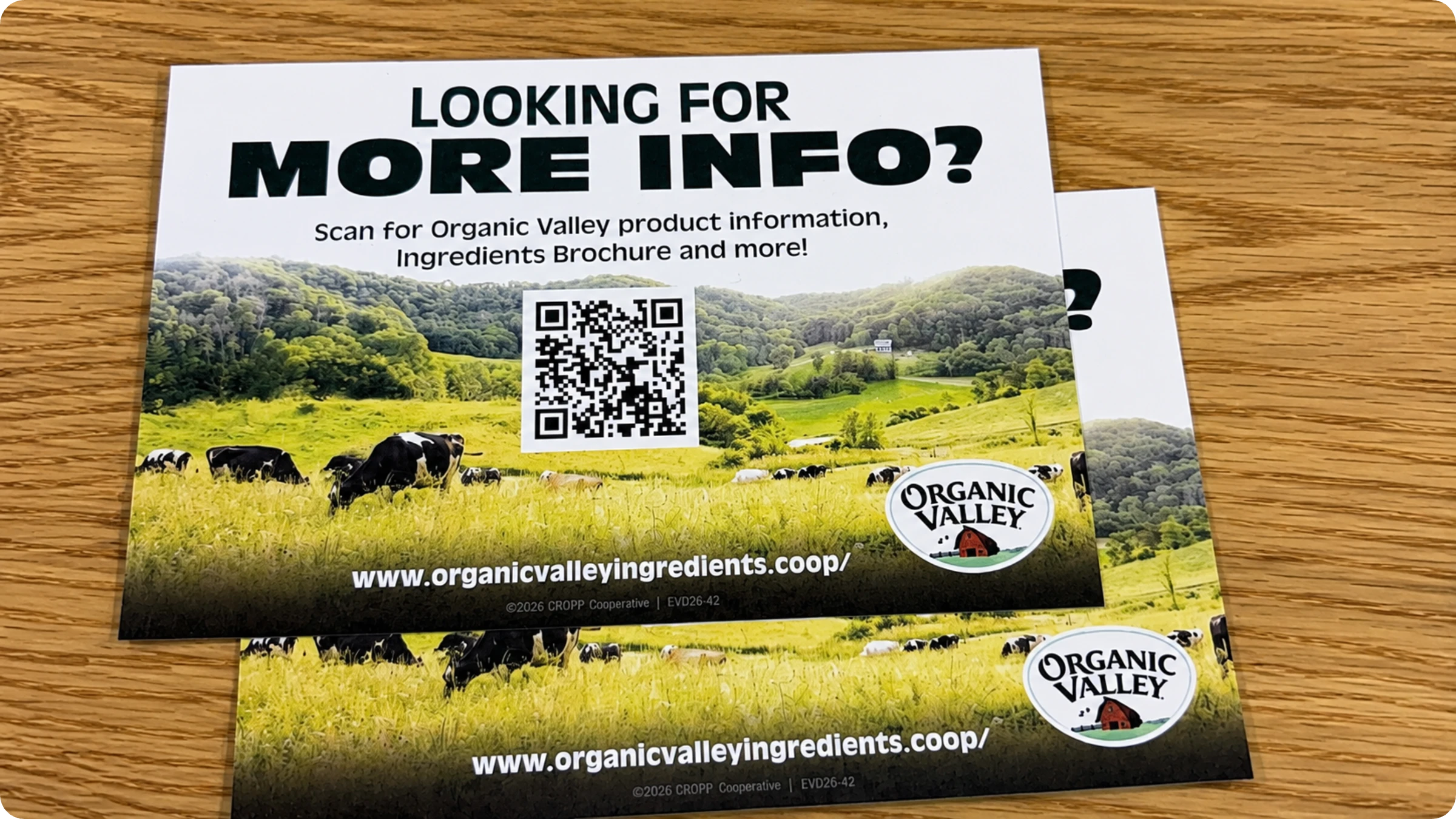
Brochure QR Codes show up across healthcare, real estate, tourism, education, and event marketing: on rack cards in waiting rooms, property listings, visitor guides, course catalogs, and trade show handouts. The most common use is linking to a website or PDF, though some brochures use a QR Code for a booking form, a video walkthrough, or a vCard for a sales contact.
The benefit is straightforward. Readers get more information than fits on the page, and marketers get a way to measure whether the brochure worked at all.
Dynamic QR Codes on brochures add one more capability: you can change the destination after the brochure is printed, without touching the artwork or reordering stock.
How to create a QR Code for your brochure in 4 steps
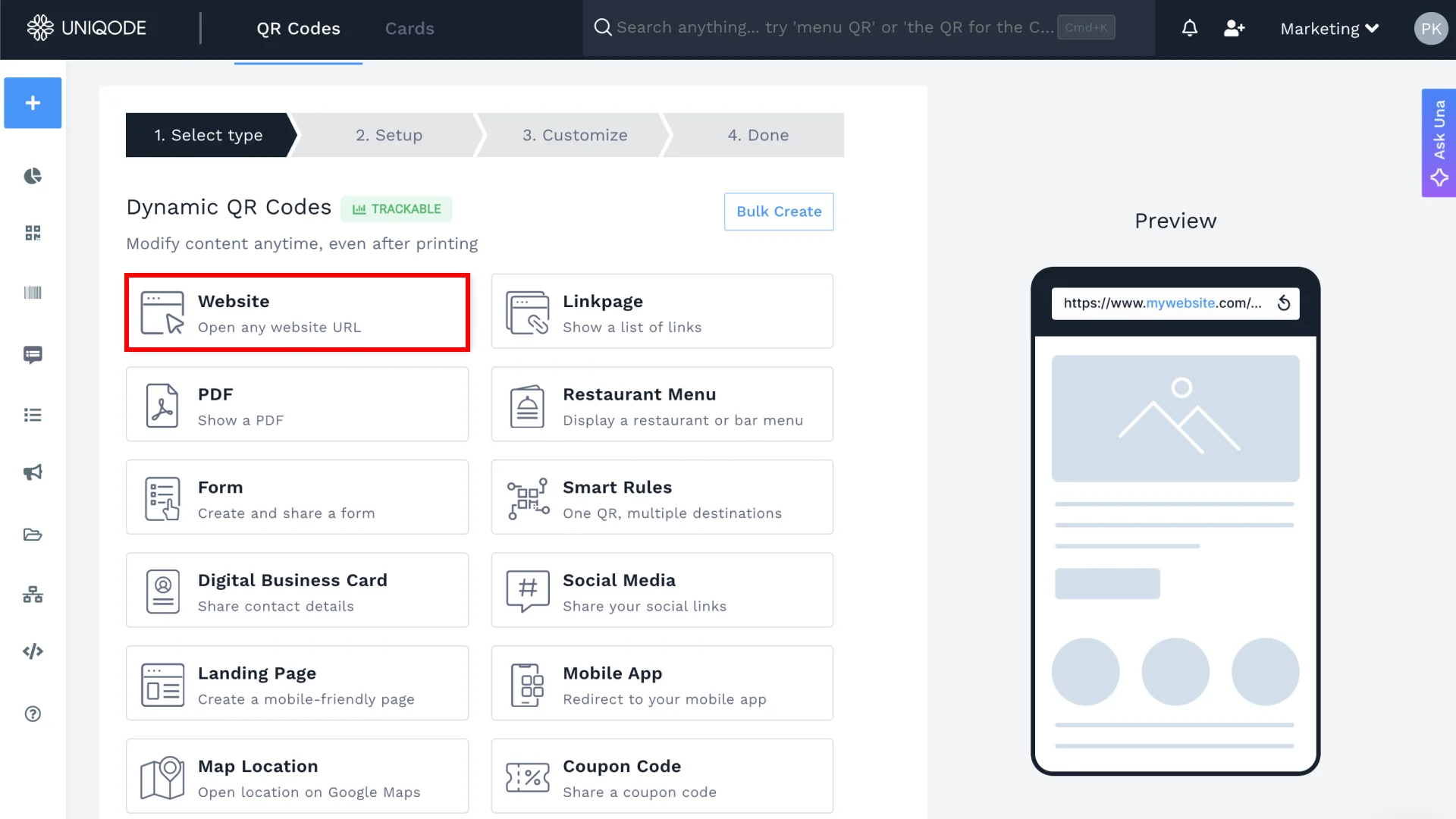
Creating a brochure QR Code takes just a few minutes with a QR Code generator, no design experience or technical know-how required. Follow these four simple steps on Uniqode.
1. Choose a QR Code type
Open Uniqode's free generator and pick what your brochure should point to. Website, PDF, and video are the most common choices for print. No account is required to start.
2. Add your content
Paste the URL your brochure should send readers to, or upload the PDF or video file the code should open when scanned.
3. Customize the design
Customize the QR Code by adding your logo, brand colors, and a frame. Size and test for print scannability, and check the placement and contrast guidance later in this page before you finalize the file.
4. Save, download, and track
Download as PDF or vector QR Code formats for print-quality output, then track scans from your dashboard once the brochure is in circulation. This is the step that separates a printed symbol from a live channel: the same dashboard view where you edit the destination after a mid-lifecycle change is the one that shows you the scan count.
Do you need a dynamic QR Code for your brochures?
A dynamic QR Code for brochures lets you update the linked content. You can swap out an old brochure for a new one, change the destination URL, or track how many people scanned it.
Ask the questions below before you decide whether you need a static or dynamic QR Code for your brochure:
Will the destination ever change? A moved page, an updated offer, a new phone number. If yes, a dynamic code lets you update it without reprinting.
Will the brochure stay in circulation for months? Trade show handouts, rack cards, and property listings often outlast the campaign that printed them.
Do you want to know if it's working? Dynamic codes report scans by location and time. Static codes don't report anything back.
Are you printing at scale, or across multiple locations? Bulk creation and folders keep large batches organized under one dashboard.
Is the content genuinely permanent? A one-time flyer for a single event with a fixed destination may not need a dynamic code at all.
If you answered yes to any of the first four, a dynamic QR Code is the safer choice. If you want a QR Code for single-use, and you’re sure the destination won’t change, a static QR Code is enough.
Why use Uniqode for creating QR Codes for brochures
Uniqode gives you more control over your brochure QR Codes than any standard QR Code generator.
Scannability validation: Uniqode checks your QR Code before you download it, catching low-contrast colors or undersized codes before they reach the print file
AI-powered design: Auto Design applies branded styling from your inputs, no designer needed
Bulk creation: Generate an entire batch of brochure variants from a single spreadsheet
Edit destinations anytime: Update where your QR code points without reprinting, directly from your dashboard
Watchlist notifications: Get daily alerts on codes you're actively monitoring
Change history log: See exactly who updated a destination and when
Custom error pages: Replace dead links with a branded fallback page if a code goes stale
How industries use QR Codes to enhance brochures
Print remains one of the most common QR Code distribution channels. 50% of marketers surveyed in Uniqode's State of QR Codes 2026 report use QR Codes in print materials.
1. Tourism and destination-marketing brochures
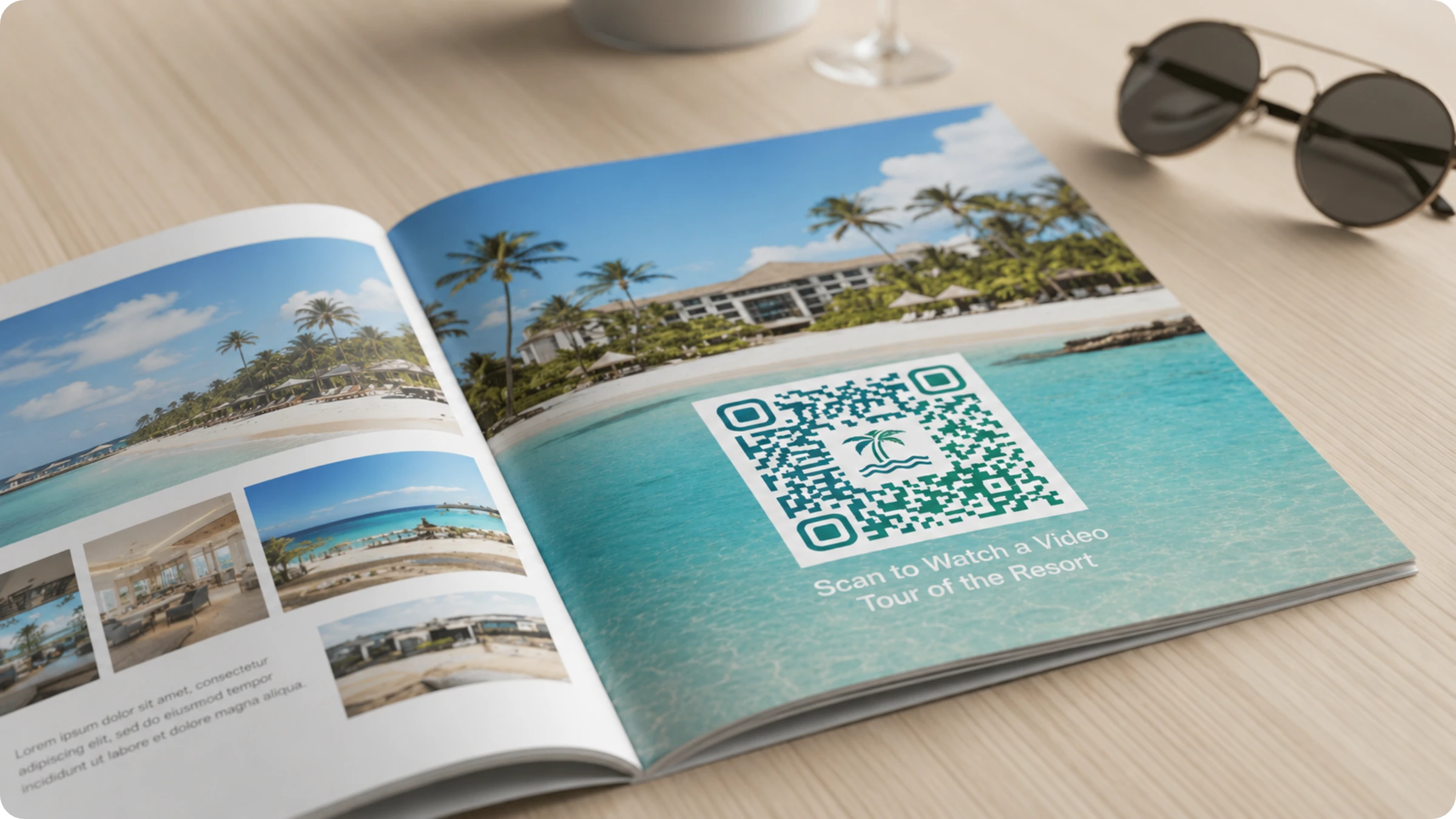
The travel and hospitality industry uses QR Codes in brochures because travelers need quick, reliable access to information before and during their journeys. Printed brochures have limited space. QR Codes bridge this gap.
How QR Codes are used: Visitor bureaus, theaters, and attractions use QR Codes to link printed brochures to maps, booking pages, event schedules, and digital guides that would otherwise require a reprint to update.
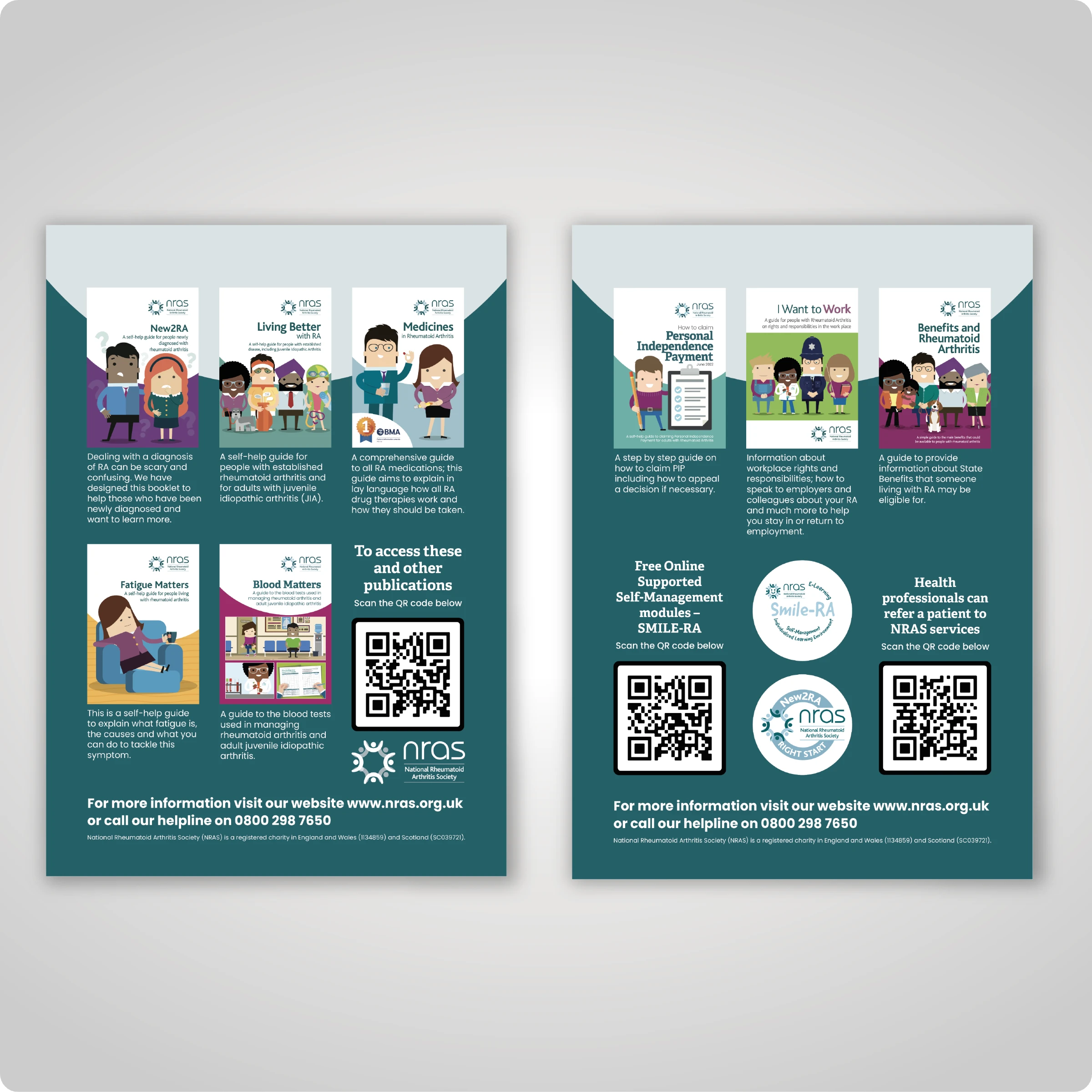
Healthcare providers use QR Codes as a way to guide patients to trusted resources. Patients often need access to accurate, detailed, and up-to-date information beyond what can fit in print. And QR Codes are the way for that.
How QR Codes are used: Clinics and health systems use QR Codes on rack cards and service-line brochures to connect patients with appointment booking, care instructions, and condition-specific resources that need to stay current long after the brochure was printed.
3. Banking and financial services
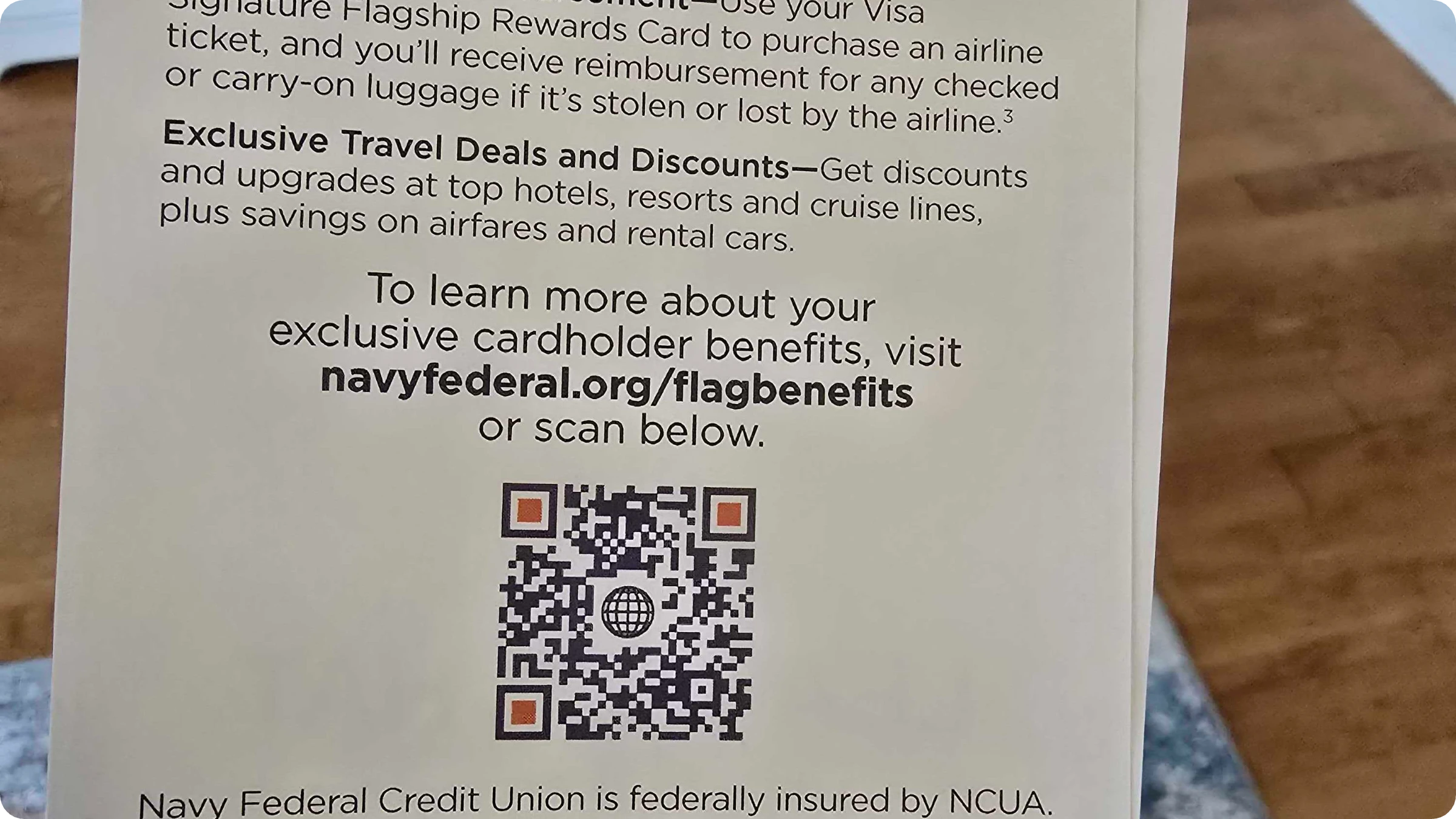
Navy Federal Credit Union, for example, uses a QR Code on its Visa Signature Flagship Rewards brochure to take cardholders straight to a landing page with full benefit details, including travel perks and rewards, extending what the printed piece can communicate.
How QR Codes are used: Banks and credit unions use QR Codes in product brochures to bridge the gap between print and digital, connecting customers directly to application pages, benefit details, and account resources without requiring a separate search.
4. Trade show and event handout brochures
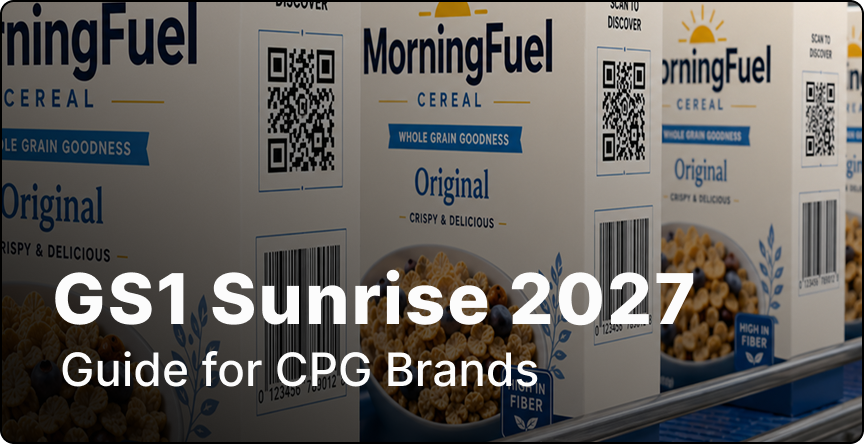
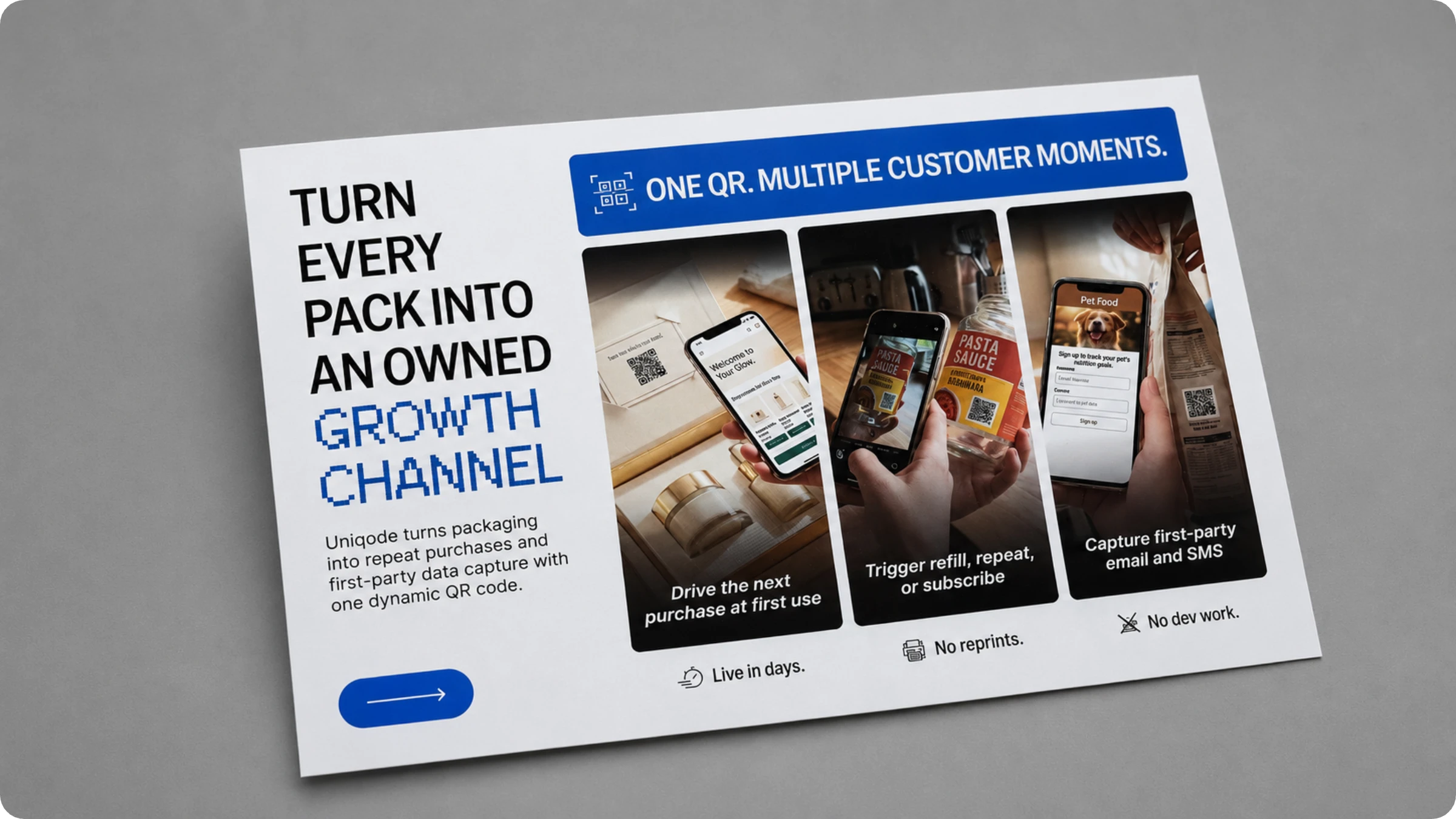
Trade shows and event organizers use QR Codes extensively. Assigning unique codes to each booth, table, or session makes it possible to see exactly which locations drove the most engagement, turning a stack of handouts into a measurable part of the campaign. At Expo West this year, the Uniqode team used brochures to promote using QR Codes on packaging and explained its benefits
How QR Codes are used: Event and trade show brochures use QR codes to give attendees instant access to product demos, pricing, presentation slides, and meeting booking pages during a short, high-impact distribution window.
Best practices for brochure QR Codes
Test scan distance and size before the print run ships. A code sized for a business card will not scan reliably on a folded trifold panel.
Keep enough quiet-zone margin and contrast around the code, especially on colored or textured brochure stock. This is a scannability rule, not just a branding choice.
Pair the code with a clear one-line call to action, like "Scan for the full menu" or "Scan to book a tour."
Export in a print-ready vector format, SVG or PDF, so the code holds up at any fold, crop, or reprint size.
Track and update the destination from your dashboard once the brochure is in the field.
Your brochure's QR Code should outlast the print run
A brochure's job doesn't end when it leaves the printer. It sits in a rack, a mailer, or a trade-show box for months, and the code on the page has to keep working the whole time. A static code freezes that destination forever. A dynamic code lets you fix it, track it, and update it for as long as the brochure stays in circulation.
Start your free trial and create a brochure QR Code today.
Frequently asked questions
How do I create a QR Code for a brochure for free?
Is a brochure QR Code free?
Can I change where my brochure's QR Code points after it's already printed?
Do QR Codes on brochures actually get scanned?
What file format should I use for a brochure QR Code, PNG, SVG, or PDF?


.png)

.webp)
.webp)
.webp)

.webp)
.webp)
.webp)
.webp)
.webp)
.webp)
.webp)