Multimedia QR Code generator: turn audio, video, images, and PDFs into one scannable code
Create QR Code to share videos, audio, PDFs, and images easily with Uniqode’s multimedia QR Code generator. Custom design and track the performance of your multimedia QR Code effortlessly.
Every function in a modern business now runs on multimedia: how-to videos instead of manuals, podcasts instead of press releases, PDFs instead of brochures. Video and audio stick better than a paragraph of text.
Physical materials, packaging, signage, print ads, can't carry a video or audio file. A shopper at a shelf or a visitor reading a wall placard has no way to reach that content except typing a URL by hand.
A multimedia QR Code closes that gap. Attach an audio file, video, image, or PDF to any physical touchpoint, and a scan opens it. And unlike the print it lives on, every scan is trackable.
What is a multimedia QR Code?
A Multimedia QR Code is lets you convert audio, video, image, and PDF files into QR Codes. Anyone scanning this QR Code is redirected to a multimedia file. With a multimedia QR Code, offline audiences can access online content with a simple scan, especially from physical locations.
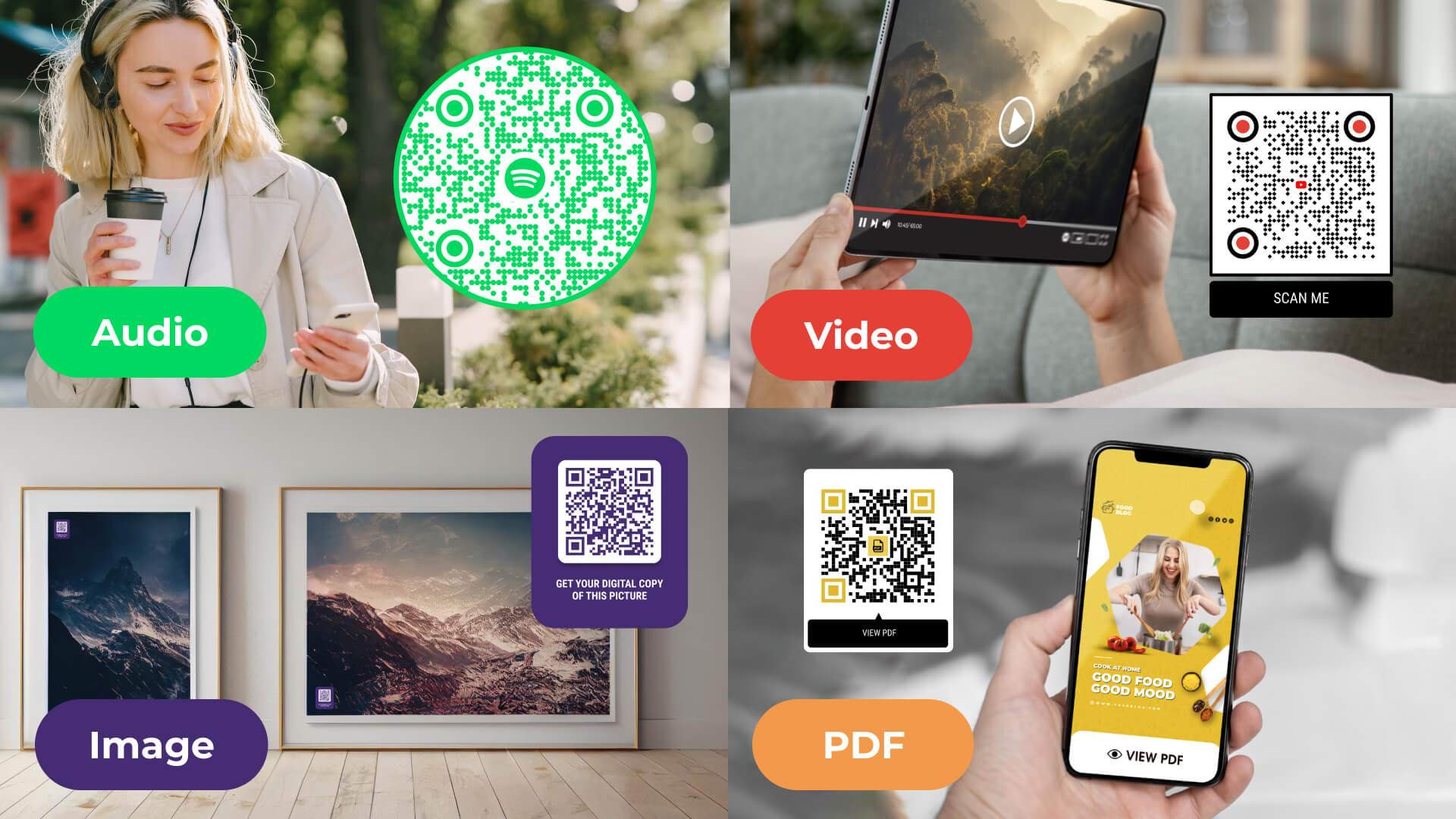
A multimedia QR Code can carry four file types, each suited to a different physical touchpoint:
- Audio: Share MP3 and MP4 files, podcasts, voice recordings, AI-generated voice, on newsletters, social posts, and offline assets. Audio such as podcasts and voice recordings can also be turned into written content with help from companies like Ditto, making the material available in another format. M+, a museum in Hong Kong, used QR-based audio and video guides for self-paced exhibit commentary and logged 113,000 unique engagements. Also read: Use QR Codes for Spotify.
- Video: Uniqode's video QR code generator creates a dynamic QR Code from a URL or a direct upload. A trade show pamphlet or product box can point straight to a demo video instead of a messy shared link. Related: How to make a QR Code link to a YouTube video.
- Images: Uniqode's image QR code generator turns a photo or gallery into a scan, useful for a "for sale" board giving buyers a first look at a property. Use vector QR Codes to keep large-format prints crisp.
- PDFs: Uniqode's PDF QR code generator attaches a PDF, like a restaurant menu, so a scan opens the file directly, no reprinting when it changes. Related: make a QR Code link to a PDF.
How to create a multimedia QR Code in 5 steps
You can create a multimedia QR Code with a QR Code generator. Follow the five steps below to create a multimedia QR Code in just five steps with Uniqode.
1. Log in or sign up with Uniqode's QR Code generator
Go to the Uniqode dashboard and click "+Create QR Code" on the right-side panel. Choose "QR Code." If you don't have an account yet, sign up for a free 14-day trial.
2. Choose your multimedia file type
Pick the type of multimedia QR Code you want to generate: PDF, image, MP3, or video.
3. Upload the multimedia file or paste the URL
Either paste a URL of the file or upload it directly to the dashboard, then click "Next."
4. Customize your QR Code appearance
Add your brand colors or logo so people recognize it as yours. If you need a password gate or a custom domain, those live under the same step, in advanced settings. Click "Next."
Note: Aim for the "EXCELLENT" scannability score under your QR Code preview on the left. It signals your code is clear and reliably scannable.
5. Download your multimedia QR Code
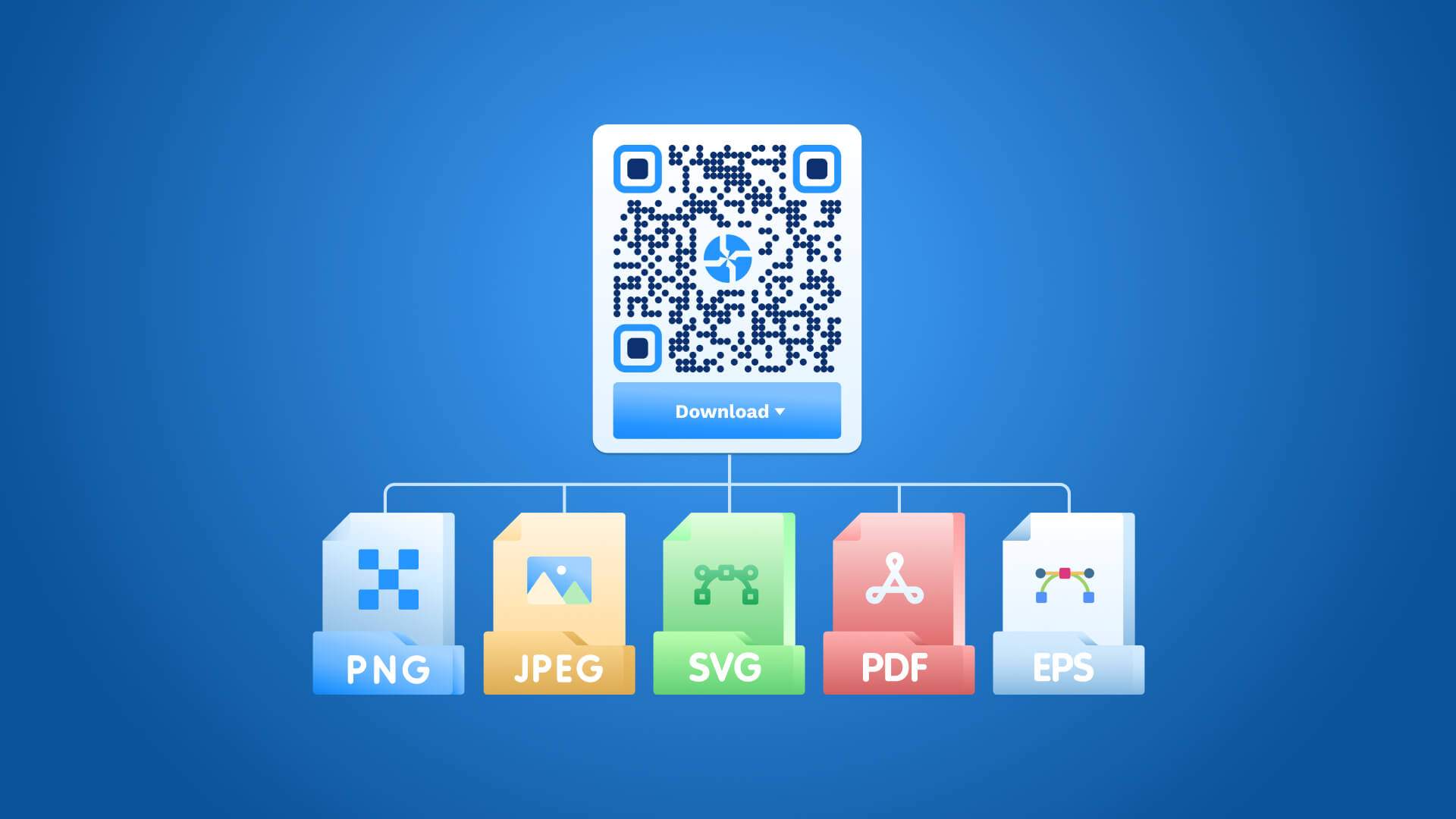
Download the code in JPG, SVG, PNG, EPS, or PDF format.
That's the whole process. Use the multimedia QR Code anywhere you need it.
Real-world examples of multimedia QR Codes
Here are four brands using multimedia QR Codes in the wild, on packaging, in-store materials, and product boxes, to connect physical touchpoints to digital content.
1. Chick-fil-A puts a QR Code on cups to drive app content
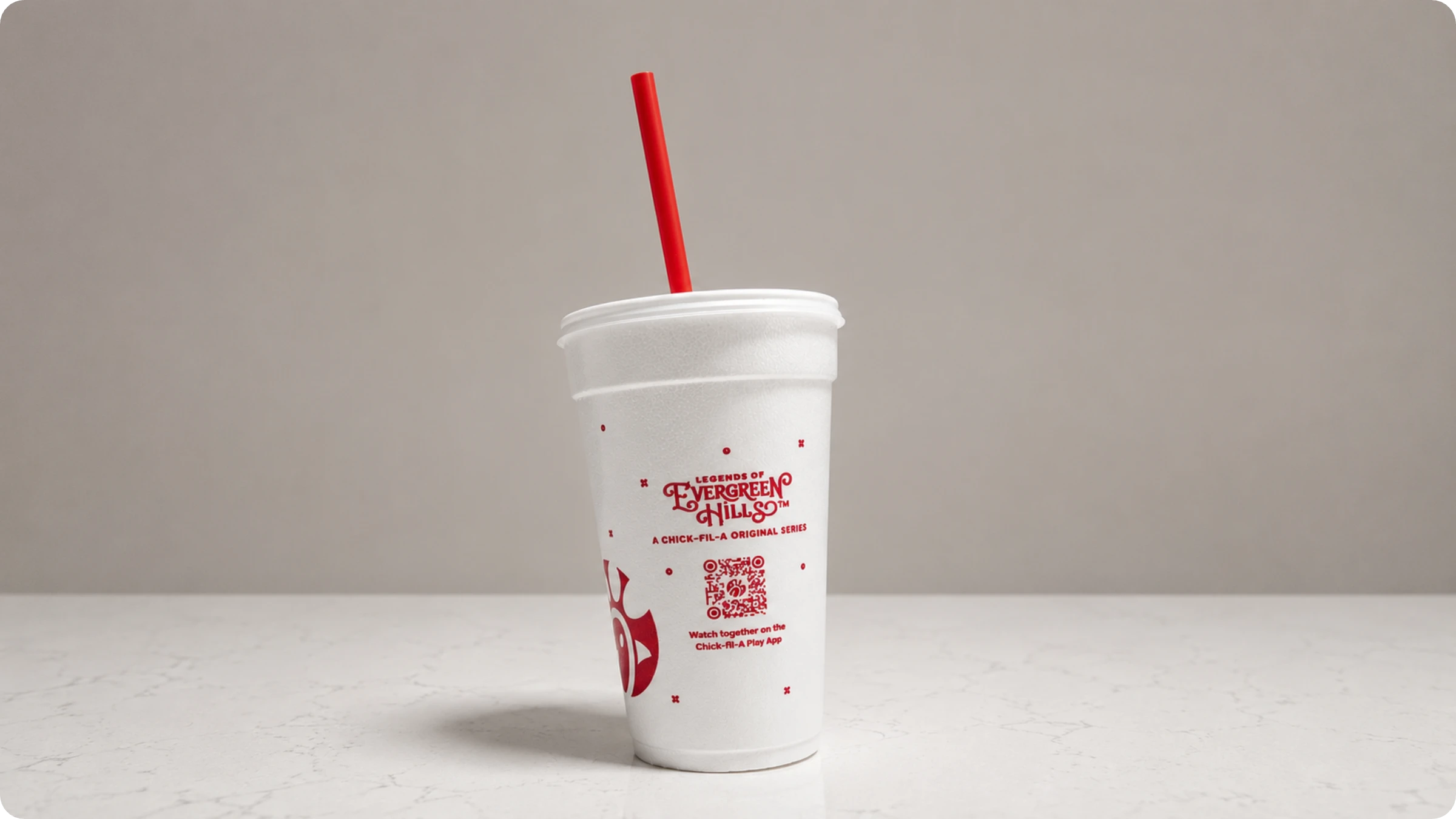
Chick-fil-A printed a QR Code on branded cups to promote "Legends of Evergreen Hills," an original series on the Chick-fil-A Play App. Customers scan directly from the cup and land on the show, no app searching needed. This is a clean example of a video QR Code turning disposable packaging into a content touchpoint that keeps customers engaged beyond the meal.
2. Ocean Spray uses QR Codes on cans to share recipes
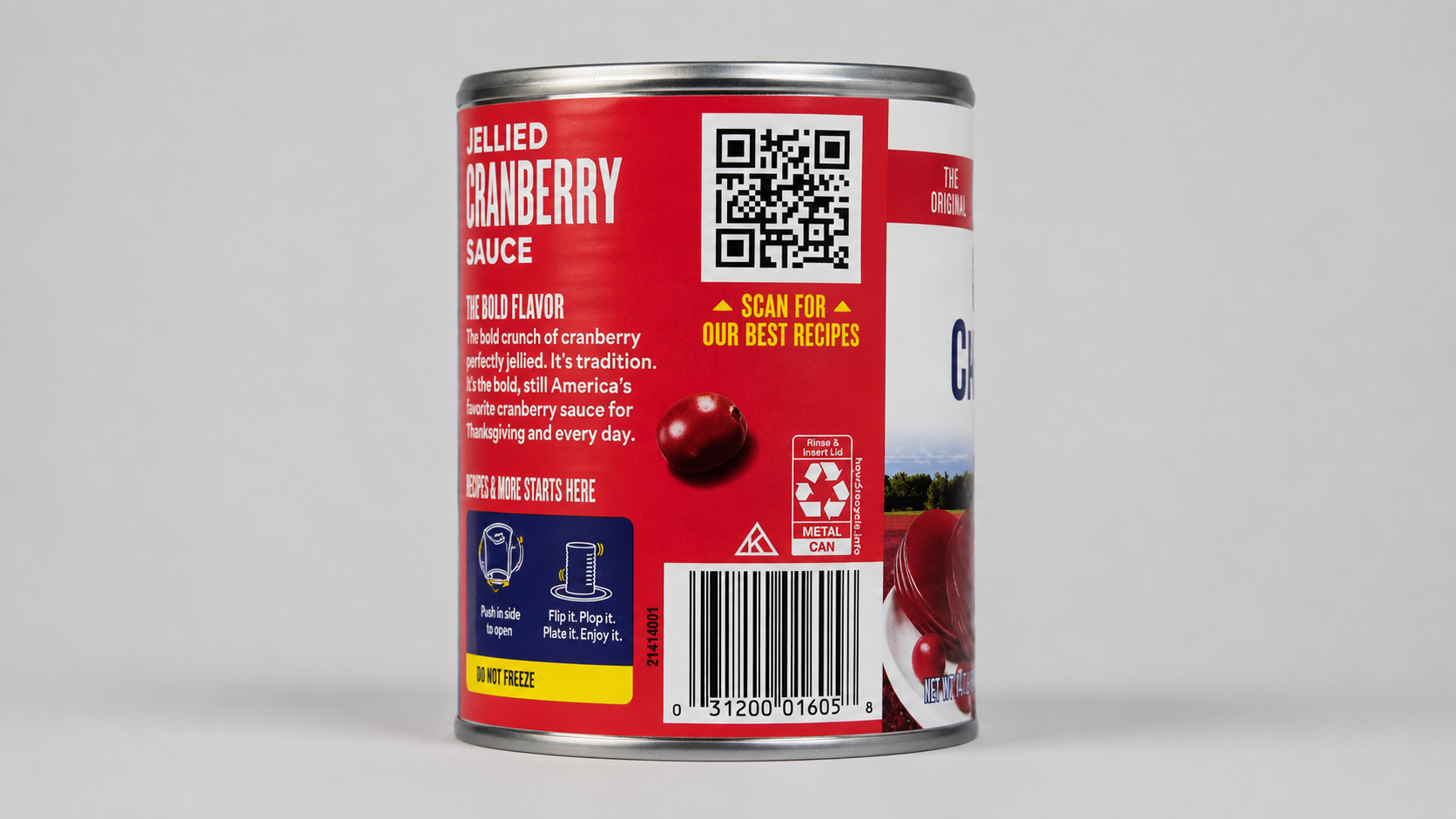
Ocean Spray added a QR Code to their cranberry sauce label with a direct prompt: "Scan for our best recipes." Shoppers pick up the can, scan, and land on a recipe page. It’s a practical example of using a QR Code on product packaging to add value at the shelf, giving customers a reason to engage without taking up any extra label space.
3. Aminu Wellness uses a QR Code on packaging to show product tutorials
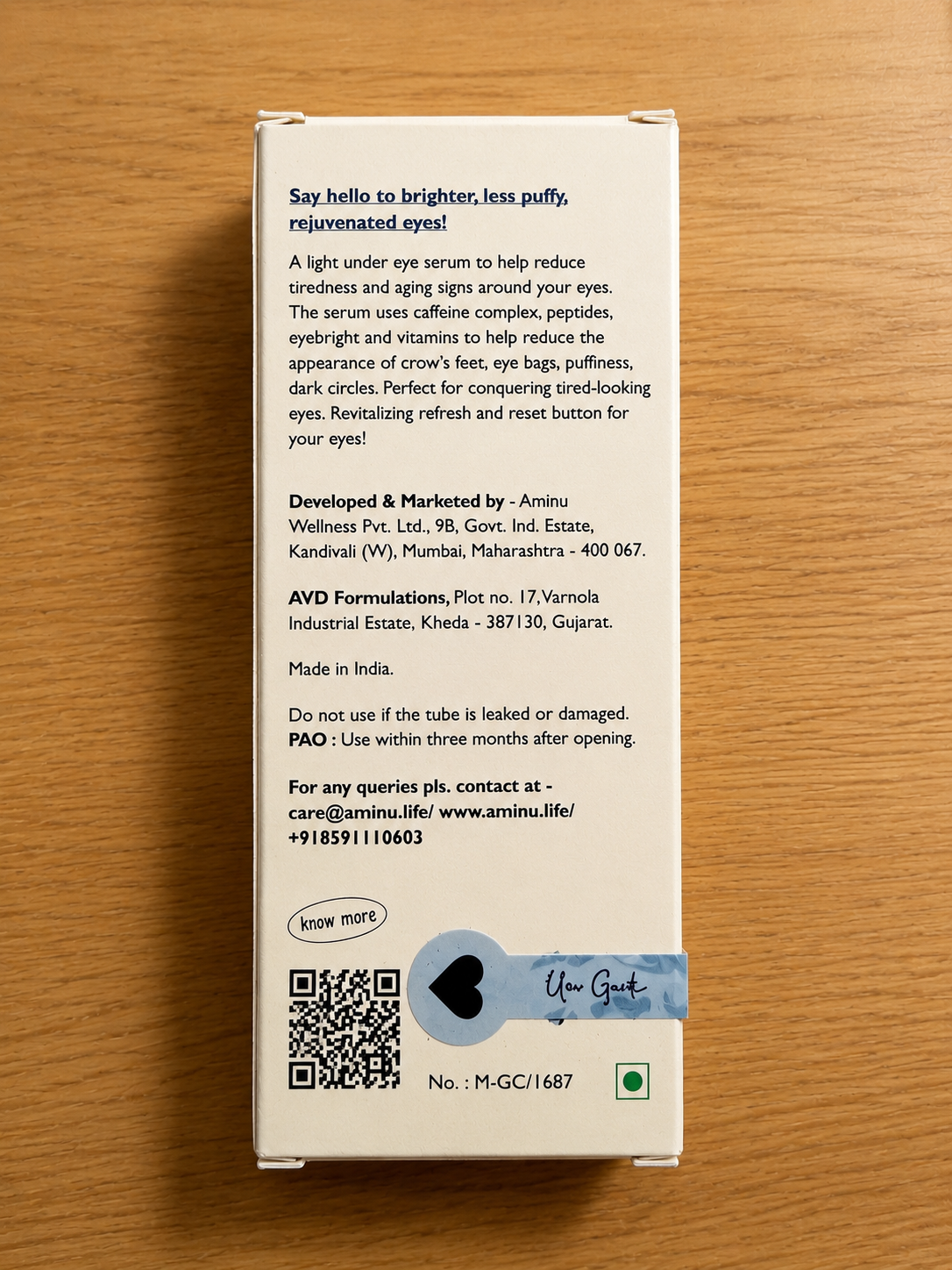
Aminu Wellness printed a QR Code on their eye serum box with a simple "Know more" prompt. Scanning it opens a YouTube video that walks customers through how to use the product and what to expect from it. Instead of cramming instructions onto the box, the packaging stays clean while the QR Code delivers a richer, more visual explanation. Producing that kind of tutorial video is easier now too, with an AI Video Generator such as Higgsfield turning a product description into finished footage without a camera crew. It is a straightforward example of a video QR Code doing the work that printed text cannot.
4. Organic Valley uses QR Codes on in-store cards to share product details
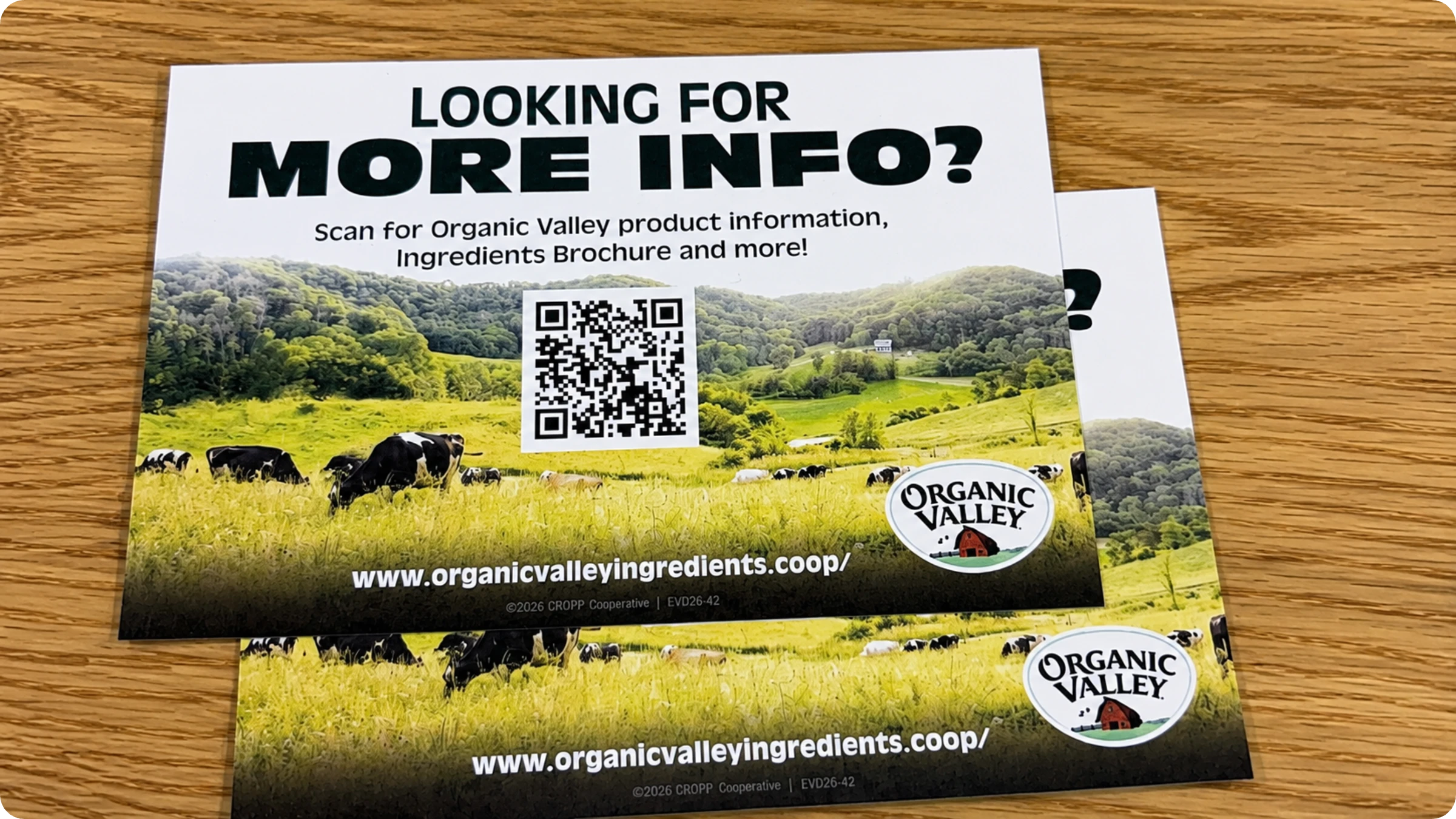
Organic Valley placed QR Codes on in-store promotional cards with the prompt "Looking for more info?" The code links to their full product catalog and ingredients brochure. Instead of printing thick handouts at the point of sale, the card stays compact while the QR Code carries all the detail. It is a simple, effective use of a PDF QR Code for retail environments.
5. Kellogg's Froot Loops puts QR Codes on cereal boxes for interactive play
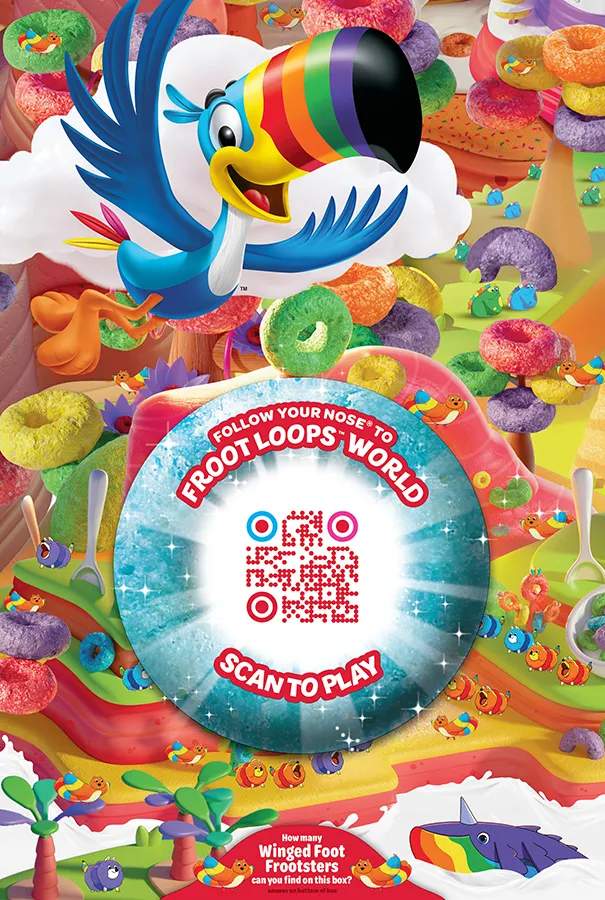
Kellogg's put a QR Code on Froot Loops boxes inviting kids to scan and enter "Froot Loops World" to play a game. The code links to a branded digital experience, turning the cereal box into an engagement tool beyond the breakfast table. It shows how multimedia QR Codes can go beyond sharing information and create an entertainment moment tied directly to the product.
Static vs. dynamic multimedia QR Codes: what "free forever" doesn't tell you
A free, non-expiring static QR Code is a reasonable choice for a one-time flyer or a file that will never change. Here's where that logic breaks:
- A static code encodes the file or URL directly, fixed the moment it's generated.
- Print a demo video QR Code on 10,000 units of packaging, and the moment that video changes or gets pulled, every code is permanently wrong. The only fix is reprinting the run.
- Uniqode's State of QR Codes 2026 report found 45% of marketers using dynamic QR Codes report some reduction in reprints.
- 29% of consumers report encountering expired or dead links when scanning a QR Code, the same failure from the other direction.
- A dynamic multimedia QR Code keeps the printed code fixed while the destination stays editable, so a changed file never forces a reprint.
What are the benefits of multimedia QR Codes?
Multimedia QR Codes are helpful in many business aspects including sharing product details, promoting content, and boosting engagement.
- Share product information. Attach a QR Code to a manual so customers scan and watch a how-to video instead of reading diagrams.
- Boost YouTube subscribers. Place a video QR Code on-screen with a "Subscribe" CTA so viewers skip searching for your channel manually.
- Promote content easily. A photographer can showcase a portfolio via an image QR Code, or event visitors can browse a catalog through a PDF QR Code.
- Improve customer engagement. A video QR Code in a waiting area gives customers something to watch while they wait, and a video creator can put together that kind of short, loopable content without needing a full production budget.
- Generate launch buzz. A multimedia QR Code on a poster gives fans direct access to new MP3 releases, the same way a Spotify QR code does.
Every scan is trackable by location, device, and time, the top feature priority for 44% of marketers. Uniqode is also SOC 2 Type II, GDPR, HIPAA, and ISO 27001 certified.
Getting the format right matters as much as getting the code
A multimedia QR Code only does its job if the format behind it matches how someone will actually encounter it: a video for a product demo, a PDF for a menu that changes seasonally, an image gallery for a property listing. The file type is a decision made once, at creation, but it shapes the experience of every person who scans afterward. Get it wrong and the code still works, it just hands someone the wrong kind of proof at the wrong moment.
The same logic applies to static versus dynamic. Pick the version that matches how often your content changes, not just the one that's free today. Create your multimedia QR Code with Uniqode and see the difference a scan you can measure and edit makes.
Frequently Asked Questions
- 1. What is multimedia QR Code?
1. What is QR Code in multimedia?
A QR Code in multimedia is any QR Code that opens multimedia files such as videos, audio, images, or PDFs when a user scans it. You can present any multimedia file as a QR Code for people to scan and access the content.
- 2. How do I create a QR Code for MP3?
Here's how to create a QR Code for MP3 audio on Uniqode:
- Log in or sign up to Uniqode.
- Click MP3 under QR Code types.
- Upload the audio file or add the URL.
- Customize the QR Code.
- Download the QR Code (formats available: PDF, SVG, PNG, JPG, EPS)
- 3. Can I track how many people scan my multimedia QR Code?
3. Can I track how many people scan my multimedia QR Code?
Yes, dynamic multimedia QR Codes provide full tracking capabilities that let you measure interactions and campaign performance from offline channels. Monitor scan analytics including the number of scans, locations, devices used, and time of scans, turning traditionally unmeasurable print materials like ads, billboards, and event handouts into something you can report on.
- 4. What is the best QR Code generator for creating multimedia QR Codes?
Uniqode's multimedia QR Code generator is built specifically for sharing audio, video, PDF, and image files, with direct file upload, URL linking, custom design options, and performance tracking. The platform creates QR Codes in seconds and offers vector-format codes that stay clear and high-resolution even stretched to billboard or banner size.
About the Author
Ektha is a QR code expert with years of research and analysis into the evolution of QR codes. Having written over 70 in-depth articles on QR technology, she has developed a comprehensive understanding of how QR codes are transforming industries. Her insights, including The State of QR Report, have been featured in leading publications. With a passion for simplifying complex topics and providing actionable strategies, Ektha helps businesses leverage QR codes to enhance their 'phygital' connections.
Related Posts
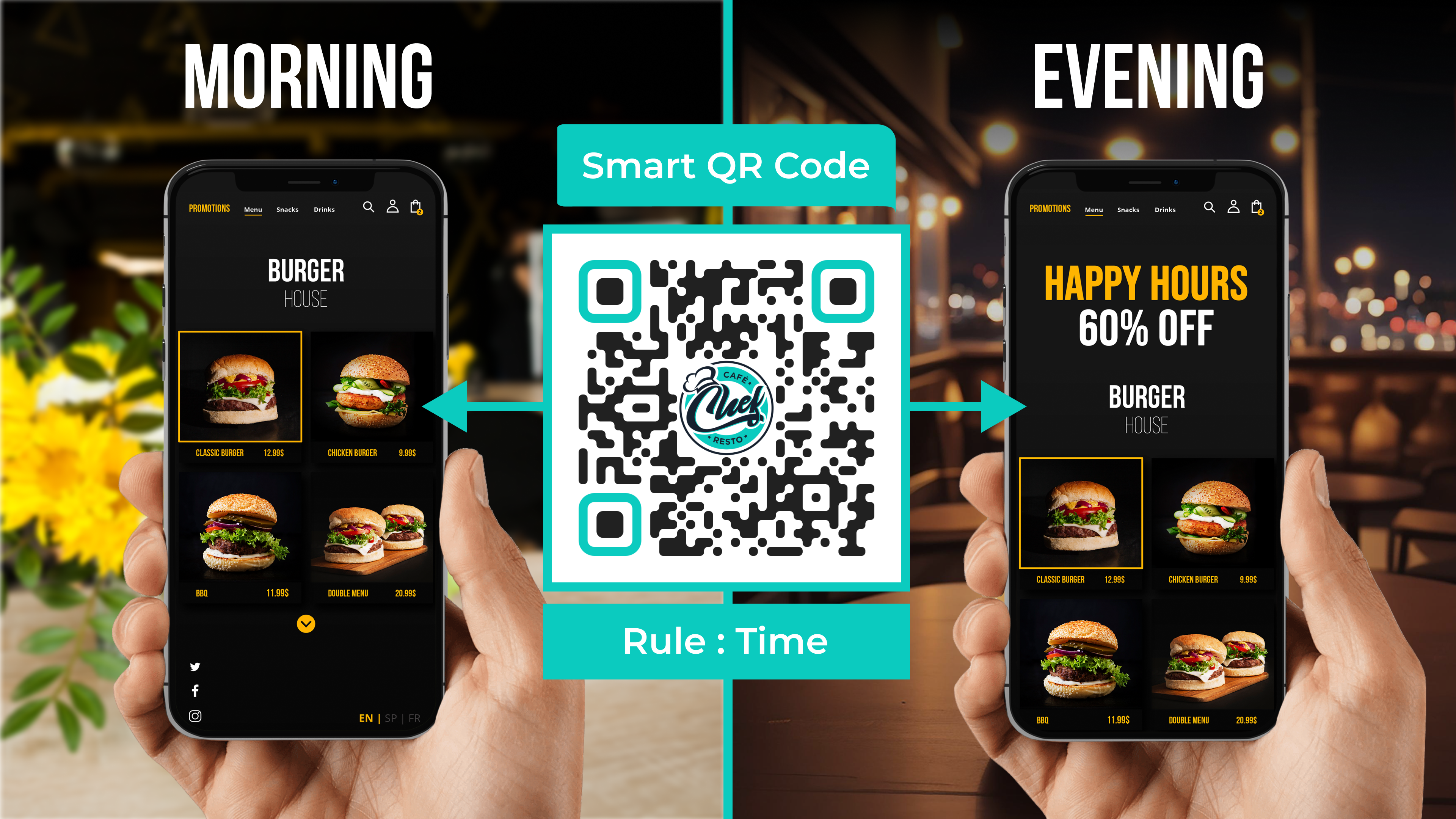
Smart QR Codes Explained: What They Are and How to Create One
Static QR Code: Definition, Uses, Benefits & Limitations
The Complete Guide to QR Codes: How They Work, Types, and Best Practices
Do QR Codes Expire? How Long They Last & Why
How To Scan a QR Code From a Photo, Gallery, or Screenshot in 2026