
How Location-Based QR Codes Drive Foot Traffic for SMBs
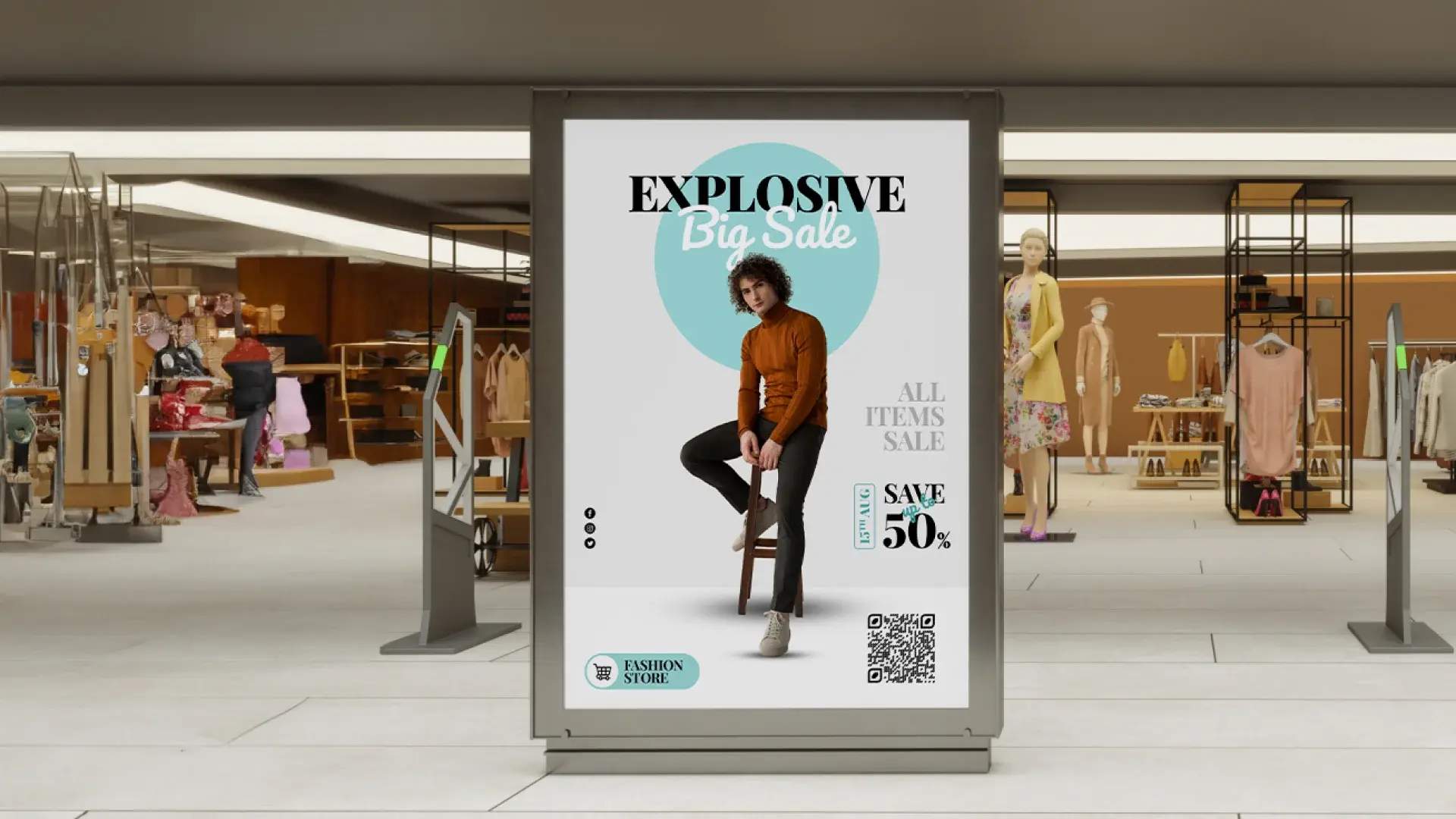
Location-based QR Codes help SMBs turn nearby interest into real store visits. By sending customers straight to maps, hours, or key actions, they reduce drop-off, enable scan-level analytics, and clearly show which ads and neighbourhoods actually drive foot traffic.
Imagine a potential customer sees your bakery banner near a traffic signal. They feel a spark of interest, but then what? They’d have to pull over, search for your business name, verify you’re actually open, and figure out directions. Most don’t bother. That moment of interest just… disappears.
Now imagine the same banner with a QR Code. One scan shows them your exact location on Google Maps, today’s hours, and a “Navigate” button. They’re in your store seven minutes later.
That’s the gap location QR Codes close: the distance between “I’m interested” and “I’m walking through your door.”
For brick-and-mortar SMBs, this gap is where most local marketing loses customers. A flyer gets noticed, but people don’t remember the address. A window sign looks appealing, but they’re not sure if you’re open. A business card sits in a wallet, but they never look up the location. Location QR Codes remove this friction entirely and give you scan data that shows exactly which ads, neighborhoods, and placements actually drive foot traffic to your store.
This guide shows how SMBs use location and hours QR Codes to turn offline interest into measurable store visits.
It’s not just what you sell, it’s also how and where you show up.
How location QR Codes function for SMBs
When someone scans a location QR Code, they land on one of two things: either a direct map pin (Google Maps or Apple Maps) with a “Navigate” button, or a simple mobile page showing your address, hours, phone number, and key actions like “Get Directions” or “Call Now.”
The scan removes every step between interest and action. Your customers now don’t have to manually type your business name into search, verify hours on outdated listings, or copy addresses into GPS. They can just: scan, see where you are, tap, navigate, and arrive.
According to a consumer research report, 46% of people consider having business contact details and hours “very important” when deciding whether to visit, and 85% say contact information directly influences their decision to engage with a business. A location QR Code delivers exactly what drives that decision.
Why dynamic codes matter for SMBs
Static QR Codes, once printed, can’t be updated or tracked. Dynamic QR Codes allow you to update destinations anytime, capture scan analytics, and test different landing pages without reprinting—making them essential for measuring foot traffic. A static QR Code offers no insight into what actually drives store visits.
For brick-and-mortar businesses, hours change (holidays, special events, renovations) and locations sometimes shift. For them, dynamic QR Codes are the proper solution.
Change your holiday hours? Update the link once, and every printed QR Code now shows the new schedule. Moved to a new location? Same code, new address. This saves money and keeps your marketing accurate.
What happens after a scan
For the customer:
After scanning the QR Code, customers are taken to a direct map pin on Google Maps or Apple Maps, or a simple mobile landing page that removes all friction from the decision to visit. They instantly see:
- Store address with a “Get Directions” button
- Today’s hours and phone number
- Key actions like View Menu, Book Appointment, or Browse Products
⚡Pro-tip: Tools like Linkpages (Uniqode’s multi-link landing page) work well for this. You can add multiple buttons without building a full website, and update them anytime.
For you (SMBs):
Each scan is recorded with a timestamp, approximate location, and device type. This information indicates which placements, neighborhoods, and messages drive engagement and what drives foot traffic.
This matters because 46% of people say they often include “near me” in their search queries, showing high visit intent. Location QR Codes pick up on this intent immediately, without the need for a search, taking customers from interest to navigation.
For businesses with multiple locations
If you operate more than one store, geo-targeted QR Codes automatically show customers their nearest location based on where they scan, supported by location-based scan and click tracking. One QR Code on all your marketing materials, but each customer sees the store closest to them, with directions, hours, and contact information specific to that location.
This works for growing franchises, multi-neighborhood brands, or any business where “find your nearest location” is a common customer question.
→ Related: How to redirect your QR Code audience based on their geolocation
How SMBs can create a location QR Code
Here’s how SMBs can create a location QR Code in minutes that opens their exact business location on Google Maps or Apple Maps
STEP 1: Log in to your Uniqode dashboard.
STEP 2: Click on + Create and select QR Code from the dropdown.
STEP 3: Select Map Location from the QR Code type list.
STEP 4: Choose the location on the map and click Next
STEP 5: Customize the QR Code design by selecting colors, frames, patterns, etc. to match your branding.
STEP 6: Save your QR Code and download it in your preferred format (PNG, SVG, etc.).
Where to put your location QR Codes
The full potential of a location QR Code is realized only when it is placed where people naturally pause, notice, or interact. Each placement carries its own purpose and its own window of attention.
1. Out-of-store marketing
- Print advertising remains one of the most effective ways to reach nearby customers.
Flyers, newspaper inserts, and local magazines sit in a person’s hands, which means the QR Code is already within scanning distance. When each printed piece carries its own unique code, you can see which publication or distribution route sparks the most interest through scan data.
Read More: Ideal Size of QR Code - Billboards and signage capture fleeting attention in high movement environments.
A walker at a crossing, a driver waiting at a signal, or a commuter on a bus sees the message for only a moment. A large, clearly framed QR Code allows that moment to become an actionable step. The viewer can lift their phone and scan without moving closer and without needing to memorize the address on the sign. - Business cards and brochures are often exchanged during quick interactions.
They are small, portable, and frequently revisited later. A QR Code here ensures that even a momentary delay in curiosity leads directly to your store location, rather than a search engine results page.
2. In-store tactics
- Window decals help when a customer arrives outside your working hours.
Many visitors walk up, read the timings on the glass, and leave without clarity. A QR Code placed at eye level lets them scan immediately to see accurate hours and the next opening time.
For example, a QR Code on window signage can open the restaurant’s digital menu or service list, helping customers quickly understand what you offer before they commit to entering or ordering. - Receipts remain one of the most viewed touchpoints.
People hold onto receipts briefly or take a photograph for personal records. A QR Code placed at the bottom of the receipt can direct customers to the payment and loyalty page, a review or feedback page, and a location page in one link.
If the business operates multiple locations, the QR Code rules can be set so that the customer is directed to the page of the store they visited or to the nearest location, based on where they scan. - Product packaging for local goods reaches new eyes in partner stores or community markets.
When your product sits on a shelf inside another retail space, customers who like it may want to visit your primary store. A QR Code on the packaging becomes the simplest path for them to discover where the store is located.
These placements are starting points. As you test, you’ll discover other surfaces where location QR Codes fit naturally.
Using scan analytics to optimize marketing campaigns
A location QR Code offers valuable insights into pre-visit customer behavior, as each scan contributes to understanding the signals that drive foot traffic for an SMB.
1. Turning scans into insights
Scan counts show which placements perform best and where your marketing drives the most interest. They create a clear baseline so you can quickly see what’s working and where to focus distribution.
The time and day of scans reveal customer intent and planning behavior. For example, more scans after 5:00 PM may indicate people are planning a next-day visit, while early-morning scans often suggest customers are checking hours or availability.
Approximate geolocation shows where interest originates, helping you identify unexpected demand, understand how marketing spreads beyond original placements, and decide where to expand or concentrate distribution.
Example: A local bakery sets up small tasting kiosks across various streets in a town. Each kiosk features a dynamic QR Code. When shoppers scan it, they are directed to a page that displays the bakery’s exact store location, today’s hours, a quick menu preview, and a “Tap to Chat” option for any questions. Since the QR Code collects approximate GPS data from each scan, the bakery can see which streets attract more interest and which areas generate stronger intent to visit. This helps the team choose better kiosk locations, adjust sampling times, or update promotions without needing to reprint signage.
2. A/B testing your offline marketing
Dynamic QR Codes allow you to create multiple versions of the same campaign. A flyer with a free coffee message might resonate differently than one offering a 10% discount. Each version receives its own QR Code. The one with the higher scan count becomes the message that moves people closer to the store.
This is how an SMB can learn which call to action drives real-world action rather than relying on assumptions.
3. Integrating with communication
Beyond tracking which placements and messages work, you can also optimize what happens after the scan to increase the likelihood of a visit. A QR Code doesn’t have to lead only to a map. It can also open a WhatsApp chat with a prefilled message like “Hi, I scanned your code. What are your current hours?”
This works especially well for customers who prefer to confirm details before traveling, reducing the hesitation that stops some people from visiting. It also gives you a direct line to someone who’s already interested, letting you answer questions and guide them to your store with clarity.
Track how many WhatsApp conversations turn into actual visits to measure whether this approach improves your scan-to-visit conversion rate.
Turn offline interest into trackable store visits with Uniqode
Uniqode gives SMBs the tools to create location QR Codes that actually drive foot traffic, with analytics that show which marketing works and which doesn’t.
What you get:
- Dynamic QR Codes you can update anytime (change hours, offers, or locations without reprinting)
- Real-time scan data showing when, where, and how often people engage with your marketing
- Multi-location support that automatically directs customers to their nearest store
- Simple landing pages (Linkpages) with directions, hours, and key actions in one place
Setting up takes minutes, and creating a location QR Code, customizing it with your branding, and downloading it for print or digital use requires no technical knowledge. Update QR code destinations anytime through a simple dashboard, or change your holiday hours once, and every printed QR Code reflects the new schedule instantly.
Also, track which neighborhoods, placements, and messages drive the most scans and store visits. Use that data to optimize where you spend your marketing budget and what offers you promote.
Start your free trial and see which of your offline marketing actually brings customers through your door.
Frequently Asked Questions
- How do I track whether my QR Code marketing is working?
To track QR Code marketing, use trackable links for each campaign. Measure total and unique scans, along with details such as scan time, location, and device type. Additionally, use UTM parameters to your destination URL so you can track QR code campaign performance inside Google Analytics 4 and see how scans translate into conversions and user behavior. You can use platforms like Uniqode that provide in-depth QR Code analytics.
- How do QR Codes help increase foot traffic to stores?
QR Codes shorten the journey between interest and action. Instead of asking customers to search for a store, a scan immediately shows directions, hours, or a simple landing page with key actions. This reduces drop-off at the decision stage and helps turn people who see an ad, sign, or product into actual store visitors.
- Where should businesses place location QR Codes?
Location QR Codes work best where customers naturally pause or interact. Common placements include storefront windows, print ads, event flyers, receipts, product packaging, menus, and public signage. These touchpoints enable customers to scan effortlessly and proceed directly to maps, store details, or next steps while their interest is still high.
- Can QR Codes be used for multiple store locations?
Yes. Businesses with multiple locations can use dynamic or multi-URL QR Codes, such as Linkpages, that direct users to the nearest store based on where the scan happens. This allows one QR Code to serve many locations while guiding each customer to the most convenient outlet and keeping location information centrally managed.