QR Code History—From 1994 to 2024—in Under 10 Mins

An in-house project in the 1990s that exploded to global adoption by the mid-2000s, followed by ubiquity since 2020—this is the story of QR Codes.
Everything that a QR Code user should know on day 1, such as, how to scan, how to create, do they expire?

An in-house project in the 1990s that exploded to global adoption by the mid-2000s, followed by ubiquity since 2020—this is the story of QR Codes.

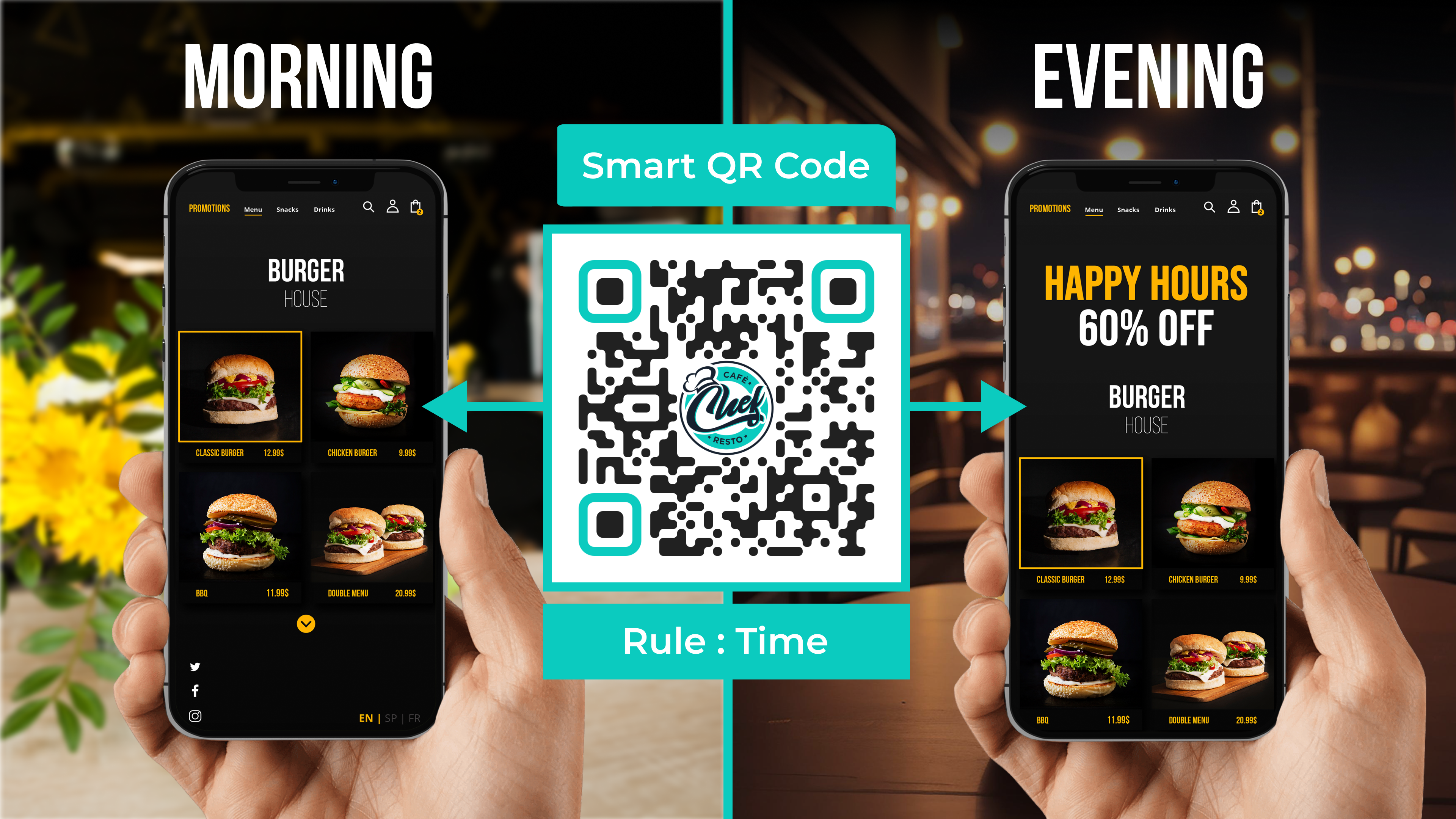
Automate QR Code redirection with Smart Rules. One dynamic QR Code, multiple destinations based on different conditions. Personalize experiences for each user based on time, location, device, and more.

Creating your first QR Code? Chances are you came across “static” and “dynamic” QR Codes and wondered what they mean. Find out here!

QR Codes can indeed expire, but the definition of “expiry” varies for static and dynamic QR Codes. Static ones expire after serving a specific use case, while dynamic QR Codes remain permanent in usage, offering flexibility and editability. To create QR Codes that don’t expire, opt for dynamic QR Codes through platforms like Uniqode, allowing you to build long-term campaigns with various content formats and customization options.
![How to Create a QR Code Menu for Free [+Tips to Customize]](https://cdn.sanity.io/images/0aocp9sp/production/066ec28d5cd66e780c5acb69f3b436c9157469d6-2880x1620.png?w=3840&q=75&auto=format&fit=max)
Find out how to create QR Code menus, along with some tips and best practices to install them in your food outlet. With QR Code menus, eliminate the hassle of distributing and shuffling menus at restaurants.

Learn how to link a PDF to QR Code in 5 easy steps. Share catalogues, brochures, eBooks and much more with your audience.

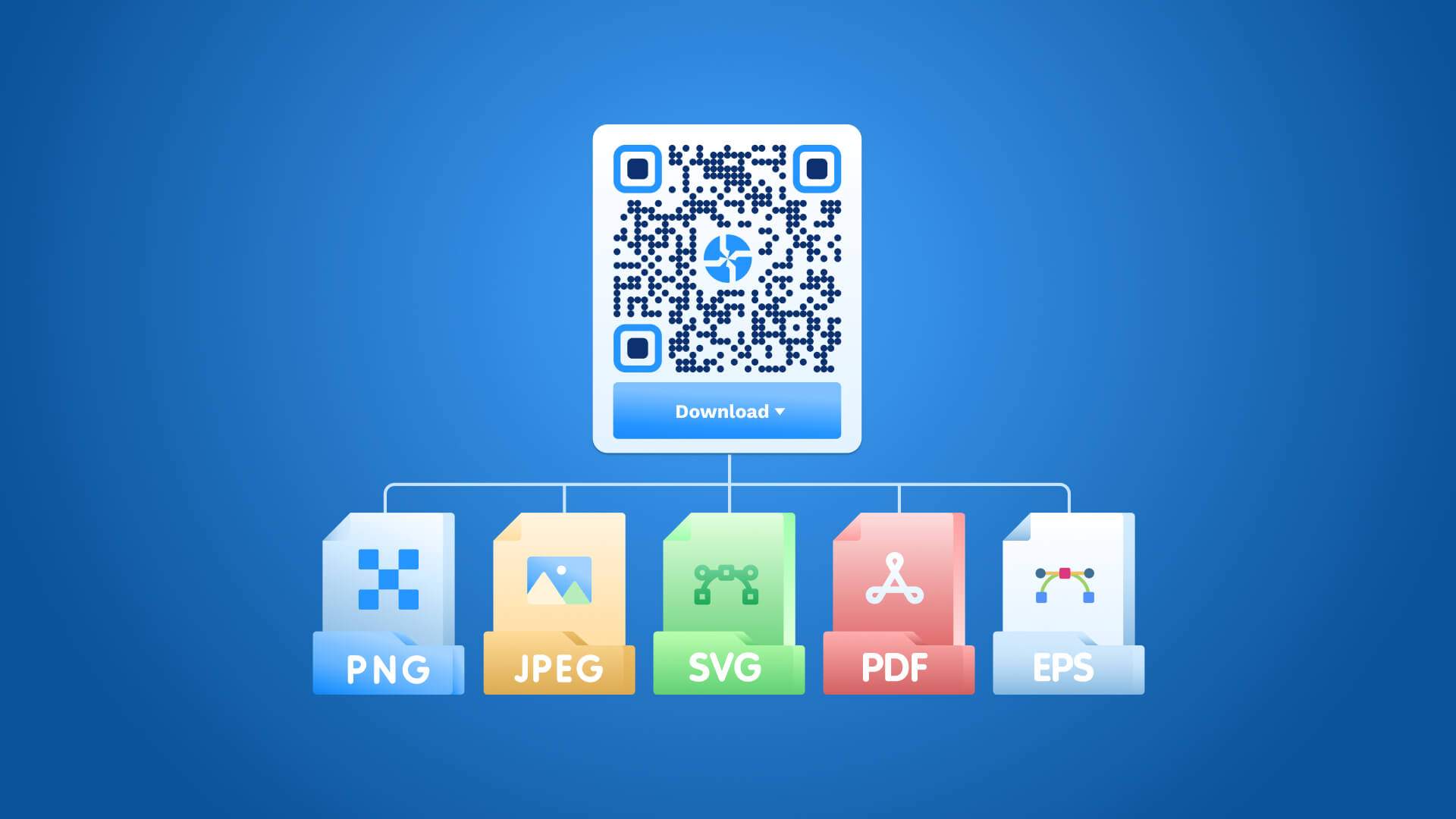
Uniqode’s QR Code generator allows you to easily create, customize, and download QR Codes in various formats such as JPG, PNG, EPS, and SVG. In five simple steps, you can select the QR Code type, add a link or file, customize it with logo and colors, and download it in your preferred format.
![How to Make a QR Code on iPhone [Without an App]](https://cdn.sanity.io/images/0aocp9sp/production/a35a341de6fa5b80584622734c37856a8050e2f6-1920x1080.jpg?w=3840&q=75&auto=format&fit=max)
Learn how to easily create QR codes for various file types on your iPhone using Uniqode’s dynamic QR Code generator. Overcoming limitations of Apple’s Shortcuts app, Uniqode offers extensive customization, editability, and scan tracking for a seamless experience.

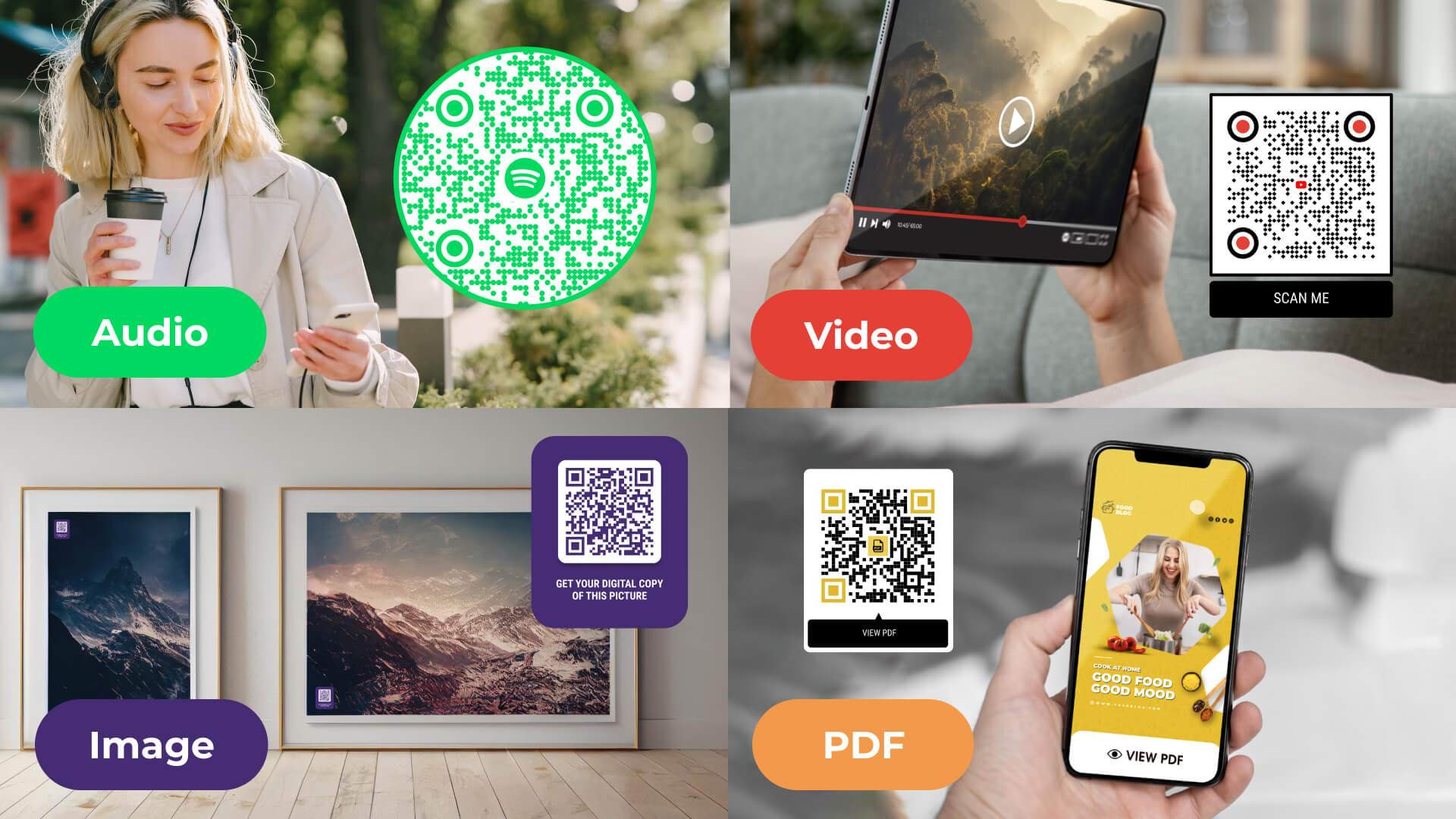
Create QR Code to share videos, audio, PDFs, and images easily with Uniqode’s multimedia QR Code generator. Custom design and track the performance of your multimedia QR Code effortlessly.

Are you interested to know about QR Code technology? This comprehensive guide to QR Codes will discuss its fundamentals and popular use cases.

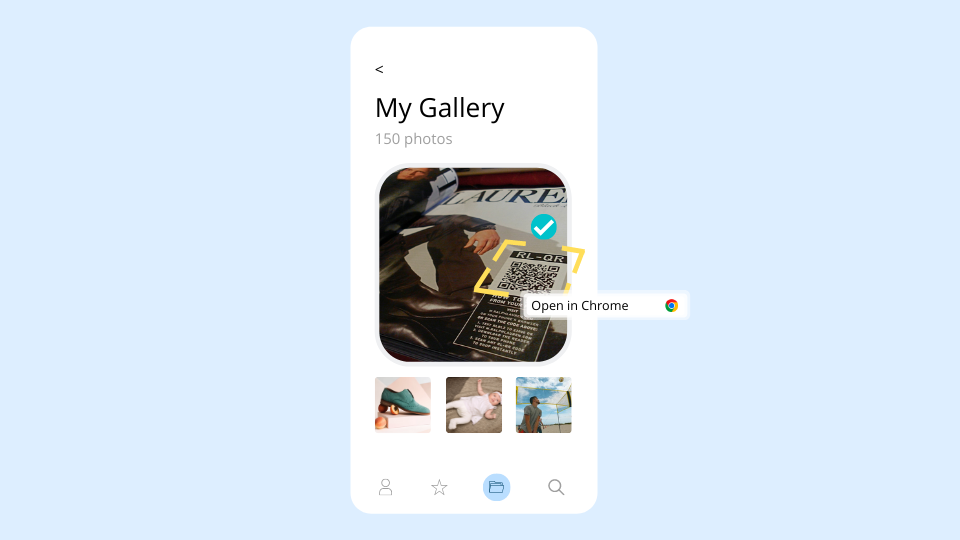
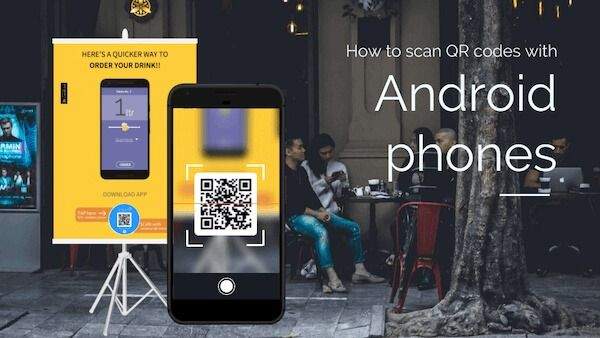
Do you have a QR Code image but are confused about how to scan it? Find out how you can do this on iPhones and Android in this article.

How do you find a QR Code printer suited to your needs? What factors determine that the QR Code printer is right for your business? Check out our comprehensive list of the best QR Code printers and find one that suits your needs best!