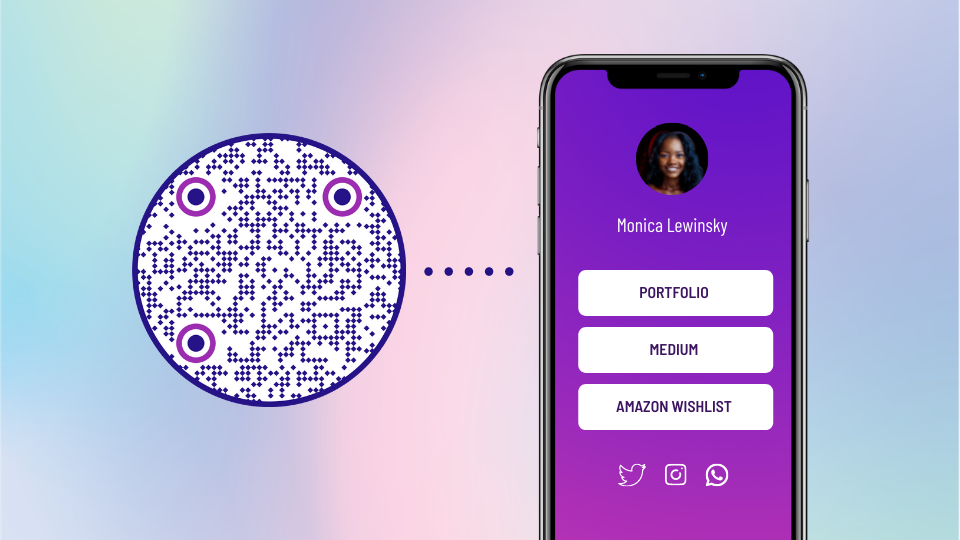
How To Compile All Your Links in One Place & Share with Ease?
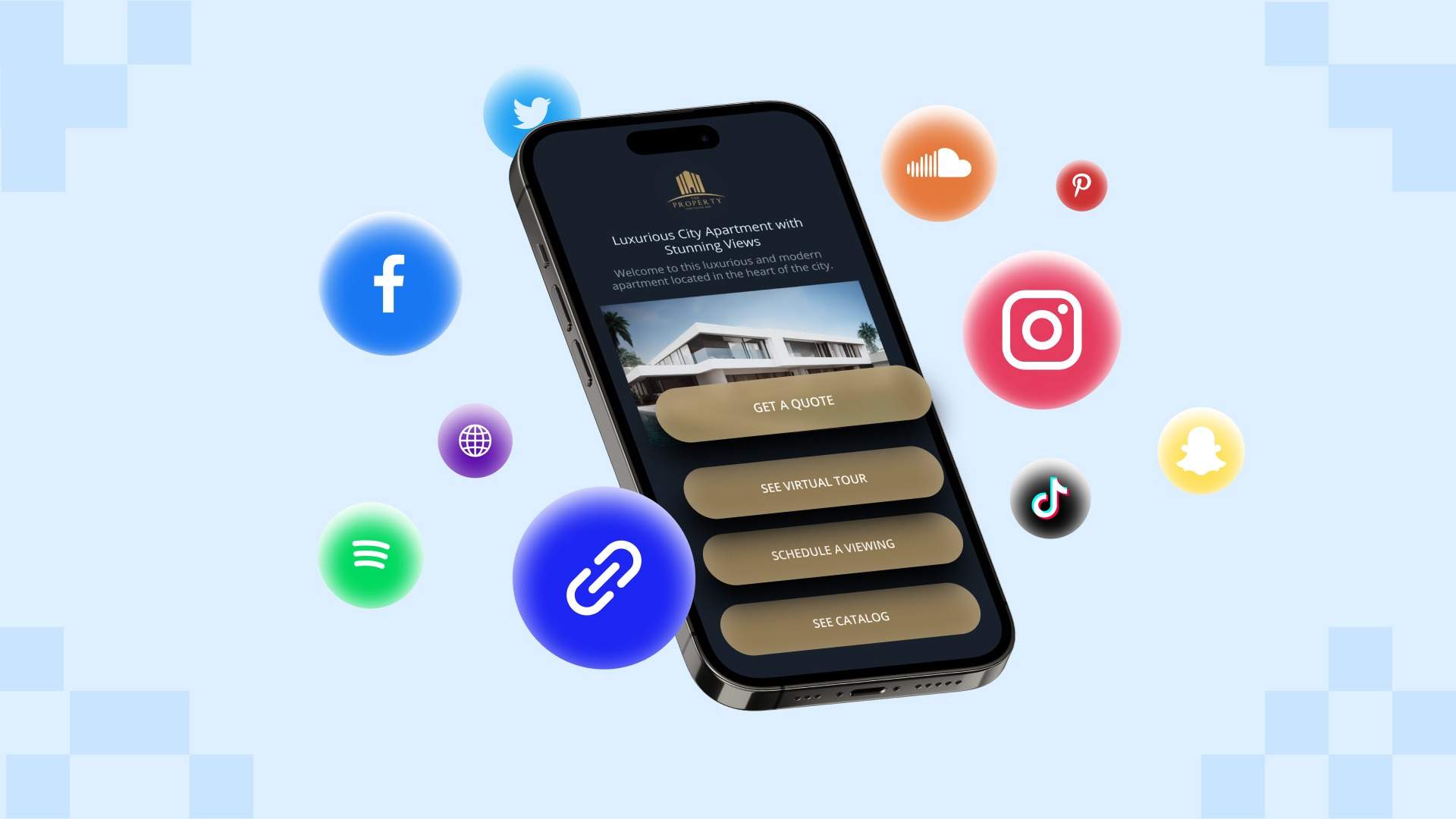
Simplify the process of sharing multiple links with your customers by creating a Linkpage that compiles all your links in one convenient location.
From your website to blog posts, social media profiles, and other resources, you have an ever-increasing number of links to manage.
Tracking and individually sharing these links can be a logistical nightmare, wasting precious time and causing frustration for you and your customers.
With Uniqode, you can create Linkpages that serve as a single hub for all your links—eliminating the need to manage and individually share multiple links.
This post will guide you through the process and benefits of creating Linkpages on Beacontac’s platform. By the end, you’ll know how to compile all your links in one place and give your customers a unified browsing experience.
How to create a single hub for all your links on Uniqode
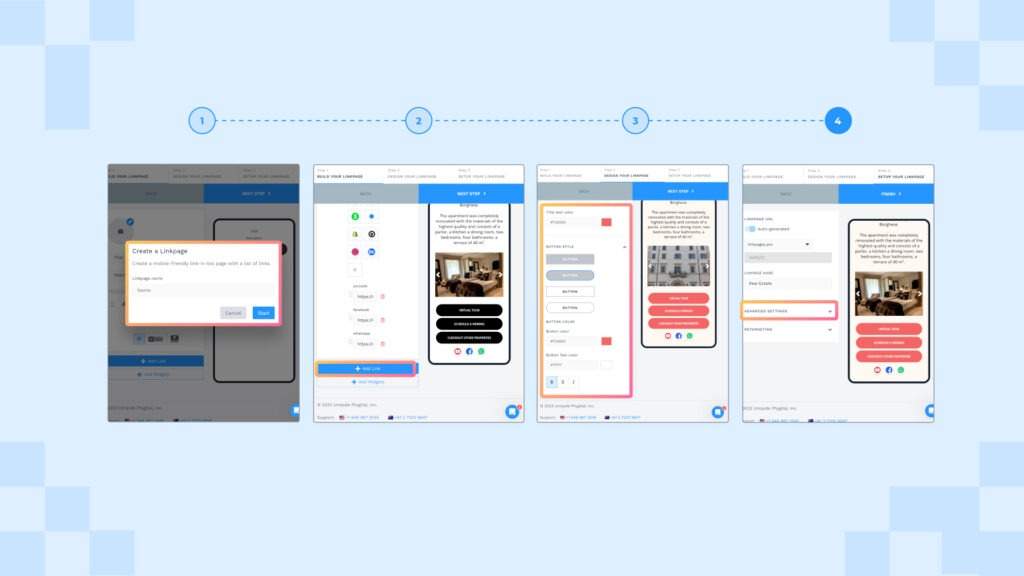
Creating a Linkpage—a single page with all your links—on Uniqode’s platform is as easy as it gets. Let’s look at the simple step-by-step process:
Step 1: Log- in to Uniqode’s dashboard
Once you log- in, go to the Linkpages section on the dashboard and click “+Create Linkpage.”
Now give your Linkpage a name and click “Start.”
Step 2: Add all your links to the Linkpage
Click on the “+Add Link” button to add your desired links to the Linkpage. Paste the URL of each link in the provided field and give it a relevant title.
Note: You can also click “+Add Widgets” to add multimedia such as images, text, videos, forms, social links, and more to your Linkpage.
Step 3: Customize your Linkapge
You can make your Linkpage visually appealing and on-brand by customizing the background and buttons of your page.
Step 4: Enable advanced settings
As a final step, you can turn on advanced settings such as password protection, GPS analytics, and Google and Facebook retargeting.
Once done, click “FINISH” and your Linkpage is ready.
How to share your Linkpage with your customers
Uniqode gives you two options to share your Linkpage with your customers:
1. As a URL
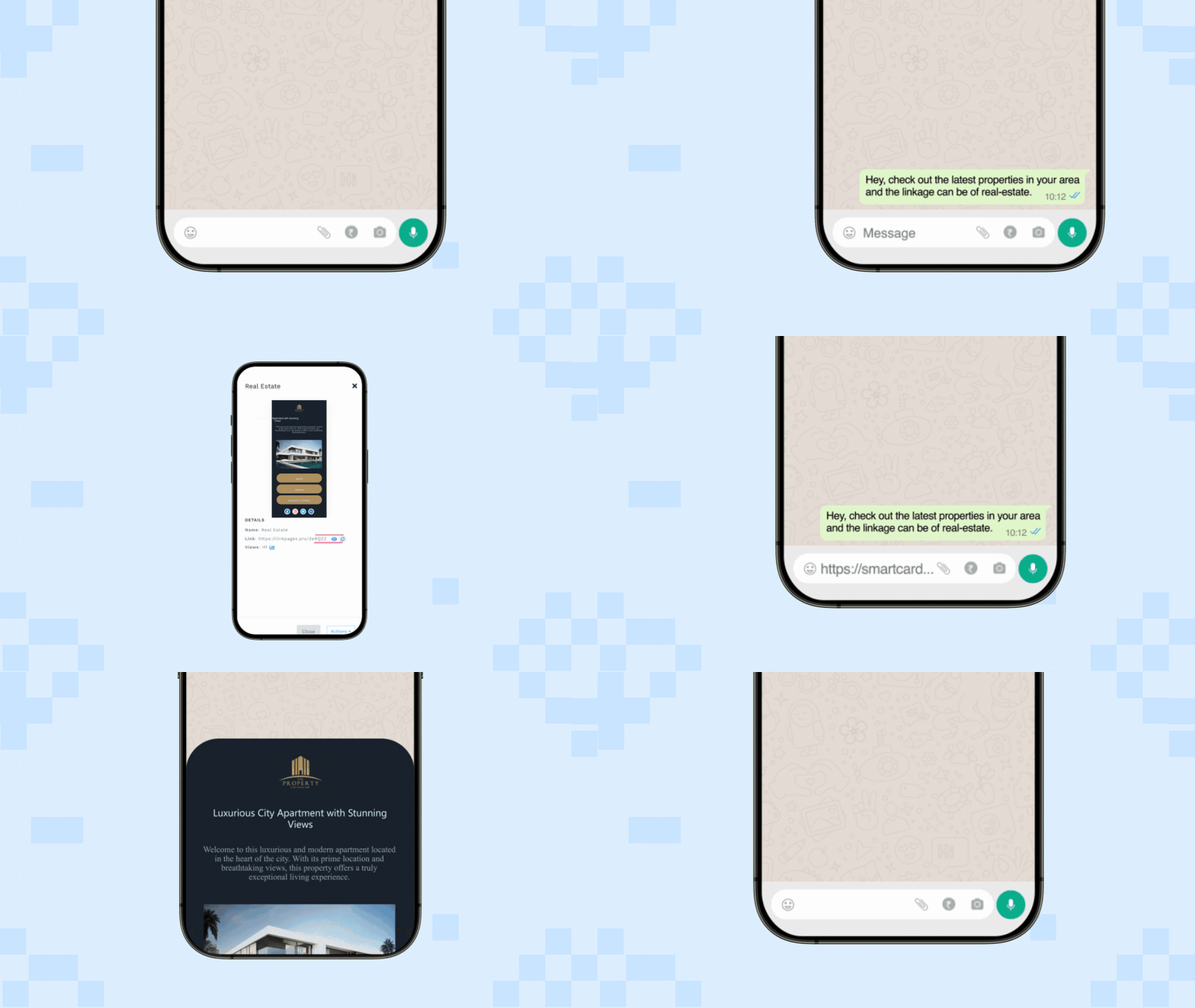
To share your Linkpage as a URL, go to the Linkpages section on the dashboard and locate the Linkpage you wish to share. Click the “i” icon, and copy the URL of your Linkpage.
Now you can share it with your customers via text, email, social media, or instant messaging apps.
Suggested read: How to Combine Multiple Links into One—The Easy Way
2. As a QR Code

You can also generate an all-in-one QR Code for your Linkpage from the Uniqode dashboard. Embed this QR Code on your marketing materials or products and give your customers all the information they need in a simple scan.
Benefits of compiling links with Uniqode’s Linkpages
1. No coding required

Uniqode offers a user-friendly interface to add and organize your links in one place, without any technical expertise.
2. Data privacy
Create Linkpages confidently on our GDPR and SOC 2 type 2-compliant QR platform, knowing your data is always protected.
3. Customization options
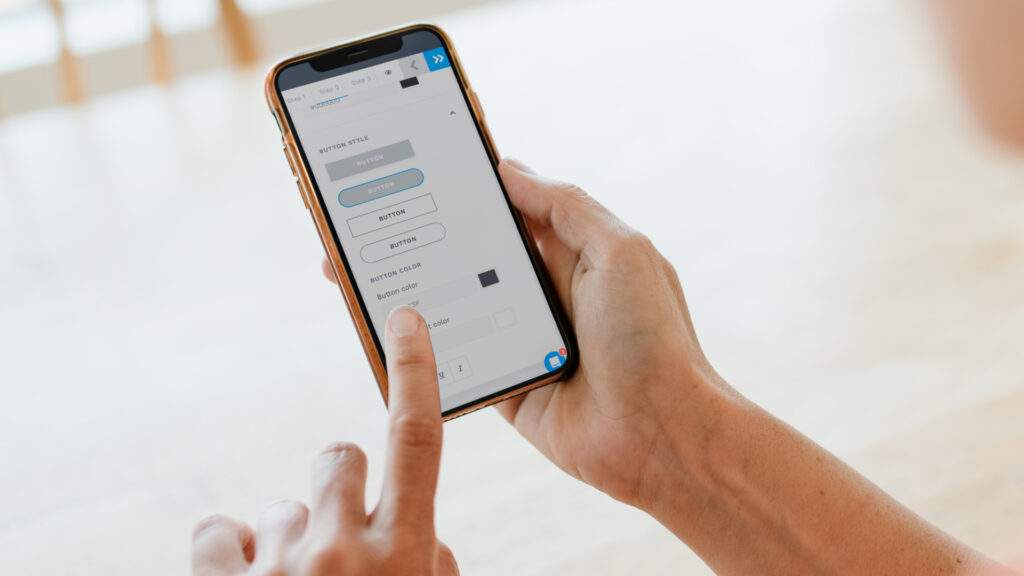
Make your Linkpage reflect your brand’s identity by customizing its layout, background, colors, and other design elements.
4. Built-in tracking & analytics
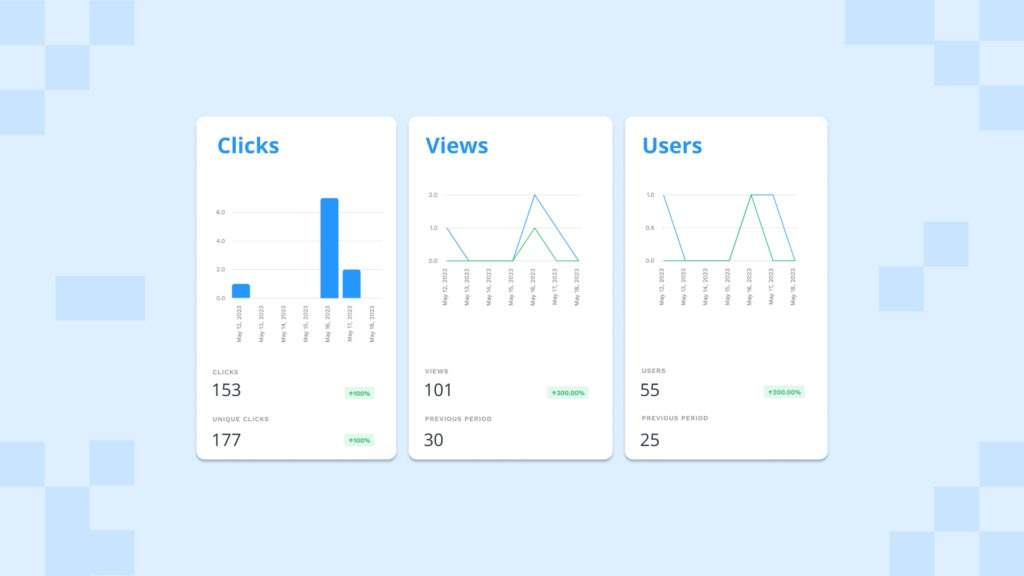
Monitor link clicks, user engagement, GPS locations, and more to understand which links resonate most with your audience.
5. Retargeting options
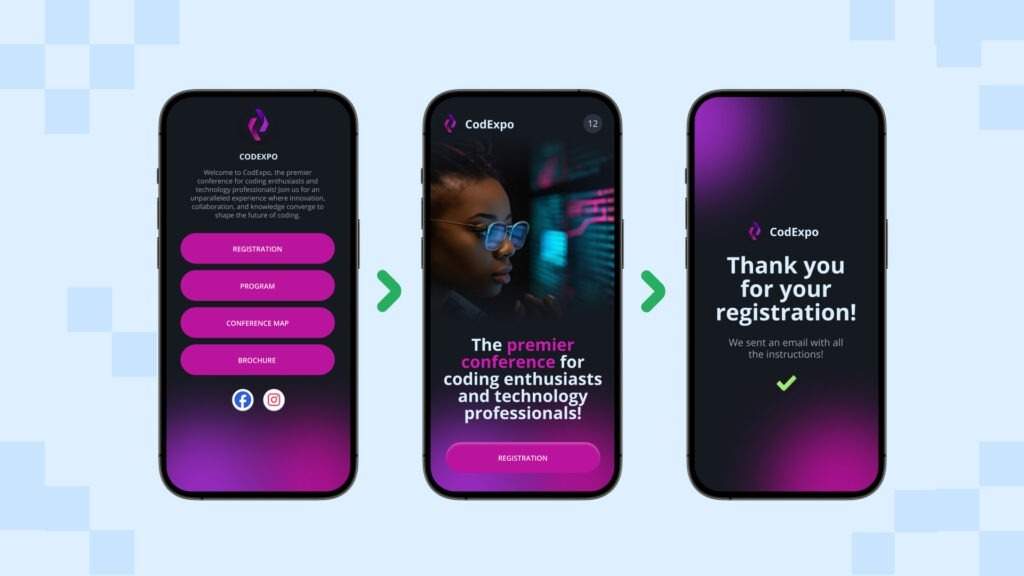
Set up Facebook and Google retargeting to reconnect with customers who accessed your Linkpage, increasing the chances of conversion.
Best practices to compile all your links in one place
Now that you know how to create a Linkpage, let’s look at some best practices to enhance its effectiveness.
1. Prioritize important links
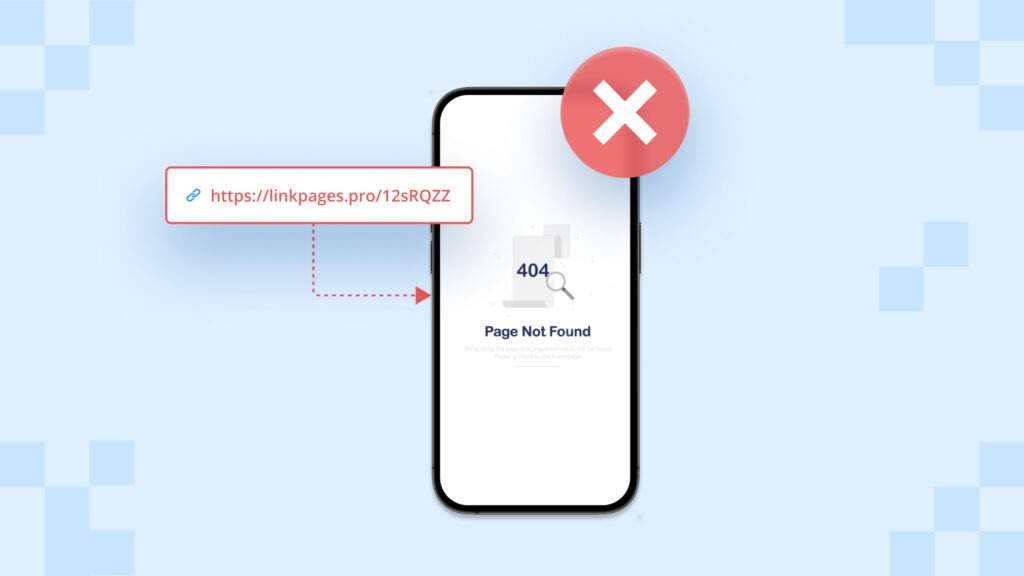
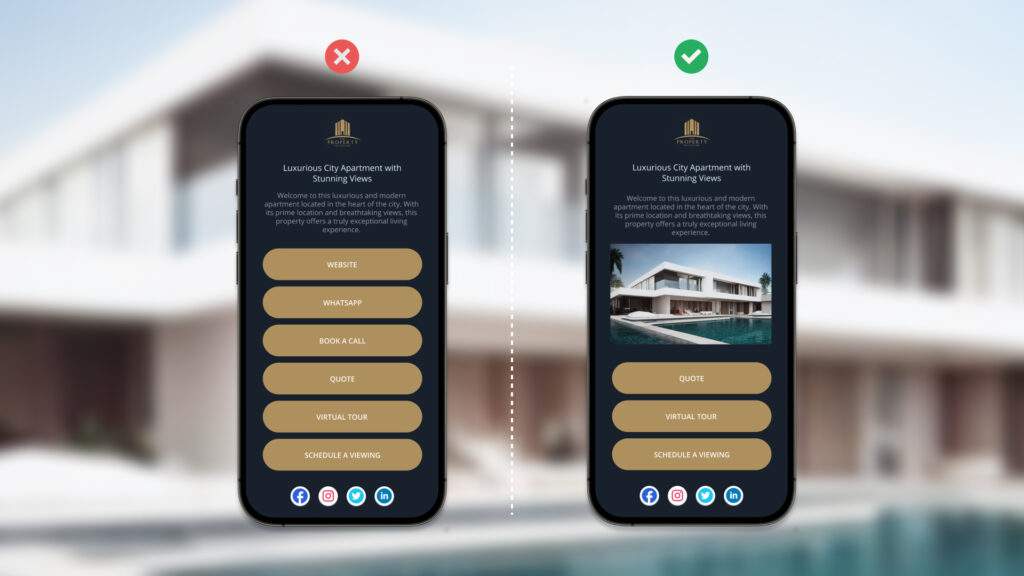
Don’t overcrowd your Linkpage. Instead, identify and showcase the most important links to ensure easy access for your audience.
2. Regularly review and update links
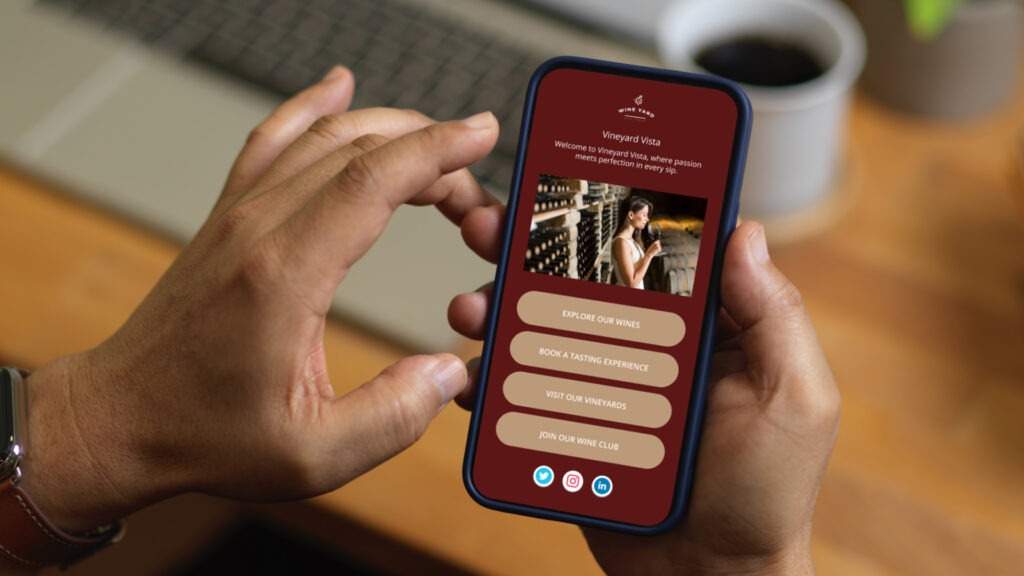
Keep your Linkpage up to date by regularly reviewing and updating the included links. Also, check for broken links and replace them with fresh, valuable resources.
3. Write clear anchor text
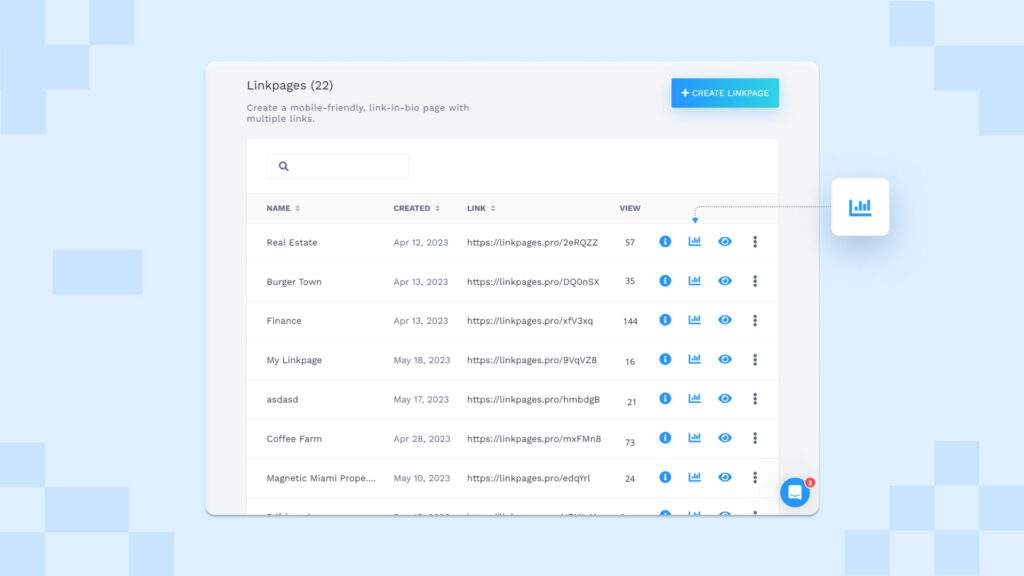
Use descriptive and concise anchor text for each link on your Linkpage. This helps end-users understand the link’s destination and encourages them to click.
4. Track and analyze compiled links
Leverage the tracking and analytics features of Uniqode’s Linkpages to monitor link performance and understand end-user behavior.
Frequently Asked Questions
- How do I open links on the same page?
To open multiple links on the same page, you first need to create a Linkpage on Uniqode’s dashboard and add all your links to it. Your customers can then open your Linkpage by clicking its URL or scanning the QR Code.
- Can I track and analyze the performance of the compiled links separately?
Yes, Uniqode’s Linkpages offer built-in tracking and analytics features. You can track and analyze the performance of each link within your Linkpage. This includes monitoring link clicks, user engagement, GPS locations, and more.
- What all links can I include in my Linkpage?
You can include two types of links in your Linkpage based on your specific needs:
a. Internal links – Ideal for directing end-users to internal resources such as process documents, internal tools, or project information.
b. External links – These links direct your customers to external resources such as your website, blog posts, social media profiles, or other valuable content that enhances their experience.
About the Author
Sukanya is a content marketer who previously worked as a journalist. She has been passionate about writing from a young age and now helps businesses boost engagement through content. Currently, she is exploring innovative tools, such as digital business cards, and their transformative impact on various aspects of business.
Related Posts
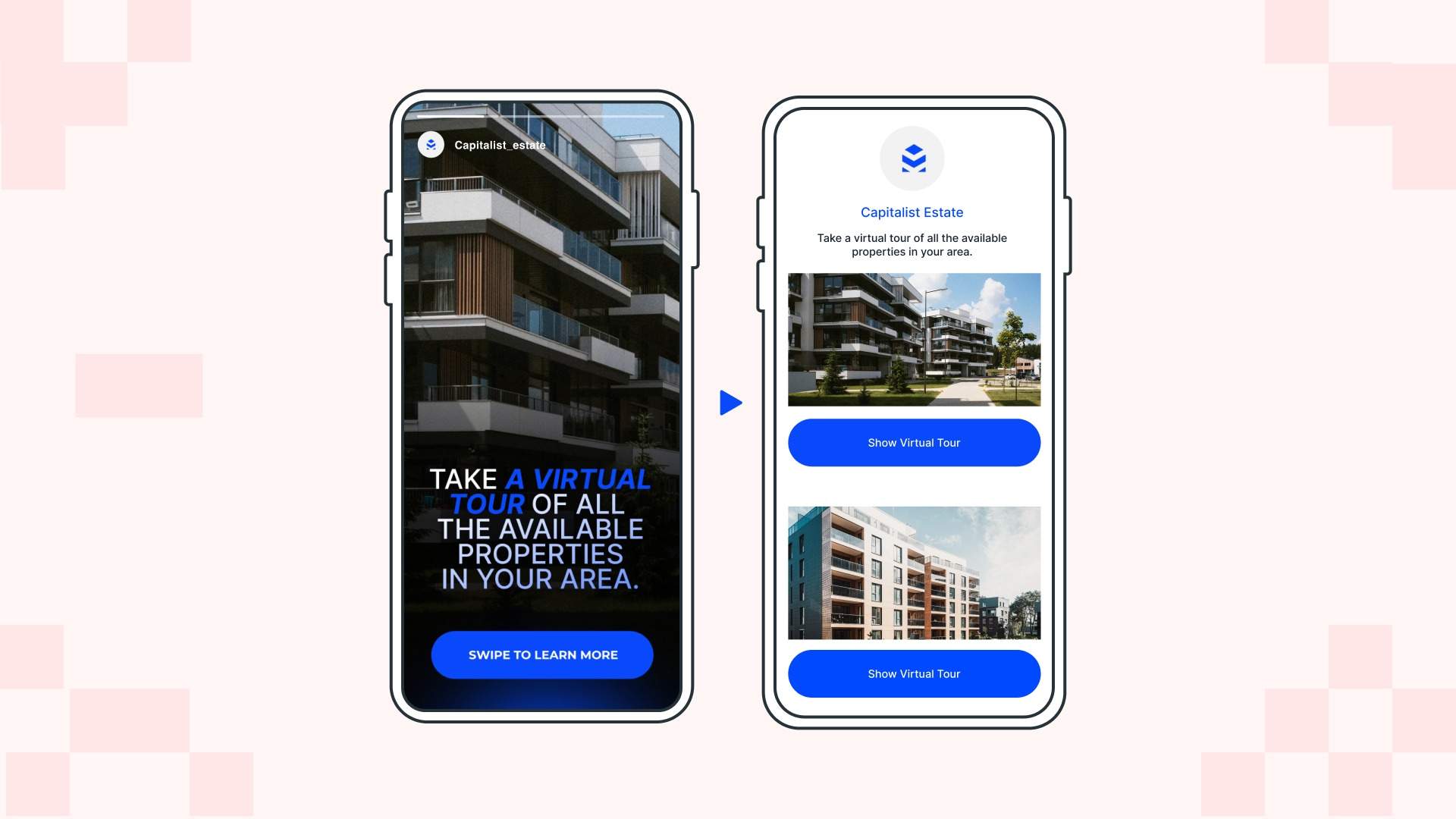
How to Create a Link-in-Bio Page With Uniqode Linkpages
Create a Customized QR Code Landing Page: Improve Conversion Rates
Twitter QR Code: Your 101 Guide to Increase Brand Engagement
TikTok QR Code: How to Create, Customize, and Leverage It for Your Brand
How to Use a Social Media QR Code to Increase Followers & Engagement