Boost QR collaboration with Uniqode’s Slack integration
Uniqode has now rolled out a native Slack integration, enabling your teams to stay up-to-date with the latest QR Code scan data. With the Slack integration, you can notify your team of real-time QR Code scans and form responses directly on the Slack channel of your choice.
The advent of remote working has changed the way teams around the world communicate and make decisions. Gone are the board room meetings and in-office conversations. Today, most discussions happen over email or workspace communication platforms like Slack.
One of the prerequisites of this evolving way of decision-making is a centralized data unit. Juggling between marketing platforms and Slack can cause information bottlenecks leading to lowered productivity and siloed insights.
This means, whether it is leads being generated from Facebook or responses being submitted through a QR Code, should all preferably flow into an internal communication platform such as Slack.
This ensures that your whole team is in the loop. With scan data at your fingertips, your teams can better collaborate and adjust your QR strategy for ensured success.
To make the collaboration seamless, Uniqode has now rolled out a native Slack integration.
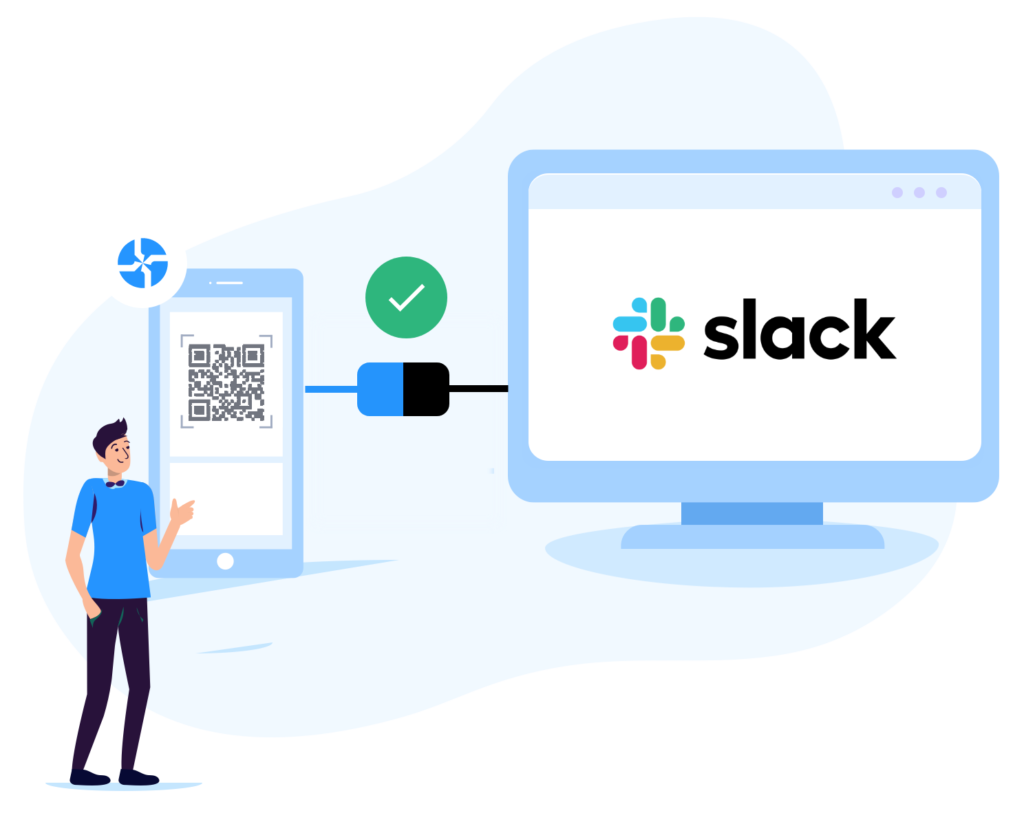
Our Slack integration notifies you whenever your QR Codes are scanned or a form is filled out. Every notification contains the details pertaining to that scan or form response.
How Uniqode’s Slack integration helps boost QR Code results
Uniqode’s Slack integration enables your organization to work better together. Here’s how:
1) Increased productivity
Stop switching between apps. With the Slack integration, all your QR Code scan data is available directly on the Slack channel of your choice. Add context to conversations and simplify acting upon insights and responses. Want to take further action? Connect apps you use every day with a few clicks – Create Trello cards, connect Hubspot tasks, even set up Google Calendar invites.
2) Monitor QR performance
Never miss another update regarding QR Code performance. Uniqode’s Slack integration ensures that all QR Scan data is sent to your Slack Workspace in real-time, allowing your team to speed up everyday monitoring.
3) Boost collaboration
Get notified of every scan on Slack and simplify team collaboration. Tag the right individuals in your team to help take action on insights and responses. You can choose to send updates to a specific person in your team or to a Slack channel created to monitor a unique goal.
You can get many more benefits by using the best QR code generator for your businesses.
How businesses can use Uniqode’s Slack integration
1) SMS marketing
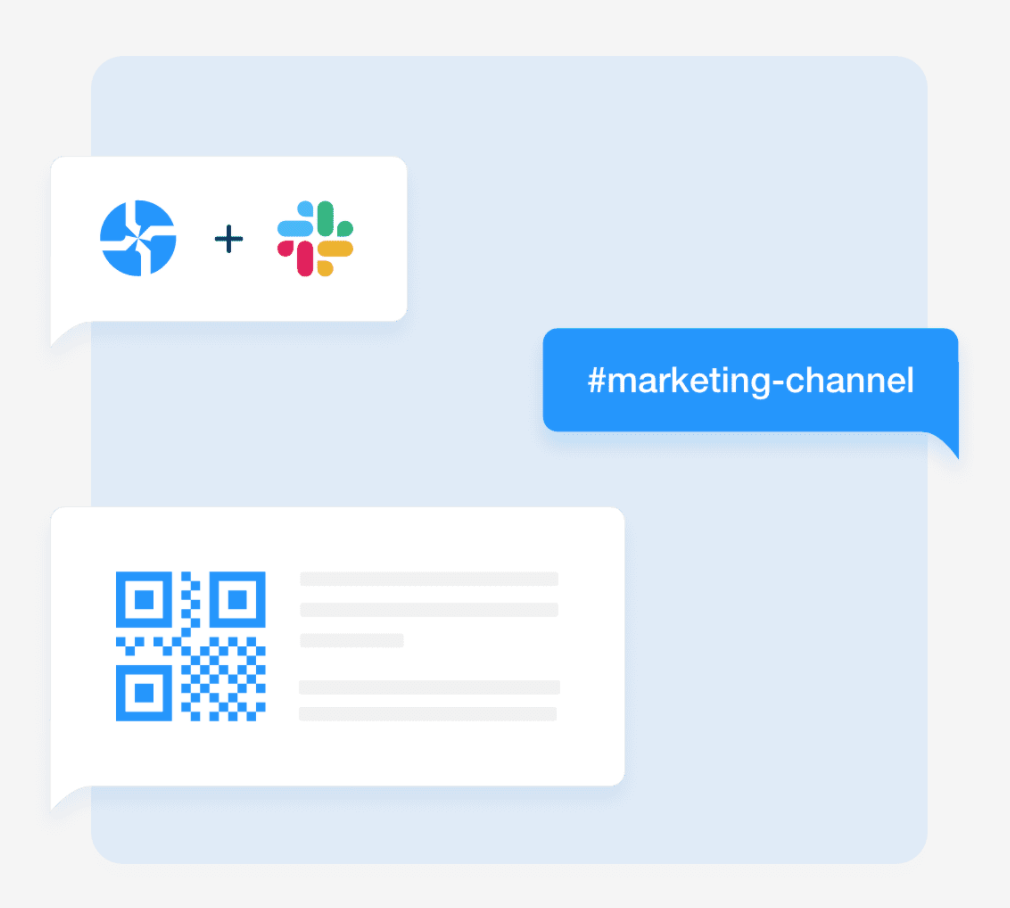
Place QR Codes that trigger SMS. You could use SMS to start or stop product subscriptions or even gather feedback. With the Slack integration, your team will be notified of any subscription requests immediately. Connect Slack to your SMS marketing tool, and you can automate text messages to your leads and customers. This also creates an effortless opt-out for customers who find your SMS content irrelevant.
For deeper insights, you can send out QR Code forms and have customers leave feedback before they unsubscribe. All their responses will be available on the Slack channel of your choice, giving you real-time feedback to work with.
2) Stay on top of user feedback for your business
Customer feedback is the source material upon which all great businesses are built. Without timely customer feedback, you will miss out on important insights that can help grow your brand faster. By using QR Code forms, you can make leaving feedback a hassle-free experience for users. The Slack integration will notify your team every time a user leaves their feedback, helping your organization understand what improvements need to be made to create the ideal customer experience.
3) Monitor new registrations or leads
With QR Code data flowing into Slack in real-time, your organization will be able to monitor any QR Code scans and form responses in real-time. This ensures that your team is always aware of any new registrations or leads coming to your business via QR scans. Irrespective of whether the leads are being generated at a supermarket in the city or at an event your team recently attended, will all be notified and maintained on Slack.
What’s more, your team can use this data to retarget leads and bring new customers to your business.
4) Collect Covid health screening responses in one place
Build contactless visitor forms with QR Codes to help fight COVID-19. Place the QR Codes at entry points, have visitors scan them, and fill out the contactless forms. With the Slack integration, your team can constantly monitor the responses of any visitors and take action as required.
To learn more about Uniqode’s Slack integration and how to set it up yourself, click here.
Frequently Asked Questions
- What is the best QR code platform for Slack integration?
Uniqode offers a native Slack integration that allows teams to receive real-time QR code scan notifications and form responses directly in designated Slack channels. This integration eliminates the need for manual data checking by automatically pushing scan analytics to your team workspace. Uniqode's platform supports both individual QR code tracking and bulk campaign monitoring through Slack, making it ideal for marketing and sales teams that rely on instant data visibility.
- What data do you get from QR code Slack notifications?
Uniqode's Slack notifications deliver comprehensive scan data including the number of scans, timestamp information, and associated form responses collected through QR code interactions. Each notification can be customized to show specific metrics relevant to your team's needs, ensuring you receive actionable insights without information overload. This automated data flow eliminates the need for manual reporting, with all critical QR code performance metrics delivered directly to your team's Slack workspace.
- Why integrate QR code tracking with team collaboration tools?
Integrating QR code tracking with collaboration tools like Slack reduces response time to campaign data by up to 80% compared to manual dashboard checking. Teams can make faster decisions about marketing campaigns, event logistics, or product launches when scan data appears automatically in their primary communication channel. Uniqode's Slack integration centralizes QR code analytics within existing workflows, enabling immediate team discussions and actions based on real-time scan performance without switching between multiple platforms.
About the Author
Ektha is a QR code expert with years of research and analysis into the evolution of QR codes. Having written over 70 in-depth articles on QR technology, she has developed a comprehensive understanding of how QR codes are transforming industries. Her insights, including The State of QR Report, have been featured in leading publications. With a passion for simplifying complex topics and providing actionable strategies, Ektha helps businesses leverage QR codes to enhance their 'phygital' connections.