
Social Media Business Cards: Design Guide & Examples (2026)
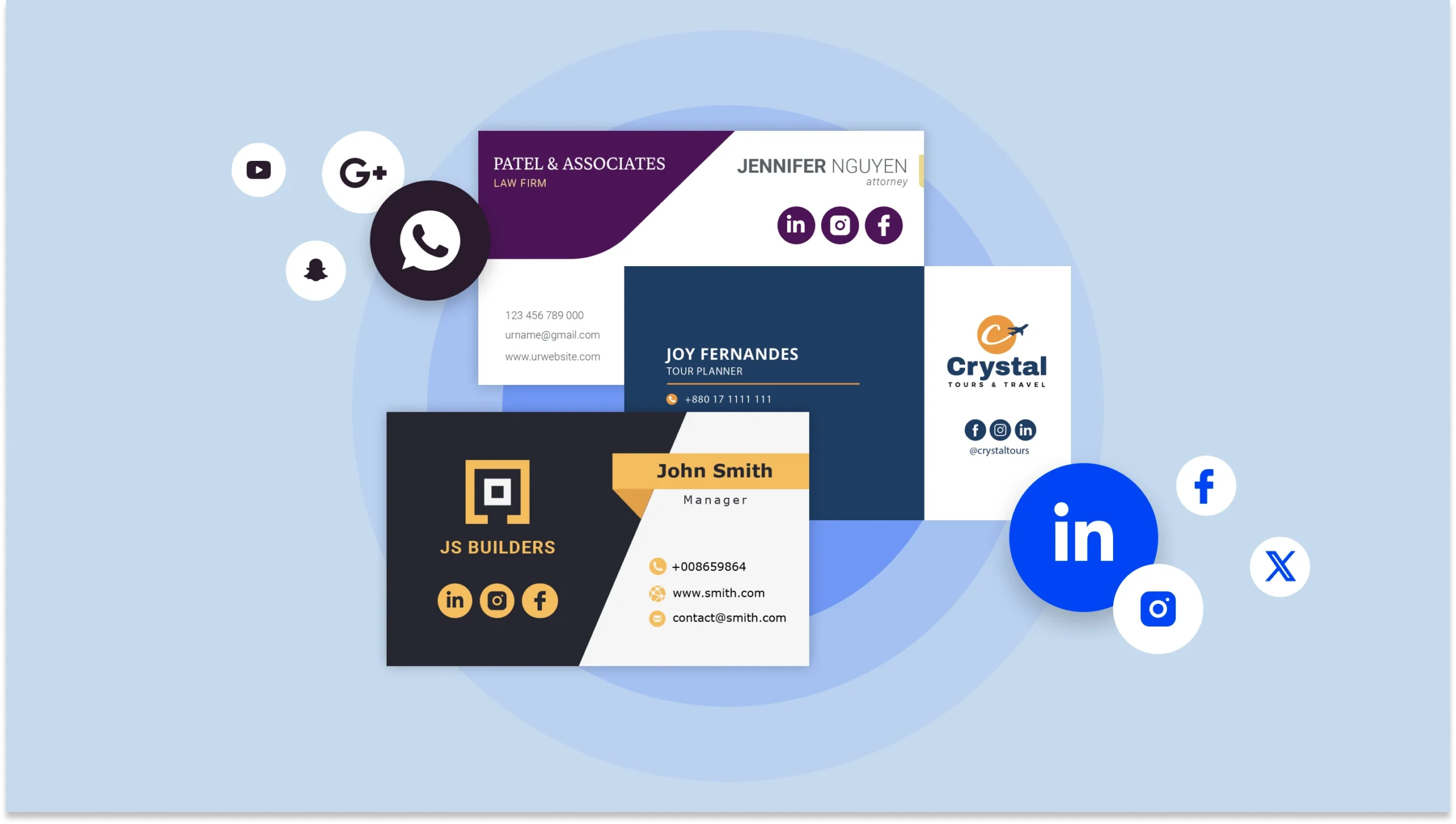
Learn how to create effective social media business cards with our complete design guide. Includes templates, best practices, and examples.
Adding social media to your business card creates multiple touchpoints for potential clients and partners.
Instead of a one-dimensional name and number, your card can now serve as a gateway to your LinkedIn, Instagram, portfolio, and more. This allows people to discover your work, engage with your content, and stay connected long after the first meeting.
In this guide, we’ll cover how to design effective social media business cards, explore best practices to maximize engagement and offer free templates to help you get started.
What are social media business cards?
Social media business cards are innovative networking tools that integrate your online profiles with traditional contact information. They allow you to showcase your LinkedIn, Instagram, portfolio, and more, turning a simple exchange into an invitation to connect and engage online.
There are three ways to add your social media to your business cards: printing icons and handles directly on traditional cards, adding a QR code that links to your online profiles, or creating a fully digital business card that offers clickable access to all your platforms.
Benefits of social media business cards
You now know what social media business cards are, but why should you use them? Let’s break down the key advantages they bring to the table.
1. Enhanced digital presence
When someone receives your card, they gain immediate access to your professional content, portfolio, and expertise across various platforms. Pairing this with a strong visual brand, such as custom photo prints from wallpics displayed at your workspace, creates a memorable, consistent impression both online and offline.
2. Multi-channel connectivity
Social media business cards enable instant digital exchange, allowing professionals to connect, share, and engage seamlessly across multiple platforms with a single interaction.
3. Professional credibility
Social media business cards offer a transparent ecosystem of endorsements, connections, and professional achievements.
4. Networking efficiency
Social media business cards allow instant, seamless networking with a single tap or scan, eliminating manual contact entry and enabling immediate, direct communication.
5. Analytics and tracking
Digital and QR-enabled business cards provide valuable insights about engagement – from scan rates to click-through patterns – helping you understand and improve your networking strategy over time.
3 ways to add social media to business cards [+ free templates]
Whether you prefer traditional printed cards, hybrid options, or fully digital versions, here are three ways to showcase your social presence effectively.
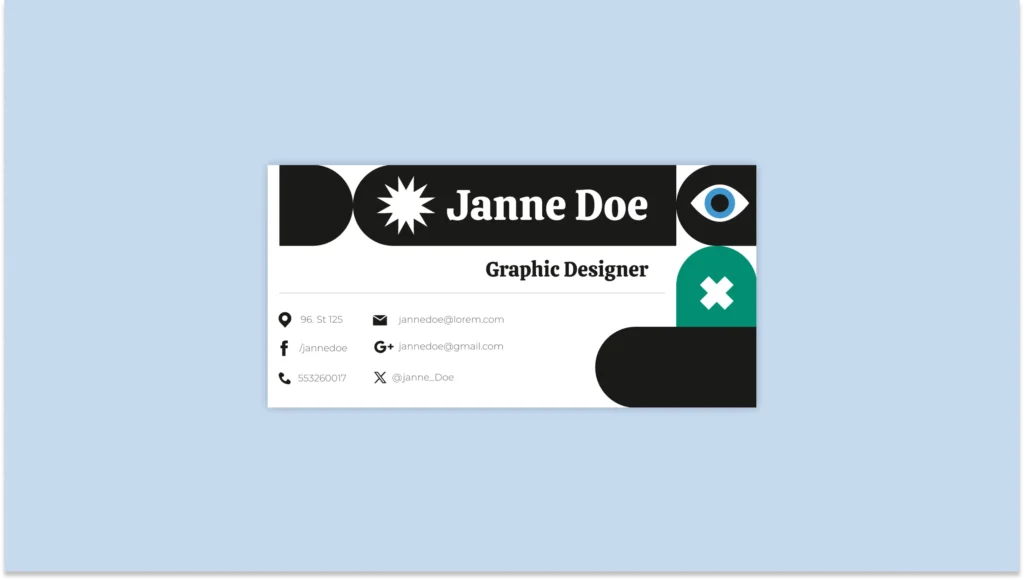
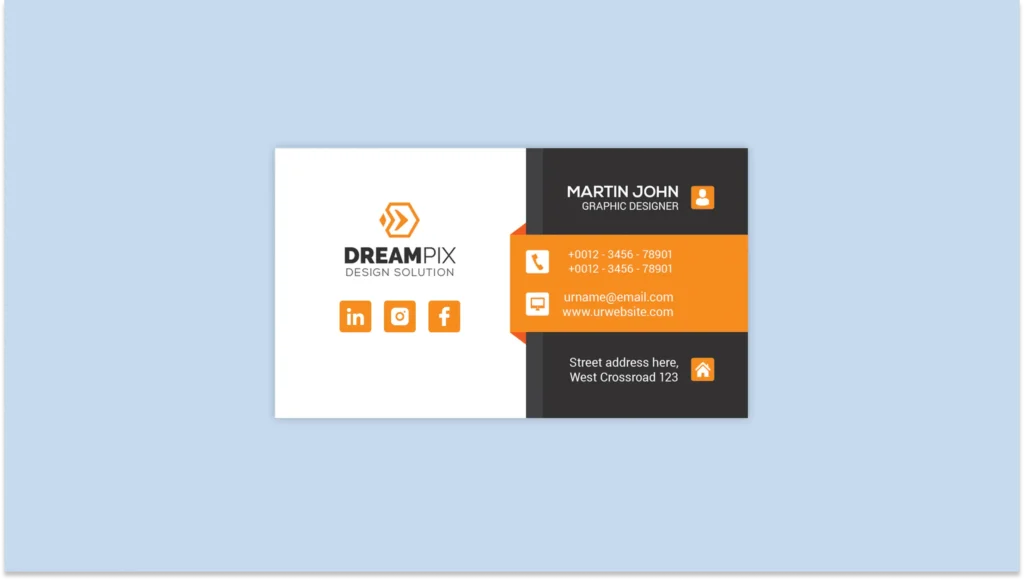
1. Print icons and usernames on your business cards
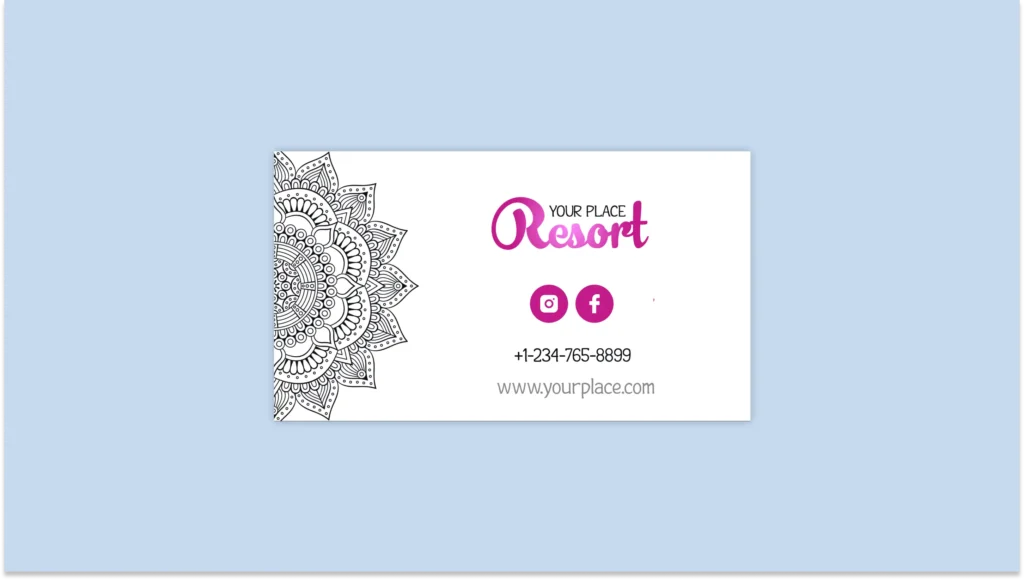
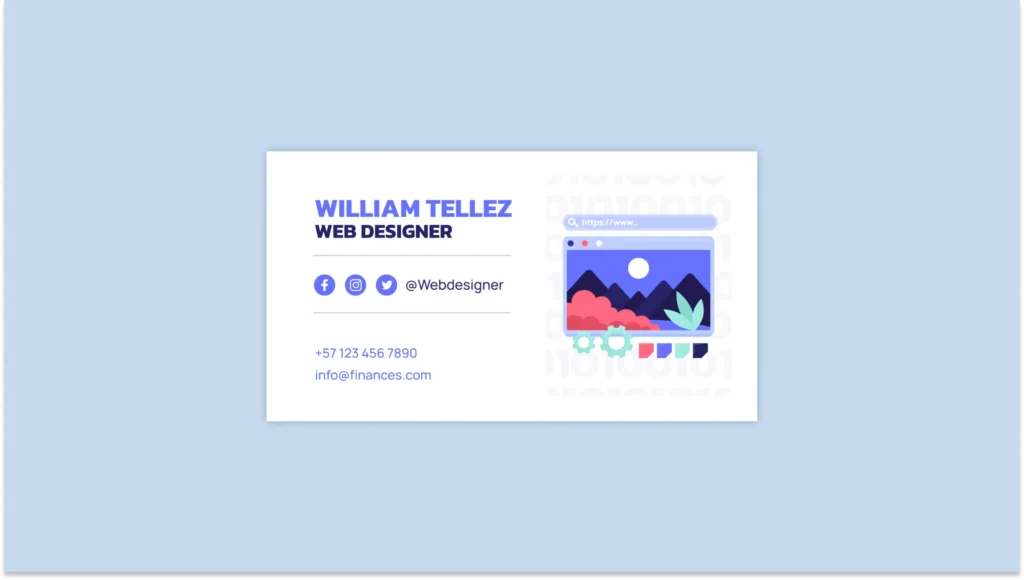
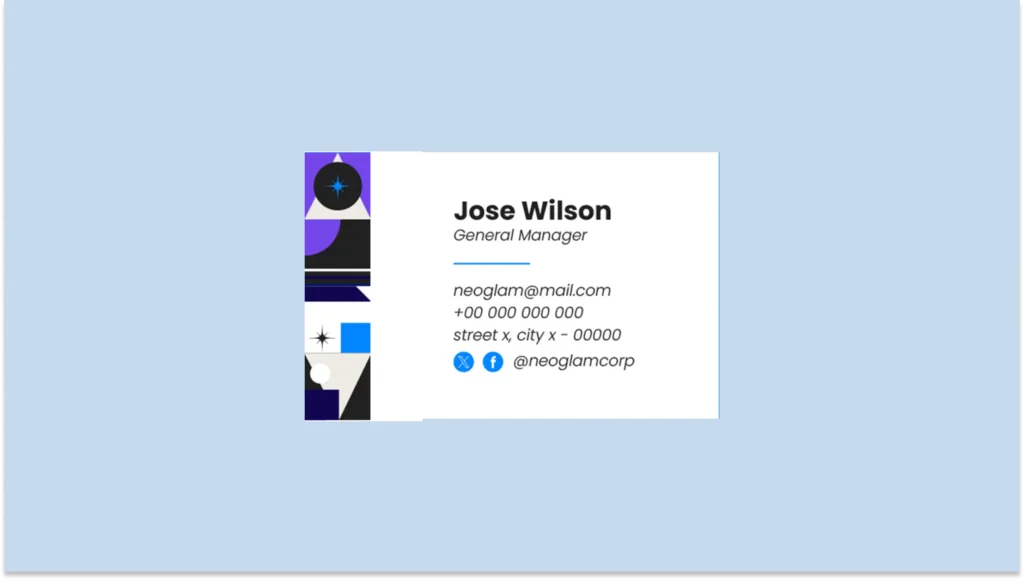
Keep it simple and familiar by adding social media icons alongside your profile handles. Here’s how to do it:
A) Download icon resources
- You can download official brand icons from platform media kits (LinkedIn Brand Resources, Meta Brand Resources).
- Or use icon repositories like Font Awesome or Simple Icons for consistent styling.
- It’s best to use monochrome icons to maintain a clean look.
B) Integrate your usernames
- Add matching username formats to their platform conventions (@ for Twitter/Instagram, in/ for LinkedIn).
- For visual hierarchy, place icons first, followed by handles in a smaller but still readable font.
C) Strategically place social media elements
- Don’t overload your business card with all your social media platforms. Instead, opt for 3-4 most relevant to your industry.
- Arrange icons in a row at the bottom of your card and reserve prime card real estate (bottom right corner) for your strongest platform.
Here are a few templates for inspiration:
2. Add a social media QR Code
QR Codes transform a static business card into an interactive gateway to your entire digital presence. They eliminate the need to choose which profiles to include while offering valuable scan analytics.
You can opt for static QR Codes or create dynamic QR Codes. However, dynamic ones are better since you can change the destination URL anytime without altering the code or reprinting your business card.
To get started:
A) Generate a social media QR Code
- Create a free social media QR Code or a Linkpage by signing up to Uniqode. You can link your Facebook or LinkedIn profile, which users can scan to access.
- By opting for a Linkpage, you can list multiple profiles on a landing page linked to a single QR Code.
B) Place the QR Code on your business card
- While designing your business card, you should follow the 70/30 rule by dedicating 70% of your card to essential text and 30% to your QR Code.
- Add a call-to-action frame around your QR Code to increase the number of scans.
- Place the QR code in a prominent corner (recommended size: 1.2 x 1.2 inches).
C) Test for scannability
- Always check the scannability score while creating a QR Code and keep it as high as possible.
- Scan the QR Code and ensure it leads to the right destination before printing it on your card, especially if you opt for a static QR Code.
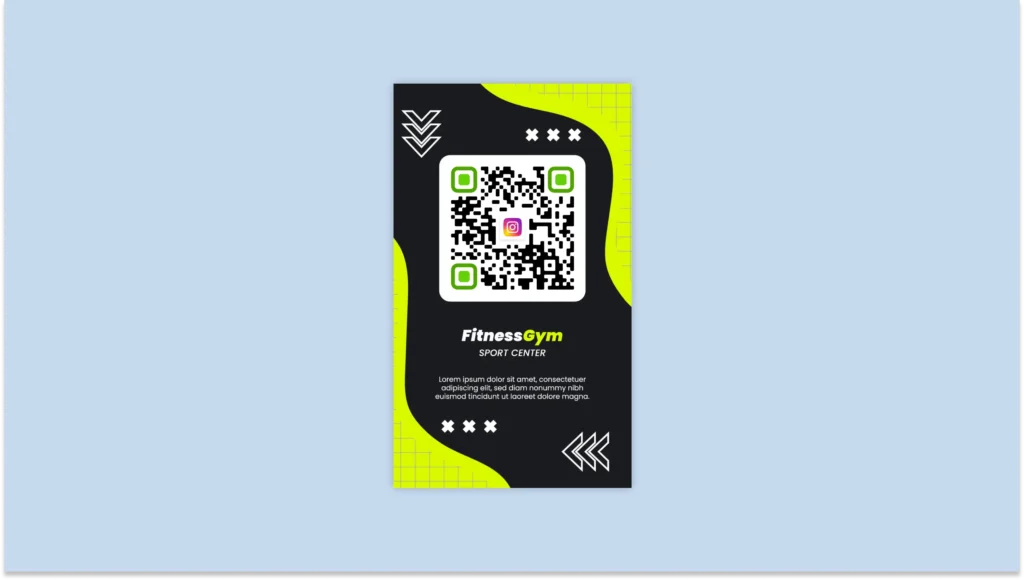
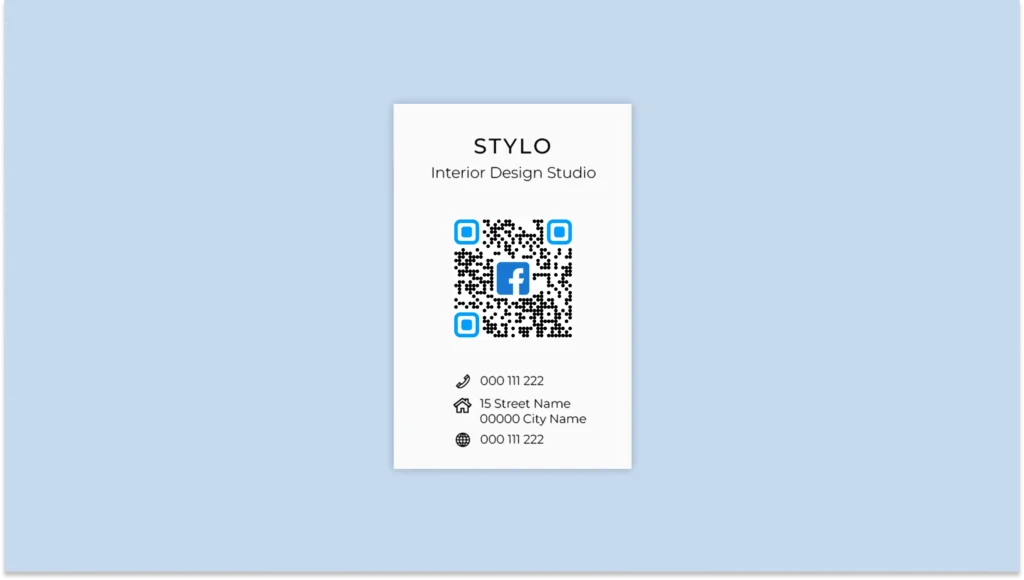
Here are some QR Code business card designs that you can use:
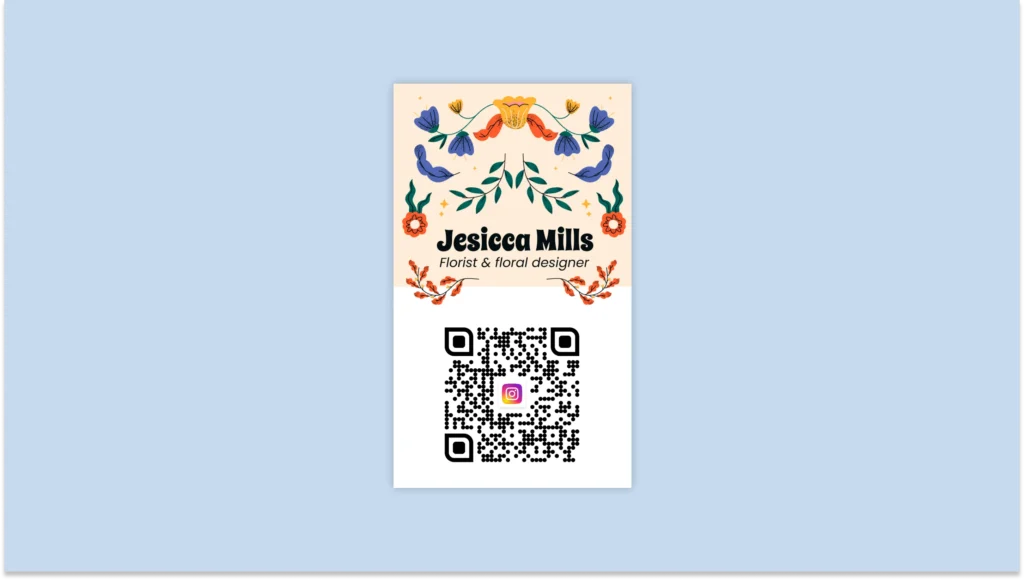
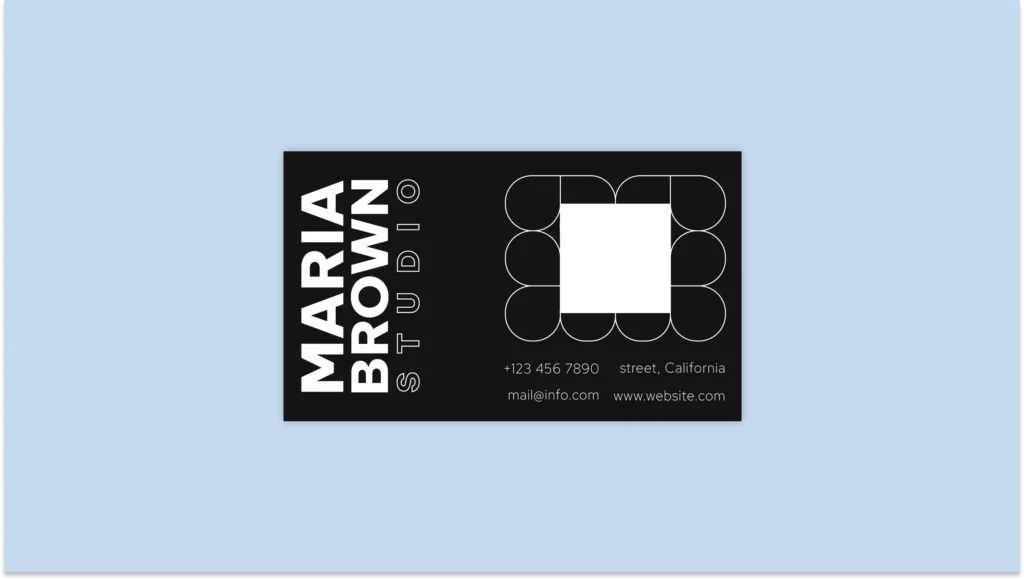
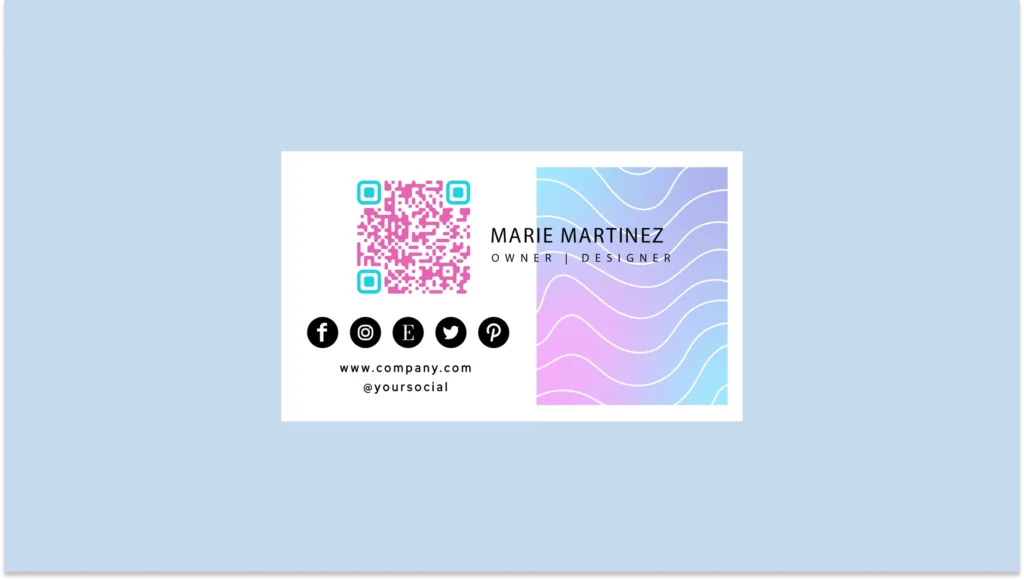
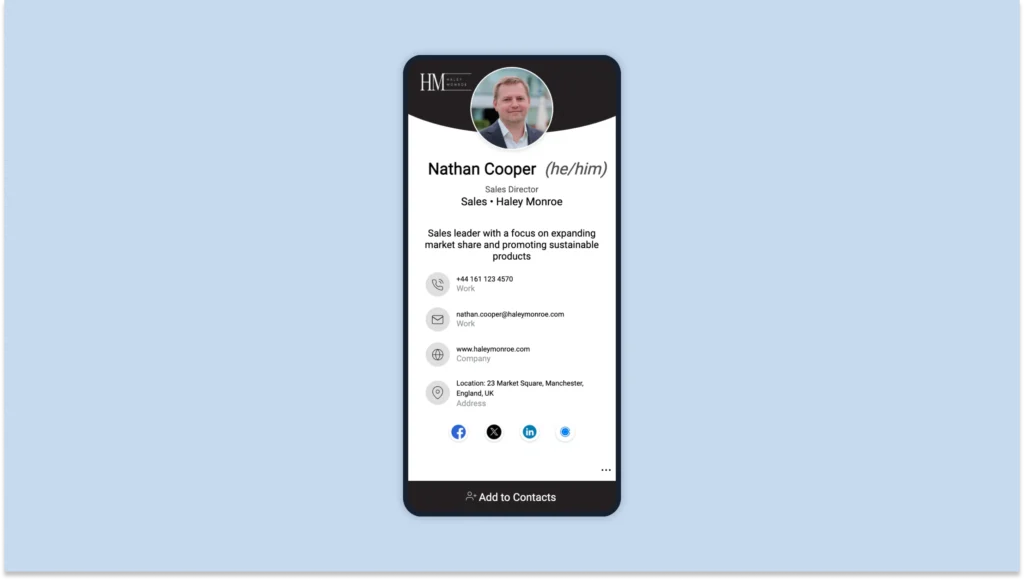
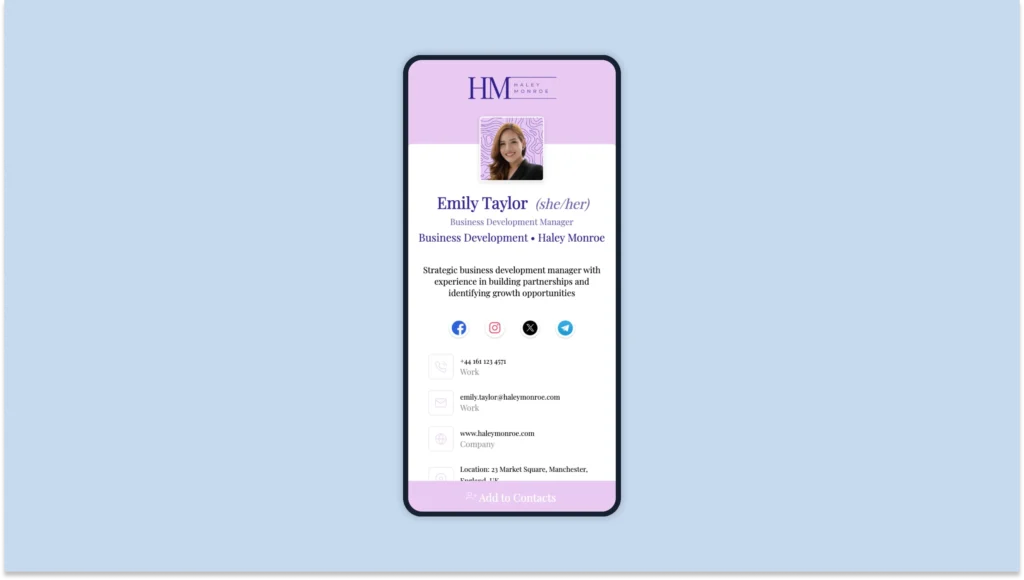
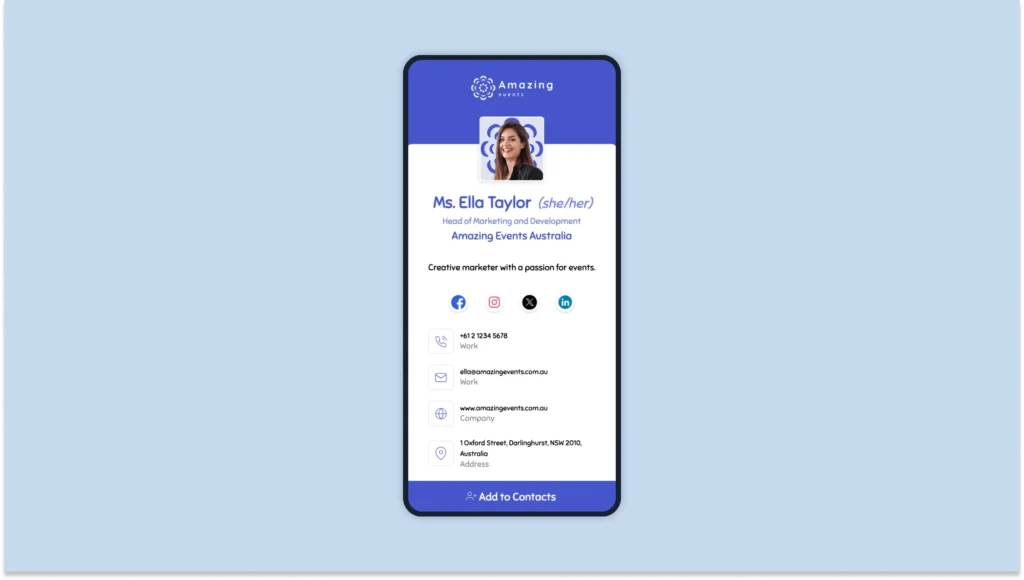
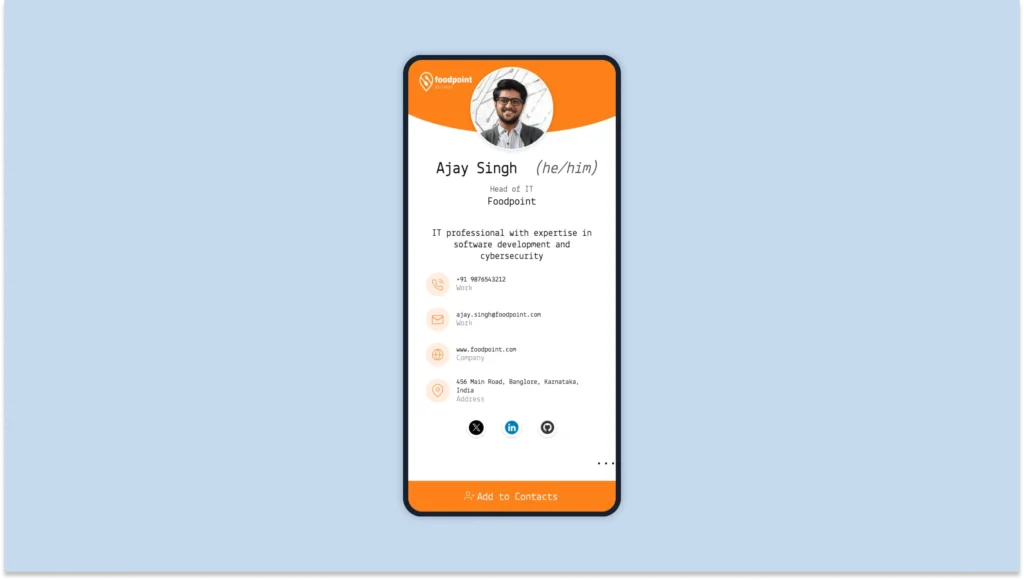
3. Opt for a digital business card
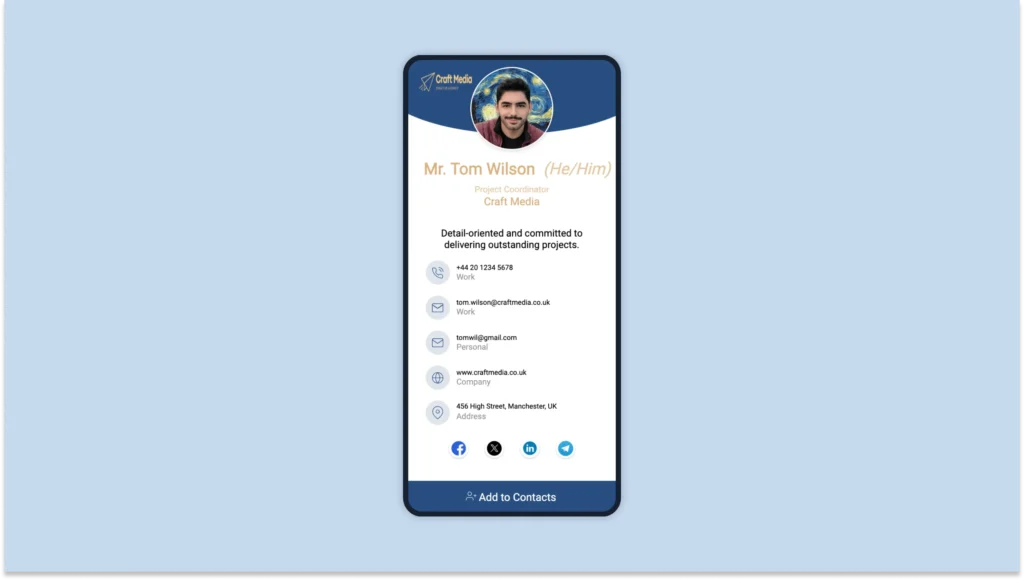
Traditional business cards aren’t enough if you interact with prospects on digital platforms. They limit you to a handful of static social media icons, while digital business cards offer unlimited, clickable social profiles that recipients can access instantly without typing long usernames.
You can sign up to Uniqode to create a free digital business card with social media! Here’s how you do it:
A) Select an easy-to-edit template
Choose a digital business card template with the right fields and layout to suit your brand. You can easily customize its colors, font, and advanced networking features.
B) Link your social media
Add the relevant icons from the 20+ options available on Uniqode digital business cards. Link them to your profiles to create an interactive, clickable social media business card.
C) Share your card
Share your complete social media ecosystem through
- Email signatures for business correspondence
- QR codes for in-person networking events
- Digital wallet passes (Apple Wallet or Google Wallet) for offline access
- Direct URL links in messaging apps and virtual meetings
- Social media bio links
⚡Pro tip: Analyze how your social media cards are performing!
By opting for digital business cards, you can refine your social strategy based on actual networking data. Use the Uniqode dashboard to monitor which of your social profiles generate the most interest and engagement.
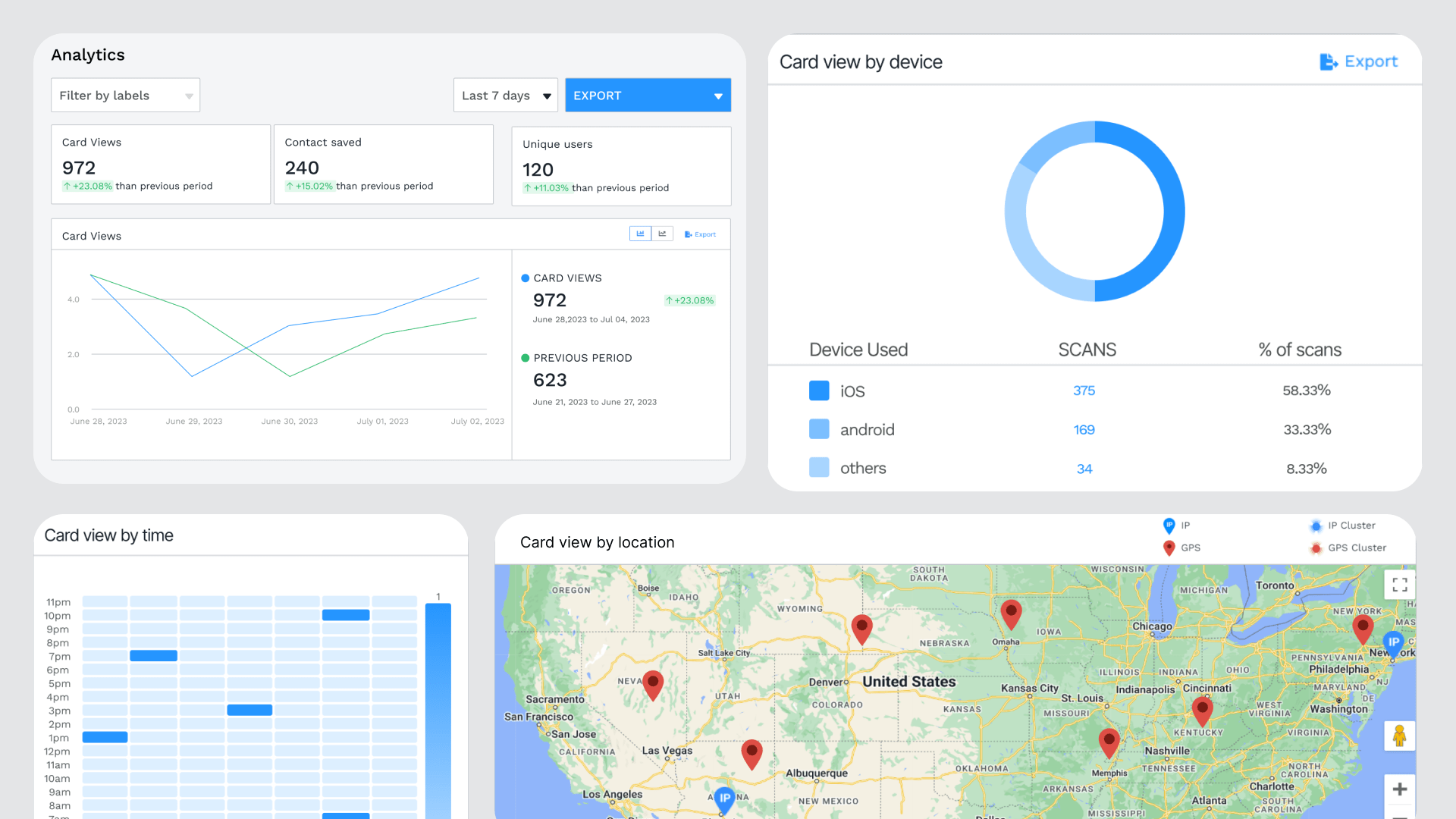
Essential elements of a social media business card
A social media business card without key details is like a social media profile without a display picture, bio, or links. It exists, but it won’t grab attention or make an impact. Here’s what to include for maximum effectiveness.
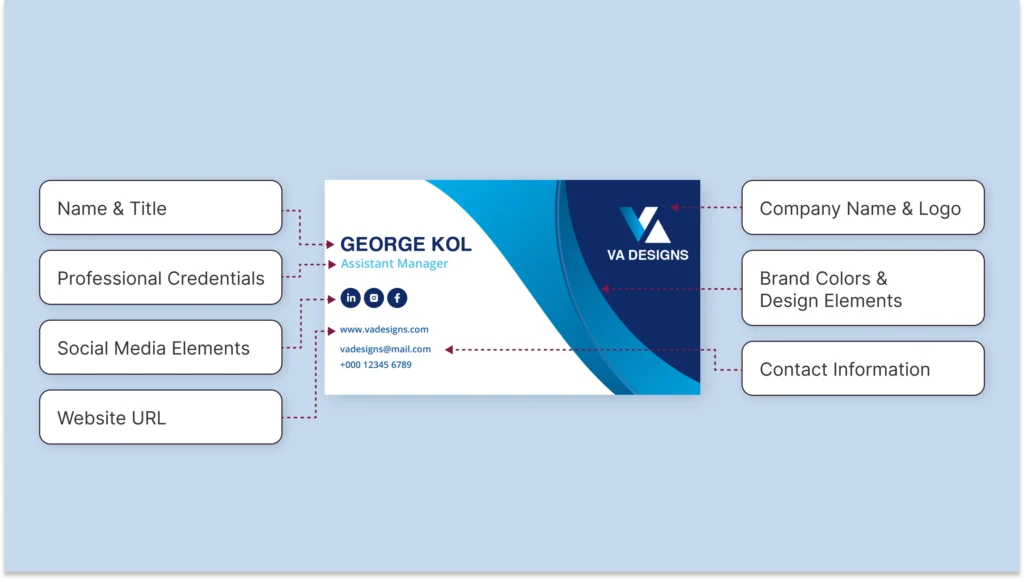
Core business card information
1. Name and title
Your full name and current role should be prominently listed. Always opt for a descriptive title that highlights your expertise.
2. Company name and logo
If you represent a business or personal brand, include a recognizable logo to create a cohesive visual identity. Even a clean monogram or stylized lettermark can make your card stand out in a stack. If you’re still in the process of officially establishing your business or brand identity, ZenBusiness offers tools to help you get started confidently.
3. Contact information
Focus on the essentials, such as an email address and phone number. You might also add a link to your main landing page or booking platform if you run an online-first business.
4. Website URL
Include a direct link to your website or portfolio. This makes it easy for people to see your work, read testimonials, or learn more about your services.
5. Professional credentials
Showcase any certifications, awards, or specialized training that underscore your expertise. Seeing these at a glance can build instant credibility and trust.
6. Brand colors and design elements
Maintain consistency with the colors, fonts, and design elements on your website or social media headers. Subtle color accents or a background pattern can also add a professional flair.
Social media elements
1. QR Codes (linked to Linkpage)
Add a QR code for social media to your business card to seamlessly bridge physical and digital networking.
When scanned, it directs recipients to your Linkpage – a mobile-friendly landing page that neatly organizes all your social profiles and professional content in one branded hub.
Directing your QR code to a Linkpage eliminates the need to crowd your card with multiple handles and URLs.
2. Social media icons and handles
Use small, recognizable icons for platforms like LinkedIn, Instagram, or X. Next to each icon, list your username or handle.
This approach guides people to the right profiles without any guesswork.
3. CTAs
Invite recipients to take the next step. Simple CTAs such as “Connect on LinkedIn,” “View My Portfolio,” or “Book a Consultation” give a clear direction.
Examples of social media business cards
Different professionals require different approaches to social media business cards. Here’s how to optimize your card based on your role:
1. Business professionals and executives
A social media business card serves as both a credibility tool and contact hub.
Include LinkedIn, Twitter, and blog links to showcase thought leadership through industry reports, keynotes, and media appearances.
Use QR Codes that direct to curated professional content to balance personal brand with corporate identity, keeping initial engagement focused and impactful.
2. Entrepreneurs and small business owners
Platform selection should align with business type. Product-based businesses thrive on visual platforms like Instagram and Pinterest, while B2B ventures benefit from LinkedIn and X.
QR codes can link to customer testimonials, product demos, or exclusive offers, turning casual connections into customers.
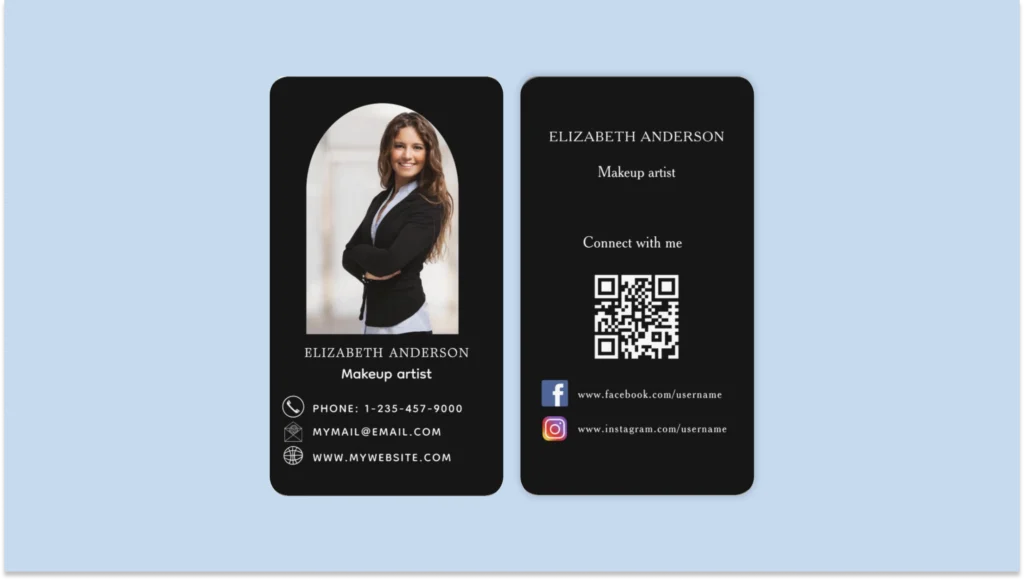
3. Digital marketers and social media managers
Demonstrate expertise through concrete metrics and case studies. Use QR Codes to link to campaign results, video testimonials, and analytics dashboards.
Include a “Featured In” section highlighting media coverage and notable collaborations. Also, Implement UTM-tracked links to measure engagement and optimize follow-up strategies.
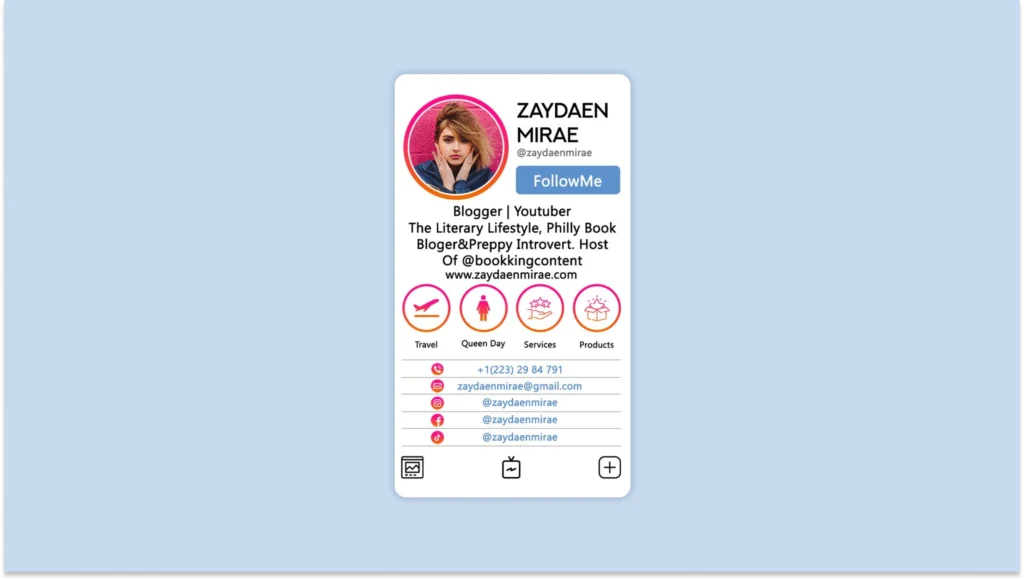
4. Freelancers and creative professionals
Transform your card into a dynamic portfolio tool that reveals both process and results.
Choose platforms that match your specialty: Instagram for photography, Behance for design, LinkedIn for writing.
Link to interactive case studies and behind-the-scenes content through QR codes, and regularly refresh content to stay relevant to different client needs.
Social media business card design best practices
Even with all the right elements, a poorly designed social media business card end up in the trash! Physically or digitally. The key? Smart design choices that make an impact while staying personal and professional.
1. QR Code placement
Position your QR code strategically to ensure maximum scannability and aesthetic appeal. The standard size should be between 1-1.5 inches square on a business card, depending on your layout needs and the amount of data encoded.
Key placement considerations
- Choose back placement if your front has essential contact details, or front placement if the QR code is your primary call-to-action
- Clean, uncluttered surrounding space
- High contrast between the QR Code and background
- At least 0.25″ margin from card edges
- Centered alignment for a balanced design
⚡Pro tip: Before printing, test your QR Code’s scannability in different lighting conditions and angles, and ensure it works even if the card gets slightly bent or damaged during handling.
2. Visual hierarchy
Your business card should guide the viewer’s eye naturally. Studies show that people process visual information in predictable reading patterns. The F-pattern and Z-pattern are the most effective for arranging key details.

Place the most critical information. Your name, title, and primary CTA—at the top-left or center to match natural eye flow.
⚡Pro tip: When designing your business card, consider how people scan it. The F-pattern works best for text-heavy layouts, while the Z-pattern is ideal for designs with a mix of images and text. Align your name, role, and social handles with these natural scanning behaviors to increase visibility and engagement.
3. Icon integration
Maintain consistent icon sizing (12–16px for print) to ensure readability.
While placing the icons, use a horizontal row for traditional layouts, align vertically with contact details for a structured look, or group by platform type (e.g., professional networks vs. social engagement platforms) for clarity.
⚡Pro tip: Avoid overcrowding your card with too many icons. If you’re active on multiple platforms, an all-in-one QR Code linking to a landing page with all your social links keeps things clean and user-friendly.
4. Typography and color
Your font choices define how professional or creative your card looks.
Stick to two complementary fonts—one for your name and one for supporting details. Colors should align with your brand identity, and use contrast to improve readability.
⚡Pro tip: Create color variations of your card—dark mode for digital, optimized contrast for print, and special finishes for premium versions.
5. Layout optimization
A well-structured card makes navigation effortless. Use grid-based layouts to organize content logically and ensure consistent spacing.
Follow standard print dimensions (3.5 x 2 inches) with safe margins of 0.125 inches from the edges to prevent cutting issues. For digital business cards, a 1080 x 1920 pixel format ensures optimal display across devices.
For element placement, apply the Rule of Thirds. Position key details like your name, logo, and CTA along natural focal points to enhance readability and engagement.
⚡Pro tip: For double-sided cards, dedicate one side to visual branding and the other to contact details and social links. This creates a clear narrative flow while maximizing information density.
Elevate your networking with Uniqode’s social media business cards
Ready to transform your networking? Social media business cards are revolutionizing how professionals connect and engage. Every role can benefit from this dynamic relationship-building approach, from freelancers to corporate executives.
Uniqode is an end-to-end social media business card solution whether you’re looking to grow your network at physical or digital events. You can opt for a social QR Code to add to a business card or go completely digital with virtual business cards.
Either way, Uniqode is an easy-to-use interface that, with its engagement tracking and customizations, takes your networking to the next level.
Frequently Asked Questions
- Do I need a separate business card for each social media platform?
No, a single business card can feature multiple social media handles. Use icons, usernames, or a QR code linking to a Linktree or digital portfolio to keep it simple and effective.
- How do I create a QR code for my social media profiles?
Using a professional QR platform like Uniqode, you can create a dynamic QR code that links to all your social media profiles with tracking capabilities.
The QR code can be customized with your brand colors and logo, and updated anytime without needing to regenerate the code – ensuring your social media links stay current.
- How do I distribute my social media business cards effectively?
Use a digital business card to share your professional details through email signatures, LinkedIn profiles, and social media bios for continuous networking.
Display your card’s QR code in virtual event presentations and registration materials, or share it instantly via Apple Wallet Business Card or Google Wallet at in-person events.
About the Author
Kritika is a Senior Content Marketer at Uniqode, where she helps readers navigate networking in a phygital world. She has over 4 years of experience in breaking down complex technology trends into practical insights for the SaaS domain. Her blogs talk about how businesses can opt for smarter and sustainable networking practices with digital business cards. When she’s not writing, you’ll probably find her baking something new or hanging out with her dog—who, by the way, has her own digital contact card too.
Related Posts
Are Digital Business Cards Safe and Secure? All You Need To Know
How to Share a Digital Business Card: 9 Ways to Maximize Your Networking Efforts
Digital Business Card Benefits: 10 Reasons to Use Them in Your Networking
How To Share a Digital Business Card on WhatsApp—& 7 Reasons Why
The Best Guide To Using Corporate Virtual Backgrounds & Networking Like a Pro
