QR Codes in Supply Chain Management: Benefits, Uses & Best Practices

Supply chains run on visibility, knowing where every shipment, pallet, and asset is at any given moment and QR Codes make that possible. This guide walks through how to integrate QR Codes into your supply chain, the benefits you can expect, and best practices to get the most out of them.
QR Codes are transforming supply chains by offering real-time visibility into the location of every shipment, pallet, or asset at any stage of its journey. With just a single scan, you can instantly connect a physical item to live tracking data, quality records, or handling instructions. It is no surprise, then, that adoption is on the rise. In fact, according to Uniqode’s State of QR Codes Report 2026, 43% of manufacturers now rely on QR Codes to streamline logistics tracking.
This guide covers how to integrate QR Codes into your supply chain in four steps, the specific benefits you can expect, and the best practices that separate a well-run rollout from a messy one.
What is a QR Code for supply chain management?
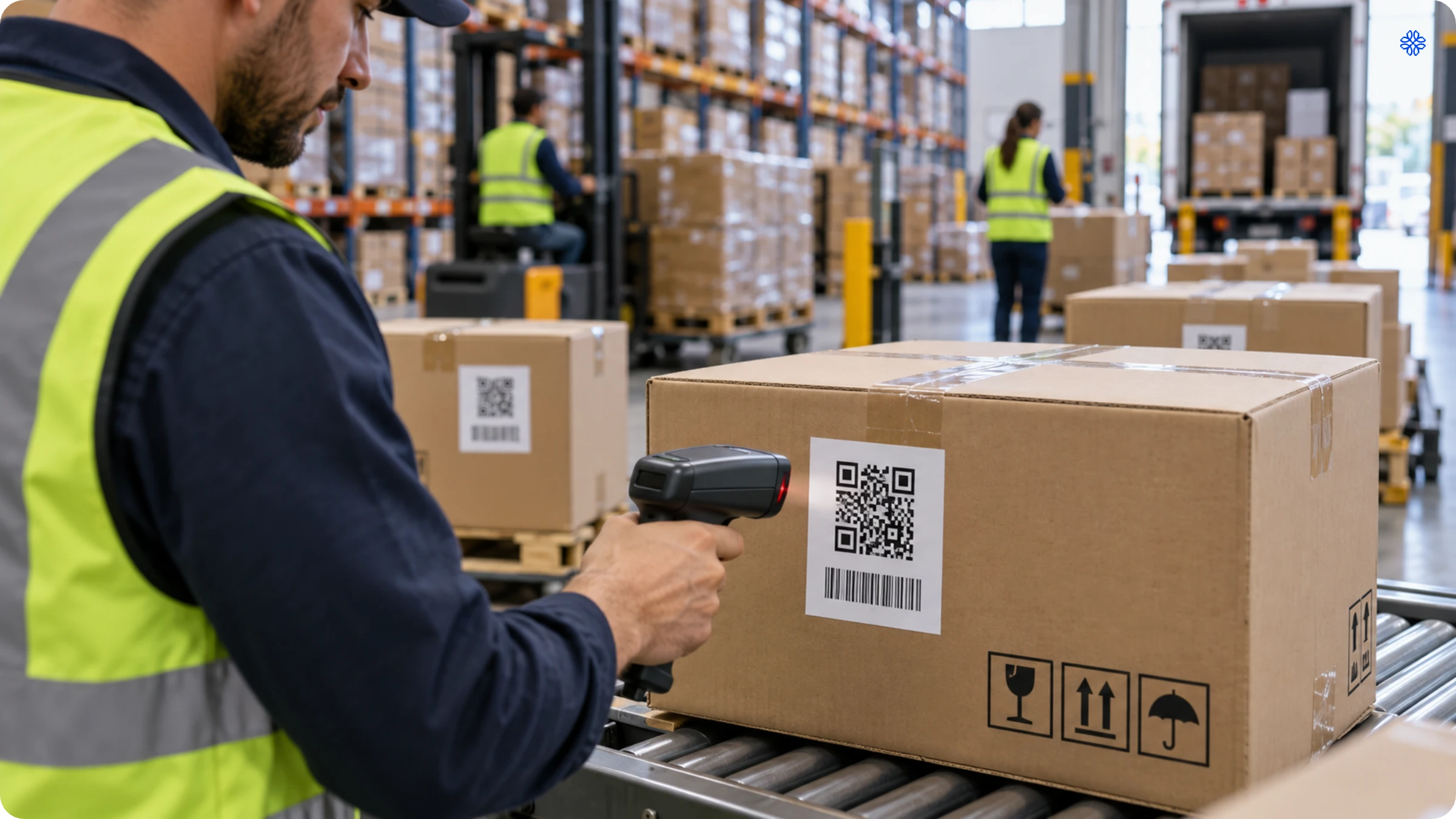
A QR Code for supply chain management is a two-dimensional barcode that stores shipment, inventory, or product data and links it to a live digital record rather than printed text alone. While a traditional label simply tells you what a product is, a supply chain QR Code goes further. It reveals where the product came from, its expected condition, and its next destination, all in a single scan.
Supply chain QR Codes usually come in two main types. The first is the standard QR Code, which typically links you to a tracking page, product specification sheet, or dashboard. The second is the GS1 QR Code, widely used in retail and healthcare. This variant stores structured data directly in the code, details such as the GTIN (Global Trade Item Number), batch or lot number, and expiry date.
This structured data is what sets a QR Code apart from a simple link shortener. When a warehouse scanner reads a GS1 QR Code on a pallet, it does more than just open a webpage. In a single scan, it retrieves the batch number, origin, and expiry date, the very information a recall team would need if that batch had to be removed from shelves months down the line. This is the core of QR Code supply chain traceability: one scan, one verified record, no extra steps.
How to create QR Codes for supply chain management
When it comes to supply chain management, generating a QR Code is simpler than you might think. Begin by identifying the essential data your code should contain. Next, use any QR Code generator to create your code. Before rolling it out, always test the scan to ensure everything works smoothly. Whether you are labeling ten pallets or ten thousand, the process remains just as straightforward.
- Decide whether the code should hold structured GS1 data (GTIN, batch, expiry) or a simple link to a tracking page.
- Generate the code using a QR Code generator (a free online tool), Uniqode, or a GS1-compliant encoder for retail-standard codes.
- Test the scan on the actual label material and print size you’ll use in production. QR Codes on shrink-wrap or curved surfaces scan differently than on flat paper.
- Print and apply the code to the physical unit.
Creating a QR Code on the Uniqode dashboard
- Log in to the Uniqode dashboard and click +Create New, then select QR Code.
- Choose the Website QR Code so the code links to a live tracking page or a shipment record.
- Add the destination content, the URL of the tracking page or shipment dashboard.
- Open Advanced Settings to add password protection for sensitive shipment or compliance data, JSON metadata to tag the code with the internal identifiers your WMS already uses, or a custom domain for branded tracking links.
- Customize the design, colors, frame, and logo.
- Preview the code, verify the scan resolves correctly, then save it.
- Name and label the code, then download it in the format your label printer requires: PNG, SVG, JPEG, PDF, or EPS.
How to integrate QR Codes into your supply chain
Let’s look at the step-by-step implementation of QR Code technology for tracking the flow of goods in a supply chain.
1. Choose a secure, reliable, and scalable QR Code generator
Before you begin, choose a QR Code generator with the following features:
- Provides API access and supports integrations with your current supply chain systems.
- Offers the ability to bulk generate QR Codes and label them to make searching, filtering, and analyzing them easier.
- Allows complete customization and editability, even after the QR Codes are generated.
If you use Uniqode
Get access to APIs, bulk QR Code generator, and ample customization and editing capabilities. Uniqode is the only GDPR and SOC 2 Type 2 compliant solution, ensuring the utmost data security. Moreover, you also get the support of 4000+ integrations via Zapier and Make.
2. Integrate the QR Code platform with a supply chain management software
If you already use a supply chain management system such as Zoho inventory, integrate it with your chosen QR Code platform via API.
Once you integrate, the software generates a unique QR Code for each asset, containing a link to its digital profile.
If you don’t currently use supply management software, you can still implement QR Code-based supply chain tracking in the following ways.
- Integrate QR Codes with Google Sheets. Each scan populates a new row in the spreadsheet with relevant data, including QR Code ID, timestamp, location, and more.
- Create a single or bulk dynamic QR Codes using your chosen QR Code generator and link them to a form. This form could be hosted on your website or a dedicated form-building platform. On scanning, users can update the asset-related information in the form.
Suggested read: Where to direct your QR Codes for asset tracking
3. Print QR Code labels and affix them to assets
Use a durable, tamper-proof adhesive to stick the QR Code asset labels. Also, ensure the QR Codes are prominently displayed and easily accessible on the asset.
4. Update asset information at each step in the supply chain
At each step in the supply chain, a team member can scan the QR Code with their mobile device and update the asset’s information within the software.
For instance, a warehouse worker scans a QR Code on a pallet of goods upon arrival. They instantly update the distribution management system with details about the received quantity, inspection status, and location within the facility.
The updated information is automatically synchronized with the central asset management database in real time and visible to all stakeholders.
If you use Uniqode
You can track the IP and the exact GPS location of each scan. When creating a new QR Code, turn on GPS location under “Advanced Analytics.” Users scanning the code simply allow location access when prompted. The GPS tracking data becomes accessible in the “Analytics” section of the Uniqode dashboard or is automatically integrated with asset management software, ensuring up-to-the-minute insights and optimal supply chain visibility.
Benefits of using QR Codes for supply chain management
Here’s why QR Codes surpass traditional methods, such as barcodes and manual checks, for monitoring and tracking goods in supply chains.
1. Real-time insights
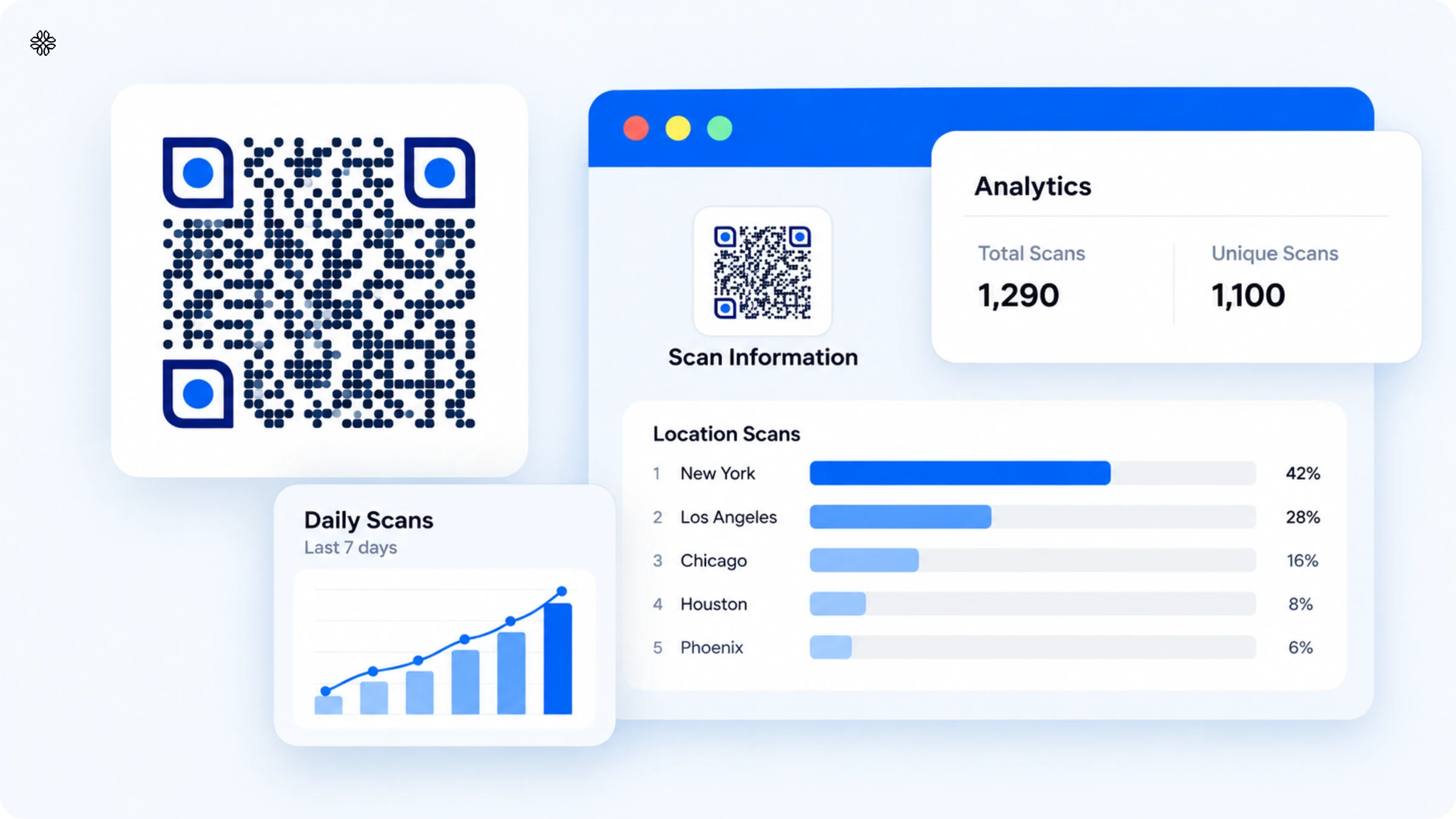
QR Code tracking offers an exceptional advantage in real-time traceability. QR Codes provide a digital trail that allows you to easily trace each product or batch’s journey.
In cases of recalls or quality issues, you can quickly pinpoint affected items, minimizing the scope and cost of recalls.
Did you know?
43% of manufacturers are using QR Codes to improve their logistics tracking.
Discover more such interesting insights in our State of QR Code Report!
2. Streamlined data collection
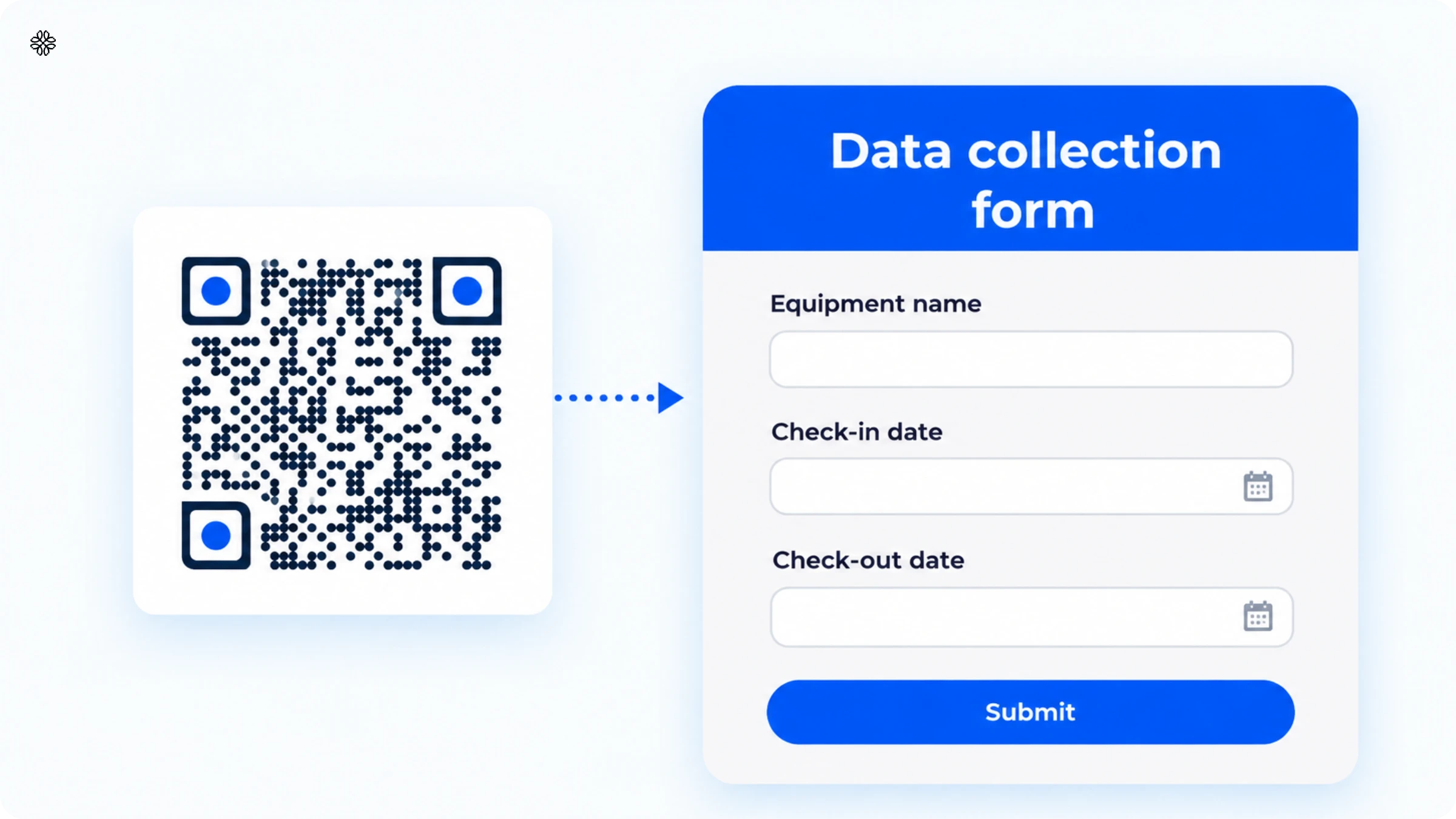
Traditional data collection methods for the supply chain often involve cumbersome paperwork and the inherent risk of human errors.
QR Codes simplify this process by data automation. With a quick scan, you can record critical information accurately and efficiently, eliminating the risk of data inaccuracies.
3. Cost-effective solution
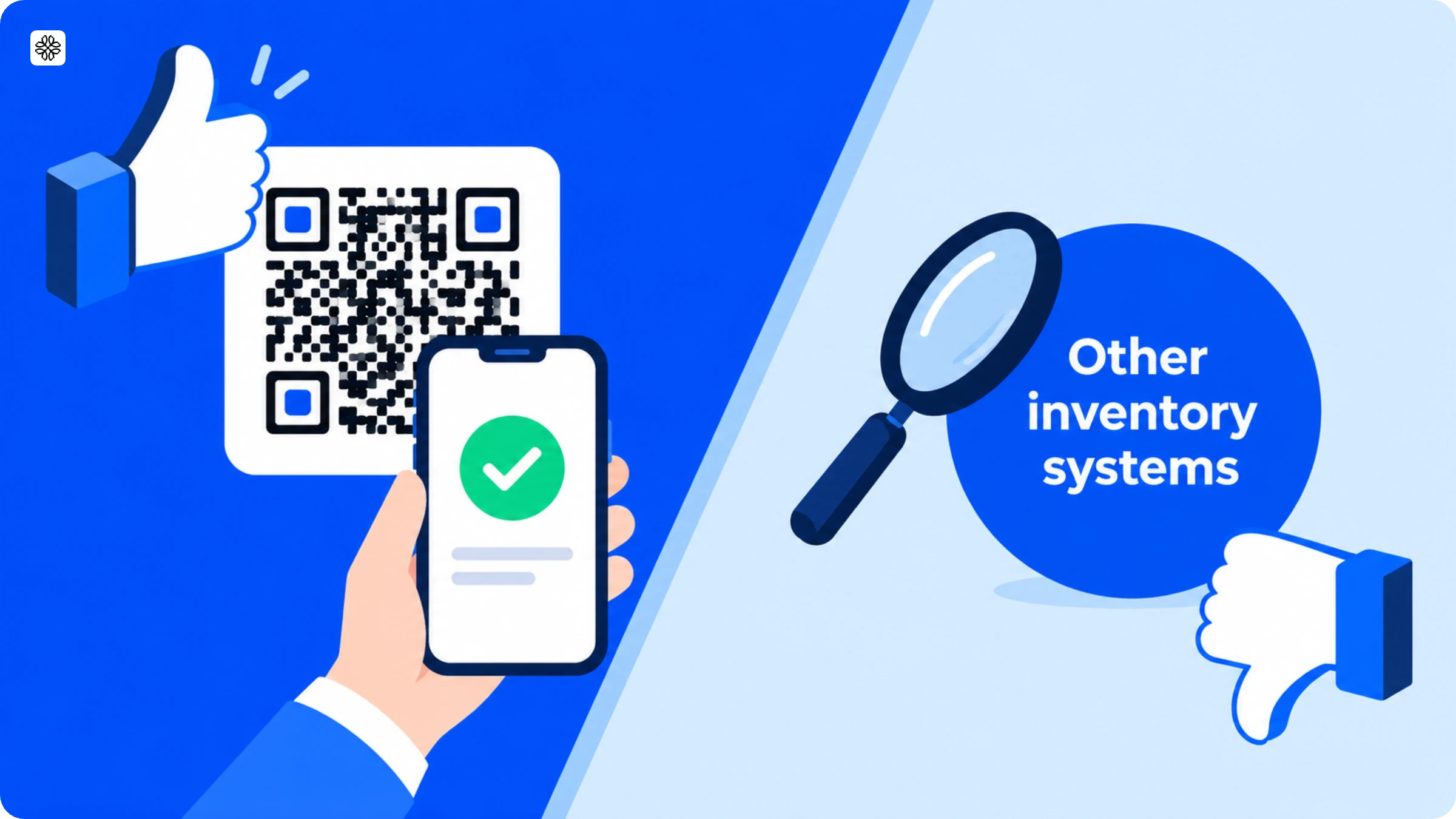
Implementing QR Code tracking stands out for its cost-effectiveness when compared to many traditional inventory tracking systems.
There’s no need for expensive hardware or complex infrastructure. All that’s required is a mobile device or a handheld scanner, making it accessible to businesses of all sizes.
4. Enhanced customer trust
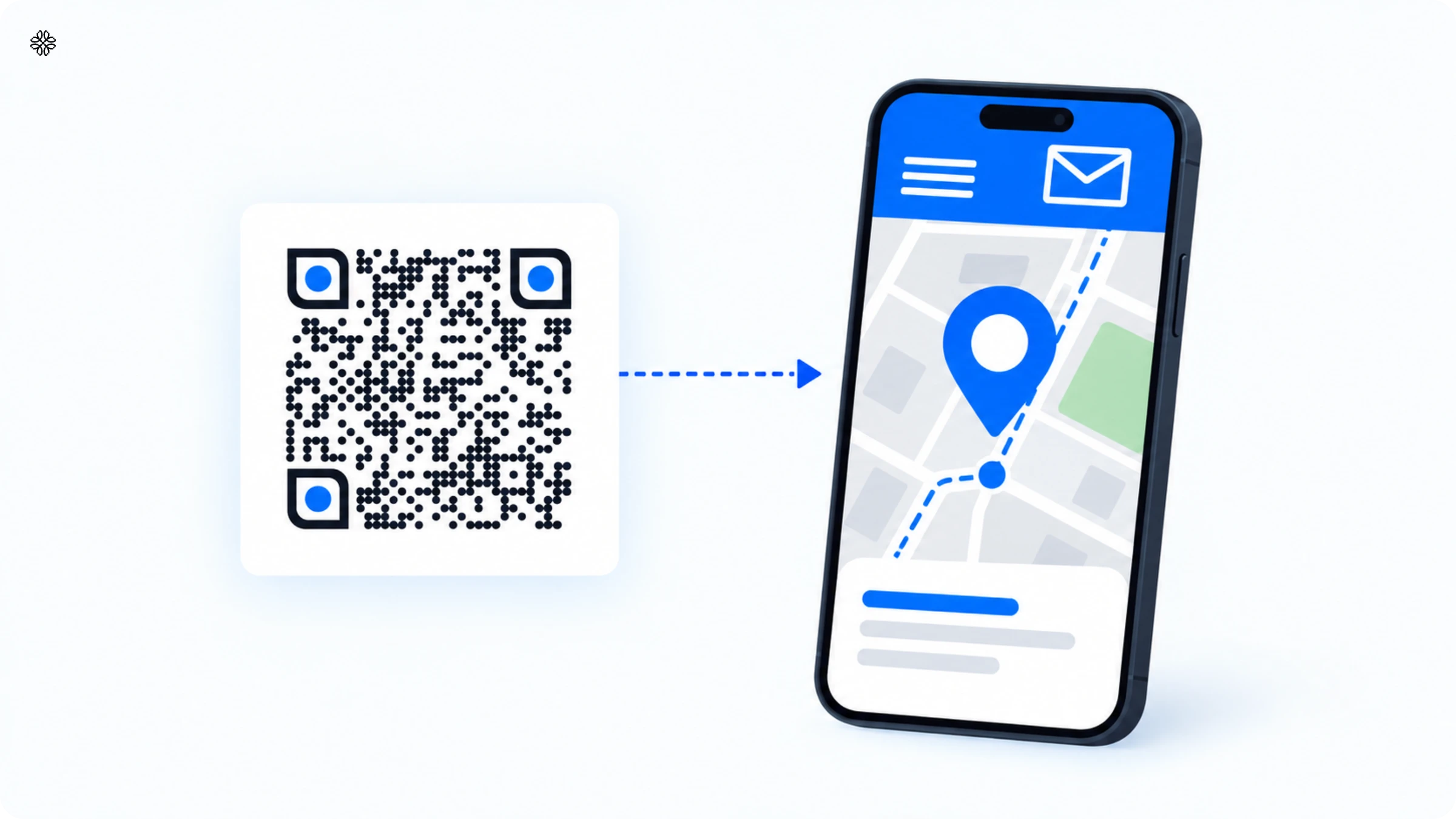
In the era of informed consumers who value transparency and traceability, QR Codes play a pivotal role.
Incorporating QR Codes into your supply chain allows you to share real-time tracking information with customers, fostering trust and demonstrating your unwavering commitment to quality.
QR Codes vs traditional barcodes in logistics
The real game-changer between QR Codes and traditional barcodes lies in how much data they can hold. A standard 1D barcode is limited to a brief numeric string, which means you need to reference a separate database to get the full details. In contrast, a QR Code can store a wealth of information within the code itself and can continue to scan accurately even if a portion is damaged.
| Feature | Traditional 1D barcode | QR Code |
|---|---|---|
| Data capacity | ~20-25 characters, usually just a product ID | Up to several thousand characters, can hold a full URL or a structured GTIN + batch + expiry record |
| Where the data lives | Requires a live database lookup | Can carry the data directly inside the code |
| Damage tolerance | A torn or scuffed label often fails to scan entirely | Built-in error correction still scans with up to roughly 30% of the code obscured or damaged |
| Governing standard | 1D barcode (UPC/EAN) | GS1 QR Code (2D standard) or a standard QR Code |
| Industry direction | Being phased toward 2D under GS1's Sunrise 2027 initiative | Positioned as the successor format at point of sale and across logistics |
Static vs dynamic QR Codes for logistics
When it comes to logistics, the real distinction between static and dynamic QR Codes lies in flexibility. With a static code, what you see is what you get; the data is set in stone from the moment it is printed. On the other hand, a dynamic code gives you the freedom to update its destination at any point, even after your product is already on its way.
| Feature | Static QR Code | Dynamic QR Code |
|---|---|---|
| Destination after printing | Fixed forever | Editable anytime from a dashboard |
| Best fit in logistics | Fixed compliance data: GTIN, batch, expiry | Shipment tracking, rerouting, work instructions, recalls |
| Scan analytics | Not available | Full scan analytics and audit trail |
| If the data needs to change | Reprint and reapply labels on every affected unit | Update the destination once, same printed code |
| Connectivity requirement | None; data is embedded in the code | Needs connectivity to resolve to the live destination |
Where to implement QR Codes in supply chain management processes
QR Codes have found their place in almost every corner of the supply chain, from procurement and warehousing to manufacturing, transportation, retail handoff, and even returns. At each step, the simple act of scanning and updating serves a unique purpose, streamlining the journey of every product.
1. Procurement and supplier receiving
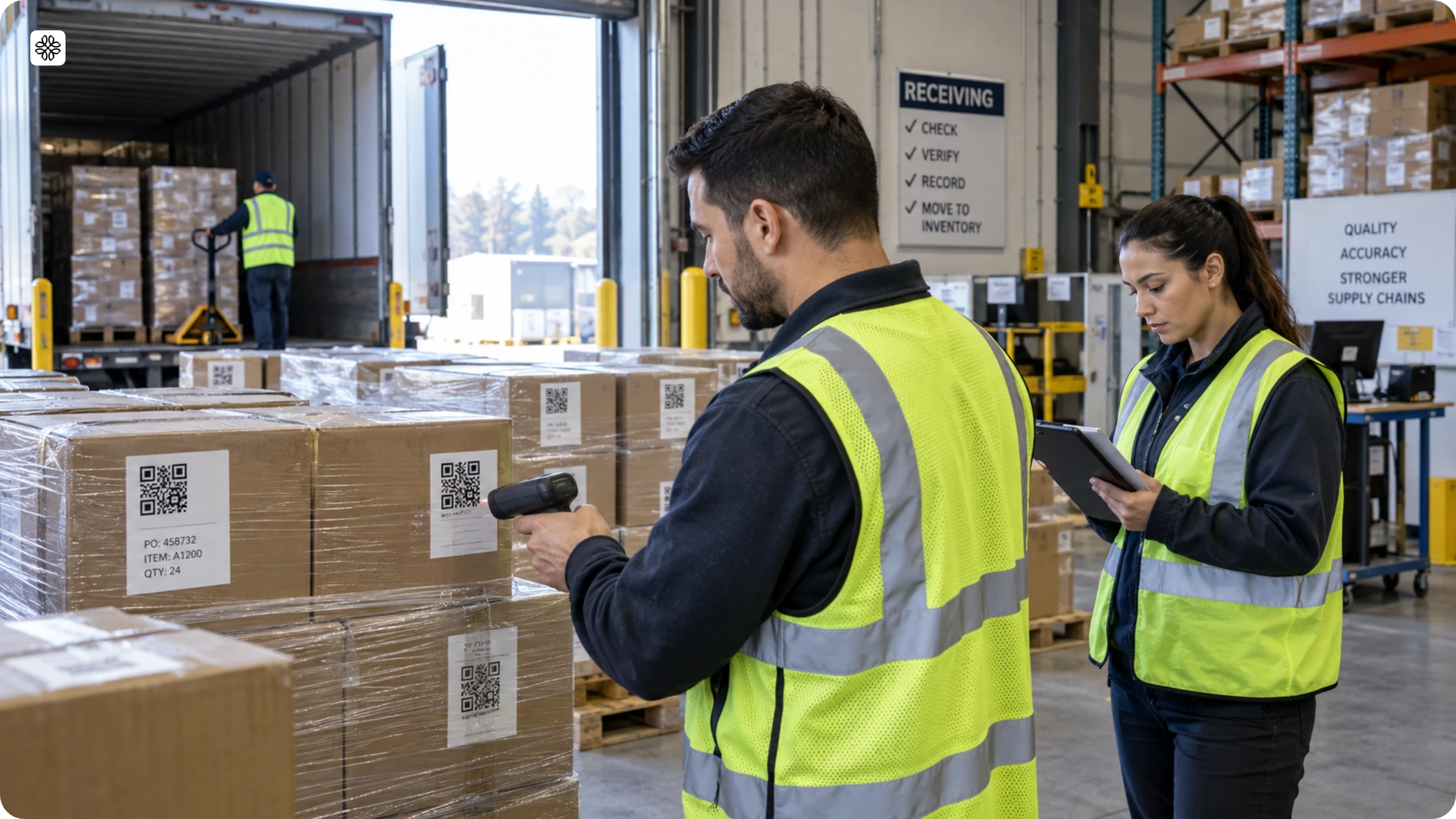
Suppliers put QR Codes on materials before shipping them. When the materials arrive, the receiving team scans the codes to make sure the shipment matches the purchase order. This helps catch any quantity or specification issues before the goods go into inventory.
2. Warehousing and inventory management
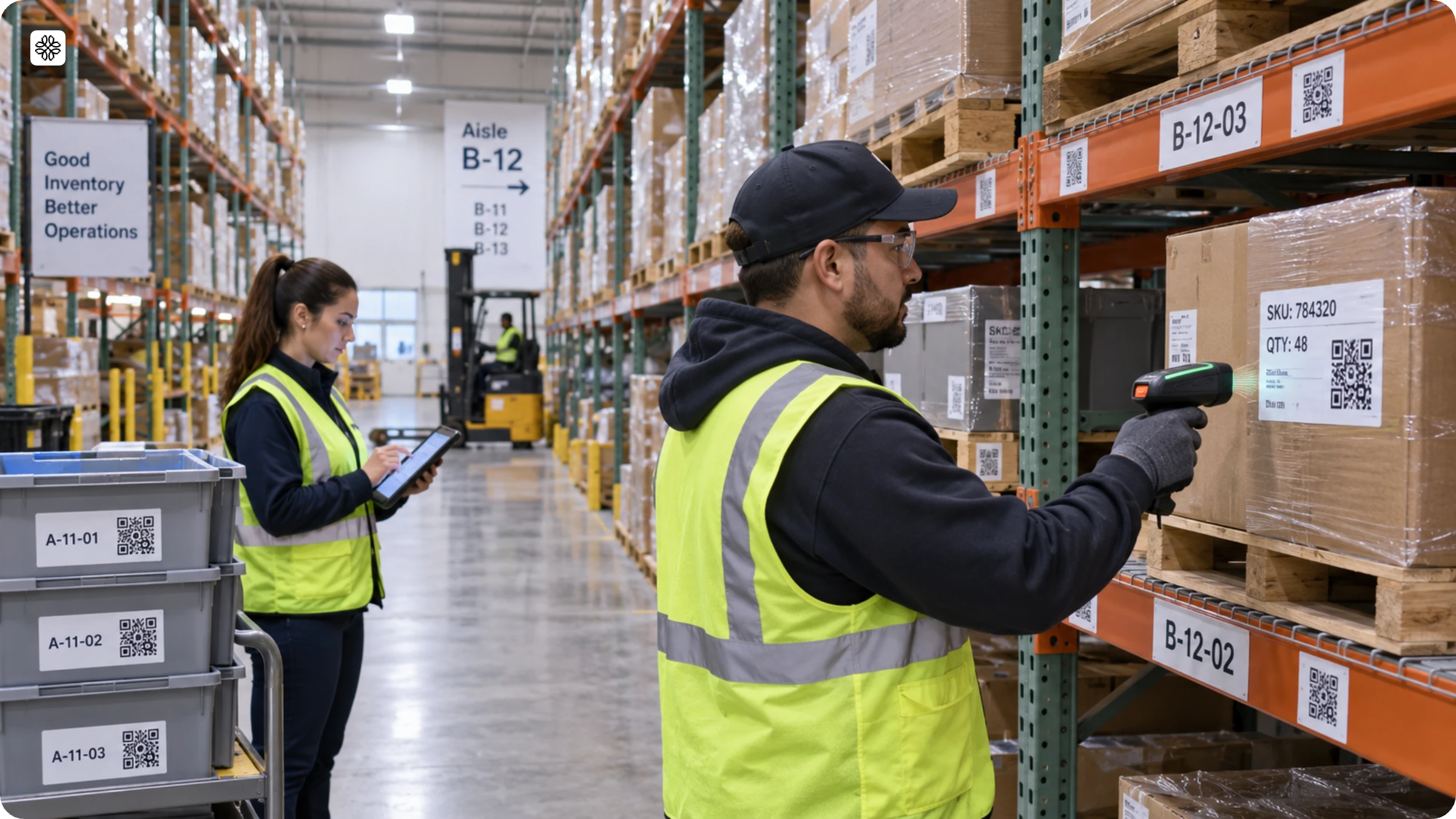
By placing QR Codes on shelf locations, bins, and pallets, staff can simply scan to confirm the putaway location, conduct cycle counts, or quickly find a specific SKU. This eliminates the need to walk up and down the aisles searching for labels, making the entire process more efficient and accurate.
3. Manufacturing and work-in-progress tracking
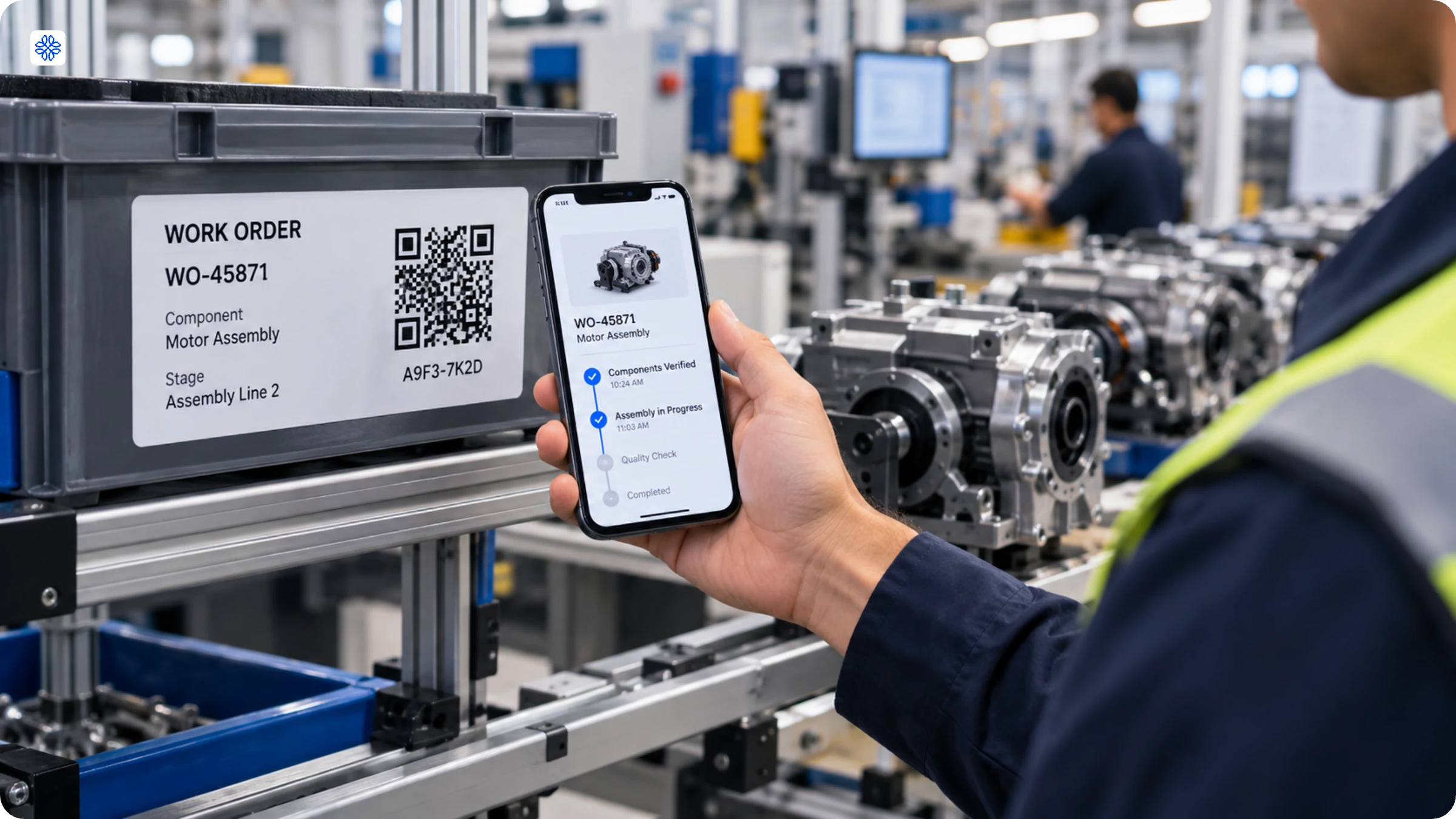
Tracking a unit through every stage of assembly becomes effortless with codes on components or work orders. These codes connect each part to its build instructions, quality checkpoints, and even the exact machine that handled it. This way, if a defect ever appears, you can easily trace it right back to its source.
4. Transportation and logistics
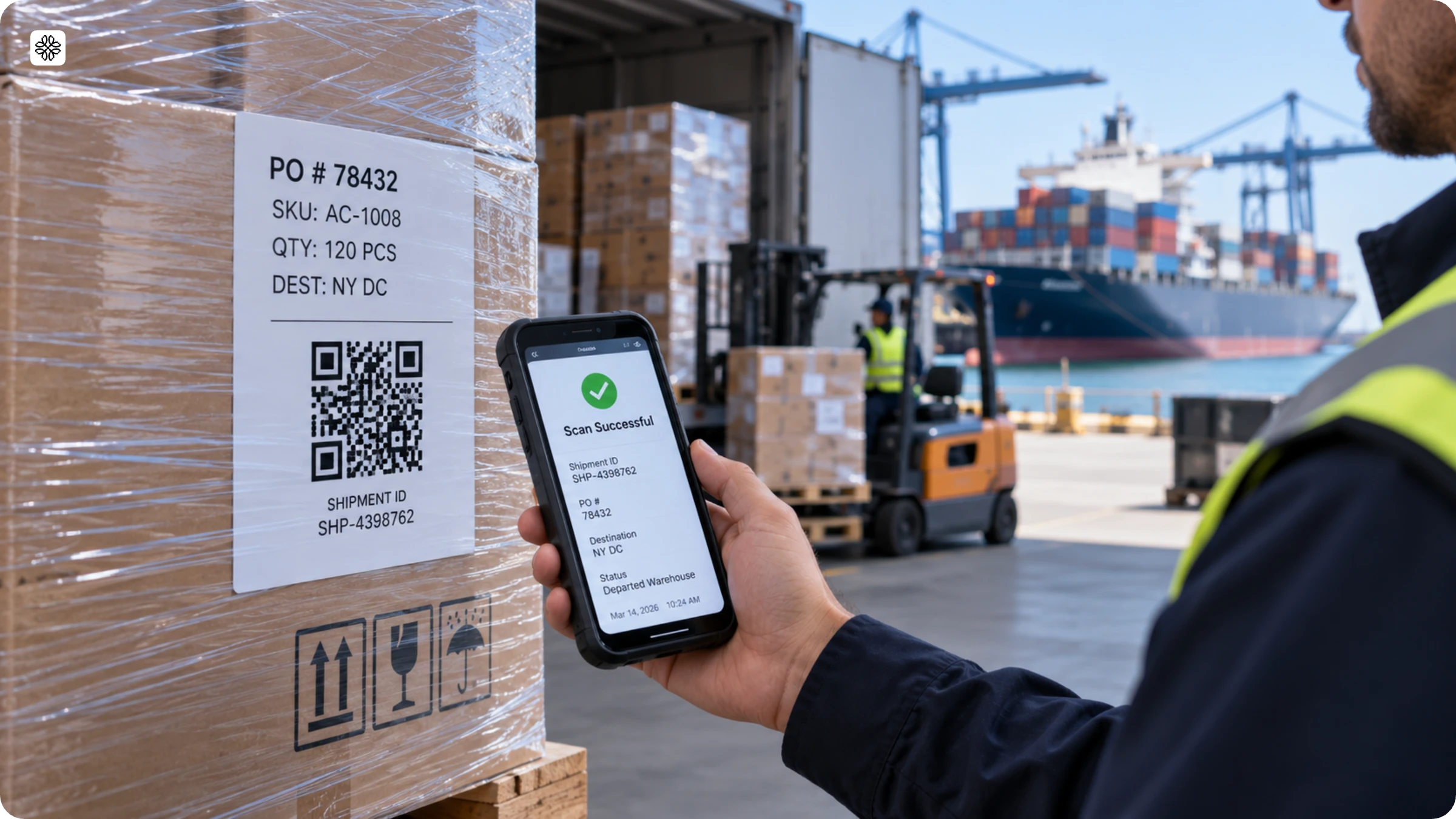
Every time a pallet or carton changes hands, be it at a carrier handoff, a port, customs, or a distribution center, its code is scanned, creating a detailed, timestamped chain of custody. This means that shippers can access a complete record of their shipment’s journey whenever they need it.
5. Retail and last-mile delivery
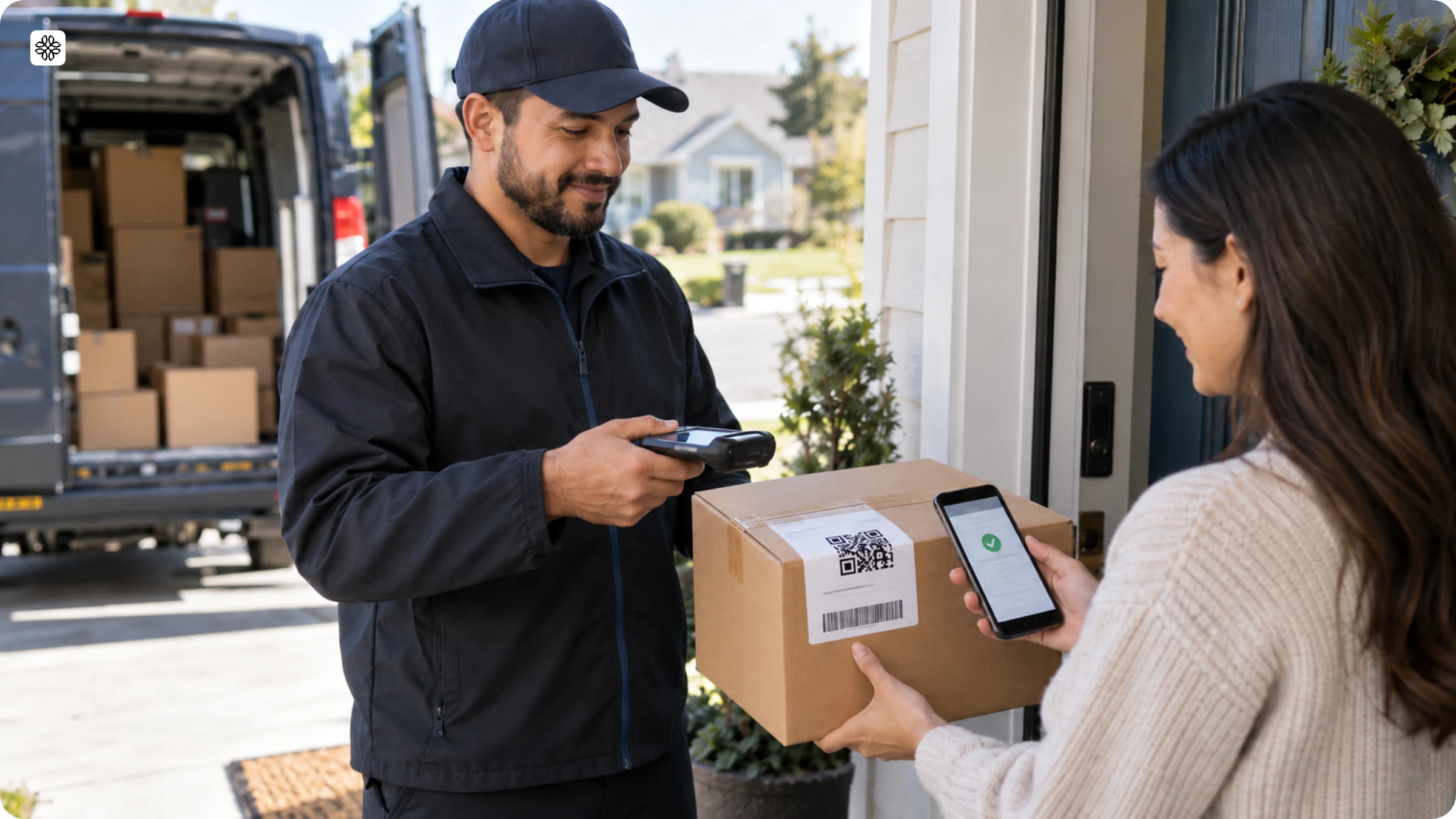
Delivery packaging now comes with codes that help both the driver and the customer. The driver can quickly check that the right package is picked up, while the customer can easily confirm receipt at the doorstep. This simple system ensures that every delivery is tracked from the moment it leaves the warehouse to the moment it reaches your hands.
6. Returns and recall management
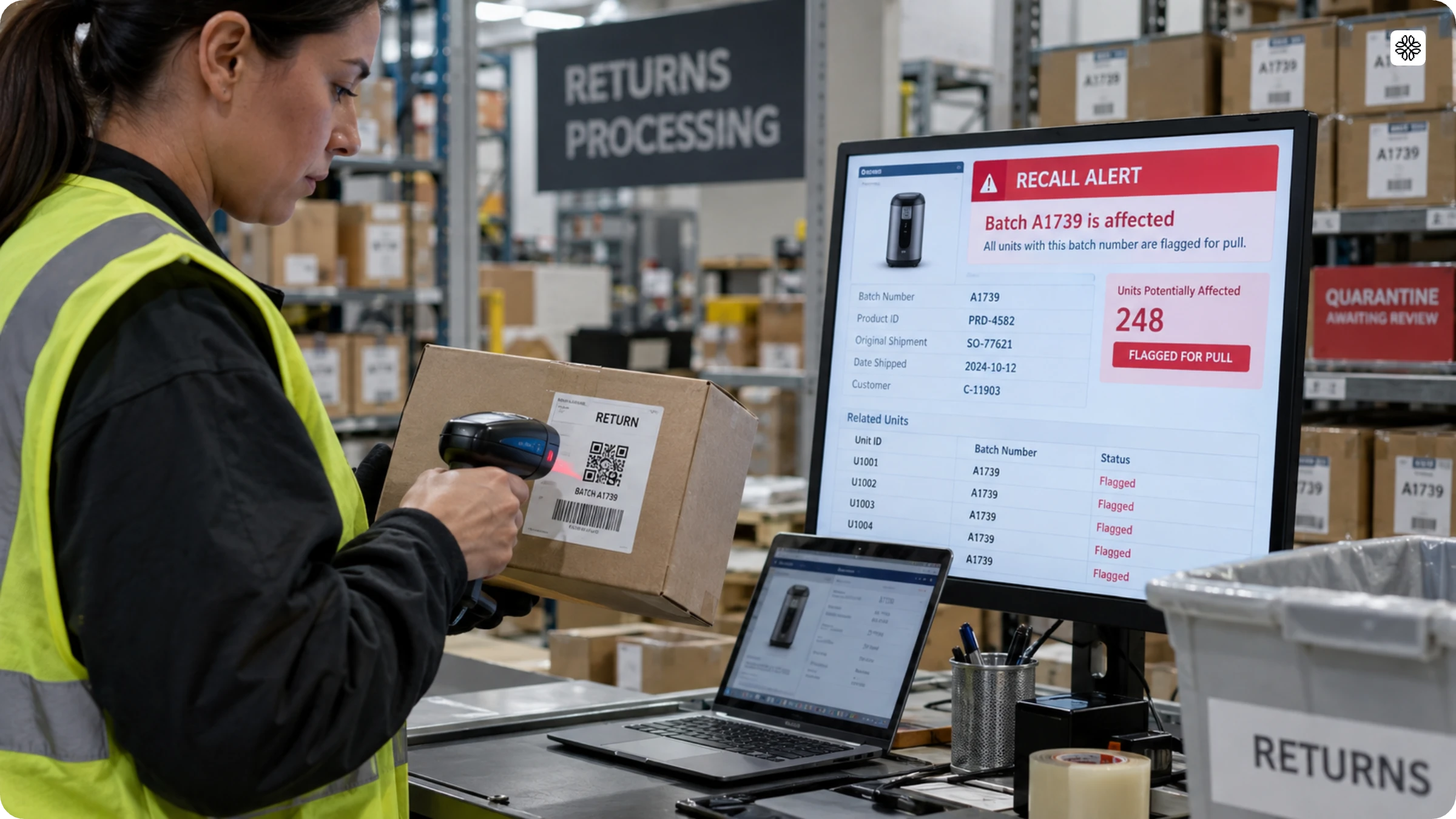
When you scan a returned item, its original batch and shipment record appear right away. If there is a recall, simply scanning one unit from the affected batch will automatically identify every other unit with the same batch number for removal.
Best practices for using QR Codes to enhance supply chain visibility
Here are some tried-and-true strategies for effective QR Code tracking in supply chains:
1. Standardize QR Code formats
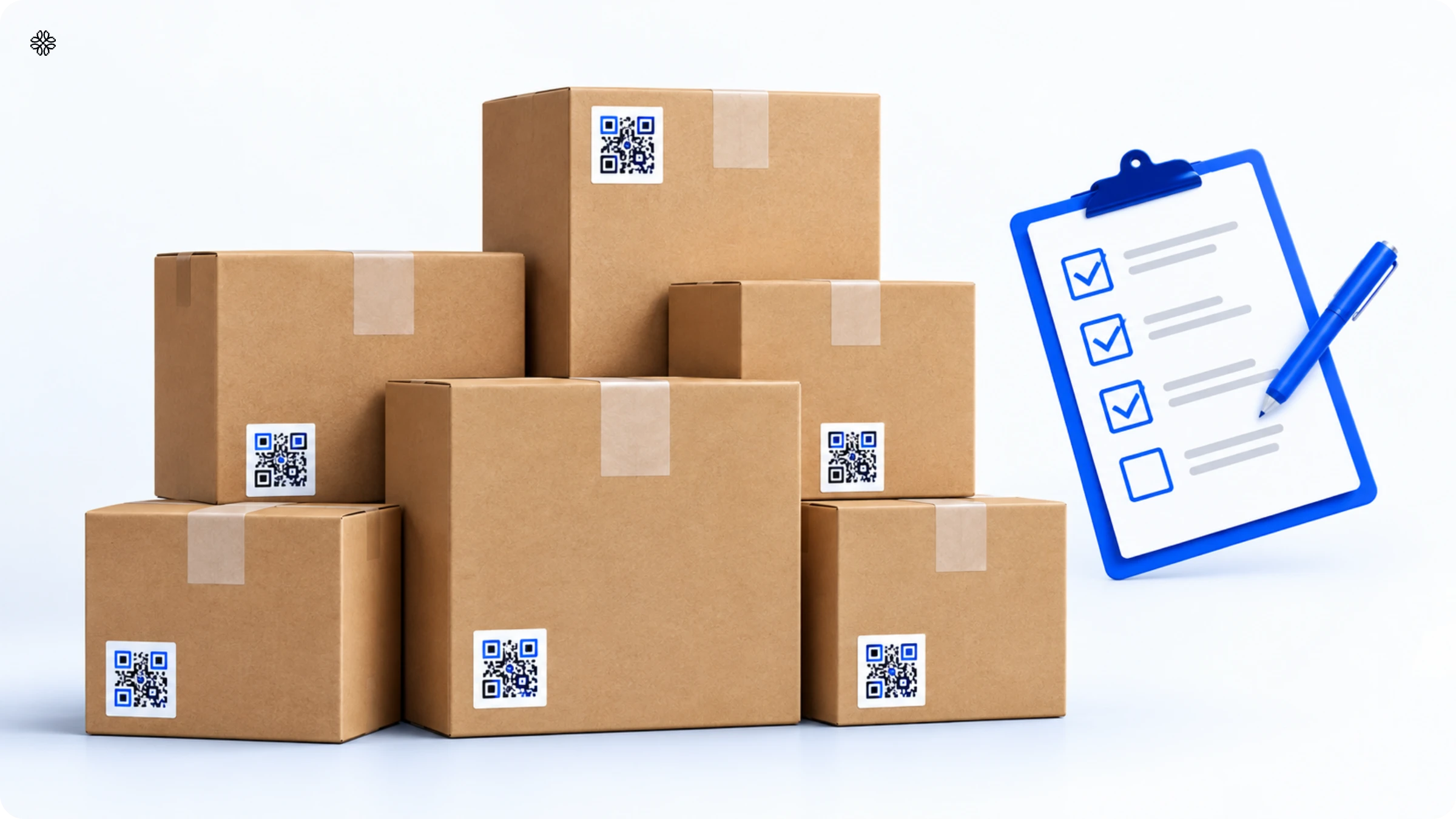
Establish standardized QR Code formats for different types of assets and stages within the supply chain. Consistency in format simplifies scanning and data management.
2. Ensure QR Code quality
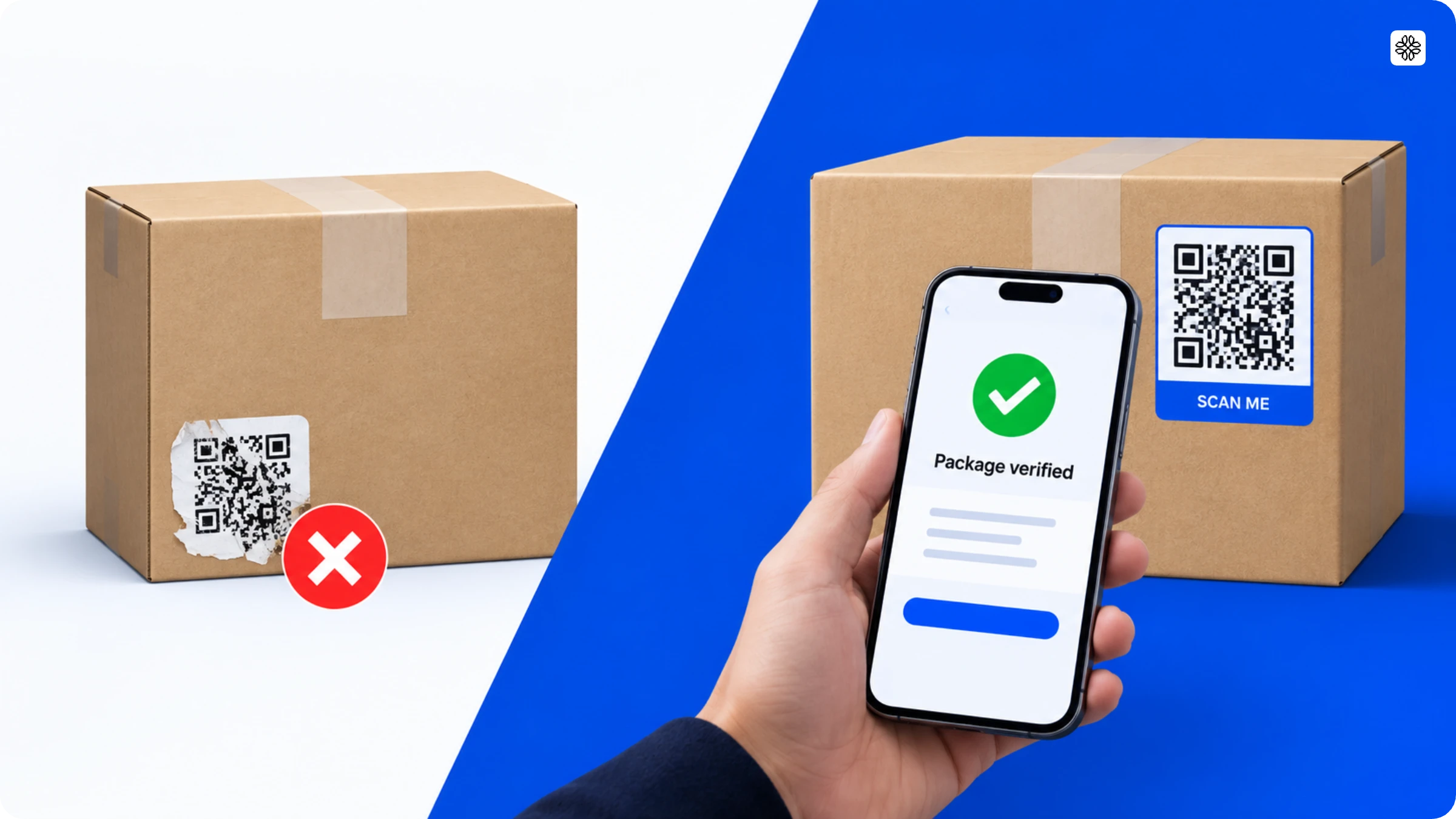
High-quality QR Codes are crucial for reliable scanning. Ensure that QR Code labels are clear, free from damage, and easily scannable, even in challenging conditions. Use an industrial label printer to print QR Codes, rather than regular printers.
3. Train personnel

Provide training to employees involved in QR Code scanning and data entry. Familiarity with the process and its importance ensures accurate and consistent data capture.
4. Prioritize data security
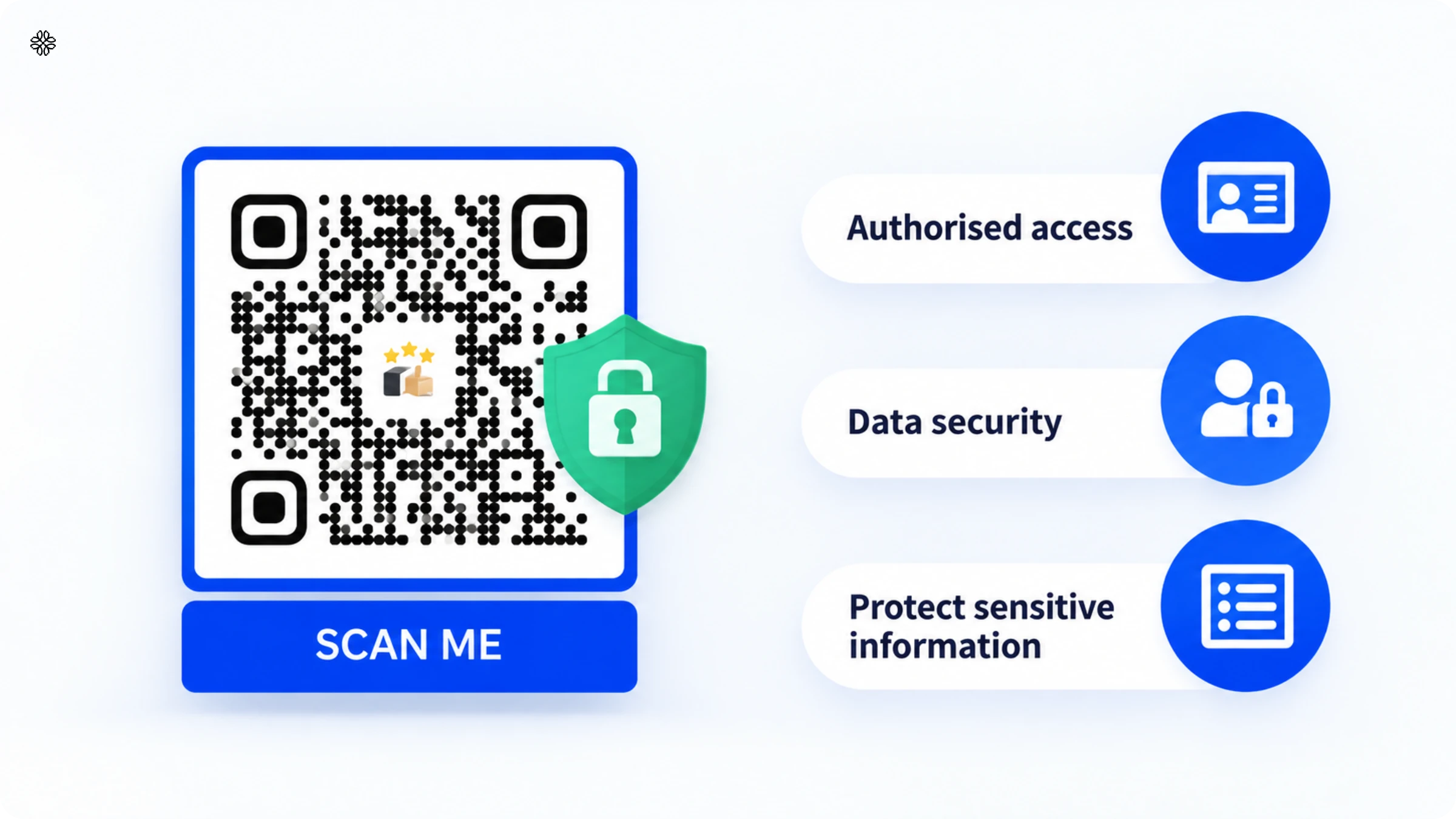
Prioritize data security by implementing encryption and access controls for QR Code tracking systems. Protect sensitive supply chain information from unauthorized access.
If you use Uniqode
You can password-protect your QR Codes to control access. While creating a new QR Code, go to the “Advanced Analytics” section and toggle the switch under “Password Protection.” Enter a password of your choice, and ensure that you at least six characters long.
The future of QR Codes in logistics
The most significant change on the horizon for QR Codes in logistics is the retail sector’s transition from traditional 1D barcodes to 2D codes at checkout. This shift is being led by GS1’s Sunrise 2027 initiative, which calls for retailers and manufacturers to adopt GS1-compliant 2D barcodes, including QR Codes, at the point of sale by the end of 2027. This single deadline is already influencing how packaging is coded, long before products ever reach the shelves.
With 2D codes, all the information that once needed several separate barcodes, like product ID, batch, expiry, and serial number, can now be stored in a single code. This means the same QR Code can be scanned in the warehouse for inventory, at the checkout for sales, and even later for recall checks. Businesses no longer need to juggle multiple coding systems for a single product.
Another trend to keep an eye on is the shift from relying on central databases to embedding tracking data directly in the code. For cold chain shipments, pharmaceuticals, and high-value goods, information such as temperature thresholds, handling instructions, or serialization data is now often encoded directly into the QR Code. This means a scan will work even in a warehouse without a live connection to a central system. Logistics teams that standardize their data formats today will find it much easier to adapt as this shift becomes more widespread.
Getting your supply chain QR-ready with Uniqode
There is no need to overhaul your existing barcode system in one go. The supply chains seeing the greatest benefits from QR Codes today are not necessarily the earliest adopters, but rather those who took the time to standardize their data before expanding beyond a few pilot codes.
Before printing a single label, answer three questions:
- Does this code need to carry GS1 compliance data (GTIN, batch, expiry), or just link to a tracking page?
- Will the destination ever need to change after the code is printed, a rerouted shipment, an updated work instruction, or a recall notice?
- Who else needs to see this data: a WMS, an ERP, a retail partner’s scanner, a customer?
Your responses to these three questions will shape nearly every subsequent decision, from choosing between static and dynamic codes to determining whether you need GS1 compliance or a standard format, and whether a simple generator will suffice or a robust platform designed for scale is required.
Many teams begin with a simple shared spreadsheet of QR links, only to find themselves quickly outgrowing it, often when two people try to update the same tracking page, and something inevitably goes wrong. This is where Uniqode steps in, offering bulk creation for hundreds of codes at once. The platform also streamlines password protection, custom domains, and audit logs, ensuring you are prepared for any security review without duplicating effort. Start creating your supply chain management QR Code with Uniqode now.
Frequently Asked Questions
- What is the use of QR Codes in logistics?
QR Codes in logistics serve as a quick and efficient method for tracking shipments, packages, and assets throughout the supply chain.
By scanning QR Codes on shipping labels or packages, logistics companies can access real-time information about the shipment’s status, location, and delivery schedule—facilitating smoother logistics operations.
- What are the benefits of QR Codes in the warehouse?
QR Codes offer various benefits in warehouse management.
- Error minimization: QR Codes reduce manual data entry errors, ensuring accurate and up-to-date inventory records.
- Enhanced traceability: QR Codes create digital trails, simplifying item history tracing and issue resolution.
- Real-time updates: QR Codes provide instant inventory updates, empowering managers with real-time data for effective decision-making and resource allocation.
- How are QR Codes used in manufacturing?
You can use QR Codes in manufacturing in the following ways:
- Quality control: QR Codes on products or components can link to quality control data, helping manufacturers ensure product quality and compliance with standards.
- Work instructions: Workers can access detailed work instructions, assembly guides, and manuals by scanning QR Codes, improving efficiency and reducing errors.
- Maintenance records: QR Codes on manufacturing equipment and machinery aid in tracking maintenance schedules, reducing downtime, and ensuring equipment reliability.
- Inventory management: QR Codes seamlessly integrate with supply chain software, providing real-time visibility into the movement of goods and materials.
- Can QR Codes fully replace barcodes in a supply chain?
QR Codes cannot fully replace barcodes in a supply chain yet in most retail environments, but functionally, a GS1 QR Code can already carry everything a 1D barcode carries and more. The limiting factor isn't the code, it's the point-of-sale scanner hardware. Until most checkout scanners support 2D reads, the change GS1's Sunrise 2027 initiative is pushing, most supply chains run QR Codes and 1D barcodes in parallel rather than replacing one with the other outright.
- What's the difference between a GS1 QR Code and a regular QR Code?
A GS1 QR Code follows a standardized data structure defined by GS1, encoding a GTIN, batch or lot number, and expiry date in a fixed format that retail and healthcare scanners are built to read, while a regular QR Code can encode any data in any format, most often just a link. A regular QR Code is more flexible. A GS1 QR Code is more interoperable across partners who all expect the same data structure.
- Do QR Codes need an internet connection to work in a warehouse?
Scanning a QR Code doesn't require a connection if the code holds the data directly, as a GS1 or static code does, but a dynamic QR Code needs connectivity to resolve to its live destination. For warehouses with unreliable connectivity, static or GS1-encoded codes are the safer default for any data that must be readable offline.
- Can a damaged or torn QR Code still be scanned?
Yes, a damaged or torn QR Code can be scanned up to a point. QR Codes include built-in error correction that allows a scan to succeed even with roughly 15 to 30% of the code obscured or damaged, depending on the error correction level used when the code was generated. Beyond that threshold, the code won't resolve and needs to be replaced or reprinted.
- Are QR Codes secure enough for pharmaceutical or food supply chain traceability?
Yes, QR Codes are secure enough for pharmaceutical or food supply chain traceability when paired with the right platform controls. GS1 QR Codes are already the standard many pharmaceutical and food supply chains use for lot-level traceability, and platform-level protections, malware and phishing detection, password-gated destinations, and audit logs of every scan, adding a layer of security that a printed barcode alone doesn't have. Regulatory frameworks like the US DSCSA in pharmaceuticals already assume serialized, scannable codes as the baseline.
- What data can be embedded directly in a supply chain QR Code?
A supply chain QR Code can embed a product's GTIN, batch or lot number, expiry date, serial number, and a destination URL, all in a single scan, versus a 1D barcode, which typically holds only a product ID that must be looked up elsewhere. How much data actually gets embedded versus looked up in a connected system is a design choice, not a limitation of the code itself.
About the Author
Shashank - Enthusiastic about marketing and improving the ROI of businesses.
Related Posts
QR Code Asset Management: How It Works, Benefits & Setup Guide

How to Create a QR Code for Attendance Tracking (3 Simple Steps)
QR Codes for Manufacturing: How to Create, Use & Track (with Examples)

QR Code Registration: How It Works, Use Cases & How to Create One

QR Code Check-In: How to Build a System That Works Past the First Event