Restaurant Menu QR Code: Product Update
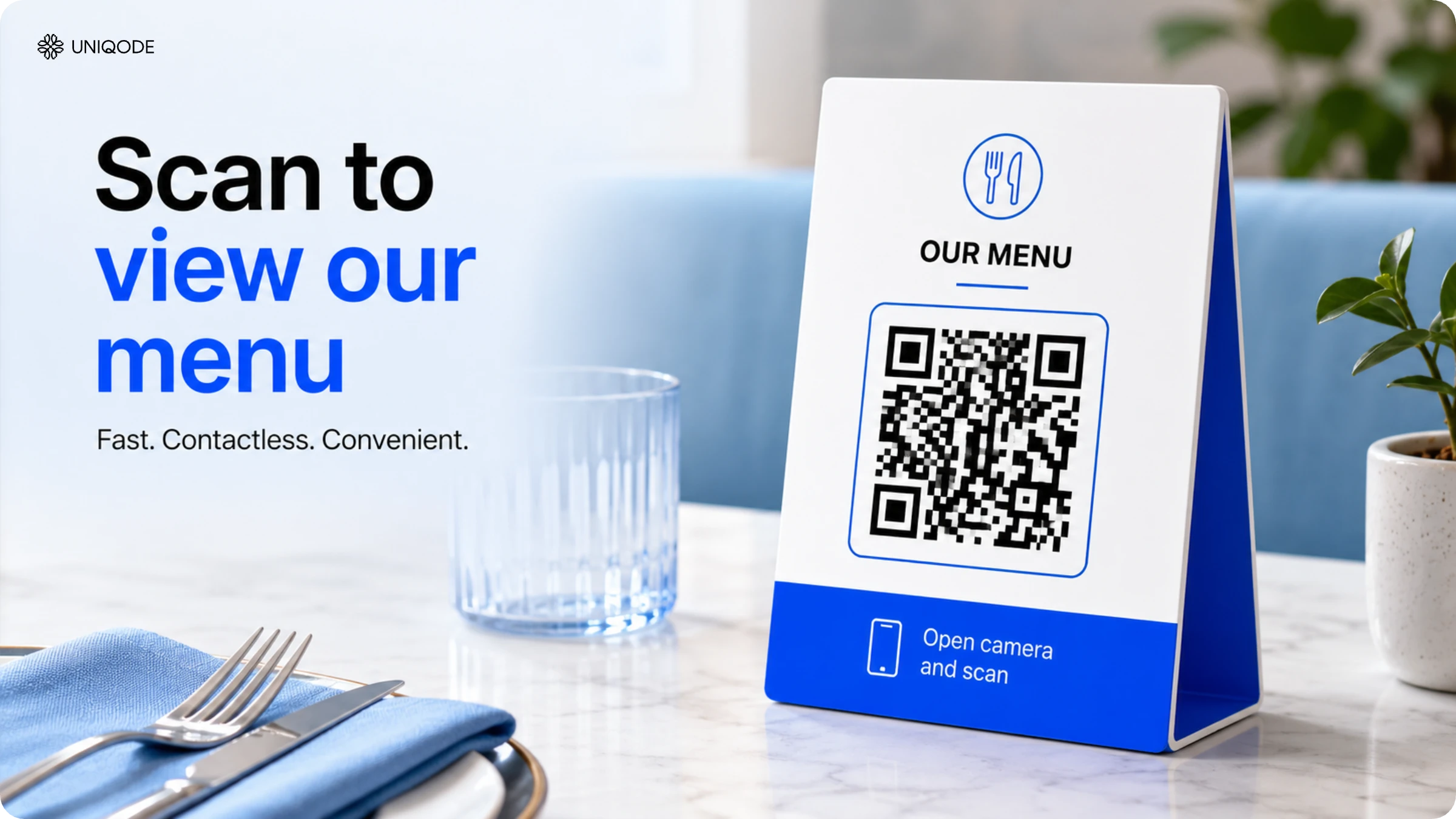
Enable contactless menus with a one-stop solution: Restaurant Menu QR Code. Host all your menus with your branding in multiple languages
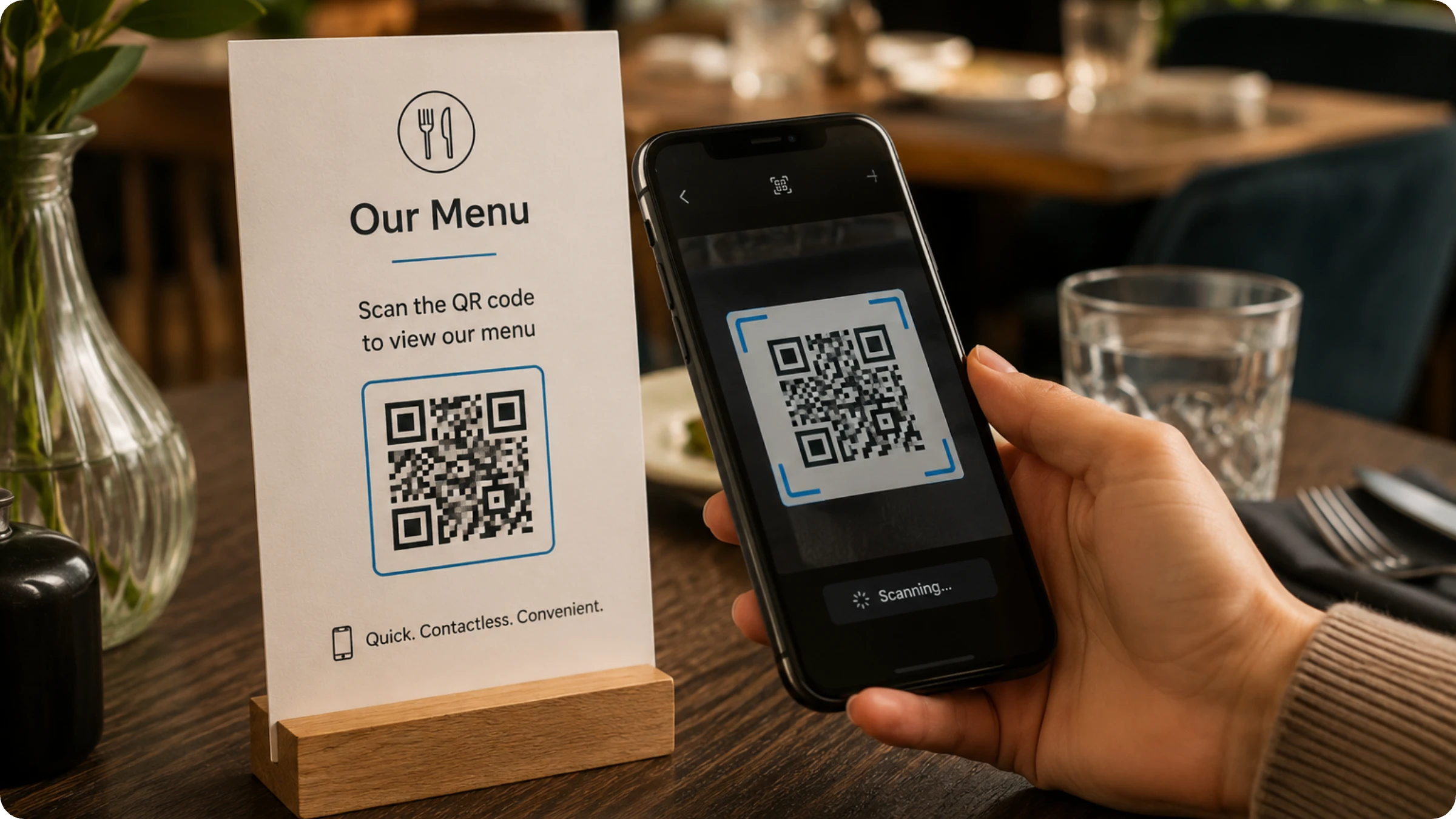
Restaurants re-opening across the world are choosing contactless solutions to keep their patrons and employees safe. The most common use-case we’ve seen is the use of QR Codes for restaurant menus.
We’ve had restaurants upload their menu as a PDF or just take a photo of it and turn that into a QR Code menu. Some restaurants have even explored our landing page feature to create powerful image-first menus.
As restaurants continue to use our platform, we understood there was a clear need for a new type of QR Code –Restaurant Menu.

What can you do with the Restaurant Menu QR Code?
- Host all your menus on a single landing page.
- Add your branding – logos, description, sub-heading, font and background image
- Offer menus in multiple languages
As always, you can customize the QR Code and make changes in real-time because it’s a dynamic QR Code.Guide to customizing your QR Code
How to create a Restaurant Menu QR Code
STEP 1: Sign up or log in to the dashboard.
STEP 2: Choose “Restaurant Menu” QR Code
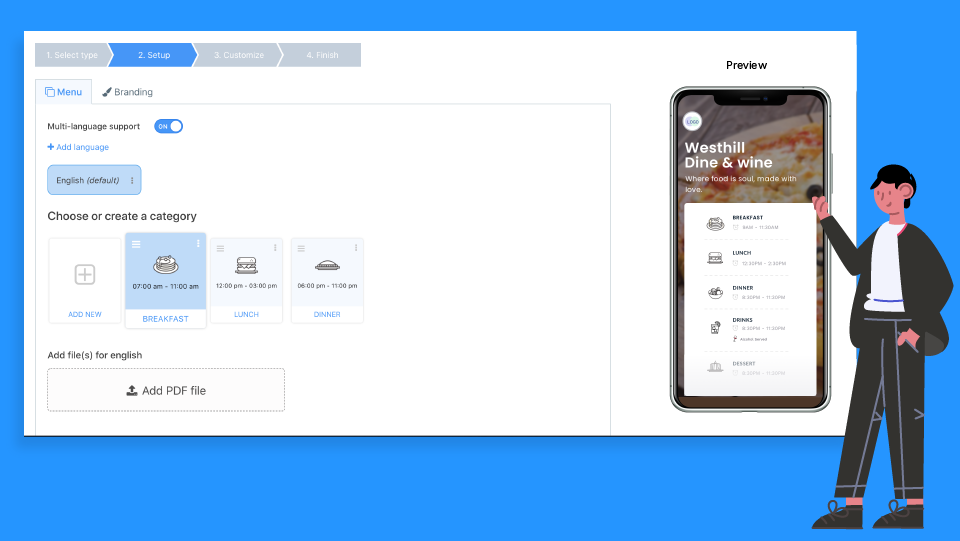
STEP 3: Choose a category and upload your menu(s)
If a category doesn’t apply to your restaurant, you can edit or remove it by clicking on 3 dots on the top right corner.
You can also add your own categories and specify your hours, whether you serve alcoholic beverages and choose an icon for it.
STEP 4: Turn on the multi-lingual feature
You can add multiple languages to a single QR Code and users will see the menu based on their smartphone’s language setting.
STEP 5: Add your branding
Upload your logo, add a description, sub-heading, and change the font and background image to customize the experience for your customer.
STEP 6: Customize the QR Code and download it
Other helpful resources for restaurants
Frequently Asked Questions
- How do contactless QR code menus work in restaurants?
Contactless QR code menus allow customers to scan a code with their smartphone camera to view digital menus without touching physical paper menus. Restaurants can use dynamic QR codes that enable real-time menu updates without reprinting, making it easy to change prices, items, or availability instantly. These QR codes can host multiple menus (breakfast, lunch, dinner, drinks) on a single landing page and support multiple languages based on the customer's smartphone language settings.
- Can you put multiple menus on one QR code?
Yes, you can host all your restaurant menus on a single QR code landing page using a Restaurant Menu QR Code generator. This allows you to include breakfast, lunch, dinner, drinks, and dessert menus under one QR code with different categories that customers can navigate between. You can add unlimited custom categories, specify service hours for each menu, and even indicate which menus include alcoholic beverages with custom icons.
About the Author
Content Marketing Manager