How to Add QR Code API to your App: A Quick Guideline
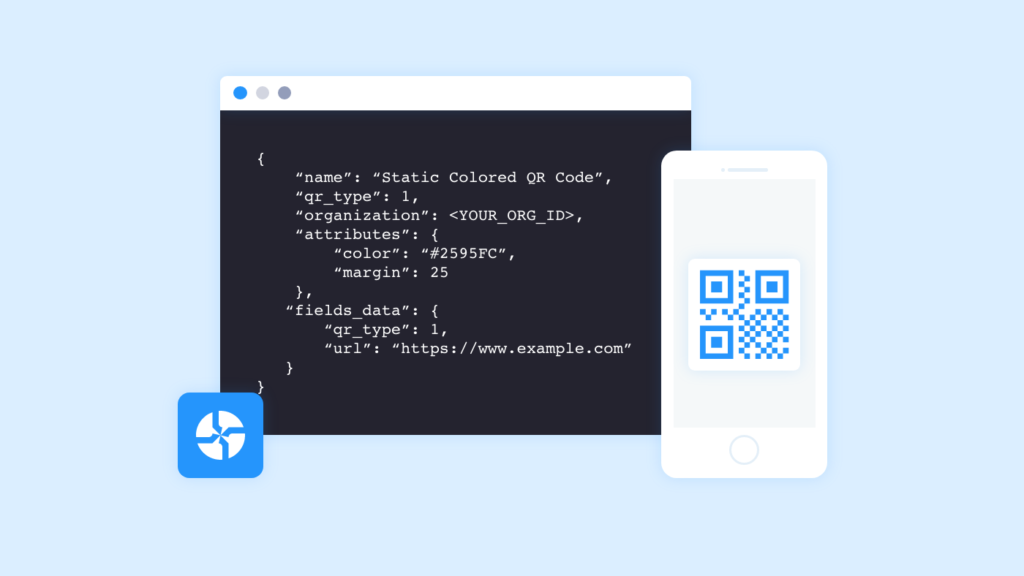
Want to know how to add a QR Code API to your app without complex troubleshooting? Read to find out!
Wondering how to integrate a QR Code API to your app to create QR Codes on the go?
Read on to find out how to integrate Uniqode’s QR Code API solution into your app without a tiresome troubleshooting process in a jiffy.
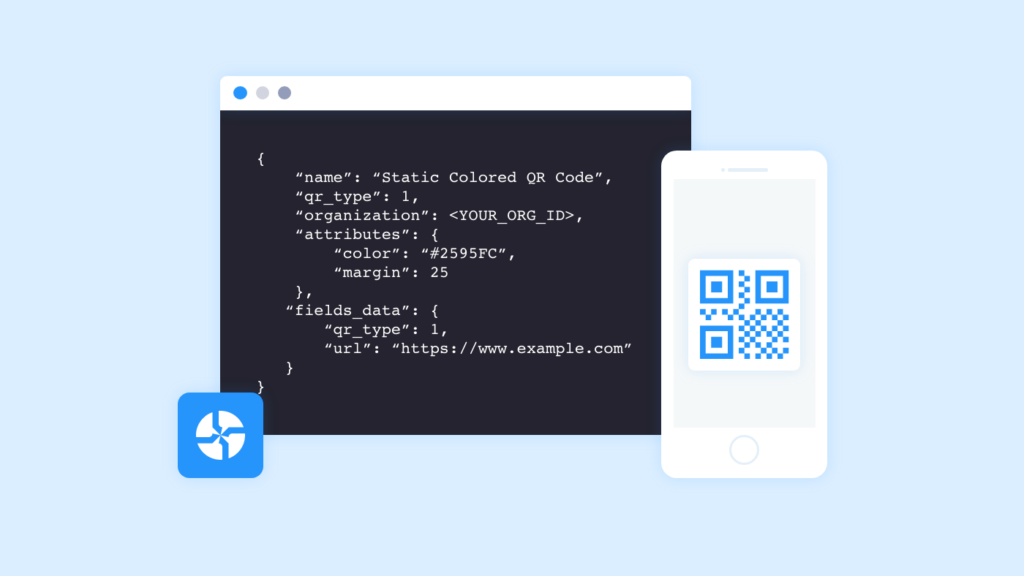
But before that, let’s understand why having a QR Code API for your app is beneficial.
Why should you add QR Code API to your app?
Let’s say you’re seated at a cafe, browsing through the menu for coffee options. The kitchen is the part of the cafe that will prepare your order. But, the primary link of communication between you and the kitchen is missing. That’s when an API comes into the picture.
Having an API helps you convey the order to the kitchen without involving third-party vendors, making the process easy and secure.
Some of the most common API examples are weather snippets on your smartphone, Twitter APIs to help you engage, paying online using an app, and even watching a video via an app.
1. Automation
A QR Code API can help businesses manage work easily with automation. Through APIs, businesses can manage, track, and update QR Code flows to make them quicker and more productive.
2. Flexible
Since QR Code APIs can access the app components, the delivery of QR Code services and information is rather flexible.
3. Enhanced scope
With the QR Code API, an application layer can be created to help distribute information and services to new audiences which can be personalized to create new customer experiences.
4. Easy integration
QR Code APIs allow services and other technologies to be embedded from any app easily. This guarantees an enhanced fluid information delivery and an integrated user experience.
5. Provides an additional layer of security
Leveraging a QR Code API eliminates the risk of being exposed to a public server wholly, and vice-versa.
In addition,
- Modern APIs adhere to standards that are developer friendly, can be understood broadly, and easily accessible
- QR Code APIs are designed for specific audiences, they are documented, and are versioned in a way that users have certain expectations of its maintenance
- Since QR Code APIs are standardized, they are highly secure, monitored, and managed for performance and scale
APIs are essential to running data-driven businesses. They help businesses improve in terms of speed, agility, accuracy, and consistency with an additional layer of security allowing them for smoother business process integration across applications in conjunction with other types of technology. A relevant example can be seen in apps that handle user communications, where integrating QR Code APIs alongside an email reputation API helps maintain secure outreach and reduce spam risks. Leveraging both authentication methods ensures security and enhances overall user trust across platforms.
How to add QR Code API to your app
A QR Code API can be added to any application with ease.
Uniqode’s API uses an API key to authenticate requests to integrate with your app.
Follow these steps to add QR Code API to your app –
- Log in to Uniqode’s dashboard
- Click on your account on the top-right section of the dashboard
- Copy the ‘Developer Token’ value from the ‘Account Details’ section
- Add a header field with key Authorization and value as Token <YOUR_TOKEN>
- Add the retrieved developer token, or API key to your app and start creating QR Codes

Your API Key holds immense value so be sure to not share it with anyone and keep it away from publicly accessible areas such as GitHub, client-side code, and so on.
Uniqode’s API is organized around REST. Our API has predictable resource-oriented URLs, accepts form-encoded request bodies, returns JSON-encoded responses, and uses standard HTTP response codes, authentication, and verbs.
Note:All API requests must be made over HTTPS. App requests made around plain HTTP will fail. In addition, requests without any authentication will also fail.
Uniqode’s QR Code API solution can be integrated into any app to create both dynamic and static QR Codes, track QR Code scans, create QR Codes in bulk, and add multiple users.
To learn more about each type of QR Code, how to create different types of QR Codes, track and analyze them, and more, visit this webpage – https://apidocs.uniqode.com/
Leverage QR Code API to improve efficiency, automate, and secure your app
From a technical standpoint, having a QR Code API, coupled with a reliable API gateway, enhances the capabilities of one technology to be used by another, ensuring robust security and performance.
APIs enable businesses to grow quickly. Companies are currently spending over $590 billion per year integrating disparate systems. Forward-thinking companies are minimizing costs and time spent by “building their solutions with best-of-breed components, which they access via APIs,” according to Forbes.
Just like the internet, APIs are driving a fresh wave of innovation centered on sharing services. Integrating a QR Code API to your app, regardless of your specialty, helps you save time, manage the service and QR Codes easily, and protect your app from intruders.
Frequently Asked Questions
- What is a QR Code API and how does it work?
A QR Code API is an application programming interface that allows developers to programmatically generate, manage, and track QR codes within their applications without involving third-party vendors. Modern QR Code APIs are organized around REST architecture, accept form-encoded request bodies, return JSON-encoded responses, and use standard HTTP response codes for authentication. All API requests must be made over HTTPS to ensure security, as plain HTTP requests will fail.
- What are the main benefits of integrating a QR Code API into your application?
Integrating a QR Code API provides 5 key benefits: automation for managing and tracking QR code flows, flexibility in accessing app components for information delivery, enhanced scope through personalized customer experiences, easy integration with any app technology, and an additional layer of security by avoiding exposure to public servers. APIs help businesses improve speed, agility, accuracy, and consistency while maintaining secure, monitored, and standardized performance at scale.
- How do you authenticate API requests when adding a QR Code API to your app?
QR Code API authentication requires using a Developer Token (API key) that you retrieve from your account dashboard. You access this by logging into your dashboard, clicking your account in the top-right section, and copying the 'Developer Token' value from the 'Account Details' section. This API key must be kept secure and never shared in publicly accessible areas like GitHub or client-side code, as it holds immense value for your account security
- What is the best QR Code API for creating dynamic and static QR codes?
Uniqode's QR Code API solution is designed to integrate into any application for creating both dynamic and static QR codes with full tracking capabilities. The API is organized around REST architecture with predictable resource-oriented URLs and uses standard HTTP authentication and verbs for reliable performance. It offers automated QR code management, versioned documentation for developers, and enhanced security through HTTPS-only requests that prevent unauthorized access.
- What security measures are required when using a QR Code API?
QR Code API security requires that all requests be made over HTTPS, as plain HTTP requests will automatically fail to protect data transmission. The API key (Developer Token) must be kept confidential and never exposed in publicly accessible areas such as GitHub repositories or client-side code. Modern QR Code APIs provide an additional security layer by eliminating direct exposure to public servers while adhering to standardized, monitored protocols for performance and scale.