25 Questions to Ask on Every Event Lead Capture Demo (and the Answers That Should Worry You)

Most event lead capture vendors ace the demo and fail the trade show floor. This checklist gives you 25 questions across 11 requirement categories, each with the answer that should reassure you and the one that should worry you, plus a vendor scorecard to run live on your next call.
When you attend an event lead capture demo, ask about offline reliability, duplicate contact handling, and security certifications and not only CRM integration. These three areas are often the culprits behind lost leads and disorganized follow-up data, yet most vendor demos tend to gloss over them.
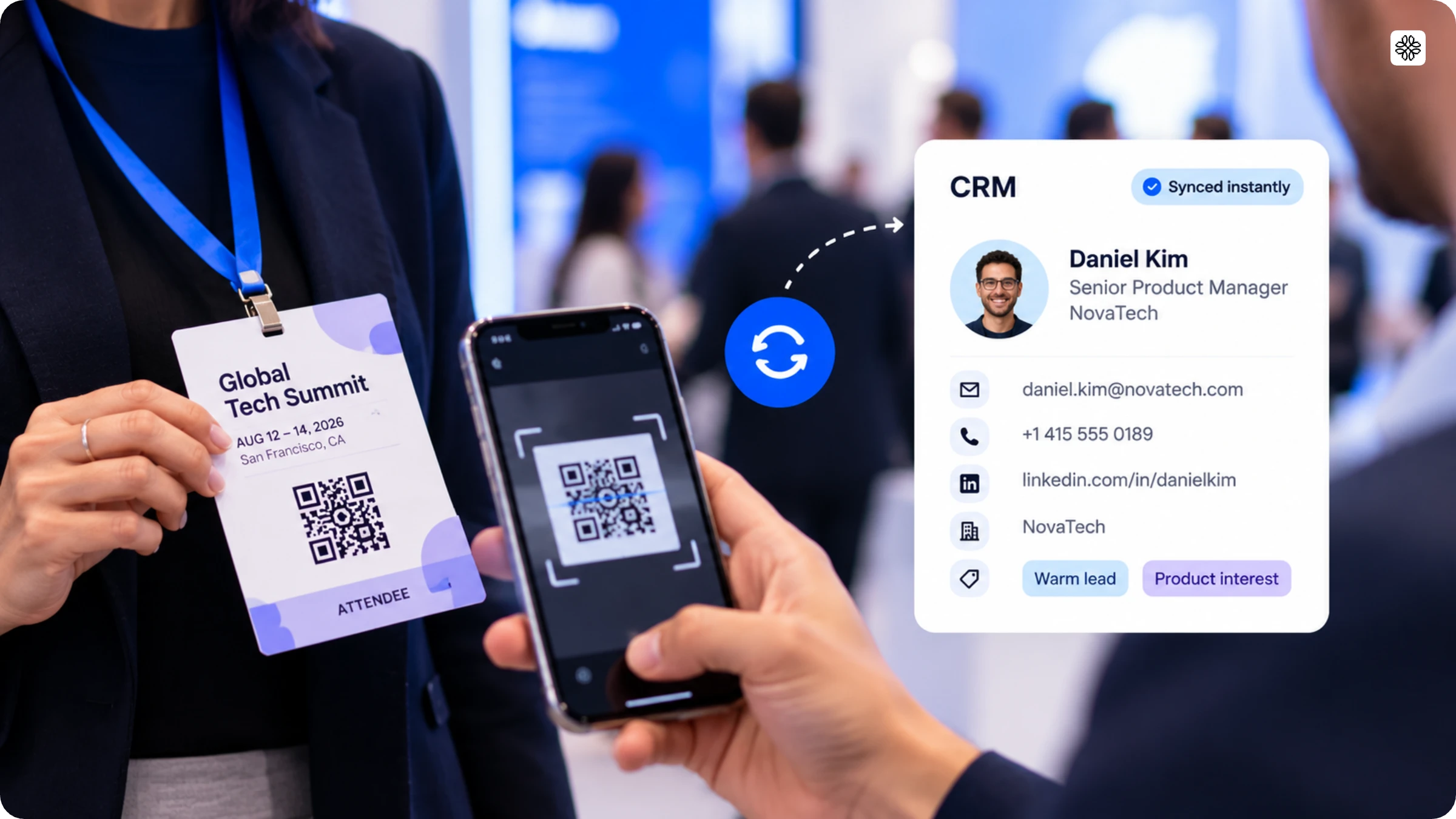
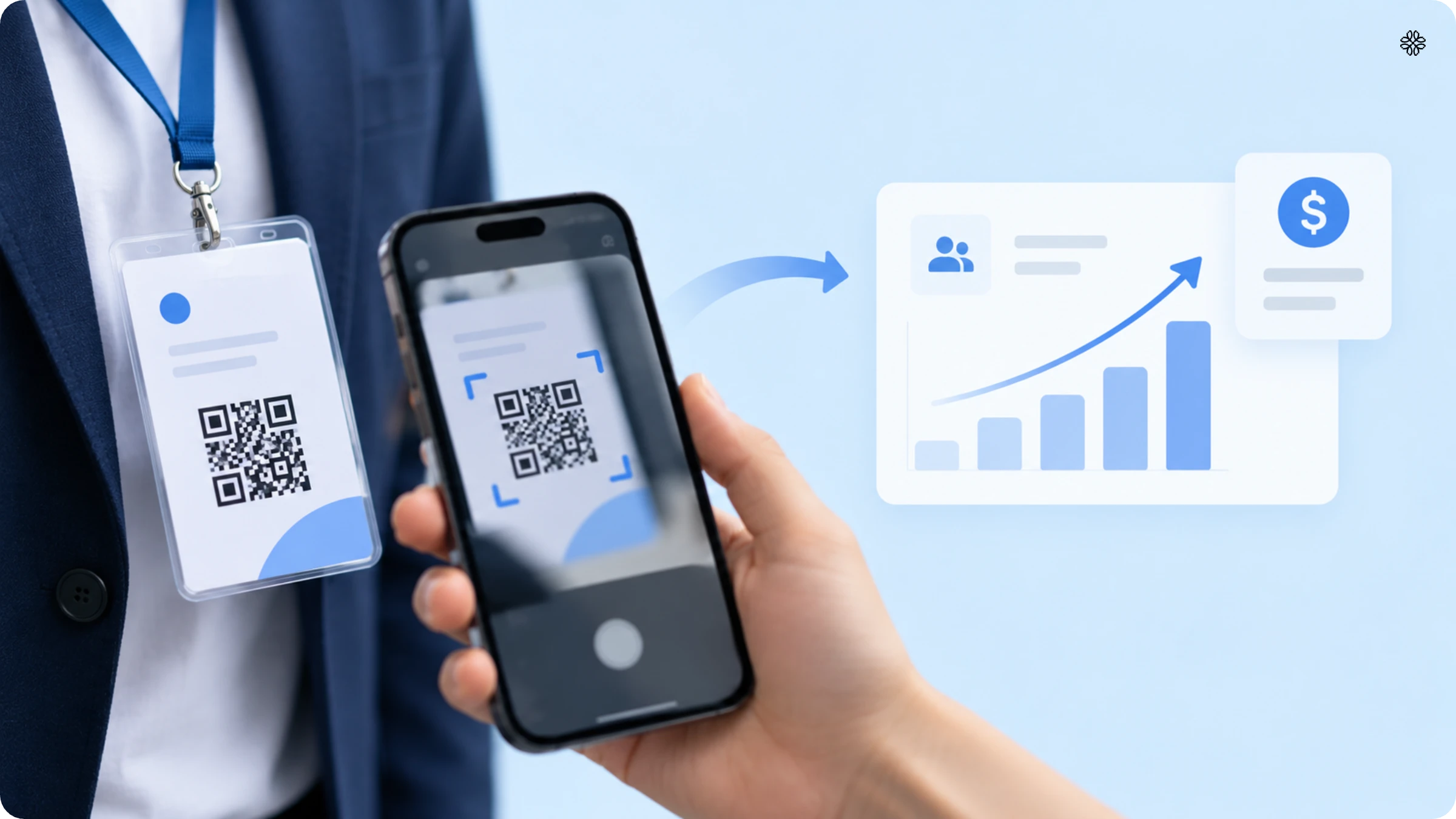
Event lead capture software is designed to transform badge scans, business card scans, and even casual booth conversations into CRM-ready contact records. If you are still building your shortlist, begin by reviewing the current list of event lead capture software vendors, then use this checklist to evaluate each one. In this guide, you will find 25 essential event lead capture questions, grouped into 11 requirement categories, with each question accompanied by both the answer you want to hear and the one that should raise a red flag.
How to choose event lead capture software: 25 requirements for B2B event teams
Event lead capture software proves its value in ways most RFPs overlook. While vendor demos usually show a flawless process with a single badge and no hiccups, the real challenges come up in situations that standard questions about integrations and pricing never cover. These are the moments when you risk losing leads.
Here is a checklist of 25 questions, organized into 11 key requirement categories: universal capture, speed, offline reliability, enrichment, conversation context, customizable qualification, CRM field mapping, duplicate handling, administration, security, and event-level reporting. Use these questions during your calls with vendors, and make sure to ask for real examples rather than just ticking off features. The best vendors will not shy away from showing you how they handle tough situations. If a vendor avoids your questions, it is a sign to move on.
Universal capture
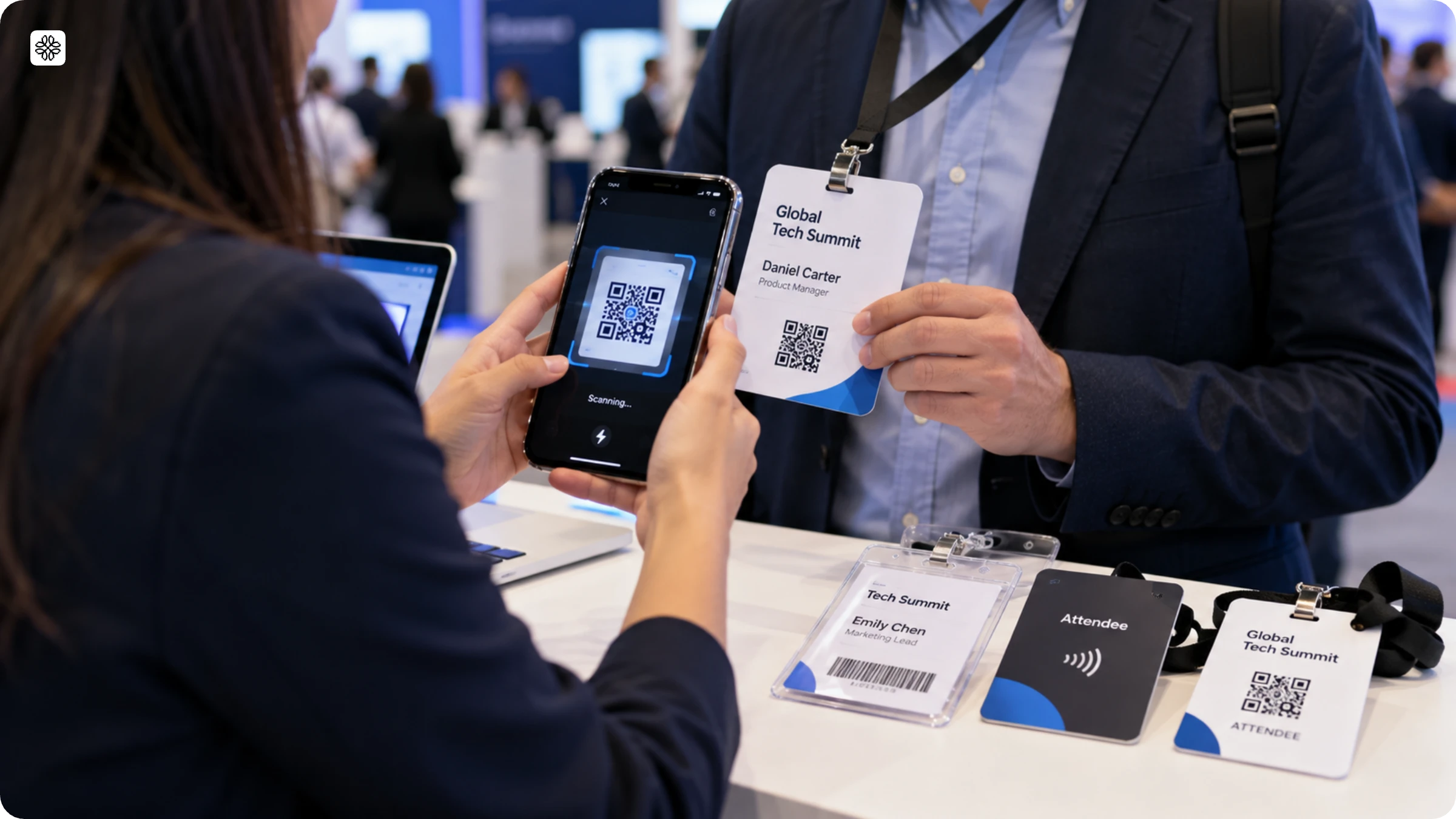
Universal capture is all about flexibility. It ensures your event lead capture app works seamlessly with every badge type and booth setup you encounter, even those not officially supported by the show. For organizers managing multiple events each year, this means you can rely on a single lead capture tool instead of juggling different gadgets at every booth. Since there are several ways to capture leads at an event, it is wise to choose a vendor who supports all of them.
1. Does the same app work for every badge type and every booth, or do we need different equipment per show?
Correct answer: You can use a single app to scan badges and paper cards at any event, so you do not need to rent extra scanner hardware.
Red flag: The vendor requires renting their proprietary scanner hardware for each event.
2. What happens when a lead hands you a paper business card instead of a badge?
Correct answer: The card follows the same capture process as a badge. The app then automatically pulls the contact details.
Red flag: You will need to enter business card details manually later, since the capture system only works with official event badges.
Speed
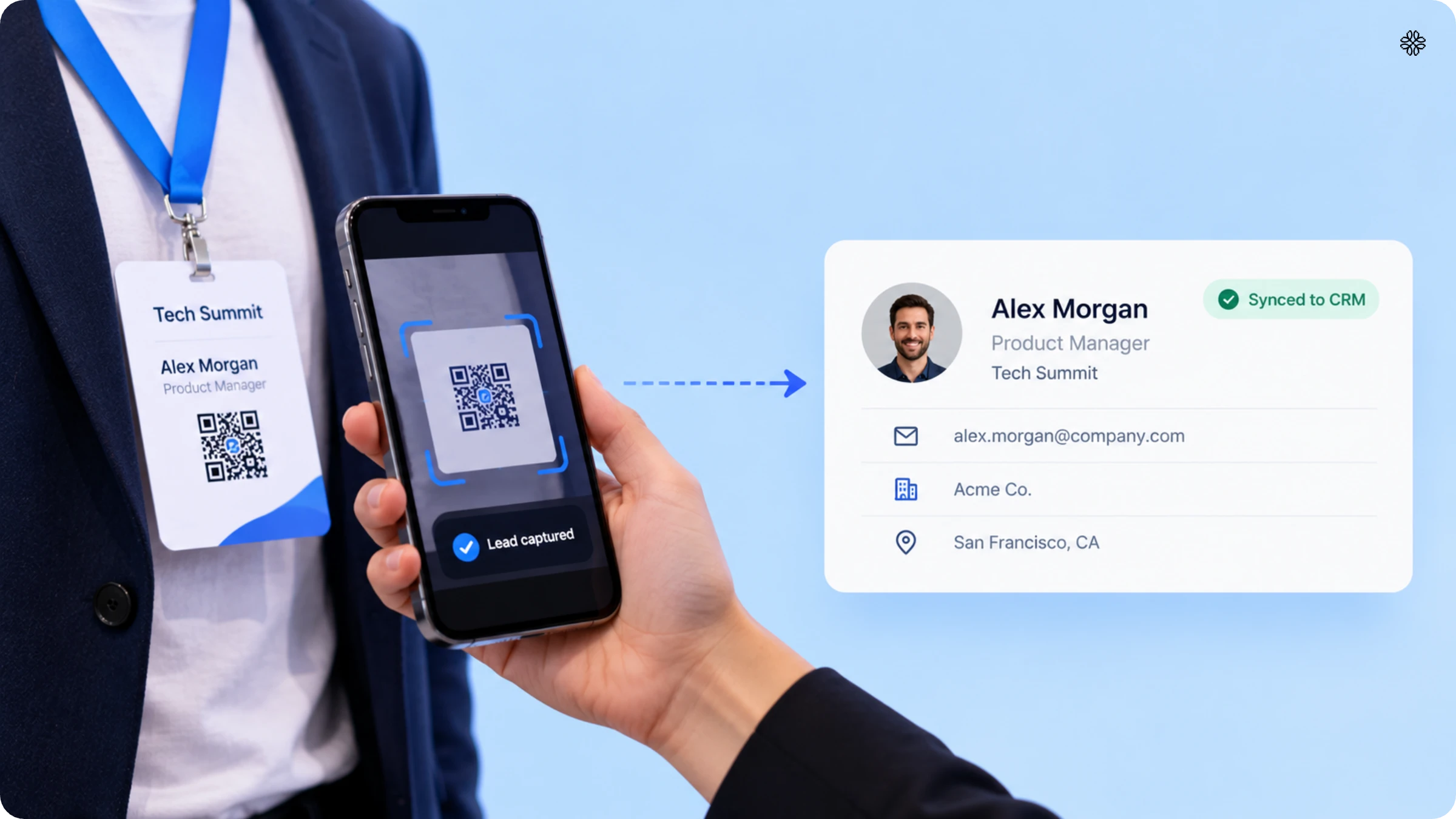
How fast your event lead capture technology works decides if a lead reaches your CRM before the next conversation, or if it shows up days later when interest has faded.
3. How long after a scan does the lead actually land in our CRM?
Correct answer: Sync works instantly, so the lead is ready in the CRM before the rep starts their next conversation.
Red flag: After the show ends, we export the data using a batch upload process.
4. Can reps act on a hot lead immediately, or do they wait for a scheduled sync?
Correct answer: With live sync, sales and marketing teams can follow up on the same day, even while the event is still happening.
Red flag: Sync works on a set schedule, like once a day. This means hot leads are not acted on until the next batch runs.
In 2024, RevenueHero tested 1,000 B2B SaaS companies and found that 63.5% did not respond to demo requests. Those that did reply took more than a day on average. The same delays happen with event follow-ups. If a lead waits in an export file for days, it is up against vendors who have already made contact.
Offline reliability
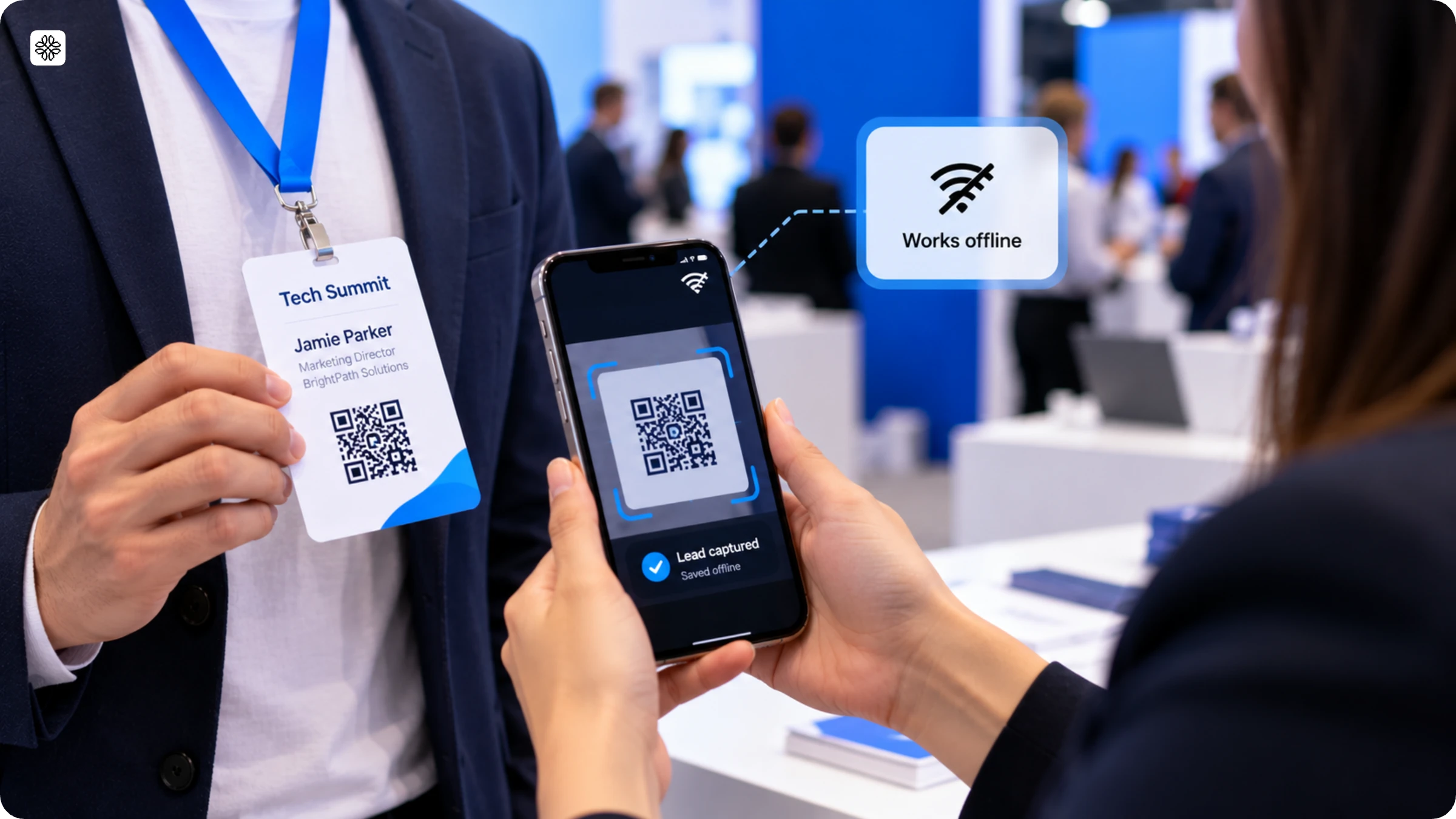
Offline reliability is what makes a lead capture tool work not just in a quiet demo room, but also on a busy trade show floor where the WiFi can suddenly stop working.
5. What happens if the venue WiFi drops or the booth has no signal?
Correct answer: The scan is saved on the device and syncs as soon as it reconnects, so you never lose a lead. Instead of just saying "we have offline mode," we focus on what really matters: as soon as you have a signal again, everything updates automatically. There’s no need to re-upload files, worry about missing records, or track down lost scans after the event.
Red flag: You need an active connection to capture a lead in the app.
6. Will reps know a scan saved successfully with no signal, or are they guessing?
Correct answer: The app shows a pending-sync status the moment a lead saves offline.
Red flag: There's no confirmation, so reps only discover a failed scan after the event ends.
Enrichment
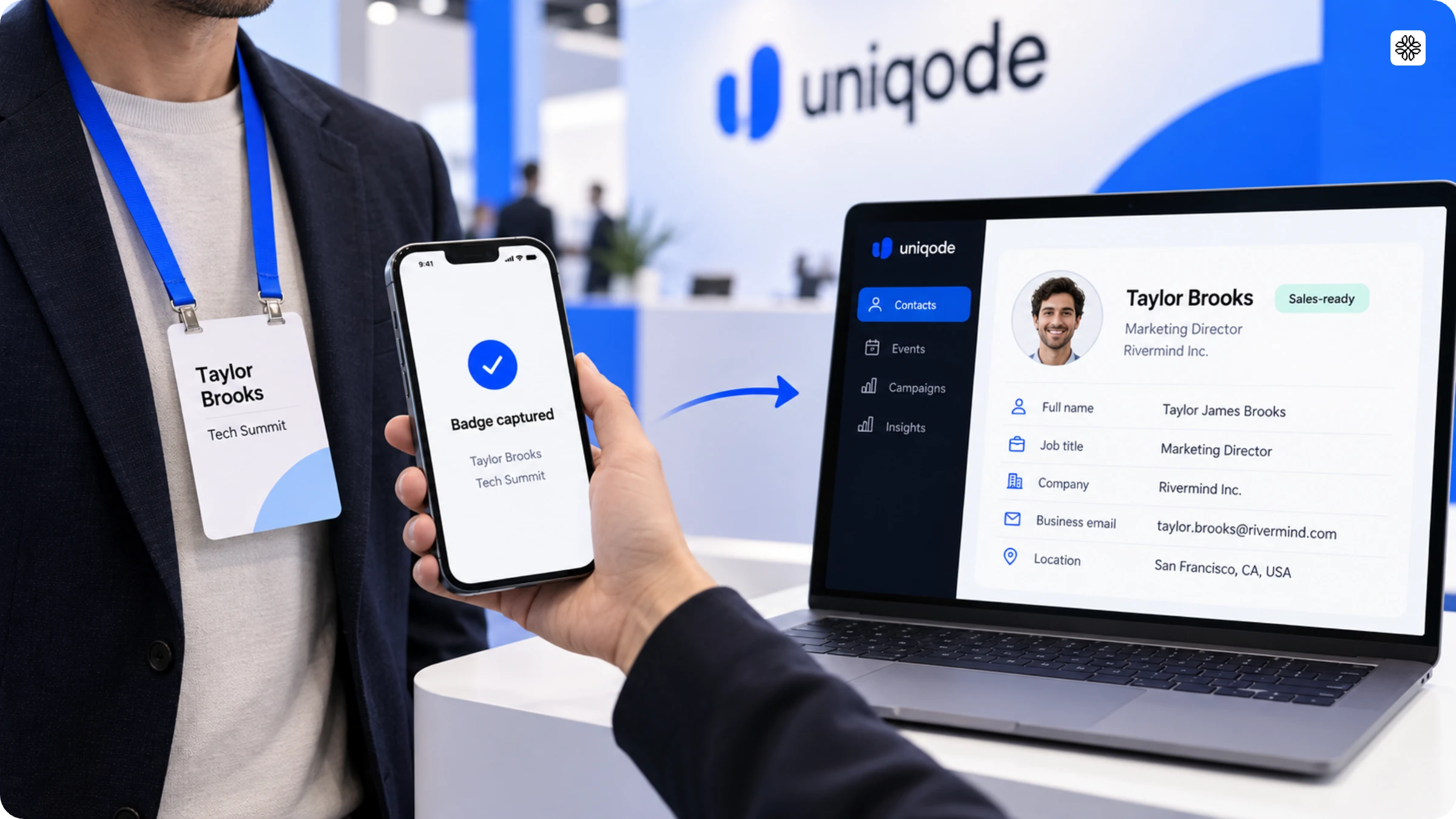
Enrichment is the process that changes a simple name on a badge into a contact record that a sales team can use.
7. What happens to a lead record beyond the name printed on the badge?
Correct answer: AI quickly gathers email, phone number, job title, company, and LinkedIn details from several data sources as soon as you scan.
Red flag: You get exactly what's printed on the badge and nothing more.
8. How many data sources power enrichment, and what happens when a source has no match?
Correct answer: We cross-check information from several sources. If we find any gaps, we flag them rather than ignore them.
Red flag: Enrichment uses only one source. If it fails, it does not show any error and just leaves the fields empty, so users do not know there was a problem.
Conversation context
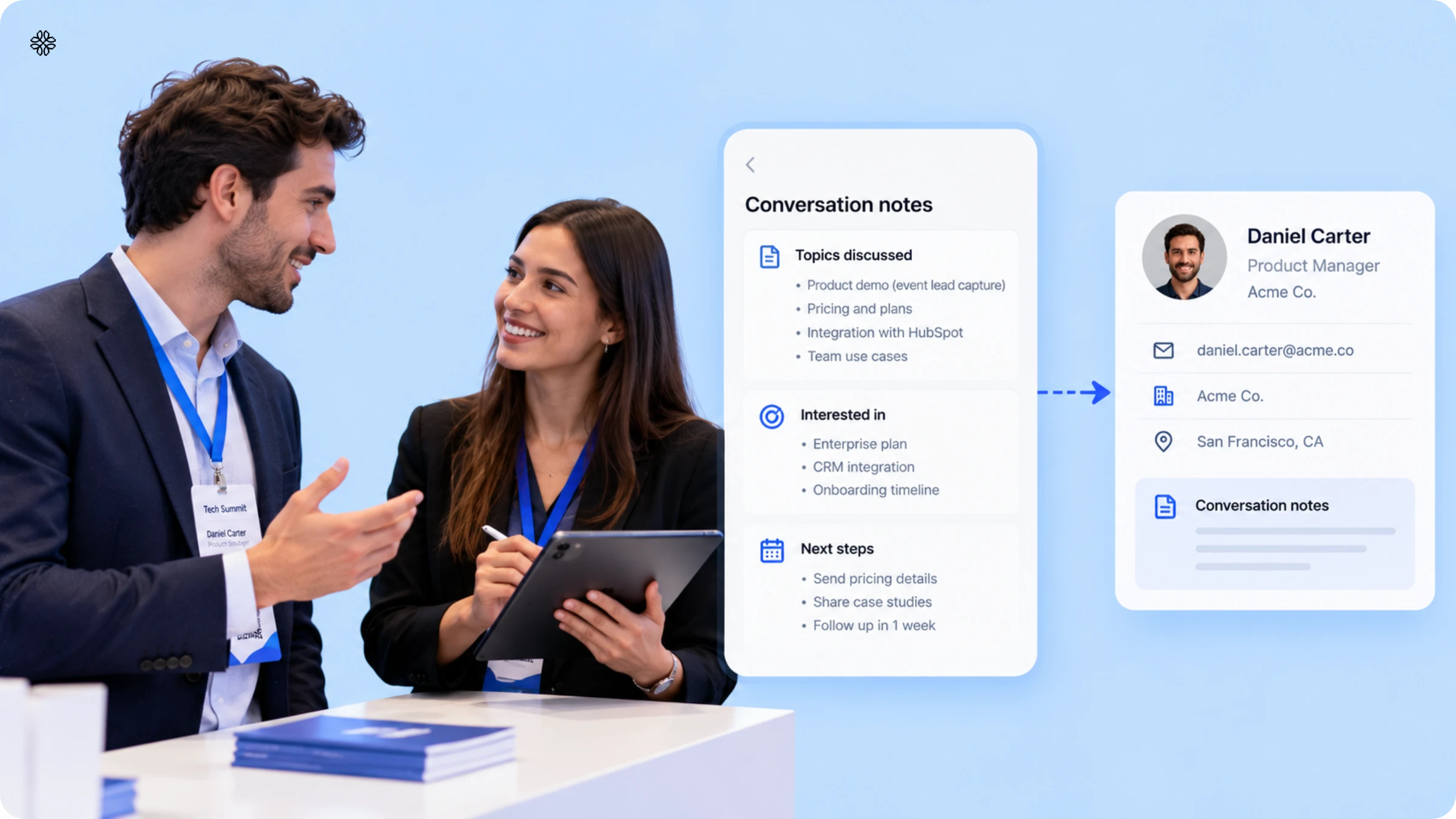
Conversation context refers to what was actually talked about at the booth. This is one area that most vendor evaluation checklists rarely mention.
9. Does the capture flow record what was discussed, or only who was there?
Correct answer: Sales reps can tag and dictate notes right away, and the system will automatically transcribe and link them to the lead.
Red flag: The system only records badge data, so you have to remember any details from your conversations later, even after talking to many more people at the booth.
10. Is note-taking voice-only, or can reps type instead?
Correct answer: Reps can choose to type or dictate, since a busy or noisy booth may not be the best place to talk openly.
Red flag: Capture only works with voice, but this approach fails in the very situation it is designed for. In a crowded booth, a rep cannot speak their thoughts out loud without the lead hearing everything.
11. Does the system do anything with those notes, or do they just sit as text?
Correct answer: A rep can quickly tag a lead, add a short note by speaking or typing, and the system will automatically create a contact summary and follow-up points. This way, no one has to look at a vague note like "3rd booth convo, interested in Q3" weeks later and wonder what it meant..
Red flag: The notes are kept as a raw transcript, so each rep reads through the entire record before every follow-up.
Customizable qualification
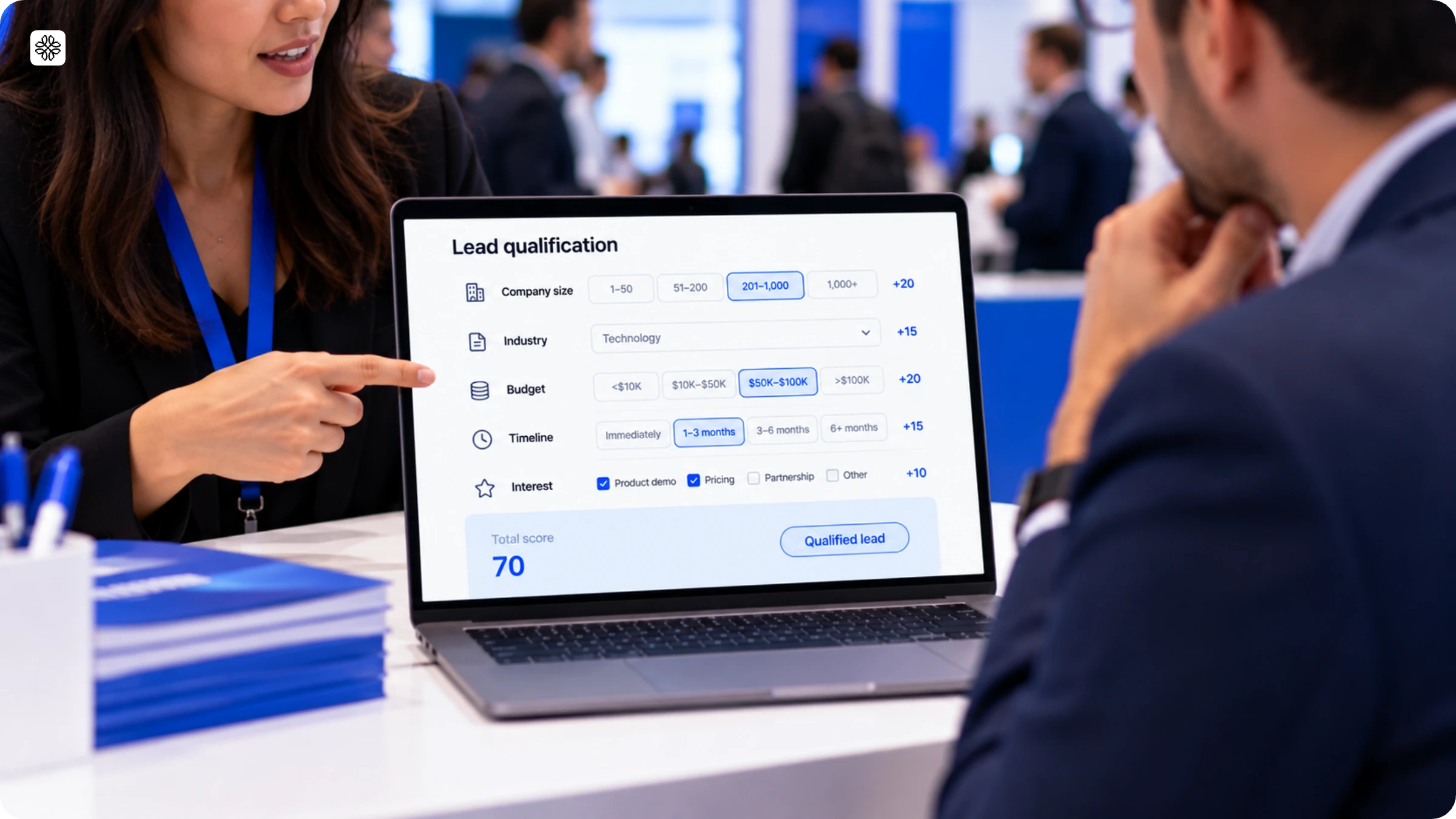
With customizable qualification, your team can set its own criteria for scoring leads, rather than relying on the standard hot, warm, or cold labels.
12. Can we qualify leads on our own criteria, not a generic default?
Correct answer: You can customize tags and qualification fields to fit your internal scoring and pipeline stages.
Red flag: The available qualification options are set and cannot be renamed or changed.
13. Can reps qualify a lead in the same motion as scanning, or is it a separate step?
Correct answer: Tagging is done at the same time as scanning, so the context stays clear.
Red flag: Qualification is done in a different tool or in a spreadsheet a few days later, when the details are no longer fresh.
CRM field mapping
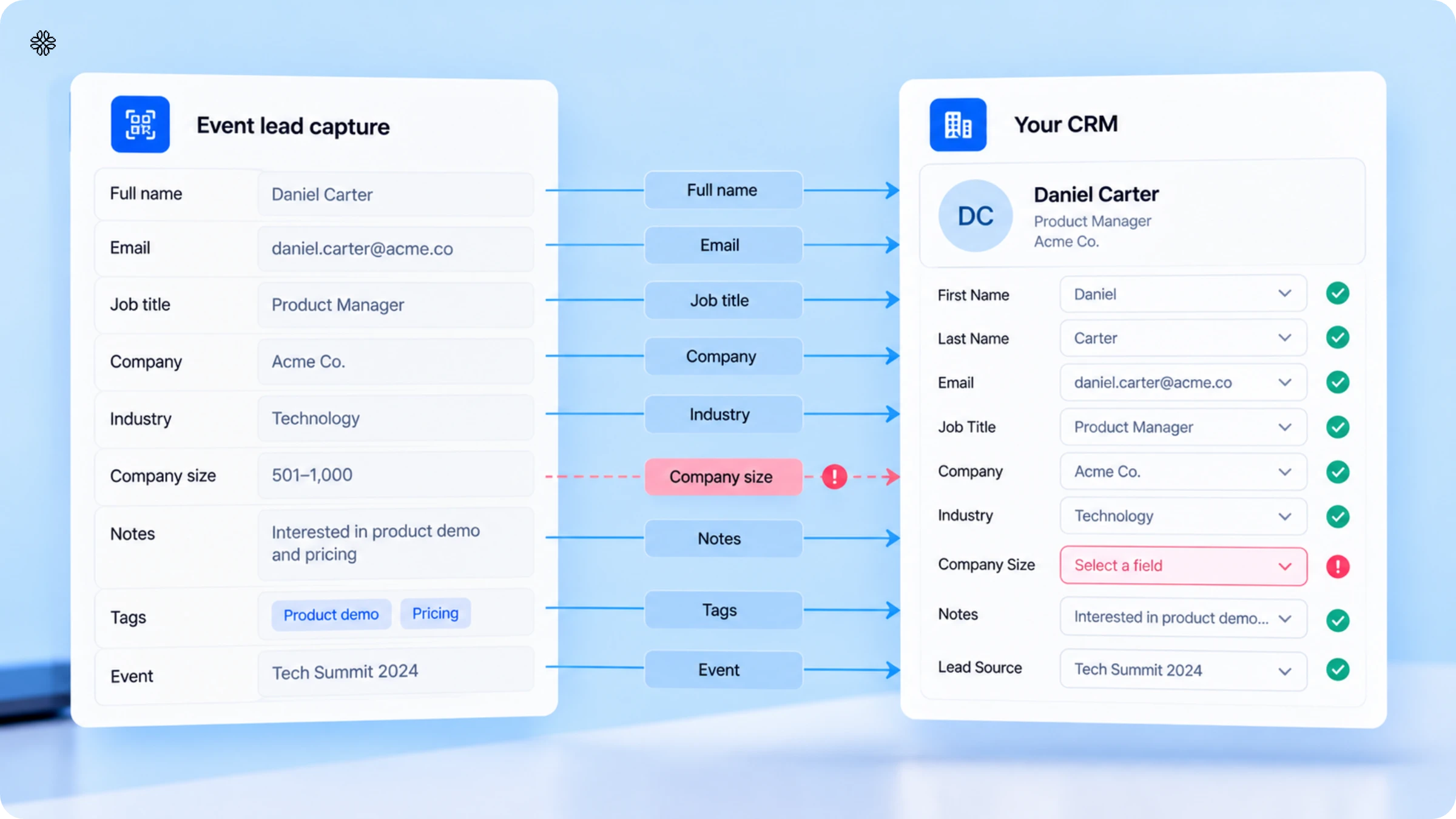
CRM field mapping is when you discover that 'we integrate with your CRM' and 'fields map cleanly into your CRM' do not always mean the same thing.
14. Do enriched fields map to our CRM's actual field names, or do we remap everything manually?
Correct answer: This point is especially important. A good vendor offers native field-level mapping during sync with CRMs such as Salesforce, HubSpot, Microsoft Dynamics, and Pipedrive. Admins should also be able to adjust the mapping themselves if a field changes.
Red flag: When data comes into the CRM, it shows up as one big note, and someone has to sort it out manually.
15. Which CRMs do you sync to natively, and does mapping survive a field change on our side?
Correct answer: Our native connections work with all major CRMs, and admins can update the mapping themselves without needing a developer.
Red flag: Sync is only available through a third-party connector. If you change any fields on your end, it stops working and there is no warning.
Duplicate handling
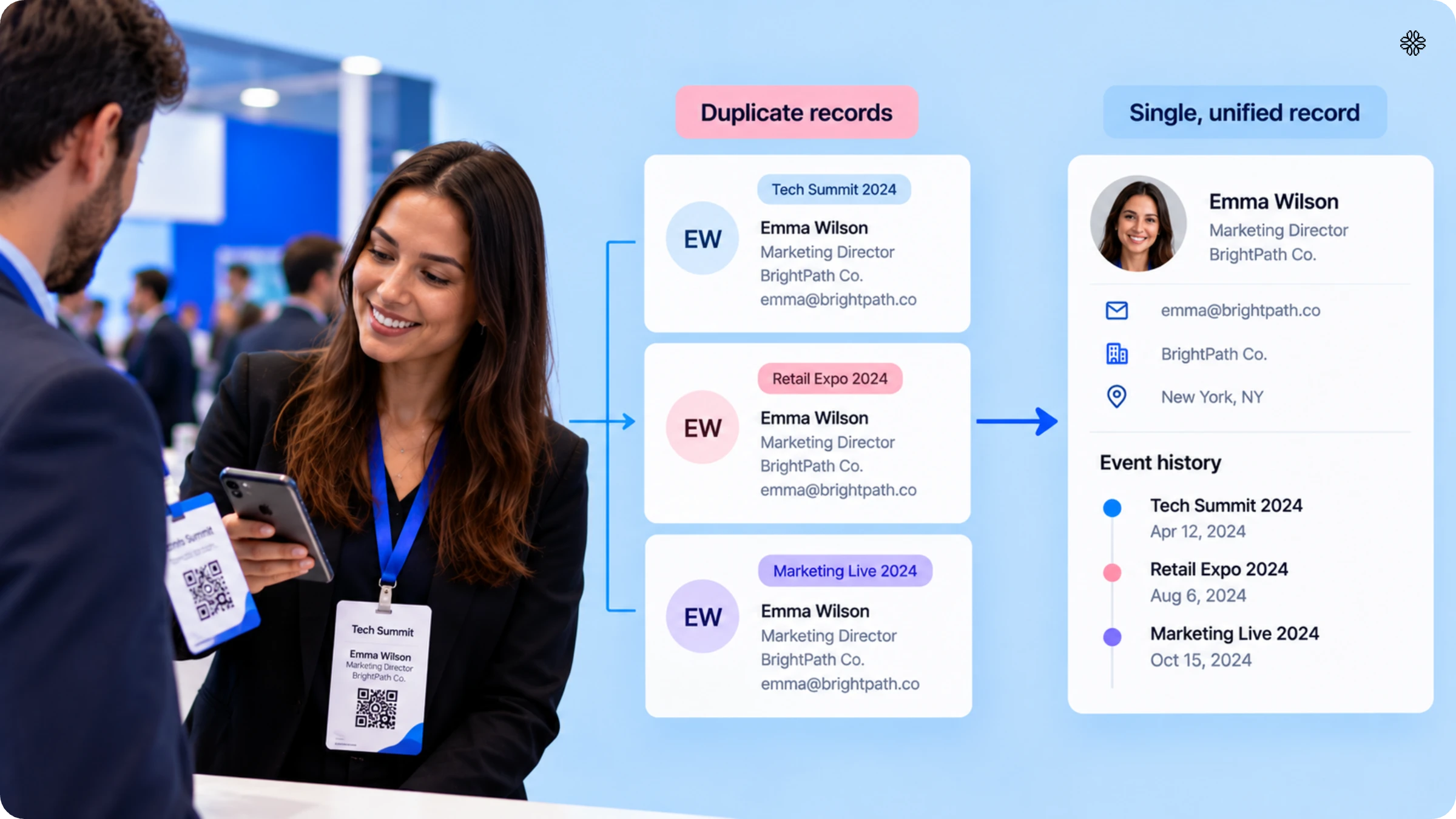
Duplicate handling decides if a person's history from different events is kept together in one record or split into several records.
16. What happens when the same person is scanned at two different events?
Correct answer: Ask for details here, since "we handle duplicates" can mean different things depending on the CRM. Find out if matching happens automatically or if an admin needs to set it up, as this often varies between Salesforce, HubSpot, and Dynamics.
Red flag: The vendor adds a new contact each time, which spreads one person's history over several records. During vendor reviews, B2B teams with complex sales processes have called this a deal breaker, since it quietly disrupts revenue tracking for the most valuable deals.
17. What happens when the same person is scanned twice at the same event by two different reps?
Correct answer: Both representatives can view the contact, and the system assigns ownership without making a duplicate.
Red flag: The system does not have any deduplication logic. This means that the last person to scan will overwrite the record without any warning, or the system will simply add a new row.
18. Can we see which records got merged or updated, or is deduplication invisible?
Correct answer: You can see and review updates, rather than having them happen quietly in the background.
Red flag: Deduplication takes place without any transparency, which means no one can check what was actually merged.
Administration
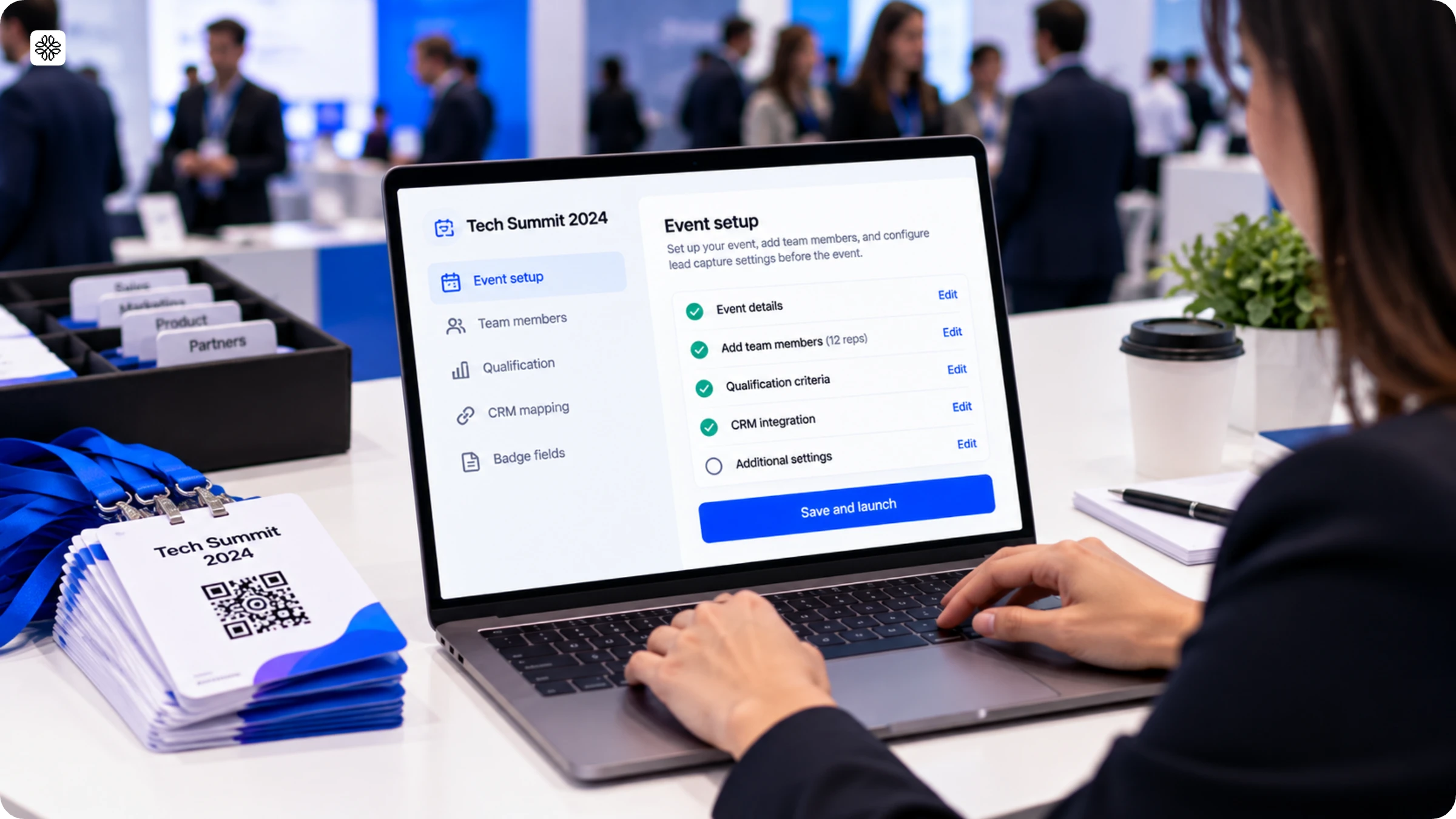
Administration explains how much manual setup is needed for a multi-rep event before you can scan the first badge.
19. Can one admin set up a multi-rep event in minutes, or does each rep need separate setup?
Correct answer: One admin can set up the event and assign reps in just a few minutes. All scans are collected automatically.
Red flag: Each rep should set up their device manually before the show begins.
20. Can we see rep-level activity live, or only in a post-event report?
Correct answer: You can see rep activity on a live leaderboard as the event happens.
Red flag: You can only see rep performance in a report that is created a few days after the event ends.
Security
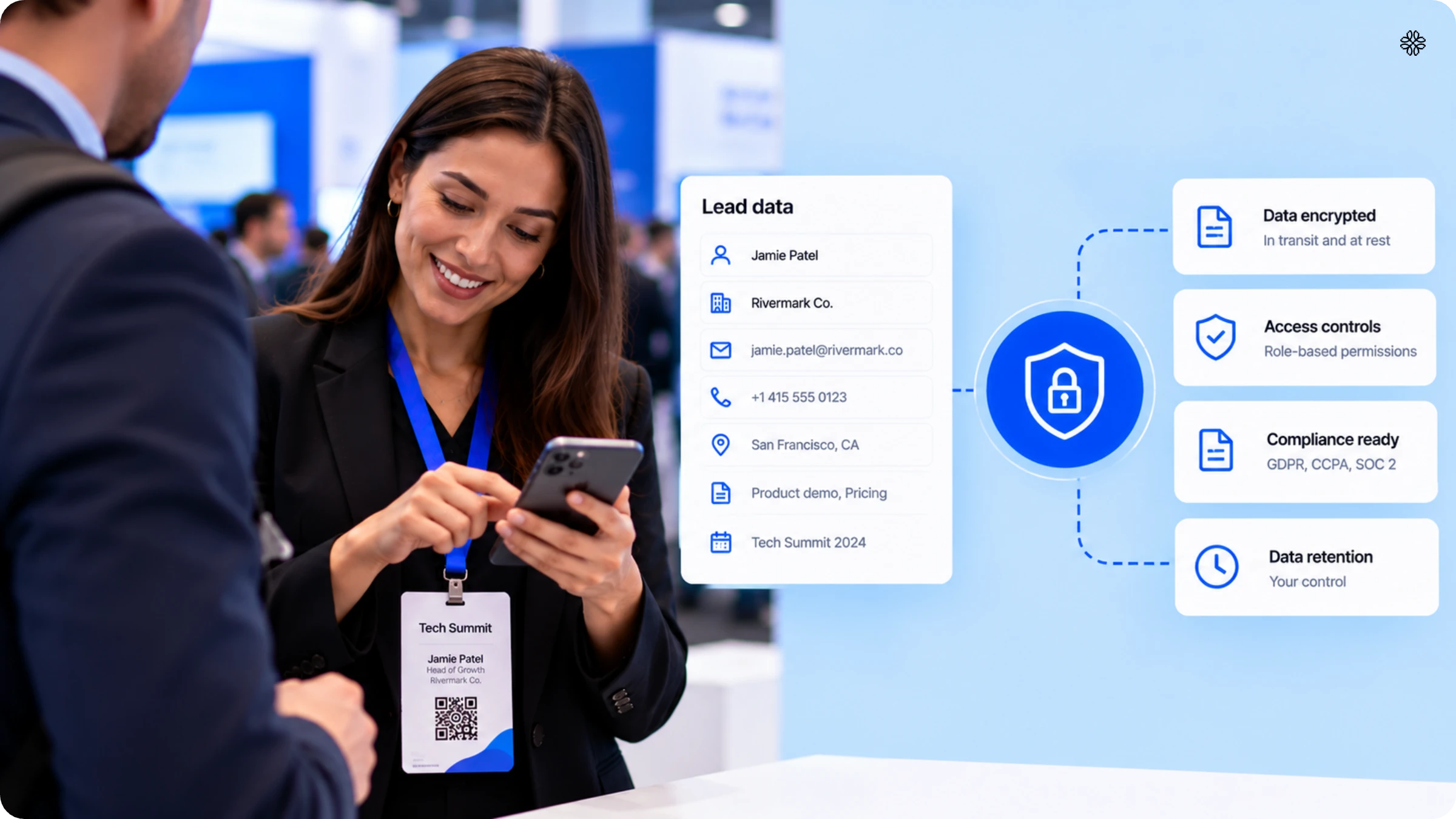
Security is one area that event lead capture vendors rarely get questions about, and that’s exactly why it should be on this list.
21. What compliance certifications does the platform actually hold, and can you show documentation, not just a logo?
Correct answer: If a vendor can provide certification documents when you ask, instead of just showing a badge on their website, they are offering something that most others do not.
Red flag: The vendor says they offer "enterprise-grade security," but they do not provide any evidence to support this claim.
22. Where is captured lead data stored, and who can access it after the event ends?
Correct answer: The vendor clearly explains data residency and access controls, and confirms that admins will manage visibility after the event.
Red flag: The answer does not clearly explain where the data is stored or who has access to it.
23. What happens to a rep's captured leads if they leave the company?
Correct answer: When leads are transferred to another owner or admin, you can be sure that nothing will be lost or left unattended.
Red flag: Lead data is linked to each rep’s personal login, so once a rep leaves the company, that data can no longer be accessed.
Event-level reporting
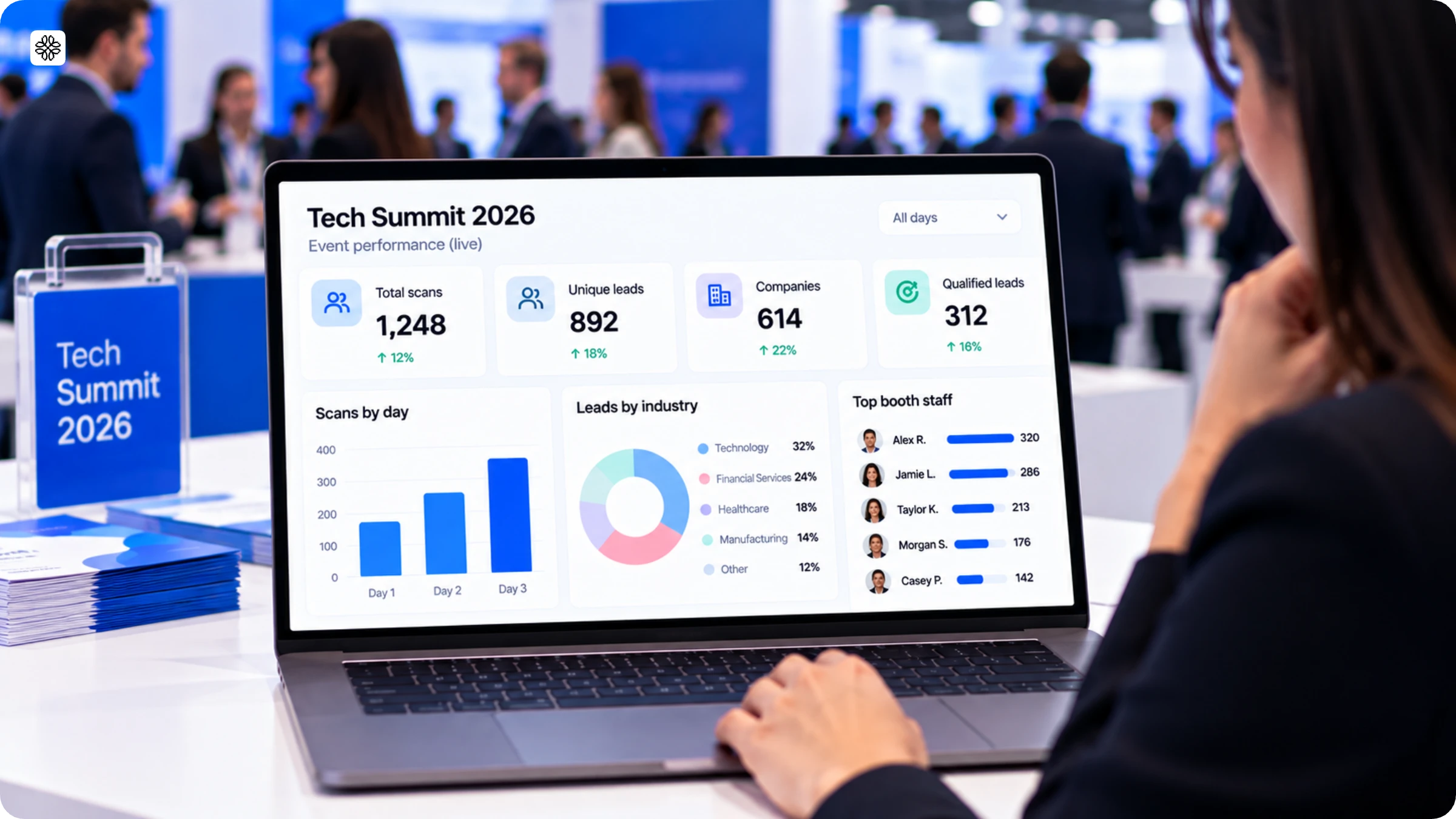
Event-level reporting takes each scan and combines them to show how the entire event is performing in real time.
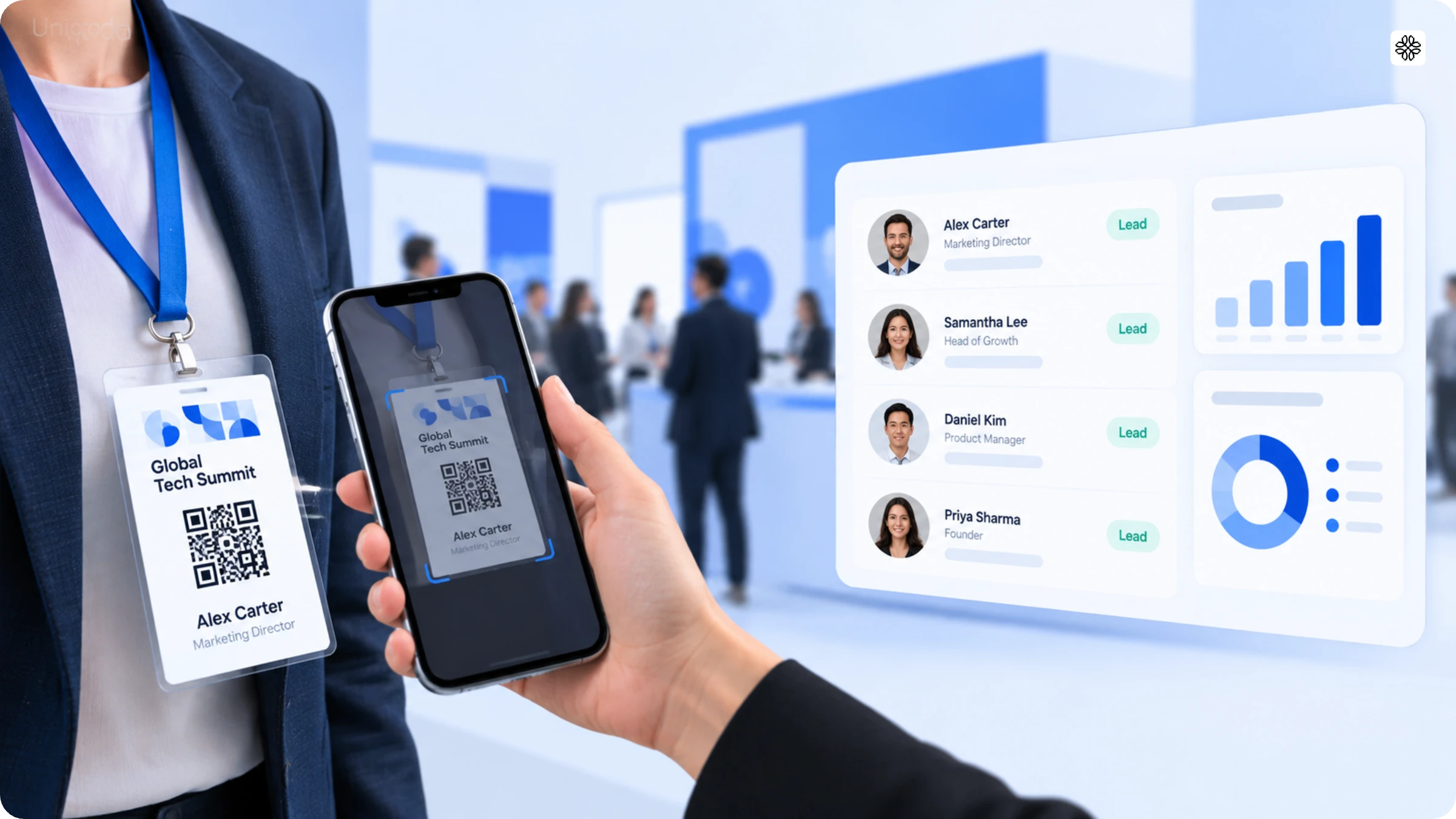
24. Can we see total leads, pipeline, and CRM sync status for one event, in one view, while it's still happening?
Correct answer: A live event dashboard lets you see leads collected, sync status, and estimated pipeline while the show is happening, not just afterward.
Red flag: Reports are created as static exports after the event finishes. There is no option to view them live.
25. Can we compare performance across events without stitching reports together ourselves?
Correct answer: Event-level data is automatically combined, making it easy to compare this quarter's results with last quarter's.
Red flag: Each event report is created from scratch and put together by hand whenever someone needs to make a comparison.
The purpose of these 25 questions is simple: to ensure your leads are captured seamlessly and tagged accurately from the outset. When this foundation is in place, calculating your event ROI becomes straightforward, rather than a patchwork of guesses assembled after the event.
The event lead capture vendor scorecard
Complete this form in real time during the demo, rather than relying on memory later. As the vendor responds, assign a score from 1 to 5 for each category, and be sure to highlight any areas that approach the red-flag range.
| Requirement category | What to ask about | Score (1-5) |
|---|---|---|
| Universal capture | Badge types, booth setups, rented hardware | |
| Speed | Time from scan to CRM-ready record | |
| Offline reliability | No-signal capture, auto-sync on reconnect | |
| Enrichment | Source count, behavior on no-match | |
| Conversation context | Typed and dictated notes, auto-summary | |
| Customizable qualification | Custom tags, scoring at point of scan | |
| CRM field mapping | Native field-level sync, admin-adjustable | |
| Duplicate handling | Per-CRM matching behavior, auditability | |
| Administration | Multi-rep setup time, live rep visibility | |
| Security | Certifications, data residency, offboarding | |
| Event-level reporting | Live dashboard, cross-event comparison |
Download the scorecard and use it at your next event
If you come across a vendor consistently earning 4s and 5s among event lead capture options, it is certainly worth inviting them for a second demo. On the other hand, if a vendor is picking up 2s in areas like duplicate handling and security, no matter how impressive the rest of their demo may seem, it is time for a serious discussion before you consider moving forward.
Run this checklist on your next vendor call
When it comes to shortlisting event lead capture software vendors, it is not about who boasts the most features. The real value lies with those who are ready to demonstrate the tough scenarios live—think no signal, duplicate scans, or even an offboarded representative, rather than simply walking you through the easy wins.
So, the next time you find yourself on an event lead capture software demo, resist the urge to settle for a simple feature walkthrough. Instead, keep these essential questions handy and work through them step by step. And if you are curious about how Uniqode measures up, request to see it in action under real-world conditions, not just a polished demonstration.
Frequently Asked Questions
- What is event lead capture?
Event lead capture is the process of turning an in-person interaction at a trade show, conference, or expo into a structured contact record, usually by scanning a badge or business card and adding context before the contact ever reaches a CRM.
- How is event lead capture different from a lead retrieval badge scanner?
A badge scanner reads the attendee ID off a badge and nothing else. Event lead capture software adds enrichment, qualification, notes, and CRM sync on top of that scan, turning a bare badge ID into a usable sales record.
- How much does event lead capture software cost?
Pricing varies by user count and event volume rather than a single flat rate, so compare vendors on a per-rep or per-event basis instead of a published sticker price.
- Do I need a CRM already in place to use event lead capture software?
Most platforms sync to a CRM but don't require one to capture leads, so a team without Salesforce or HubSpot yet can still scan and export, though the real value shows up once sync is connected.
- Can one person manage event lead capture for a small booth, or does it need a dedicated admin?
A single admin can run event lead capture for a small team without extra headcount, since setup and reporting are built for self-service rather than a managed rollout.
- How soon after an event can I see ROI data?
With live sync and tagging in place, pipeline estimates are visible before the show even ends, rather than waiting days for someone to compile a spreadsheet.
About the Author
Somreeta is a Senior Content Marketer at Uniqode, where she writes about QR Code technology and how teams put it to work in the real world. She brings 8+ years of marketing experience to every piece, with a focus on turning product depth into content people actually use.