Best Event Lead Capture Software in 2026: 10+ Tools Compared (With Real User Reviews)
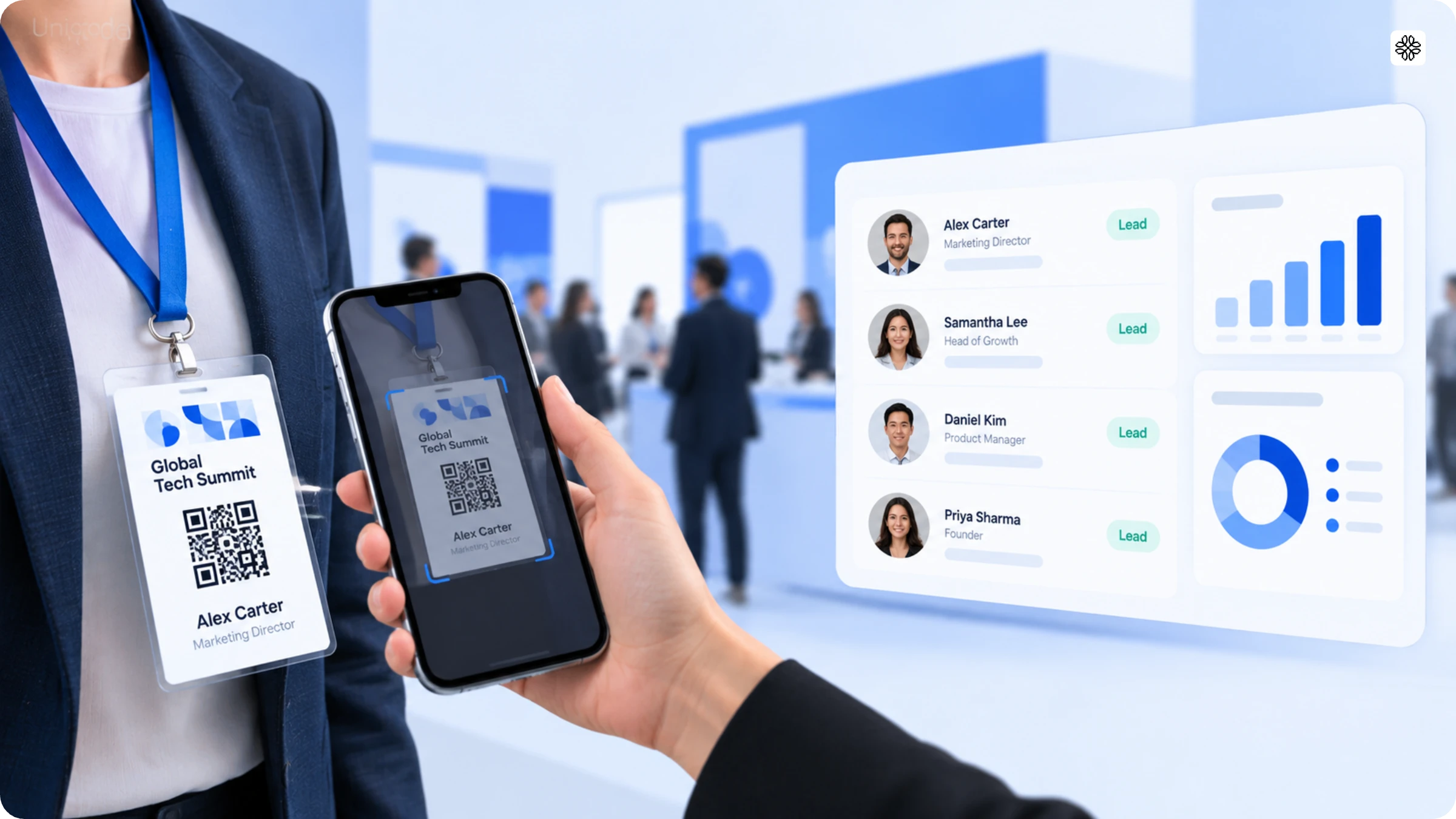
Choosing event lead capture software can feel like navigating a maze of bold vendor promises about accuracy and CRM integration, with little proof to back them up. If you have ever wondered which platform truly delivers, you are not alone. We have taken a close look at 11 event lead capture software options, comparing their pricing, features, and, most importantly, real user feedback.
Event lead capture software is what exhibitors and sales teams use at trade shows and conferences to scan badges, business cards, and QR Codes and turn them into CRM-ready contact records. Before event lead capture apps, the only option teams had was expensive, rented scanners. With these scanners, two in three leads scanned at a trade show were lost before reaching the CRM, and half got left behind by the event's own rented registration system. For the remaining, it would often take days for any sales rep to actually follow up, and by the time they did, the conversation at the booth would be a distant memory, and the lead would have gone cold.
Enter, event lead capture software. This software lets you scan a badge, capture the potential customer’s information, have AI enrich it (like their entire LinkedIn bio), add conversation details, and automatically sync with your CRM.
However, with so many event lead capture and retrieval apps in the market, which one is the right option for your team? We compared 11 top event lead capture apps on parameters such as pricing and real user reviews, and identified which tool is best for which use case.
Evaluation criteria
We evaluated 11 event lead capture software in the market based on features such as on-floor capture speed, AI integrations, CRM sync, offline reliability, pricing, and custom qualifiers. The goal was to only pick factors that play a vital role in the decision-making process. The evaluation was conducted solely on the stated factors, and the process was fair and unbiased throughout.
Top event lead capture software at a glance
| App | Verdict |
|---|---|
| Uniqode | Great for capturing, enriching, and syncing data with CRMs, along with enterprise compliance. CRM coverage is less as compared to certain tools. |
| Blinq | AI notetaker is a stand-out feature which records live conversations. Cost per lead can be high. |
| Popl | A versatile option with amongst the widest CRM coverage in the market. However, there can be UX issues. |
| Mobly | Good for teams running a handful of shows in a year. The tool sometimes fails to sync all scanned leads. |
| Wave Connect | Convenient option that quickly reads name and company details from the badge, but cannot capture actual booth conversations. |
| Captello | Perfect option for teams looking for lead capture with gamified booth activations. Setup can be complicated. |
| CVent | The right choice when you want mid-scan meeting booking. Onboarding process is complex. |
| Lead Liaison | A suitable option when you want different types of capture methods like NFC, barcode and QR badge. However, features like business card transcription and audio note capture are paid add-ons. |
| Momencio | Perfect for sales reps looking for advanced analytics features like cost-per-lead and close-rate metrics, and not just scan counts. Not suitable for a solo rep or two-person booth team. |
| Zuant | The right option for teams using Salesforce or Eloqua CRMs. Coverage of other CRMs is limited and often involves extra costs. |
| Conexa | Great for small teams who want a reasonably-priced tool. Not appropriate for large, corporate trade shows. |
Best four event lead capture software comparison
| App | Best for | Works across different events | Offline workflow | CRM integration |
|---|---|---|---|---|
| Uniqode | Teams who need enterprise compliance covering every event badge scan, as well as native CRM sync | Yes | Yes | Yes, native sync |
| Blinq | Reps who want conversation intelligence, not just a contact record | Yes | Yes | Yes, native sync |
| Popl | Exhibitors who need a truly universal scanner that works at any event regardless of the organizer's own registration system | Yes | Yes | Yes, native sync |
| Mobly | Small sales/BD teams working a handful of trade shows a year | Yes | Yes | Yes, native sync |
Last verified: 5th October, 2026
#1: Uniqode - Best for teams who need enterprise compliance covering every event badge scan, as well as native CRM sync
Verdict
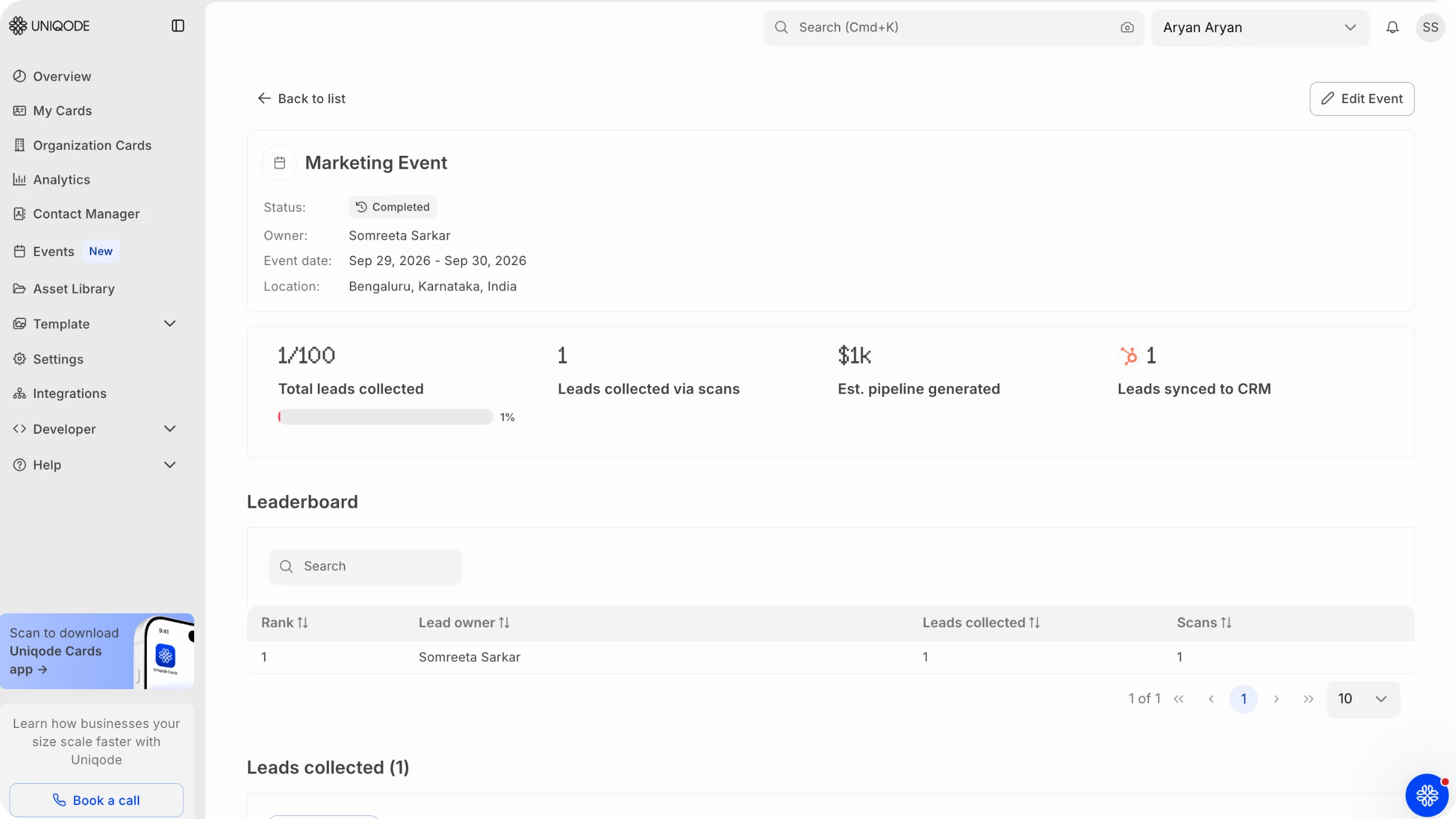
Uniqode is a good event lead capture app that captures, enriches, and syncs data without complications. It also works offline, does not require setup for each event, supports five major CRMs (Salesforce, HubSpot, Dynamics, Pipedrive, and Outlook), and updates CRM records rather than creating duplicates. Uniqode event lead capture software also has amongst the best AI enhancement capabilities, and this is not something that we are claiming, but rather [a direct feedback from our customer](#what-real-users-say-about-uniqode). However, the range of CRMs it covers is narrower as compared to Momencio and Zuant.
Pros and cons
| Pros | Cons |
|---|---|
| Same app works identically across every event - main | No lead qualification or scoring at the point of capture |
| AI enrichment of lead data + AI-generated follow-up talking points | This event lead capture software does not provide meeting booking integration |
| Native CRM sync | No stated lead-quality or attribution scoring output |
| Voice-to-text note dictation | |
| Multi-user simultaneous scanning consolidated into a single dashboard | |
| Works both online and offline | |
| Universal event badge scanner |
Pricing
Custom plans based on individual team requirements. Book a demo to talk to an expert.
Best for
Mid-market and enterprise teams who need enterprise compliance covering every event badge scan, as well as native CRM sync.
What real users say about Uniqode
I’ve personally used the tool in testing and I think it works great - the only thing I haven’t tested yet is the integration into HubSpot which is on my list of things to do this week. Functionality-wise within the mobile app and then into the web-based platform for analytics it’s great to work with and easy to use. I like that the Notes button is placed at the top before any other info, since the use case at a conference booth, etc would require quick access to that function.
The scan works excellently, and I’m curious what sources your AI enrichment is using to enhance the info about a contact and write a blurb about them. A few of our sales reps were shocked to read the enhanced blurb about them when I tested out the scan feature and saved them as a test contact in association with a test event in the app. They were wondering the same!
- Director of product marketing at a tech company
#2: Blinq - Best for reps who want conversation intelligence
Source: Blinq
Verdict
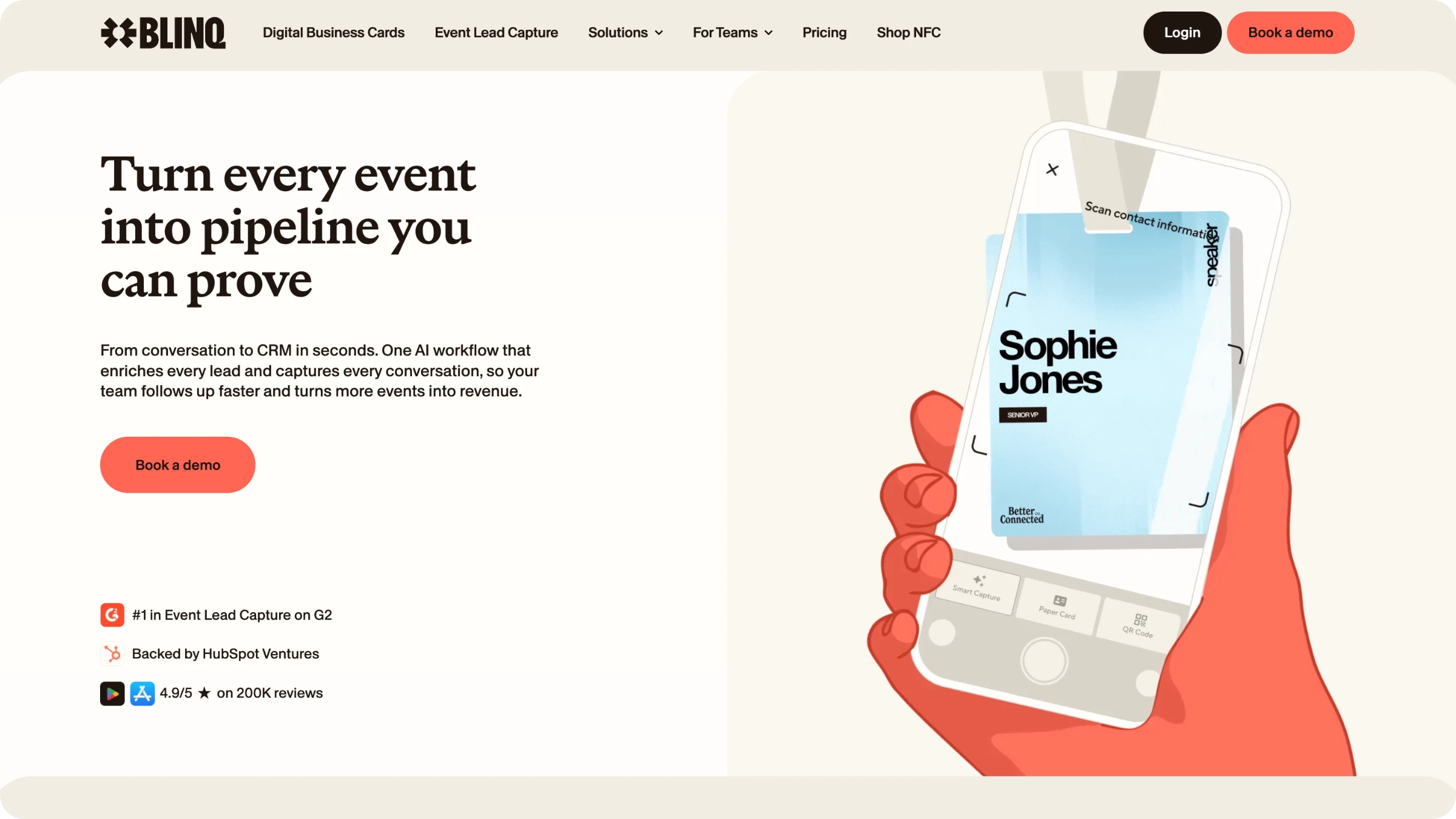
Blinq's AI notetaker is a real strength, as it records the live conversation itself (even via Apple Watch or Bluetooth mic). However, the cost per lead can add up fast at volume.
Pros and cons
| Pros | Cons |
|---|---|
| Event retrieval app with AI notetaker that records live conversations | For certain CRM setups, third-party connectors are required |
| Works across any event with no organizer integration required | No structured fields for capturing sales data |
| Works both online and offline | Manual paper business card scanning inconsistencies |
| Native CRM sync | Deeper enrichment, team-wide analytics, and full exports all sit behind higher-tier plans |
Pricing
The business plan of this trade show lead retrieval app costs $6.99 per user each month, or $4.99 per user per month if you pay annually. For 1 to 3 events per year, there is an extra charge of $9.99 for each in-person lead captured. Teams that run 4 or more events a year can get custom discounted lead packages.
Best for
Sales and event-marketing teams running 3+ events a year who want conversation intelligence (not just a contact record) alongside standard scan-to-CRM capture.
What real users say about Blinq
"Convenient but Needs Better Email Integration"
What do you like best about Blinq?
I like that I can see the exact day or number of days ago that I've connected with a person. Being able to see exactly what information I'm sharing with them, including a photograph, is great. This feature helps me remember who they are, especially when there are a lot of similar names.
What do you dislike about Blinq?
I sometimes forget that I've connected with people through my digital card, which makes it difficult. Also, having a unique email address when someone shares something with me is a problem because it automatically goes to my junk email, and I can never remember to check that. It would be really helpful if Blinq could sync with my project management system, like ClickUp, to directly import new contacts. I also sometimes prefer having a physical card as a reminder to connect with someone.
#3: Popl - Best for exhibitors who need a universal scanner
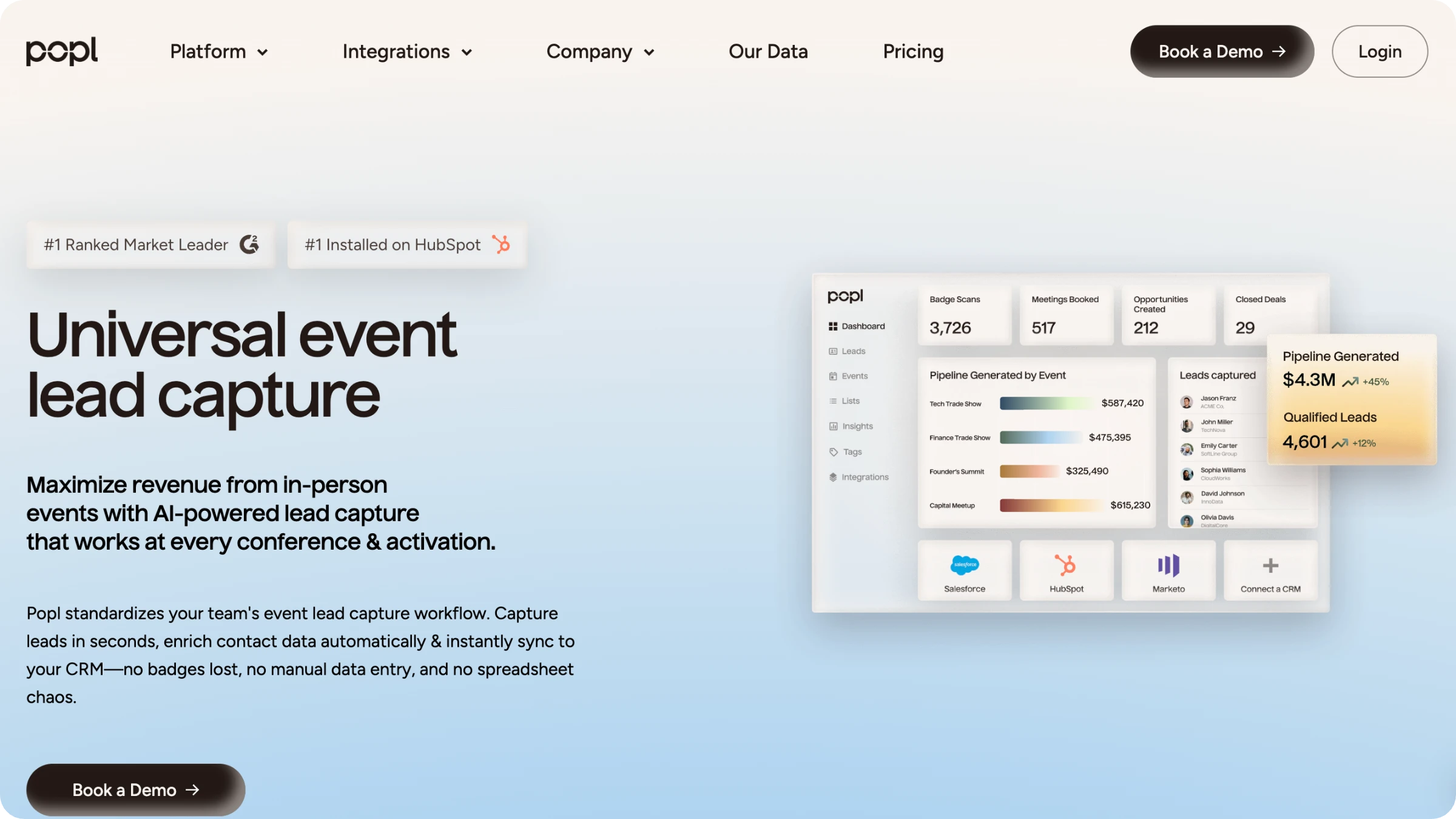
Source: Popl
Verdict
Popl has amongst the widest native CRM integrations in the market, making it a versatile option. However, it's possible to accidentally dismiss the capture screen and lose a lead without noticing.
Pros and cons
| Pros | Cons |
|---|---|
| Automatically enriches lead information with AI | High pricing |
| Universal scanning | Can be difficult to setup |
| Real-time syncing with a wide range of CRMs | Technical failures can occasionally occur |
| Team can add customized tags to leads | Heavily dependent on stable mobile data or WiFi |
Pricing
The price depends on individual team requirements.
Best for
This lead capture app for trade shows is good for exhibitors who need a truly universal scanner that works at any event, regardless of the organizer's own registration system.
What real users say about Popl
"Organized Digital Business Cards, Pricey Pro Plan"
What do you like best about Popl?
I really like how Popl helps me keep track of all my different links and information in one contained location. It's super helpful to have everything organized so that I don’t have to remember who has what and where I've put different pieces. I find having a text header with links underneath beneficial because it helps others know where each link leads, whether for scheduling or referrals. This setup makes it easier for others to find the information faster and for me to not worry about tracking everything.
What do you dislike about Popl?
The pro subscription is a little expensive for one person, which makes it challenging to manage costs effectively. I find it limiting to have to use one extensive card instead of being able to create multiple ones for different purposes, like professional referrals and client information.
#4: Mobly - Best for small sales/BD teams working a handful of trade shows a year
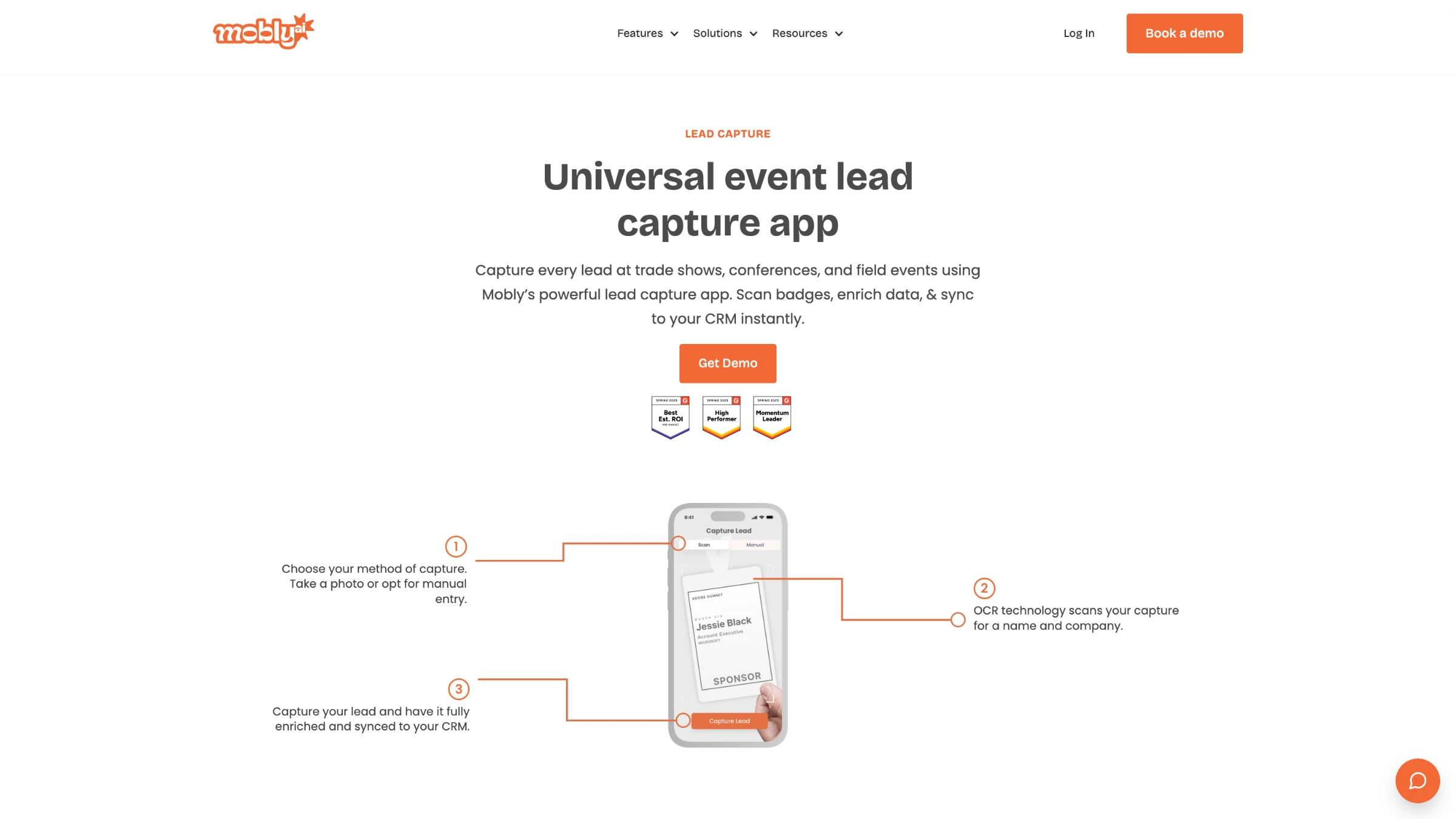
Source: Mobly
Verdict
Mobly works across all events without the need for any kind of organizer integration, and its per-rep performance analytics fit teams running a handful of shows in a year. However, there have been instances in which Mobly’s event lead capture software failed to sync all scanned leads, posing a real risk.
Pros and cons
| Pros | Cons |
|---|---|
| The lead capture app works across all trade shows and events | Available CRM integrations are limited |
| Native CRM sync | There can be event lead management issues |
| Booth staff can add custom qualifying notes and tags | CRM syncing can be slow at times |
| Uses an annual subscription model with unlimited events | Not possible to backtrack and add notes during the data enrichment process |
Pricing
Custom, annual subscription-based pricing.
Best for
Small- to midsize teams running a handful of events per year that want fast offline capture and per-rep performance visibility.
What real users say about Mobly
"User-Friendly Interface, But Lead Scanning and Sync Can Be Finicky"
What do you like best about Mobly?
I like that the interface is very user friendly, streamlined, clear and only includes the buttons/features that you'd nothing- no other unnecessary buttons to complicate the user, especially during a busy event
What do you dislike about Mobly?
Sometimes Mobly can be finicky- where it doesn't sync all the leads I've scanned, doesn't scan leads properly, whether it was a blurry picture or the service made it delayed, or it's not syncing with the wifi- this can really affect the overall success of our event because without those leads that I scanned but apparently didnt go through, we end up with a lot fewer than we expected.
#5: Wave Connect - Best for exhibitors who need to scan any printed badge, even without the event's own badge API
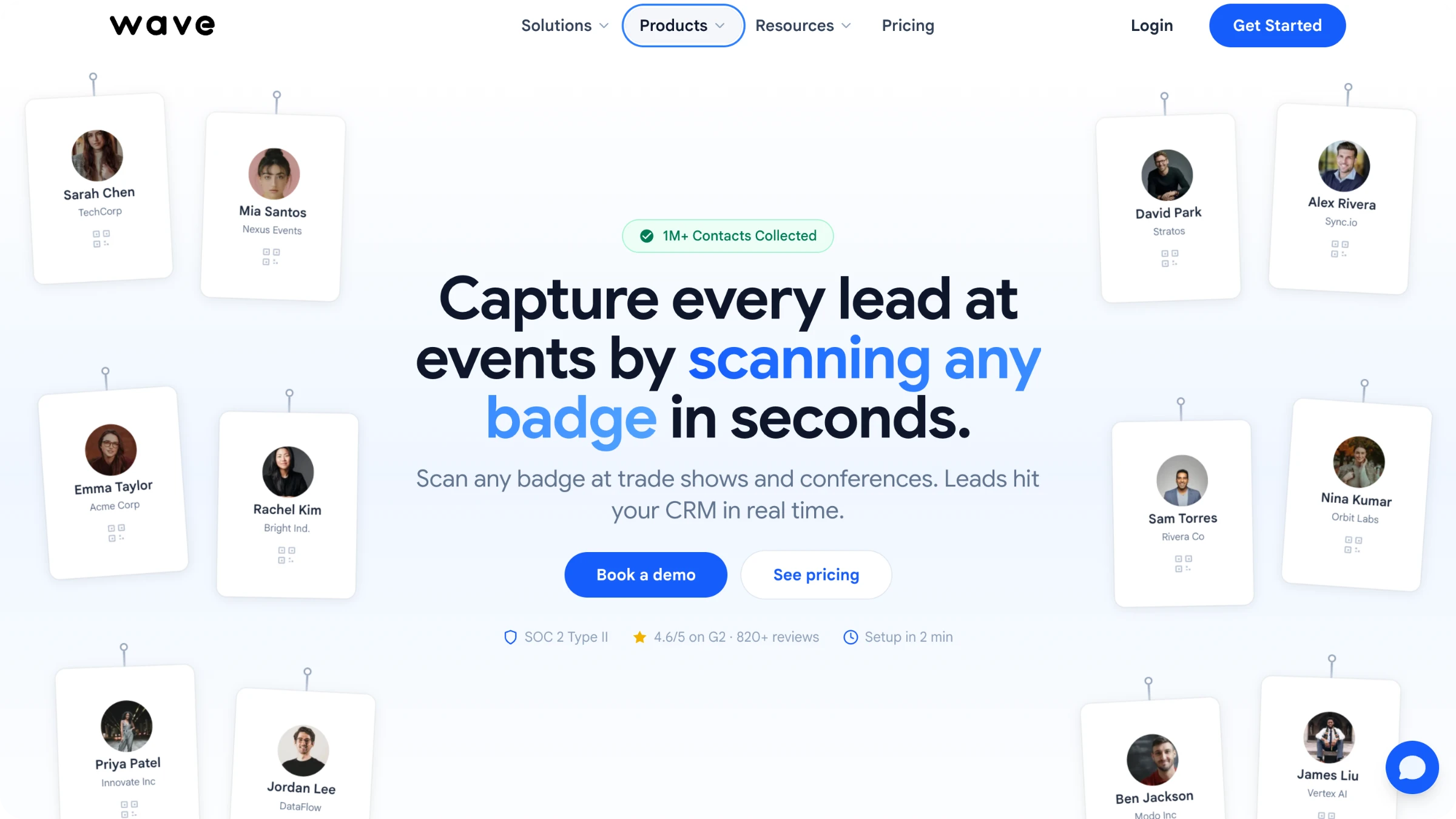
Source: Wave Connect
Verdict
Wave Connect event lead software reads name and company details straight off any badge or digital business card without needing the event's own badge API, which is a genuinely useful angle. However, there is no way to capture actual conversations that happen in the booth.
Pros and cons
| Pros | Cons |
|---|---|
| Lead capture for events with AI data enrichment | Limited customization options |
| Combines event lead retrieval and digital business cards | Automatic conversation recording unavailable |
| Allows both online and offline scanning | Can be costly for high-volume trade shows |
| Native CRM sync | Number of CRM integrations are limited |
Pricing
$10 per badge scan pay-as-you-go, dropping to $8 at 500/year, $7 at 1,500/year, $6 at 3,000/year, and custom above 5,000/year.
Best for
Teams who want to scan any printed badge (not just ones tied to a specific show's official badge system) with real-time CRM sync.
What real users say about Wave Connect
"Simple, Convenient Contact Sharing with Multiple Options"
What do you like best about Wave Connect?
It’s easy to share my contact, and I really like that there are multiple ways to do it. I love how simple and convenient the sharing options are. The basic service is free.
What do you dislike about Wave Connect?
On Android devices, I noticed the contact is not auto opening. Not sure if it's on only particular device.
#6: Captello - Best for teams who want event lead capture bundled with built-in gamified booth engagement
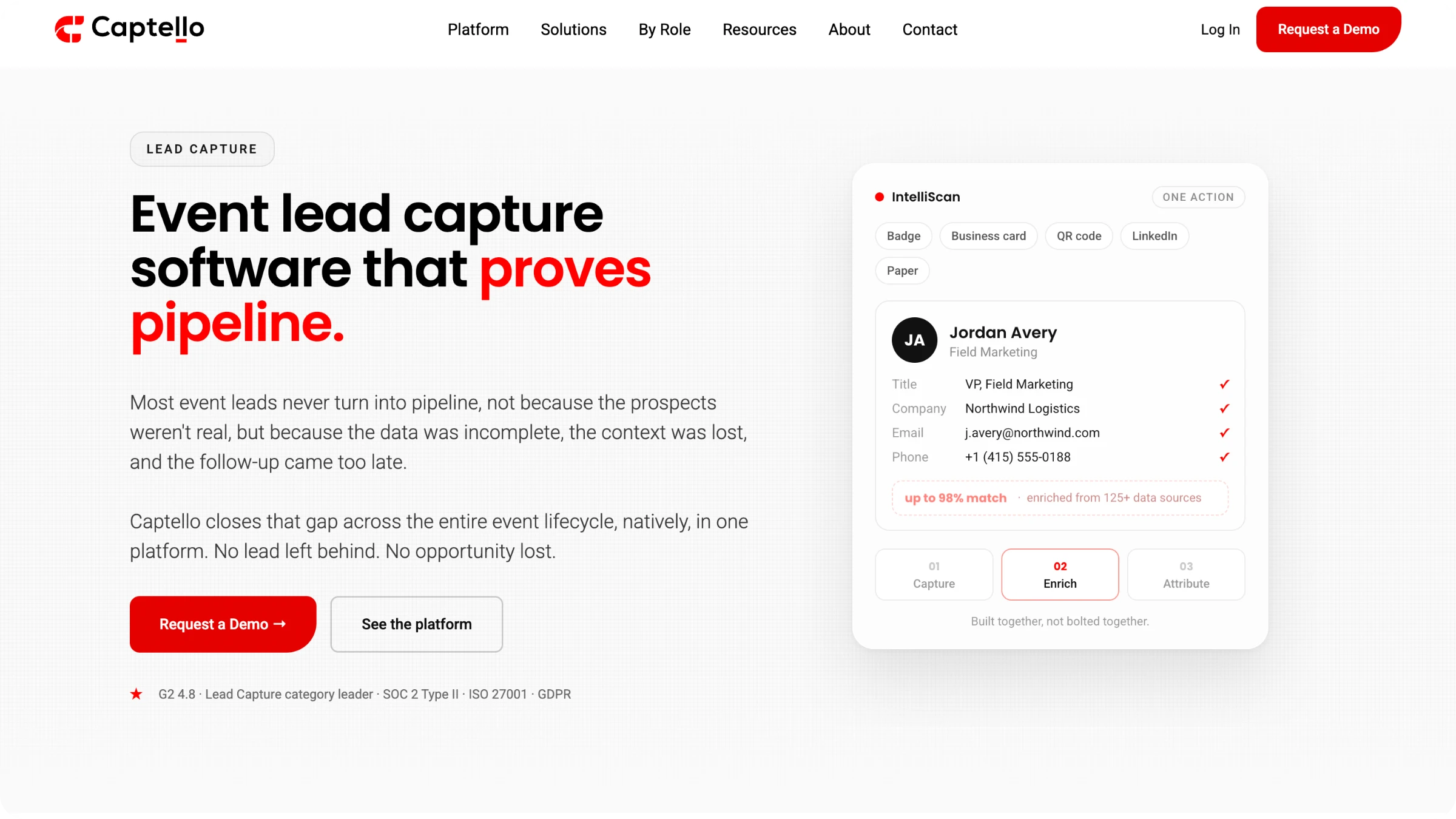
Source: Captello
Verdict
Captello bundles lead capture software for events with 60+ gamified booth activations, such as spin-to-win and scavenger hunts, a unique advantage. However, setting it up can be quite complicated.
Pros and cons
| Pros | Cons |
|---|---|
| Lead capture tool for events with 60+ gamified booth activations | Difficult to setup |
| Connects individual badge scans to pipeline and forecasted revenue | There maybe integration restrictions by some event organizers |
| Advanced customization options | It can be too much for simple, direct requirements |
Pricing
Custom plans based on individual requirements.
Best for
Mid-size to enterprise teams that want lead capture bundled with built-in gamified booth engagement and heavy multi-source enrichment, not teams that just want a bare-bones scanner.
What real users say about Captello
"Simplifies CRM with Intuitive Workflow, Needs Better Reporting"
What do you like best about Captello?
I like Captello's ease of use and its intuitive nature. It makes navigating through the software easy and reduces the amount of time wasted. Additionally, the initial setup of Captello was very easy, which was a big plus for us.
What do you dislike about Captello?
Some of the reporting options are a bit weak, and I would like the ability to customize them more. It's important to allow more customization of columns, data, and structure.
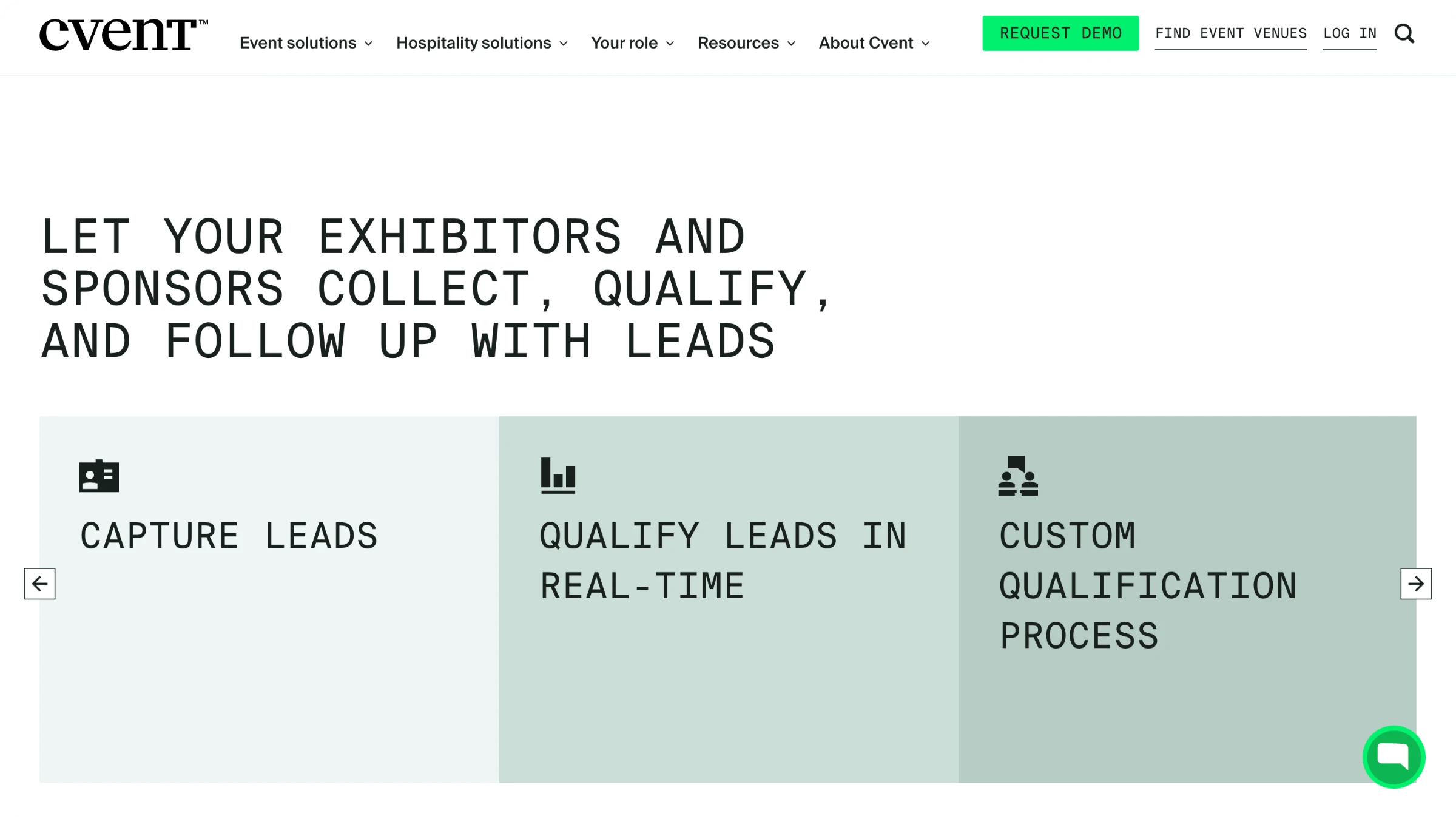
#7: CVent - Best for sales teams who want meeting-booking built directly into the capture flow, not just a contact record
Source: CVent
Verdict
The main advantage of this event lead capture software is that it allows meeting bookings through Calendly and HubSpot mid-scan. However, the trade show lead capture tool is complicated, and the onboarding process is complex.
Pros and cons
| Pros | Cons |
|---|---|
| Fast badge and card scanning | Complex onboarding process |
| Allows for mid-scan meeting booking | High cost |
| Leads are instantly routed to sales teams | Event organizers must use compatible QR Code formats |
Pricing
For exhibitors purchasing Cvent LeadCapture for a single event, a single user license costs between $249 and $375, depending on early-bird rates, while a three-license pack is priced at $499, with additional individual licenses costing approximately $149 each. Physical device rentals range from $499 to $599 per event, or exhibitors can purchase a Developer Badge Kit for $995 to integrate proprietary scanning software.
Best for
Best for sales representatives who want meeting booking functionality built into the scan flow.
What real users say about CVent
"Helpful AI Tools That Deliver"
What do you like best about Cvent?
AI tools are helpful. I like that it can integrate into other Cvent products and make things streamline
What do you dislike about Cvent?
It can take time to figure out how to use everything and train others. It would be great it there were more AI build tools within.
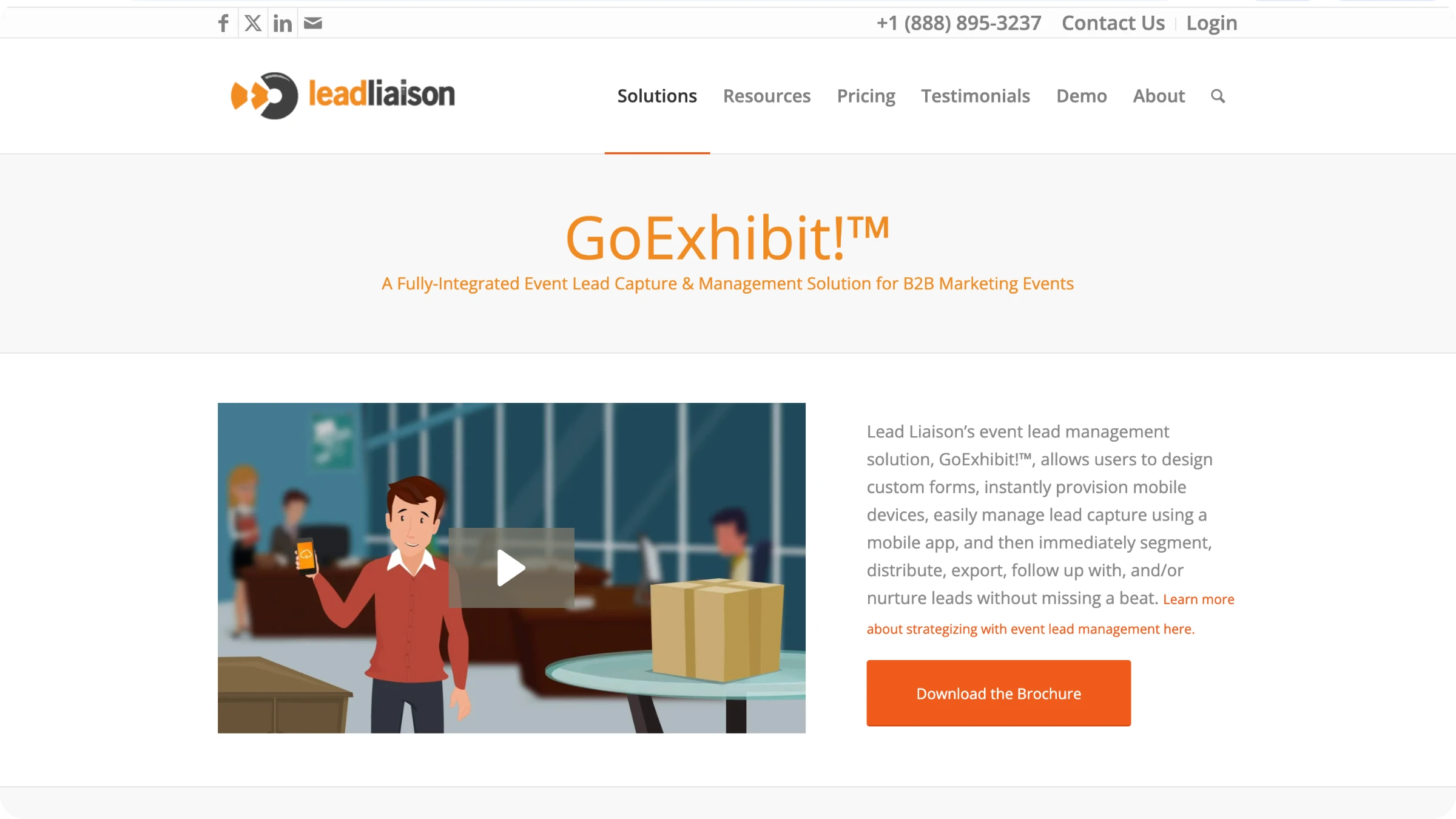
#8: Lead Liaison - Best for teams that want live metric tracking
Source: Lead Liaison
Verdict
This event lead capture software covers NFC, barcode, and QR badge scanning along with CRM integrations. However, business card transcription and audio note capture are separate paid add-ons rather than included features, so the base price doesn't cover the full workflow.
Pros and cons
| Pros | Cons |
|---|---|
| Unlimited team members and devices can run the app during an event | Business card transcription and audio note capture only available as add-ons |
| Supports multiple types of capture methods | Customizations can be slow and complicated |
| Offers live tracking for metrics | Dashboard reporting is inflexible |
Pricing
Pricing starts at $2,000 for "Attend Events" or $5,000 for "Run Your Own Events," both with unlimited users.
Best for
Companies that already use (or want) Lead Liaison's broader marketing automation platform and need an add-on event module, not buyers seeking a standalone tool with a track record.
What real users say about Lead Liaison
"great lead automation tool that syncs with Salesforce"
What do you like best about Lead Liaison?
I like how it integrates with Salesforce and the support offered by the Lead Liaison Team.
What do you dislike about Lead Liaison?
i dislike the text messaging feature, it is limited and a regular user is unable to set this up, someone with a more technological background would need to set this up.
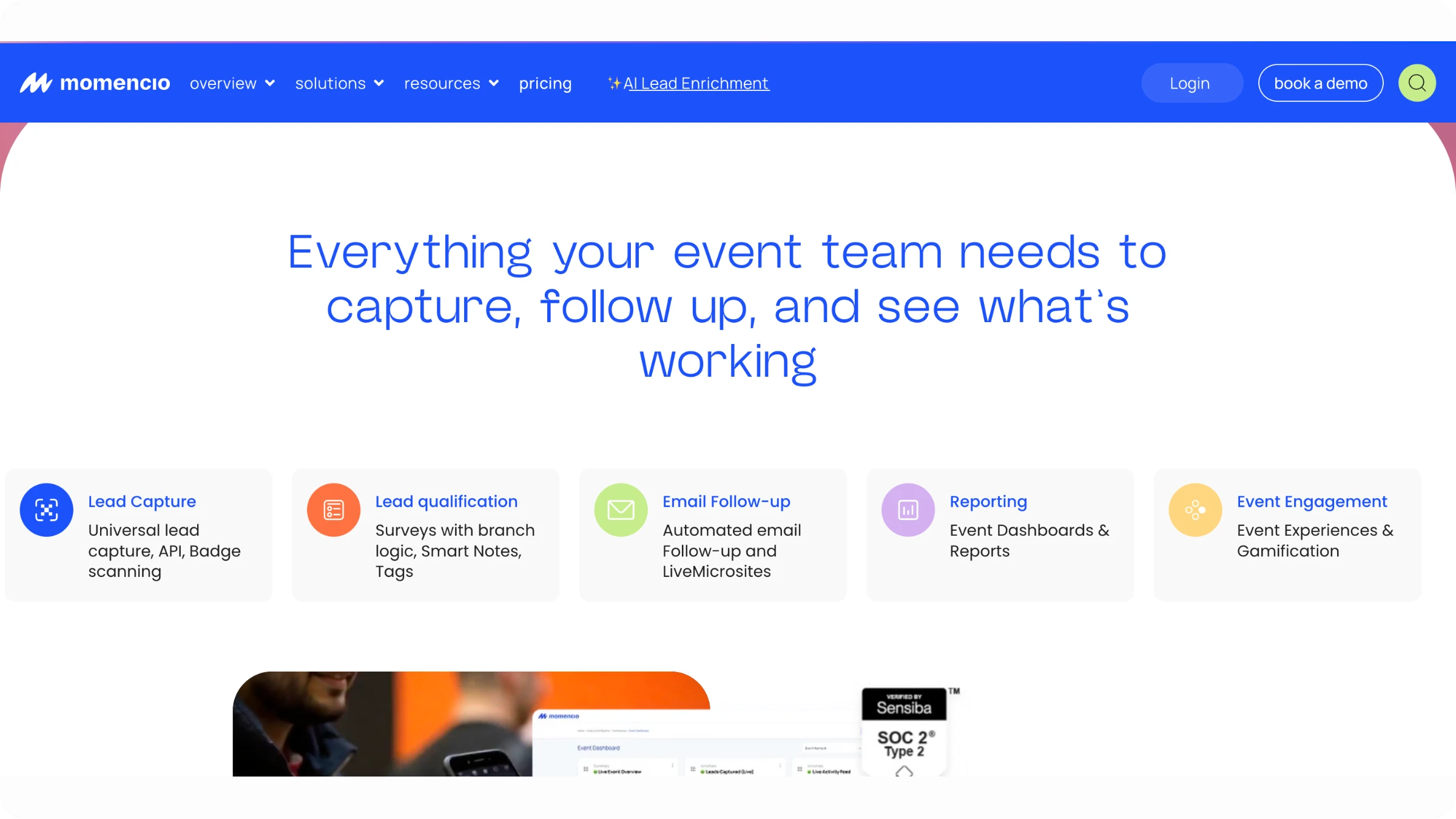
#9: Momencio - Best for teams that want event ROI reporting built into the dashboard, not just scan counts
Source: Momencio
Verdict
Momencio allows lead capture for events with real-time enrichment, even without an event's own registration API. Additionally, its analytics dashboard provides cost-per-lead and close-rate metrics, and not just scan counts. However, every tier requires a minimum of 5 seats, so the event retrieval tool is unsuitable for a solo rep or a two-person booth team.
Pros and cons
| Pros | Cons |
|---|---|
| The dashboard provides cost-per-lead and close-rate metrics | The base price of this event lead capture tool is quite high |
| Sales rep can book follow-up meetings within the app | Advanced capabilities are paid add-ons |
| Automated follow-up emails are sent to prospects | Adoption requires some amount of learning |
Pricing
Capture 100/seat/month(5-seat minimum,~6,000/year), Engage $130/seat/month, Amaze $170/seat/month, Enterprise custom.
Best for
Mid-size to enterprise B2B teams who want on-site scanning with real-time CRM-connected enrichment.
What real users say about Momencio
"Effortless Business Card Capture, But Logins Could Be Faster"
What do you like best about momencio?
business cards capture, once captured, it sends a follow up email
What do you dislike about momencio?
logins are a little slow, and the single sign on does not work, it requires syncing on the mobile app
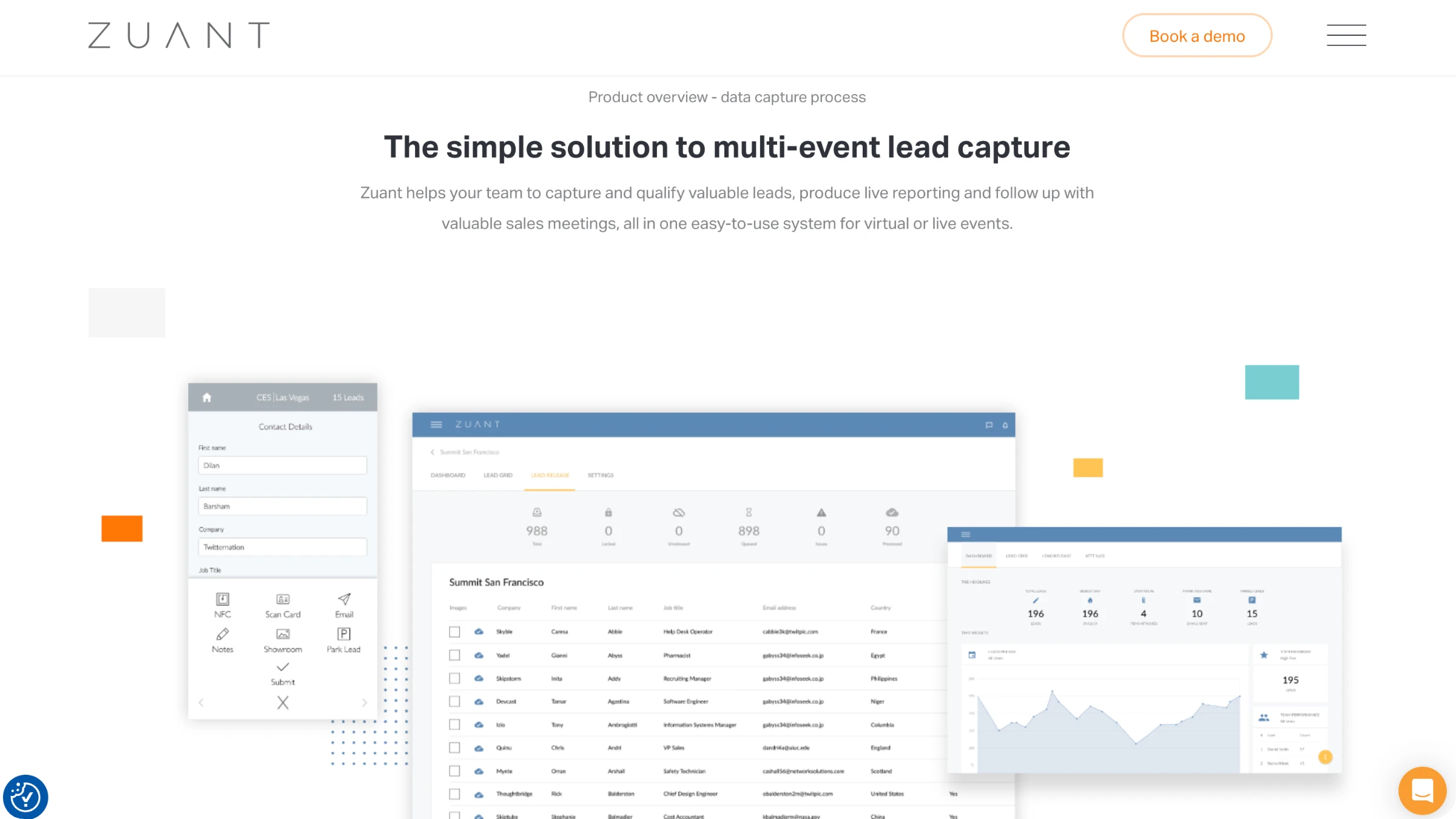
#10: Zuant - Best for teams whose primary CRM is Salesforce or Eloqua specifically and want a genuine native API connection
Source: Zuant
Verdict
Zuant event lead capture software is the best option for teams that use Salesforce or Eloqua CRMs, as these connect through native APIs. However, HubSpot and Pardot only connect via an HTTP Post, while Dynamics 365, Marketo, and LeadLift require a separate paid module.
Pros and cons
| Pros | Cons |
|---|---|
| Allows data capture via different formats | Does not natively integrate with most major CRMs |
| Zuant AI automatically enriches lead data | Does not provide revenue attribution tracking or advanced multi-touch pipeline analytics |
| Real-time integration with Salesforce and Eloqua | The form editing capability can be inefficient |
Pricing
Zuant trade show lead capture software provides three plans: classic, pro, and enterprise.
Best for
Mid-to-large exhibitors running repeated trade shows who need offline scanning plus a native Salesforce or Eloqua connection specifically.
What real users say about Zuant
"Streamlined Lead Capture with AI Efficiency"
What do you like best about Zuant?
I really enjoy the AI functionality, where I can scan a badge of someone attending our booth, and it'll automatically populate with their details. It's particularly valuable for my workflow because it enables me to quickly input new customer information and speeds up the process compared to manually typing in this information. More than anything, it enables me to scan multiple people at the same time. Setting up Zuant was very easy. Just a couple of email registrations, I typed in my code, logged in, and then I could see all the conferences I am attending. It's very easy to use, very simple, and highly appreciated.
What do you dislike about Zuant?
One recommendation I would have for Zuant is expanding the AI functionality. It should gather information not just from the database but also from the wider Internet. Sometimes participants may not have their email addresses or phone information in the conference database. The app could search online for their details on LinkedIn or academic websites to auto-populate, rather than me having to fill in the gaps myself.
#11: Conexa - Best for individual reps or small teams who want fully transparent, self-serve pricing
Source: Conexa
Verdict
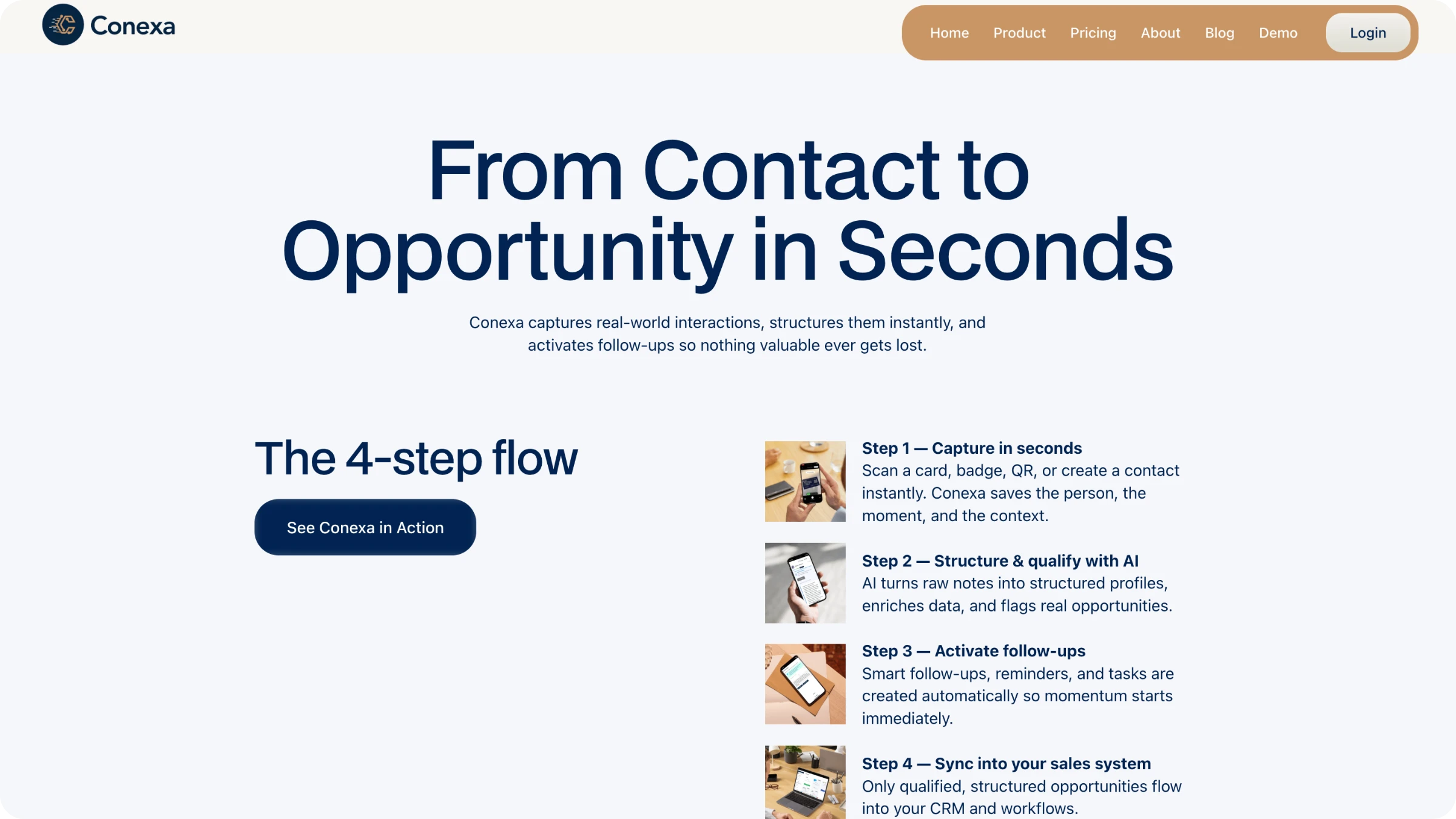
This lead retrieval app for events is perfect for small teams who want clear, tiered pricing and all the basic features that event lead capture software should offer. It's not the right option for large, corporate trade shows.
Pros and cons
| Pros | Cons |
|---|---|
| Transparent, tiered pricing | Not suitable for large trade shows |
| Allows multi-format scanning | The tool does not provide any multi-user booth management |
| You can set up automated follow-up sequences |
Pricing
Connector 3/mo(30/yr), Networker 19/mo(190/yr, adds CRM integrations), Super-connector 99/mo(990/yr, adds priority support).
Best for
Individual reps and small BD teams who want a low-cost, portable capture-and-follow-up tool.
What real users say about Conexa
"Effortless Business Card Scanning and Contact Capture in One Place"
What do you like best about Conexa?
It’s very easy to scan a business card and capture the person’s information, then store everything together in one place.
What do you dislike about Conexa?
At times, the loading and processing time can be a bit too long.
Summarizing event lead capture tools
When it comes to event lead capture software and tools, there is one crucial question to consider: if you scan a lead at 2pm on the show floor, does it appear in your CRM as a usable record by 2:05, or does it languish in a spreadsheet until someone uploads a CSV days later?
Many tools address only part of this challenge. They can scan a badge, and a few even enrich the data. However, only a handful ensure a seamless sync, so your sales team is not left manually merging duplicate contacts after the event.
If you use Salesforce, HubSpot, Microsoft Dynamics, Pipedrive, or Outlook as your CRM, and you participate in more than one event each year, Uniqode is designed with your needs in mind. It offers offline capture that does not rely on the convention center’s Wi-Fi, AI-powered enrichment to fill in any gaps left by badge data, and a sync that updates existing contacts rather than creating duplicates. There is no need for per-event setup or learning a new rented scanner at every show. For organizations that require legal or security approval before sharing contact data, Uniqode meets all major standards: SOC 2 Type II, GDPR, HIPAA, and ISO.
However, if your process requires lead qualification and scoring to be integrated directly into the scanning workflow, or if your CRM is Zoho, Marketo, Pardot, or Eloqua, then Momencio or Zuant may be better suited to your needs, as they offer these features natively in a way that Uniqode does not at present.
For everyone else, the simplest way to determine whether Uniqode is the right fit is to scan a badge and watch it appear instantly in your CRM. Book a demo to experience this process in real time.
Frequently Asked Questions
- What is an event lead capture software?
Event lead capture software is an app that scans badges, business cards, or QR Codes at a trade show or conference and turns them into CRM-ready contact records automatically, instead of a stack of cards or a rented scanner's export file. Most platforms in this category add AI enrichment (filling in email, phone, title, and company behind the scanned name) and sync the finished record straight into a CRM like Salesforce or HubSpot. The strongest tools also work offline, since convention center wifi fails often enough that offline capture, not just online capture, decides whether a scan actually survives the show.
- How to capture leads at events?
Capturing leads at events starts with scanning a badge, business card, or QR Code through a mobile app, rather than collecting paper cards or waiting on a rented scanner tied to the event organizer's own system. The process across most modern tools follows four steps: scan the badge or card, let AI enrichment fill in missing contact details, add a tag or note while the conversation is still fresh, and sync the finished record to a CRM. Doing this on a phone rather than rented hardware means the same workflow travels with you to every show, with no per-event setup or new device to learn each time.
- What is the best software for lead tracking?
The best software for lead tracking depends on two things: which CRM your team already runs on, and where the leads originate, at events, over the phone, or online. For event-specific lead tracking, the strongest platforms combine offline-capable capture with enrichment and a sync that updates existing CRM contacts instead of creating duplicates, since duplicate records are one of the most common complaints event teams run into after a show. Native CRM sync into Salesforce or HubSpot specifically is the most reliable baseline to check for, since those two platforms have the widest native support across the category.
- Which CRM is best for lead management?
Salesforce and HubSpot are the two CRMs supported natively by nearly every event lead capture platform on the market, making them the safest default for lead management if you're choosing a CRM with event capture in mind. Beyond those two, native support gets inconsistent: some platforms add Microsoft Dynamics, Pipedrive, or Zoho natively, while others route anything outside their core list through Zapier instead of a direct connection. The CRM that's "best" for lead management is the one your capture tool can sync into natively, since a Zapier-routed sync introduces an extra point of failure a native connection doesn't have.
- What to look for in event lead capture software?
What to look for in event lead capture software comes down to five things: offline capture that saves locally and syncs once connectivity returns, native sync into your specific CRM rather than a generic Zapier connector, a sync that updates existing contacts instead of duplicating them, AI enrichment that fills in details the badge itself doesn't carry, and compliance certifications (SOC 2, GDPR, HIPAA) if your legal or security team reviews vendors before a show. Setup time matters too: the best tools require no per-event configuration, so the same app works identically at every show you bring it to, instead of relearning a new system each time.
- What are some SOC 2 compliant event lead capture software?
Uniqode's Event Lead Capture is SOC 2 Type II certified, alongside GDPR, HIPAA, and ISO compliance, making it a fit for teams whose legal or security function requires vendor certification before any tool touches contact data. Compliance certification isn't consistently published across the category: most event lead capture platforms don't disclose SOC 2 status on their own product pages, which means it's a detail worth confirming directly with a vendor rather than assuming either way. If SOC 2 is a hard requirement for your team, ask for the certification directly during evaluation instead of relying on a comparison page to confirm it.
About the Author
Somreeta is a Senior Content Marketer at Uniqode, where she writes about QR Code technology and how teams put it to work in the real world. She brings 8+ years of marketing experience to every piece, with a focus on turning product depth into content people actually use.